Кіріспе
This manual provides detailed instructions for the setup, operation, and maintenance of your 808 Singsation Karaoke Microphone. Please read this manual thoroughly before using the device to ensure proper function and to maximize your experience.
Өнім аяқталдыview
Құрамдас бөліктер
- Singsation Karaoke Microphone with integrated wireless Bluetooth speaker
- USB charging cable (not explicitly listed but implied for battery-powered device)
Негізгі мүмкіндіктер
- All-in-one karaoke system
- Wireless Bluetooth connectivity for audio streaming
- Біріктірілген динамик
- LED light effects (14 distinct patterns)
- Voice effects (5 fun effects)
- Sound effects (6 distinct sound effects)
- Эхо бақылауы
- Бір зарядта 6 сағатқа дейін ойнау уақыты
- Compatible with various karaoke music websites and applications
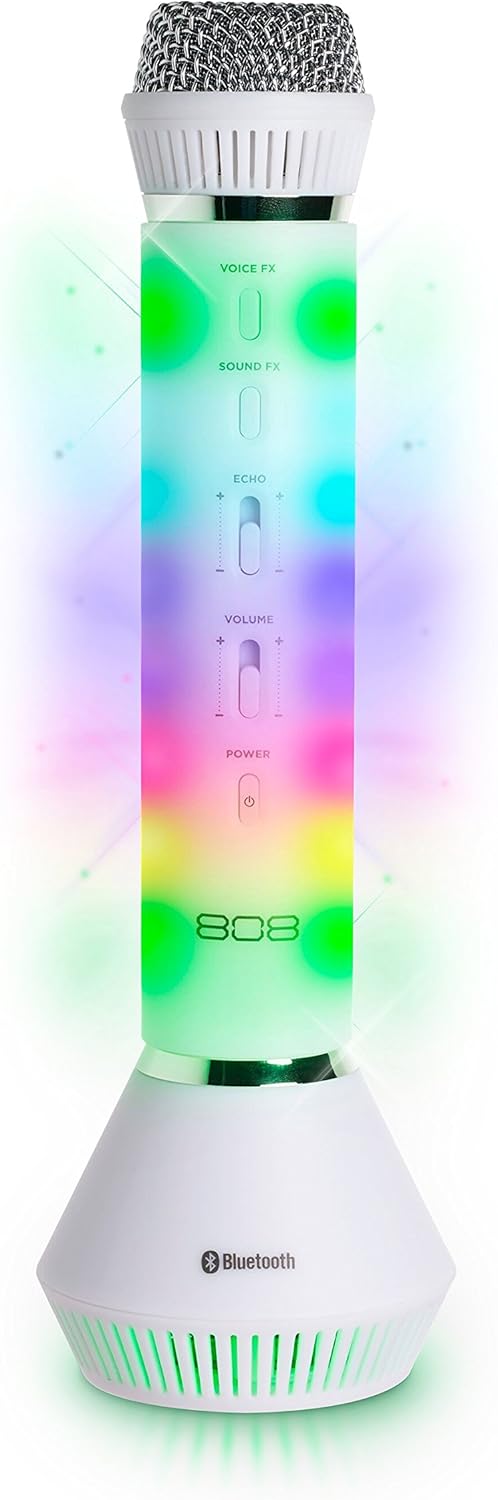
1-сурет: Алдыңғы view of the 808 Singsation Karaoke Microphone, showcasing its controls and vibrant LED lighting.
Орнату
Микрофонды зарядтау
- Locate the charging port on the microphone.
- Connect the provided USB charging cable to the microphone and a compatible USB power source (e.g., computer USB port, USB wall adapter).
- Зарядтау индикатор шамы зарядтау кезінде жанады және толық зарядталғанда өшеді.
- Толық зарядтау шамамен 6 сағаттық жұмысты қамтамасыз етеді.
Bluetooth жұптастыру
- Press and hold the Power button on the microphone until the LED lights activate and a pairing tone is heard. The microphone will enter Bluetooth pairing mode.
- On your audio device (smartphone, tablet, computer), navigate to the Bluetooth settings.
- Іздеу available devices and select "Singsation" from the list.
- Once paired, a confirmation tone will sound, and the microphone's LED lights may change pattern.
- You can now stream music wirelessly from your device to the Singsation microphone.
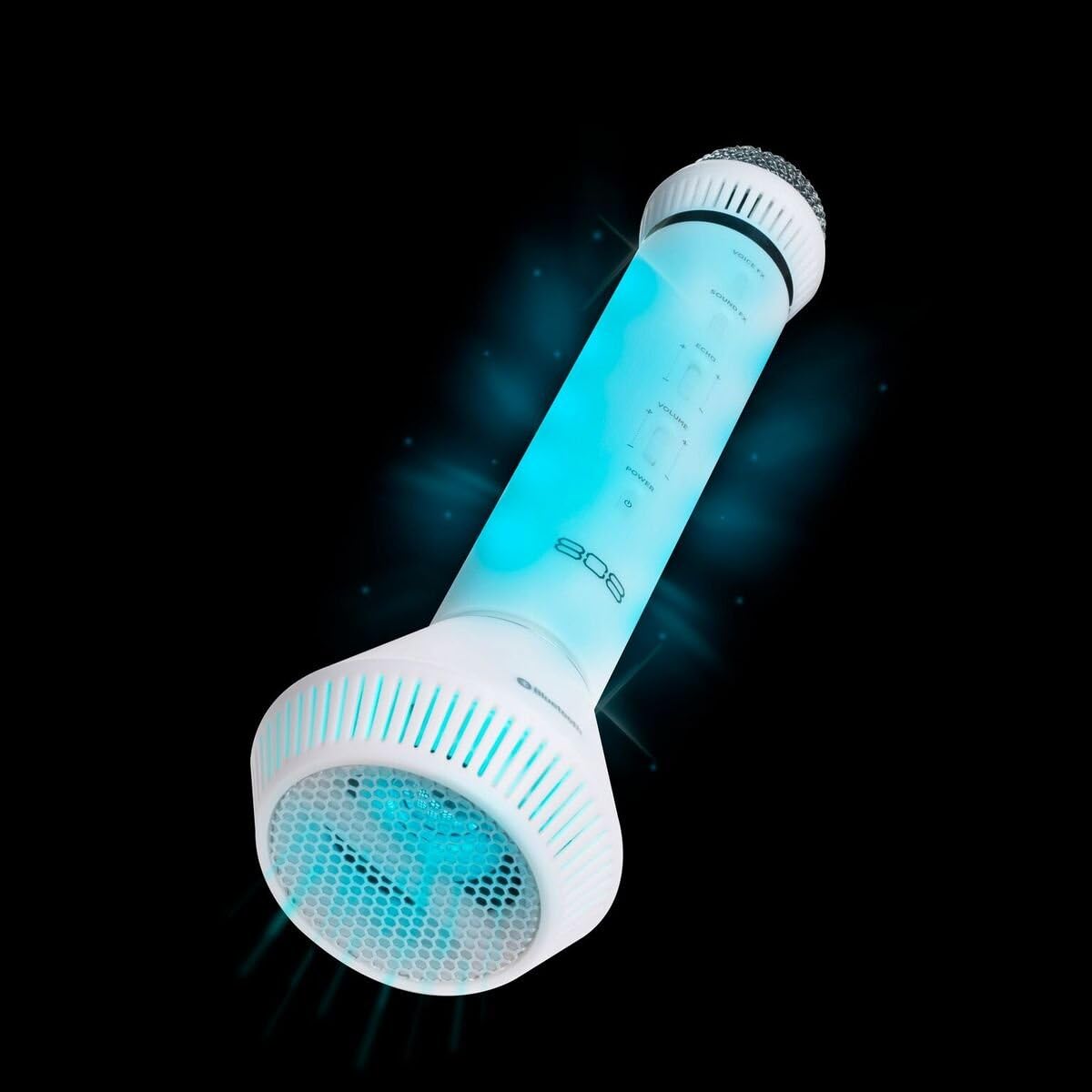
2-сурет: Бұрыштық view of the microphone, highlighting its integrated speaker and Bluetooth logo.
Пайдалану нұсқаулары
Қуатты қосу/өшіру
- түймесін басып тұрыңыз Қуат button to turn the microphone on or off.
Дыбыс деңгейін басқару
- пайдаланыңыз Көлемі slider on the microphone to adjust the overall sound output.
- Additional volume control can be managed via your connected Bluetooth device.
Voice Effects (Voice FX)
- түймесін басыңыз Voice FX button to cycle through the available voice effects. There are 5 distinct voice effects.
Sound Effects (Sound FX)
- түймесін басыңыз FX дыбысы button to activate various sound effects. There are 6 distinct sound effects.
Жаңғырықты бақылау
- пайдаланыңыз Эхо slider to adjust the intensity of the echo effect on your voice.
Жарық диодты жарық әсерлері
- The microphone features 14 different LED light patterns that activate automatically.
- Specific controls for cycling through or disabling light effects are not detailed in the product information, suggesting automatic operation.
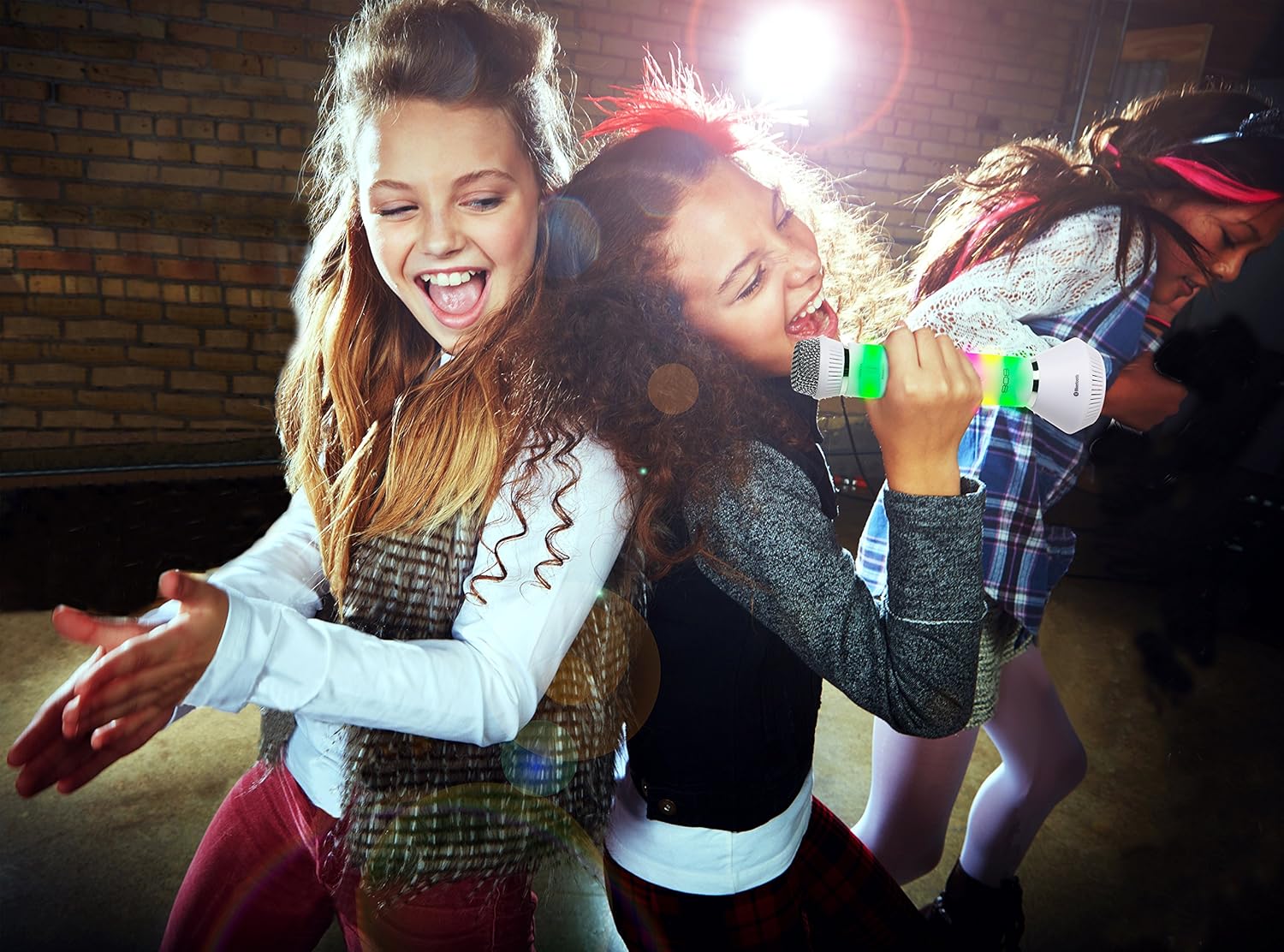
Figure 3: Users enjoying the Singsation Karaoke Microphone, demonstrating its use in a social setting.
Техникалық қызмет көрсету
Тазалау
- Wipe the microphone's exterior with a soft, dry cloth.
- Абразивті тазартқыштарды немесе еріткіштерді қолданбаңыз.
- Avoid exposing the microphone to excessive moisture.
Сақтау
- Микрофонды салқын, құрғақ жерде, тікелей күн сәулесінен және жоғары температурадан алыс сақтаңыз.
Ақаулықтарды жою
Қуат жоқ
- Ensure the microphone is fully charged. Connect it to a power source using the USB cable.
- Verify the power button is pressed and held sufficiently to turn the device on.
Bluetooth арқылы жұптау мүмкін емес
- Ensure the microphone is in pairing mode (LEDs flashing, pairing tone).
- Дыбыстық құрылғыңызда Bluetooth қосулы екеніне көз жеткізіңіз.
- Move the microphone closer to your audio device.
- Turn off and restart both the microphone and your audio device, then attempt pairing again.
- If previously paired, try unpairing and re-pairing the device.
No Sound from Microphone or Speaker
- Check the microphone's volume slider and ensure it is not set to minimum.
- Adjust the volume on your connected Bluetooth device.
- Ensure the microphone is properly paired and connected to your audio device.
- Confirm that the music source on your device is playing.
Техникалық сипаттамалар
| Ерекшелік | Мәлімет |
|---|---|
| Элемент салмағы | 1.6 унция |
| Өнім өлшемдері | 3.54 x 4.33 x 12.2 дюйм |
| Элемент үлгі нөмірі | 4334207539 |
| Бірінші қол жетімді күн | 16 жылдың 2017 қазаны |
| Түс | Күміс |
| Үйлесімді құрылғылар | Дербес компьютер, смартфон |
| Қосқыш түрі | 3.5 mm Jack, USB |
| Спикер саны | 1 |
| Батарея Түрі | Литий-ион |
| Қуат көзі | Батареядан қуат алады |
| Арнайы мүмкіндік | Сымсыз |
Қауіпсіздік туралы ақпарат
Тұтынушы ескертуі: Бұл сымсыз микрофон жүйесін пайдалану үшін пайдаланушылардың көпшілігіне лицензия қажет емес. Осыған қарамастан, бұл микрофон жүйесін лицензиясыз пайдалану белгілі бір шектеулерге жатады: жүйе зиянды кедергі тудырмауы мүмкін; ол төмен қуат деңгейінде жұмыс істеуі керек (50 милливатттан аспауы керек); және оның басқа құрылғыдан алынған кедергілерден қорғанысы жоқ.
Always handle the device with care. Avoid dropping or subjecting it to strong impacts. Keep out of reach of small children.
Өнім туралы бейне аяқталдыview
Бейне: біттіview of the 808 Singsation Karaoke Microphone, demonstrating its features including LED lights, voice effects, and wireless connectivity. This video highlights how the microphone functions as an all-in-one karaoke system.
Кепілдік және қолдау
Кепілдік туралы ақпаратты немесе техникалық қолдауды өндірушінің ресми өкілінен қараңыз webсайтына өтіңіз немесе тұтынушыларға қызмет көрсету бөліміне хабарласыңыз. Кепілдік шағымдары үшін сатып алу түбіртегін сақтаңыз.


