
Introduction to Your iPhone 17e
The Apple iPhone 17e is a powerful and versatile smartphone designed to enhance your daily life. This guide provides clear, step-by-step instructions to help you unlock its full potential, from initial setup to mastering advanced features. Whether you are a new iPhone user or upgrading from an older model, this manual will assist you in confidently navigating your device.
The iPhone 17e integrates advanced camera capabilities, intelligent software, and seamless connectivity. This manual covers essential topics to ensure you get the most out of your device.
1. Бастапқы орнату
This section guides you through the process of setting up your iPhone 17e for the first time.
- Қуат қосулы: Apple логотипі пайда болғанша бүйірлік түймені басып тұрыңыз.
- Тіл және аймақ: Қалаған тіл мен аймақты таңдаңыз.
- Жылдам бастау: If you have another iPhone or iPad, you can use Quick Start to transfer data and settings automatically.
- Wi-Fi желісіне қосылу: Wi-Fi желісін таңдап, құпия сөзді енгізіңіз.
- Деректер және құпиялылық: Review Apple деректері және құпиялылық ақпараты.
- Face ID/Touch ID және рұқсат коды: Set up Face ID (or Touch ID on applicable models) and create a strong passcode for security.
- Деректеріңізді тасымалдау: Choose how to transfer apps and data from an old device or restore from an iCloud/computer backup.
- Apple ID: Apple ID идентификаторыңызбен кіріңіз немесе жаңасын жасаңыз. Бұл App Store, iCloud және басқа Apple қызметтері үшін өте маңызды.
- Сири: Configure Siri, Apple's intelligent assistant.
- Экран уақыты: Set up Screen Time to monitor and manage device usage.
- Қолданба аналитикасы: Decide whether to share app analytics with Apple.
- True Tone/Display Zoom: Adjust display settings as desired.
2. Operating Your iPhone 17e and iOS Interface
Learn to navigate the iOS interface and utilize gestures for efficient operation.
- Қимылдар: Understand common gestures like swipe up for Home, swipe down for Control Center/Notifications, and pinch to zoom.
- Негізгі экран: Customize your Home Screen with apps and widgets.
- Құлыптау экраны: Personalize your Lock Screen with wallpapers, widgets, and Focus modes.
- Басқару орталығы: Access quick settings like Wi-Fi, Bluetooth, brightness, and volume by swiping down from the top-right corner.
- Хабарландырулар: Manage notifications from various apps.
- Focus Modes: Белгілі бір әрекеттер кезінде алаңдаушылықты азайту үшін Фокус режимдерін конфигурациялаңыз.
3. Коммуникация және байланыс
Stay connected with family and friends using your iPhone 17e.
- Хабарламалар: Send and receive text messages, iMessages, photos, and videos.
- Телефон қоңыраулары: Make and receive phone calls, including FaceTime audio and video calls.
- Байланыстар: Контактілер тізімін басқарыңыз.
- Электрондық пошта: Set up and manage email accounts.
4. Camera System and Photography
Utilize the powerful camera system of your iPhone 17e to capture stunning photos and videos.
- Суретке түсіру: Learn about different camera modes (Photo, Portrait, Pano, etc.) and settings.
- Бейне жазу: Capture high-quality videos with various options.
- Photos App: Ұйымдастыру, view, and edit your photos and videos using the Photos app.
- Editing Tools: Explore built-in editing features to enhance your media.
5. Internet Browsing and Applications
Browse the internet safely and manage your applications.
- Сафари: Use Safari for secure and efficient web browsing. Manage bookmarks and tabs.
- App Store: Discover, download, and manage applications from the App Store.
- Жазылымдар: Manage your app subscriptions.
- Жүктеулер: Тұтқаны file жүктеулер.
6. Apple Services Integration
Алдын ала алыңызtage of Apple's integrated services to enhance your iPhone experience.
- iCloud: Understand iCloud for data backup, synchronization, and storage.
- Apple Pay: Set up and use Apple Pay for secure mobile payments.
- Apple Maps: Navigate with Apple Maps for directions and location services.
- Apple Music: Explore and stream music with Apple Music.
7. Өнімділік ерекшеліктері
Boost your productivity using built-in iPhone tools.
- Ескертулер: Create and organize notes.
- Күнтізбе: Manage your schedule and appointments.
- Еске салғыштар: Set reminders for tasks and events.
- Дауыстық жазбалар: Аудио жазбаларды жазыңыз.
- Сири: Use Siri for voice commands, information, and task automation.
- Таңбашалар: Create custom shortcuts for frequently performed actions.
- AI-powered Suggestions: Utilize intelligent suggestions to save time.
8. Қауіпсіздік және құпиялылық
Protect your data and maintain your privacy with iPhone's security features.
- Құпиялық параметрлері: Configure app permissions and location services.
- Бет идентификаторы: Secure your device and authenticate purchases with Face ID.
- Рұқсат коды: Use a strong passcode for an additional layer of security.
- Менің: Locate your device if it's lost or stolen.
9. Device Management and Performance
Efficiently manage your iPhone's battery life, storage, and overall performance.
- Батареяның қызмет ету мерзімі: Optimize settings to extend battery life.
- Сақтау орны: Monitor and manage your device's storage space.
- Өнімділік: Tips for maintaining smooth device operation.
10. Қосылу керек-жарақтары
Connect various accessories to enhance your iPhone 17e experience.
- AirPods: Pair and use Apple AirPods for wireless audio.
- Apple Watch: Connect and synchronize with your Apple Watch.
- MagSafe Devices: Utilize MagSafe accessories for charging and other functions.
11. Troubleshooting Common Problems
This section provides solutions for common issues you might encounter with your iPhone 17e.
- Құрылғы жауап бермейді: Force restart your iPhone.
- Қолданбаның бұзылуы: Close and reopen the app, or reinstall it.
- Қосылу мәселелері: Reset network settings or restart your router.
- Батареяның төгілуі: Check battery usage in settings and adjust app activity.
- Жад толы: Delete unnecessary apps, photos, or videos, or offload apps.
- Бағдарламалық құрал жаңартулары: Ensure your iPhone is running the latest iOS version.
12. Техникалық сипаттамалар
Key technical specifications for the iPhone 17e (as described in the user guide book).
| Guide Publication Date | 11 жылдың 2026 наурызы |
| Guide Language | Ағылшын |
| Guide Print Length | 207 бет |
| Guide ISBN-13 | 979-8251604511 |
| Guide Item Weight | 1.35 фунт |
| Бағыттаушы өлшемдер | 8.5 x 0.47 x 11 дюйм |
Note: These specifications pertain to the physical user guide book. For detailed technical specifications of the Apple iPhone 17e device, please refer to Apple's official documentation.
13. Қолдау және кепілдік ақпараты
For further assistance with your Apple iPhone 17e, please refer to the following resources:
- Apple қолдауы Webсайт: бару support.apple.com for comprehensive articles, troubleshooting guides, and contact options.
- Apple Store: Visit an authorized Apple Store for in-person support and service.
- Кепілдік: Your iPhone 17e comes with a standard limited warranty from Apple. Details can be found on Apple's official website or within the device's settings under "About".
For support regarding this specific user guide book, please contact the publisher.
Images of the iPhone 17e User Guide Book
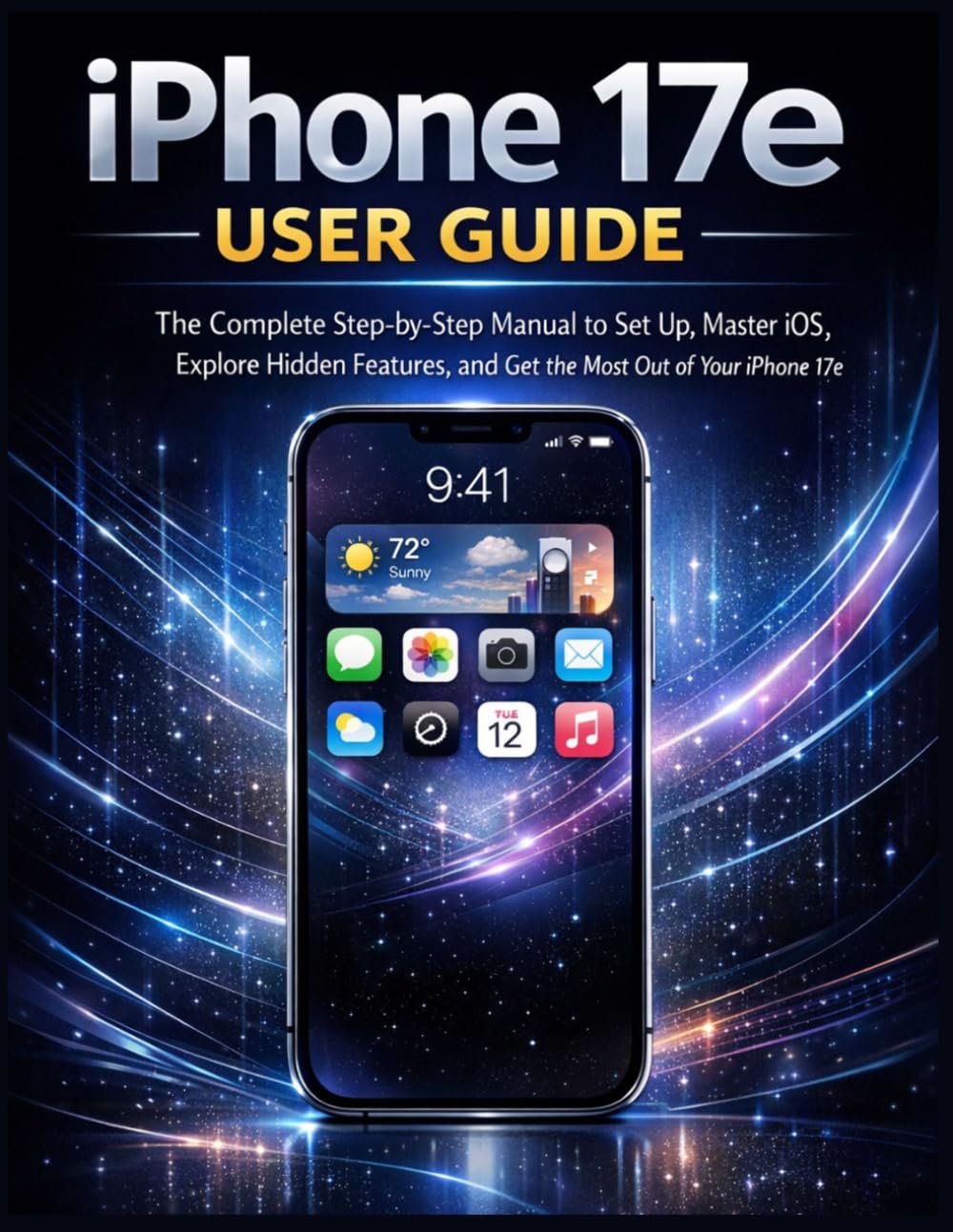
Сурет сипаттамасы: This image displays the front cover of the "iPhone 17e User Guide" book. The cover features the title prominently, indicating it is a comprehensive manual for setting up and mastering the iPhone 17e. The design is clean and informational, typical of a technical guide.

Сурет сипаттамасы: This image shows the back cover of the "iPhone 17e User Guide" book. It includes the ISBN barcode (979-8251604511) and other publication details. The background is a solid dark color, consistent with the front cover's aesthetic, and may contain brief descriptive text about the book's content.
Note: The images above are of the physical user guide book, which serves as the source for this digital manual. They are not images of the Apple iPhone 17e device itself.