
Кіріспе
Thank you for choosing the iFFALCON 55U75A 55-inch Smart TV. This manual provides essential information for setting up, operating, and maintaining your new television. Please read it thoroughly before use and keep it for future reference.

The iFFALCON 55U75A 55-inch Smart TV, showcasing оның әдемі дизайны.
Қауіпсіздік туралы ақпарат
Өрт, электр тогының соғуы және жарақат алу қаупін азайту үшін осы өнімді пайдаланған кезде әрқашан негізгі қауіпсіздік шараларын орындаңыз.
- Теледидарды жаңбырға немесе ылғалға ұшыратпаңыз.
- шкафты ашпаңыз; барлық қызмет көрсетуді білікті мамандарға тапсырыңыз.
- Теледидардың айналасында дұрыс желдетуді қамтамасыз етіңіз.
- Өндіруші берген қуат адаптері мен кабельдерді ғана пайдаланыңыз.
- Теледидарды тікелей күн сәулесінен, жылу көздерінен және күшті магнит өрісінен алыс ұстаңыз.
- Clean the TV with a soft, dry cloth. Avoid liquid cleaners.
Пакет мазмұны
Барлық элементтер пакетте бар екенін тексеріңіз:
- iFFALCON 55U75A 55-inch Smart TV
- Қуат адаптері
- Қуат кабелі
- Қашықтан басқару құралы
- Тұру
- Пайдаланушы нұсқаулығы
Орнату
1. Стенд орнату
Теледидар тұғырын орнату үшін:
- Экранға зақым келтірмеу үшін теледидарды бетін төмен қаратып жұмсақ, тегіс бетке абайлап қойыңыз.
- Attach the stand legs to the designated slots on the bottom of the TV.
- Берілген бұрандалармен аяқтарды бекітіңіз.

Diagram showing the TV dimensions and how to attach the stand.
2. Перифериялық құрылғыларды қосу
Сыртқы құрылғыларды теледидарға қолжетімді порттарды пайдаланып қосыңыз:
- HDMI: For high-definition audio and video devices like gaming consoles, Blu-ray players, or set-top boxes. The TV features 4 HDMI ports.
- USB: Мультимедианы ойнату үшін USB жад құрылғыларын қосуға арналған files.
- Сымсыз дәлдiк: Интернетке кіру және ақылды теледидар мүмкіндіктері үшін үй желісіне қосылыңыз.
- Блютез: Үйлесімді аудио құрылғыларға немесе керек-жарақтарға сымсыз қосылу үшін.

Артқы view түрлі кіріс және шығыс порттарын бейнелейтін теледидардың.
3. Бастапқы қосу
After connecting all necessary cables, plug the power cable into an electrical outlet. Press the power button on the remote control or the TV to turn it on. Follow the on-screen instructions for initial setup, including language selection, network connection, and Google TV account setup.
Теледидарды басқару
Қашықтан басқару құралы
The remote control allows you to navigate the TV's interface, adjust settings, and access smart features. Familiarize yourself with the buttons for power, volume, channel, input selection, and smart TV functions.
Google TV мүмкіндіктері
Your iFFALCON 55U75A comes with Google TV, offering a personalized entertainment experience. Access your favorite streaming services, apps, and content recommendations. Use Google Assistant for voice commands to search for movies, control smart home devices, and more.
Display Technology: QLED and 144Hz Native Refresh Rate
Experience vibrant and lifelike visuals with QLED technology, featuring advanced quantum crystal materials for richer colors and higher stability. The 144Hz native refresh rate ensures ultra-smooth motion, ideal for gaming and fast-paced action scenes, reducing blur and enhancing clarity.
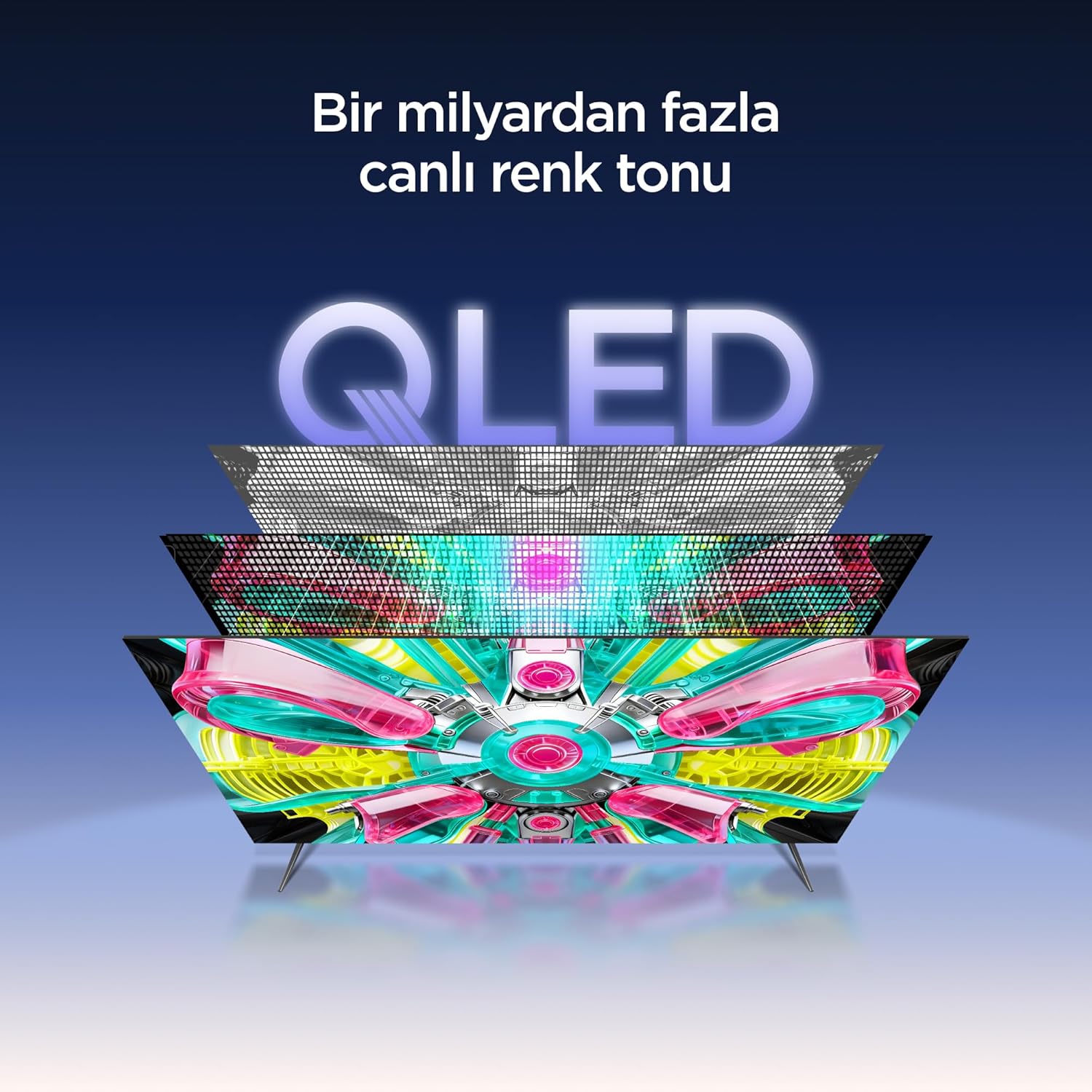
An illustration of the QLED display technology layers, providing over a billion vibrant color tones.
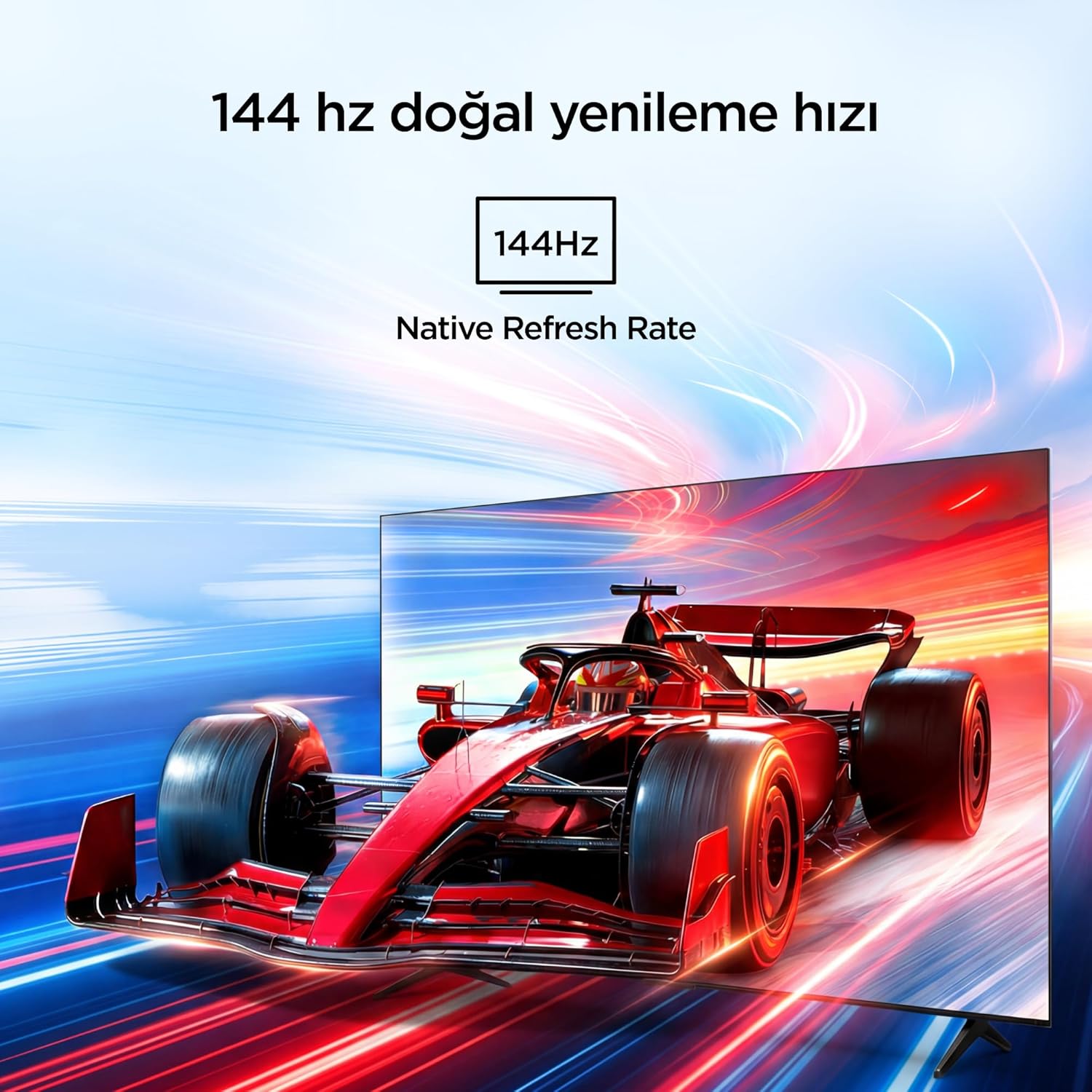
Visual representation of the 144Hz Native Refresh Rate, demonstrating smooth motion for gaming and action.
Audio Experience: Dolby Vision Atmos & DTS Virtual X
Immerse yourself in high-quality audio with Dolby Vision Atmos, delivering rich and captivating sound. DTS Virtual X provides virtual 3D sound, bringing the scene into your room with audio from above, the sides, and behind.

An image depicting the immersive audio experience provided by Dolby Vision Atmos.
AiPQ процессоры
The AiPQ Pro Processor, powered by artificial intelligence, optimizes contrast and color accuracy in every scene. It analyzes visual content and masterfully balances skin tones and color distribution for vivid and realistic visuals.
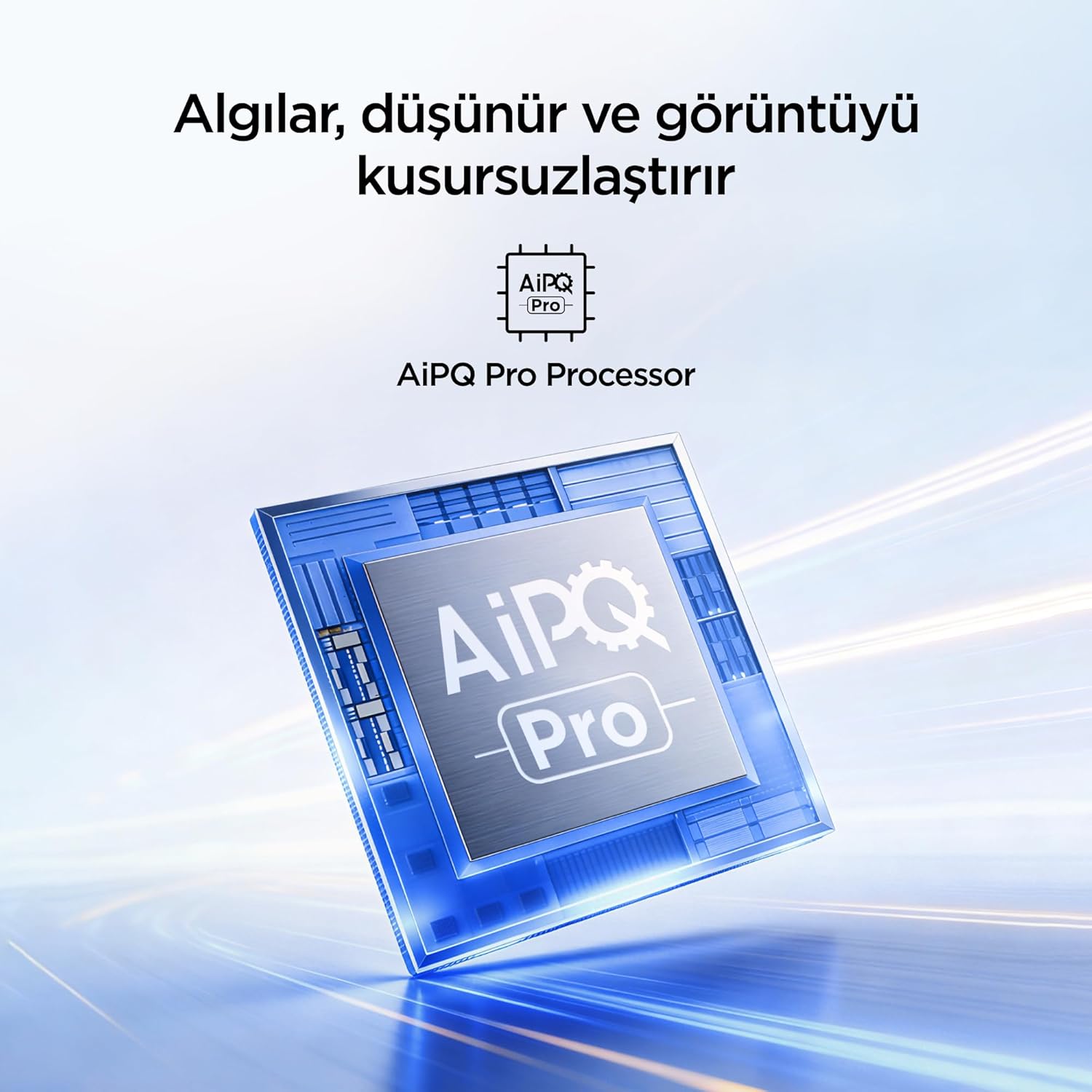
A visual of the AiPQ Pro Processor, highlighting its role in image optimization.
HVA Panel Technology
The HVA Panel offers 5x contrast enhancement, a low reflection film, and a wide viewing angle of over 178°. This technology provides powerful and accurate contrast, delivering sharper and more striking images.

Comparison illustrating the superior contrast and detail of HVA Panel Technology over conventional IPS panels.
Game Master & Gamebar
The Game Master feature, along with the dedicated Gamebar, provides special screen designs for gaming consoles. Comprehensive graphics and game modes allow for personalized settings, giving you an advantage when starting a game.

An image showing the Gamebar interface, designed for optimizing gaming experiences on consoles.
Көп көзге күтім жасау
The TV is equipped with Multiple Eye Care technologies, such as low blue light and natural light optimization, to help reduce eye strain during long viewing sessions, providing a more comfortable experience.

Visual explanation of Multiple Eye Care features like low blue light and flicker-free viewing.
Техникалық қызмет көрсету
Дұрыс техникалық қызмет көрсету теледидардың ұзақ қызмет ету мерзімін және оңтайлы өнімділігін қамтамасыз етеді.
- Экранды тазалау: Экранды жұмсақ, талшықсыз шүберекпен ақырын сүртіңіз. Қыңыр белгілер үшін аздап dampшүберекке су немесе арнайы экран тазалағыш зат құйыңыз (ешқашан экранға тікелей шашпаңыз).
- Шкафты тазалау: Теледидар шкафын сүрту үшін жұмсақ, құрғақ шүберекті пайдаланыңыз.
- Желдету: Қызып кетудің алдын алу үшін теледидардың артқы жағындағы желдету саңылауларының бітелмегеніне көз жеткізіңіз.
- Қуат сымы: Қуат сымының зақымдалғанын үнемі тексеріп отырыңыз. Зақымдалған жағдайда, ауыстыру үшін тұтынушыларды қолдау қызметіне хабарласыңыз.
Ақаулықтарды жою
Теледидарға қатысты мәселелерге тап болсаңыз, қолдау қызметіне хабарласпас бұрын келесі жалпы мәселелер мен шешімдерді қараңыз.
| Мәселе | Мүмкін шешім |
|---|---|
| Қуат жоқ | Check if the power cord is securely plugged into the TV and the power outlet. Ensure the outlet is working. |
| Сурет жоқ, бірақ дыбыс бар | Check the input source. Ensure the external device is properly connected and powered on. |
| Дыбыс жоқ, бірақ сурет бар | Дыбыс деңгейі мен дыбысты өшіру параметрлерін тексеріңіз. Дыбыс кабельдерінің дұрыс жалғанғанына көз жеткізіңіз. |
| Қашықтан басқару пульті жұмыс істемейді | Батареяларды ауыстырыңыз. Қашықтан басқару пульті мен теледидардың инфрақызыл сенсоры арасында кедергілер жоқ екеніне көз жеткізіңіз. |
| Wi-Fi байланысы мәселелері | Restart your router and modem. Check TV network settings and ensure the password is correct. |
Техникалық сипаттамалар
| Ерекшелік | Мәлімет |
|---|---|
| Экран өлшемі | 55 дюйм |
| Бренд | iFFALCON |
| Көрсету технологиясы | QLED |
| Ажыратымдылық | 4K |
| Жаңарту жылдамдығы | 144 Гц |
| Негізгі мүмкіндіктер | 144Hz Native Refresh Rate, AiPQ Pro Processor, Bezel-less Design, Google Assistant, HVA Screen, Multi Eye Care, Free Sync |
| Қосылу технологиясы | Bluetooth, HDMI, USB, Wi-Fi |
| Өнім өлшемдері (D x W x H) | 7D x 122.4 Вт x 70.8 H см |
| Модель атауы | 55U75A |
| Өнімнің салмағы | 13.5 келі |
| Жалпы HDMI порттары | 4 |
| Энергия тиімділігі | A+ |
| Түс | Қара |
| Модель жылы | 2026 |
| Өндіруші | iFFALCON |
| Шығу елі | Қытай |
Кепілдік және қолдау
Your iFFALCON 55U75A Smart TV comes with a 2 жылдық өндірушінің кепілдігі. For warranty claims, technical support, or service inquiries, please contact iFFALCON customer service. Refer to the warranty card included in your package for detailed terms and conditions.
For further assistance, visit the official iFFALCON webсайтына кіріңіз немесе олардың уәкілетті қызмет көрсету орталықтарына хабарласыңыз.