
Кіріспе
Thank you for choosing the Salange 2026 Mini Projector. This portable smart projector is designed to deliver a high-quality visual experience with its 4K support, Android 14 operating system, and advanced connectivity features like WiFi 6 and Bluetooth 5.4. This manual provides essential information for safe and efficient use of your device. Please read it thoroughly before operation and retain it for future reference.
Қауіпсіздік туралы ақпарат
- l болғанда проектор объективіне тікелей қарамаңызamp қосулы.
- Қызып кетудің алдын алу үшін проектордың айналасында дұрыс желдетуді қамтамасыз етіңіз.
- Проектормен бірге берілген қуат адаптерін ғана пайдаланыңыз.
- Проекторды судан, ылғалдан және тез тұтанатын материалдардан алыс ұстаңыз.
- Проекторды тұрақсыз беттерге қоймаңыз.
- Проекторды өзіңіз бөлшектеуге немесе жөндеуге әрекеттенбеңіз. Білікті қызмет көрсету қызметкерлеріне хабарласыңыз.
Орнату
1. Қораптан шығару және бастапқы орналастыру
Carefully remove the projector and all accessories from the packaging. Place the projector on a stable, flat surface. For optimal viewing, position the projector perpendicular to the projection surface. The projector features a 270° rotatable design for flexible placement.
2. Қуат қосылымы
Connect the power cord to the projector's power input port and then plug it into a power outlet. The projector will typically power on automatically or can be turned on using the power button on the device or remote control.

Сурет: артқы view of the Salange 2026 Mini Projector with power, HDMI, and USB ports.
3. Фокус пен негізгі тасты реттеу
The Salange 2026 Mini Projector supports manual focus adjustment. Rotate the focus ring on the projector to achieve a sharp image. It also features automatic vertical keystone correction (±45°) to eliminate image distortion, ensuring a rectangular picture even when the projector is not perfectly aligned. For more precise adjustments, 4-point correction may be available in the settings.

Image: Automatic vertical keystone correction and manual focus adjustment.
4. Network Connection (WiFi 6)
Navigate to the settings menu on the projector. Select 'Network' or 'Wi-Fi' and choose your desired network from the list. Enter the password if prompted. The projector supports dual-band (2.4 GHz + 5 GHz) Wi-Fi 6 for stable and fast connections.
5. Bluetooth жұптастыру
To connect Bluetooth audio devices, go to the settings menu and select 'Bluetooth'. Turn on Bluetooth and search for available devices. Select your device from the list to pair. This allows for wireless audio output to speakers or headphones.
Пайдалану нұсқаулары
1. Қуатты қосу/өшіру
Press the power button on the projector or the remote control to turn the device on or off. A short press typically puts the projector into standby mode, while a long press performs a full shutdown.
2. Android 14 интерфейсінде шарлау
The projector runs on Android 14.0, providing access to a wide range of applications. Use the remote control to navigate through the home screen, app drawer, and settings. The interface is similar to a smart TV, allowing for intuitive use.
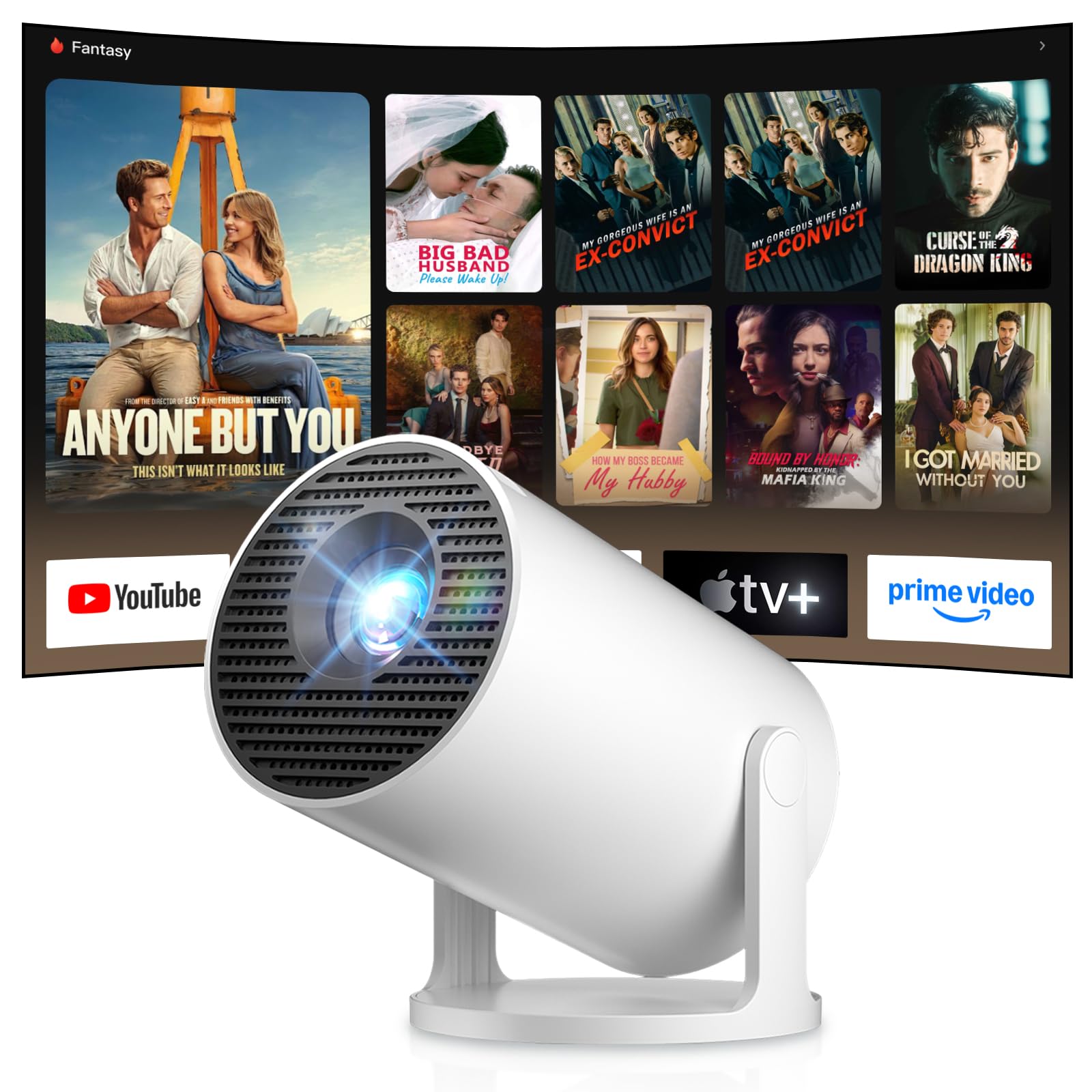
Image: Android TV 14.0 interface with streaming applications.
3. Қолданбаны орнату
With Android 14, you can install over 8,000 applications directly onto the projector. Access the app store (e.g., Google Play Store) from the home screen, search for desired apps (video players, games, office software), and install them.
4. Screen Mirroring (iOS/Android)
The projector supports screen mirroring for both iOS and Android devices. Ensure your mobile device and the projector are connected to the same Wi-Fi network. On your mobile device, activate the screen mirroring function (e.g., AirPlay for iOS, Cast for Android) and select the projector from the list of available devices.

Image: Wireless casting from mobile devices to the projector.
5. Connecting External Devices (HDMI, USB)
Use the HDMI port to connect devices such as laptops, game consoles (PS5, Switch), or TV sticks. Use the USB port to connect USB drives for media playback or other peripherals. Select the appropriate input source from the projector's input menu.
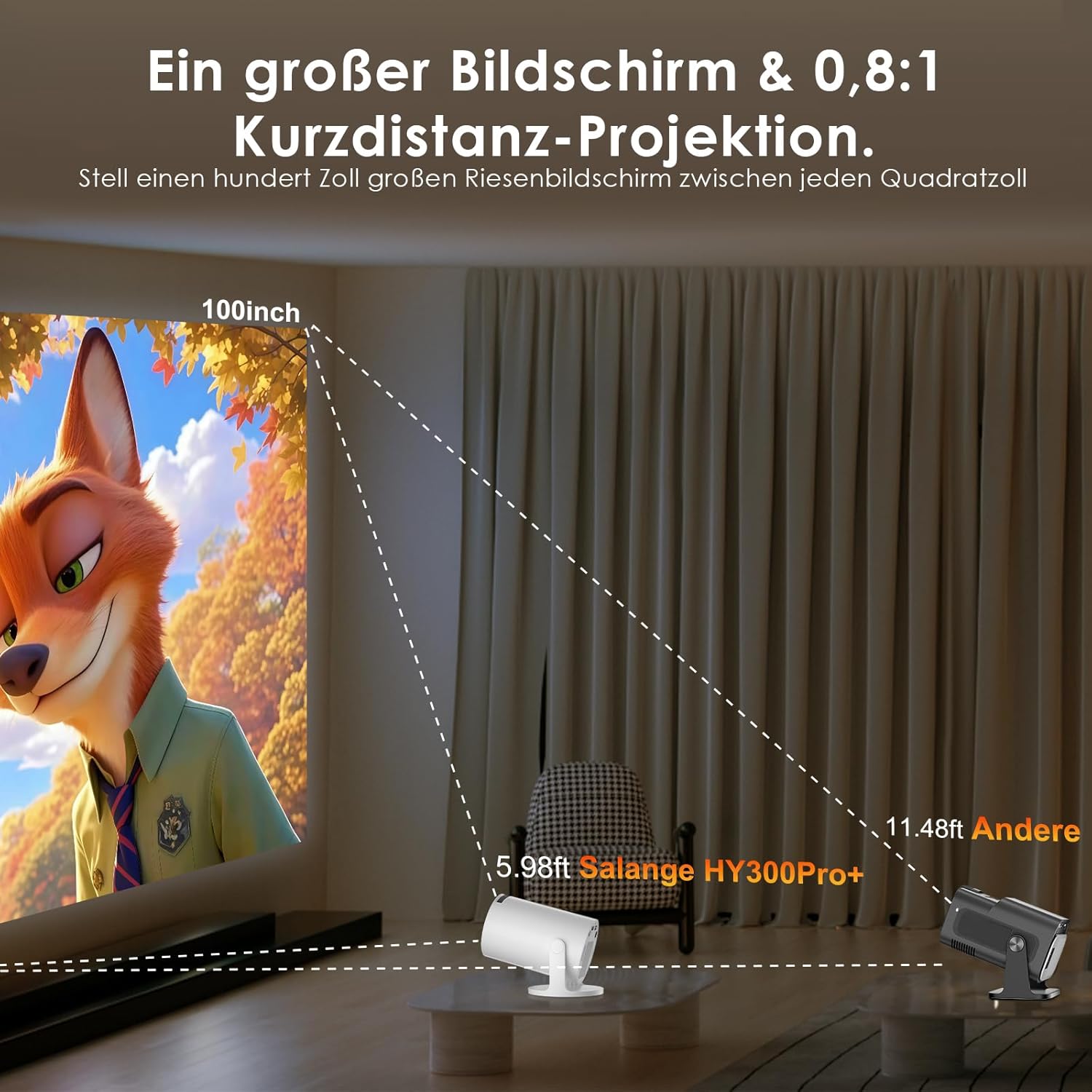
Image: Connectivity options for HDMI, Audio, and USB devices.
6. Аудио шығысы
The projector has built-in speakers. For enhanced audio, connect external speakers or headphones via Bluetooth or the 3.5mm audio jack.
Техникалық қызмет көрсету
1. Объективті тазалау
Use a soft, lint-free cloth specifically designed for optical lenses to gently wipe the projector lens. Avoid using abrasive cleaners or excessive pressure, which can scratch the lens.
2. Сыртын тазалау
Проектордың сыртын жұмсақ, құрғақ шүберекпен сүртіңіз. Қатты кірлер үшін аздап damp шүберекті пайдалануға болады, содан кейін құрғақ шүберекпен сүртіңіз. Қатты химиялық заттарды немесе еріткіштерді пайдаланбаңыз.
3. Сақтау
When not in use for extended periods, store the projector in a cool, dry, and dust-free environment. Use the original packaging or a protective case to prevent damage.
Ақаулықтарды жою
- Қуат жоқ: Ensure the power cord is securely connected to both the projector and the power outlet. Try a different outlet.
- Сурет жоқ: Check if the projector is powered on. Verify the input source is correctly selected (e.g., HDMI 1, USB). Ensure the lens cap is removed.
- Бұлыңғыр кескін: Adjust the manual focus ring until the image is sharp. Check if the projector is too close or too far from the screen.
- Image Distortion (Trapezoid): The projector has automatic keystone correction. If manual adjustment is needed, check the display settings for keystone correction options.
- Дыбыс жоқ: Check the volume level on both the projector and the connected source device. Ensure external audio devices are correctly connected and selected as the output.
- Wi-Fi/Bluetooth қосылымындағы мәселелер: Ensure the projector is within range of your router or Bluetooth device. Restart the projector and your network devices. Re-pair Bluetooth devices.
- Қашықтан басқару пульті жауап бермейді: Қашықтан басқару пультіндегі батареяларды тексеріңіз. Қашықтан басқару пульті мен проектордың инфрақызыл қабылдағышы арасында ешқандай кедергілер жоқ екеніне көз жеткізіңіз.
Өнімнің техникалық сипаттамалары
| Ерекшелік | Техникалық сипаттама |
|---|---|
| Өндіруші | Саландж |
| ASIN | B0G43FF84L |
| Шығу елі | Қытай |
| Ұсынылатын пайдаланулар | Бизнес, үй кинотеатры, ойын, білім |
| Арнайы мүмкіндіктер | Wi-Fi Compatible, Digital Keystone Correction, Lightweight, Portable |
| Қосылу технологиясы | Bluetooth, HDMI, USB, Wi-Fi |
| Жергілікті дисплей ажыратымдылығы | 1280 x 720 пиксель |
| Максималды дисплей ажыратымдылығы | 3840 x 2160 pixels (4K supported) |
| Дисплей түрі | СКД |
| Өнім өлшемдері (L x W x H) | 10.1 x 10.1 x 17 см |
| Форма факторы | Портативті |
| Монтаждау түрі | Үстел орнату |
| Жарықтық | 8000 люмен |
| Түс | Ақ |
| Үйлесімді құрылғылар | Game Console, Speaker, Laptop, Smartphone, Television |
| Контраст қатынасы | 1500:1 |
| Максималды кескін өлшемі | 150 дюйм |
| Минималды кескін өлшемі | 30 дюйм |
| Бейнені кодтау | H.265 |
| Кескінді жақсарту технологиясы | HDR |
| Қораптың мазмұны | 1 Projector, 1 Power Cord, 1 Remote Control, 1 User Manual |
Кепілдік туралы ақпарат
The Salange 2026 Mini Projector comes with a standard manufacturer's warranty. Please refer to the warranty card included in your product packaging for specific terms, conditions, and duration. Keep your proof of purchase for warranty claims.
Тұтынушыларды қолдау
For technical assistance, troubleshooting, or any questions regarding your Salange 2026 Mini Projector, please contact Salange customer support. Contact details can typically be found on the official Salange website or in the warranty information provided with your product.


