
1. Кіріспе
This manual provides essential information for setting up, operating, and maintaining your NIMO 15.6-inch FHD Laptop (Model N152). Please read through these instructions carefully to ensure optimal performance and longevity of your device.
2. Орнату
2.1 Қораптан шығару және бастапқы тексеру
Upon receiving your NIMO laptop, carefully open the packaging and ensure all components are present and undamaged. The box should contain:
- 1 x NIMO N152 ноутбугы
- 1 x Type-C 65 Вт PD жылдам зарядтағыш
- 1 x Пайдаланушы нұсқаулығы (осы құжат)
- Windows 11 Home (pre-installed)
2.2 Бастапқы қуат қосу және зарядтау
Before first use, connect the laptop to the 65W Type-C PD Fast Charger. A full charge is recommended. The laptop can provide up to 2 hours of use from a 15-minute charge.

Сурет: The included 65W PD GaN USB-C Adapter, designed for fast and efficient charging of your NIMO laptop and other compatible devices.
2.3 Операциялық жүйені орнату (Windows 11 Home)
Follow the on-screen prompts to complete the initial setup of Windows 11 Home. This includes selecting your region, connecting to a Wi-Fi network, and creating a user account.
2.4 Саусақ ізі сенсорын орнату
For enhanced security and quick login, configure the built-in fingerprint sensor located on the touchpad during the Windows setup or via Windows Settings.

Сурет: Close-up of the fingerprint sensor integrated into the touchpad, allowing for secure and instant login.
3. Operating Your NIMO Laptop
3.1 Дисплей
The NIMO N152 features a 15.6-inch Full HD (1920x1080) IPS display, providing clear and vibrant visuals for work, study, and entertainment.
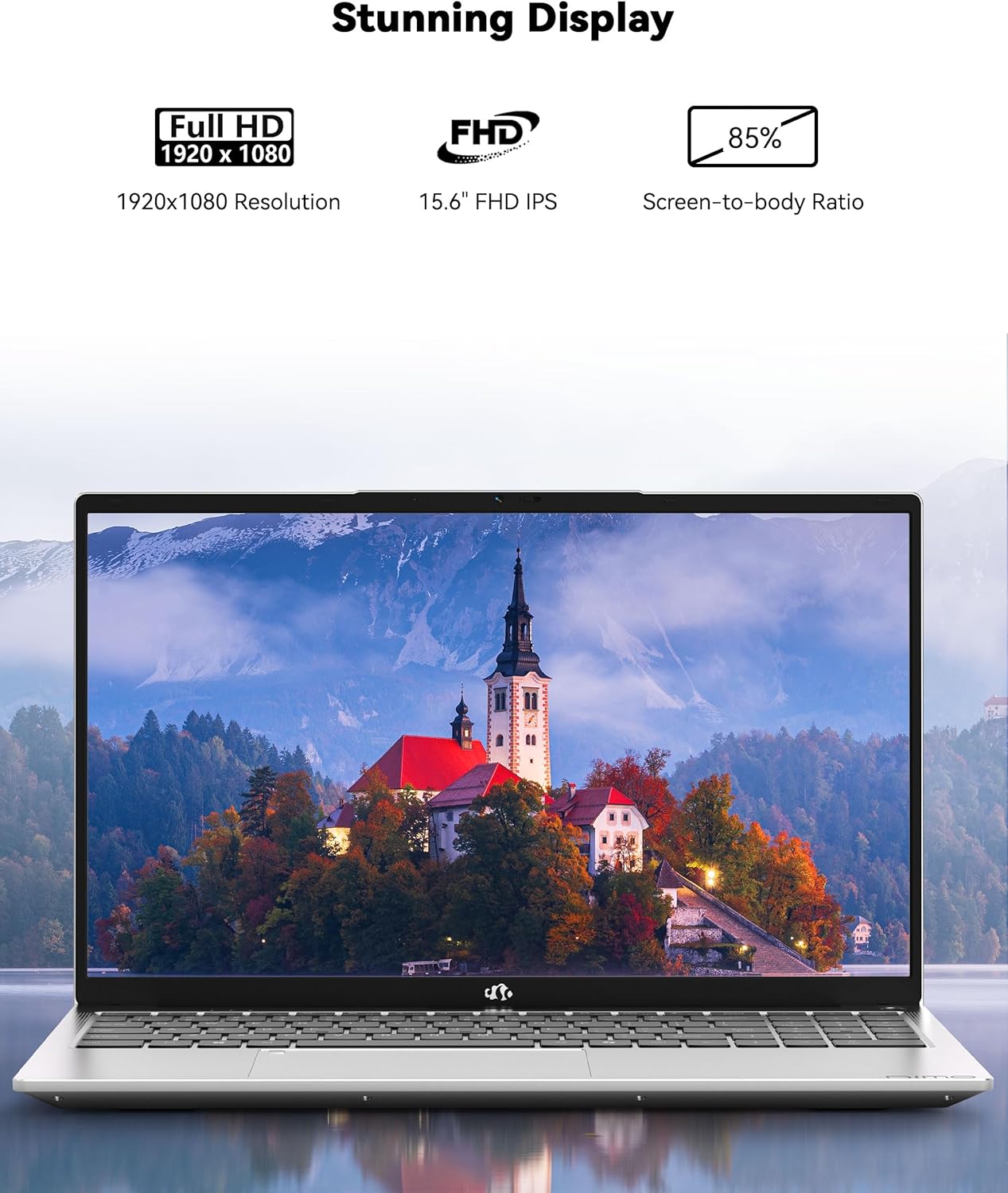
Сурет: The NIMO laptop showcasing its 15.6-inch Full HD IPS display with vivid colors and sharp details.
3.2 Пернетақта және сенсорлық тақта
The laptop is equipped with an ergonomic backlit keyboard, allowing for comfortable typing in various lighting conditions. The touchpad supports multi-touch gestures and includes an integrated fingerprint sensor for secure access.
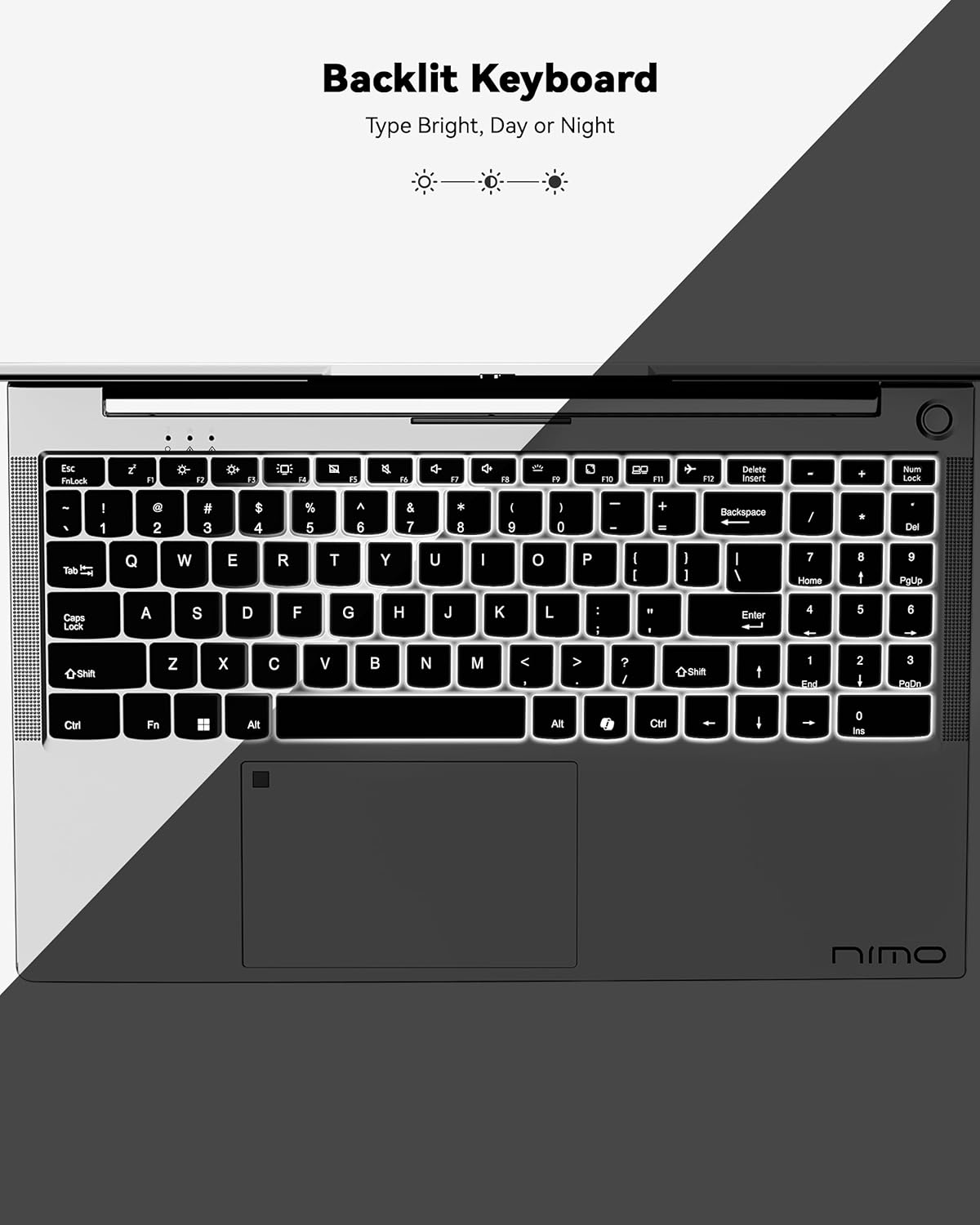
Сурет: A view of the backlit keyboard, illustrating its illumination for use in low-light environments.
3.3 Порттар және қосылу мүмкіндігі
The NIMO N152 offers a range of ports for versatile connectivity:
- USB 2.0: 1 порты
- USB 3.0: 3 порт
- С-түрі: Зарядтау және деректерді тасымалдау үшін
- HDMI1.4: For external display connections
- Micro SD оқу құралы: For memory cards
- Дыбыс ұясы: For headphones/microphone
- Кенсингтон құлпы: For security

Сурет: Бүйір view of the NIMO laptop, highlighting the various input/output ports available for connecting peripherals and external devices.
Wireless connectivity includes Wi-Fi 5 (802.11a/b/g/n/ac) and Bluetooth 5.2.
3.4 Webкамера және аудио
The laptop features a 2 MP webcam for video calls and online meetings. Dual 2W, 4Ω speakers provide audio output.
3.5 Өнімділік
Powered by an AMD Ryzen 5 processor with 4 cores up to 3.7GHz, 8GB DDR4 RAM, and a 256GB SSD, the NIMO N152 is designed for smooth multitasking and quick application loading.
Бейне: Бір астамview of the NIMO 15.6-inch FHD Laptop, demonstrating its use for students, home, and work environments.
Бейне: Шоуasing the NIMO Laptop as a versatile tool for work and study, suitable for various settings and tasks.
4. Техникалық қызмет көрсету
4.1 Батареяға күтім жасау
The laptop is equipped with a 54WH battery, offering an average battery life of 9 hours. To prolong battery lifespan, avoid extreme temperatures and fully discharging the battery frequently. The 65W PD fast charger supports quick power-ups.

Сурет: Ішкі view of the laptop highlighting the 54WH battery and smart battery optimization features.
4.2 Жаңарту мүмкіндігі
The NIMO N152 features an expandable RAM slot for easy self-upgrades and an upgradable SSD slot, allowing you to expand storage as needed.
5. Ақаулықтарды жою
If you encounter any issues with your NIMO laptop, please refer to the following general troubleshooting tips:
- Қуат мәселелері: Ensure the charger is properly connected and the power outlet is functional. Try a different outlet if necessary.
- Өнімділік кідірісі: Қажет емес қолданбаларды жабыңыз, Windows жаңартуларын тексеріңіз және жеткілікті бос сақтау орнын қамтамасыз етіңіз.
- Қосылу проблемалары: Restart your Wi-Fi router and the laptop. Check network settings to ensure correct connection.
- Бағдарламалық қамтамасыз ету мәселелері: Ensure all drivers and software are up to date. Consider running a system diagnostic or restoring to a previous point if a recent change caused the issue.
For persistent problems, contact NIMO customer support.
6. Техникалық сипаттамалар
| Ерекшелік | Техникалық сипаттама |
|---|---|
| Бренд | NIMO |
| Модель атауы | NIMO N152 |
| Экран өлшемі | 15.6 дюйм |
| Экран ажыратымдылығы | 1920 x 1080 пиксель (FHD) |
| Процессор | AMD Ryzen 5 (4 Cores, up to 3.7 GHz) |
| Жедел Жадтау Құрылғысы | 8 GB DDR4 (Upgradable) |
| Қатты диск | 256 GB SSD (Upgradable) |
| Графикалық сопроцессор | AMD Integrated graphics |
| Операциялық жүйе | Windows 11 Home |
| Сымсыз түрі | 802.11a/b/g/n/ac (Wi-Fi 5) |
| Блютез | BT5.2 |
| USB порттары | 1x USB 2.0, 3x USB 3.0 |
| Басқа порттар | Type-C (65W PD), HDMI, Micro SD, Audio Jack, Kensington Lock |
| Webкамера | 2 МП |
| Батареяның орташа қызмет ету мерзімі | 9 сағат |
| Элемент салмағы | 3.75 фунт |
| Өнім өлшемдері | 14.07 x 8.98 x 0.76 дюйм |
| Арнайы мүмкіндіктер | Артқы жарықтандырылған пернетақта, саусақ ізін оқу құрылғысы, HD аудио, сандық пернетақта |
7. Кепілдік және қолдау
Your NIMO N152 Laptop comes with a 2 жылдық өндірушінің кепілдігі. Additionally, NIMO offers a 90 күндік қиындықсыз қайтару және айырбастау саясаты. For any product-related questions, technical assistance, or warranty claims, please contact NIMO customer support.
NIMO is committed to providing professional and high-quality customer service. You can find contact information on the official NIMO webсайт немесе өнім беті.
Бейне: A seller-provided video highlighting features of a NIMO laptop, including its design and functionality.
Бейне: A seller-provided video demonstrating the NIMO laptop with a Ryzen 5 3500U processor, showcasinоның мүмкіндіктері.