
Кіріспе
The CORBOBO LINGBAO K75 is a 75% wireless mechanical keyboard designed for versatility and performance. It features multiple connection modes, hot-swappable switches, RGB backlighting, and a durable design. This manual provides detailed instructions for setting up, operating, and maintaining your keyboard.
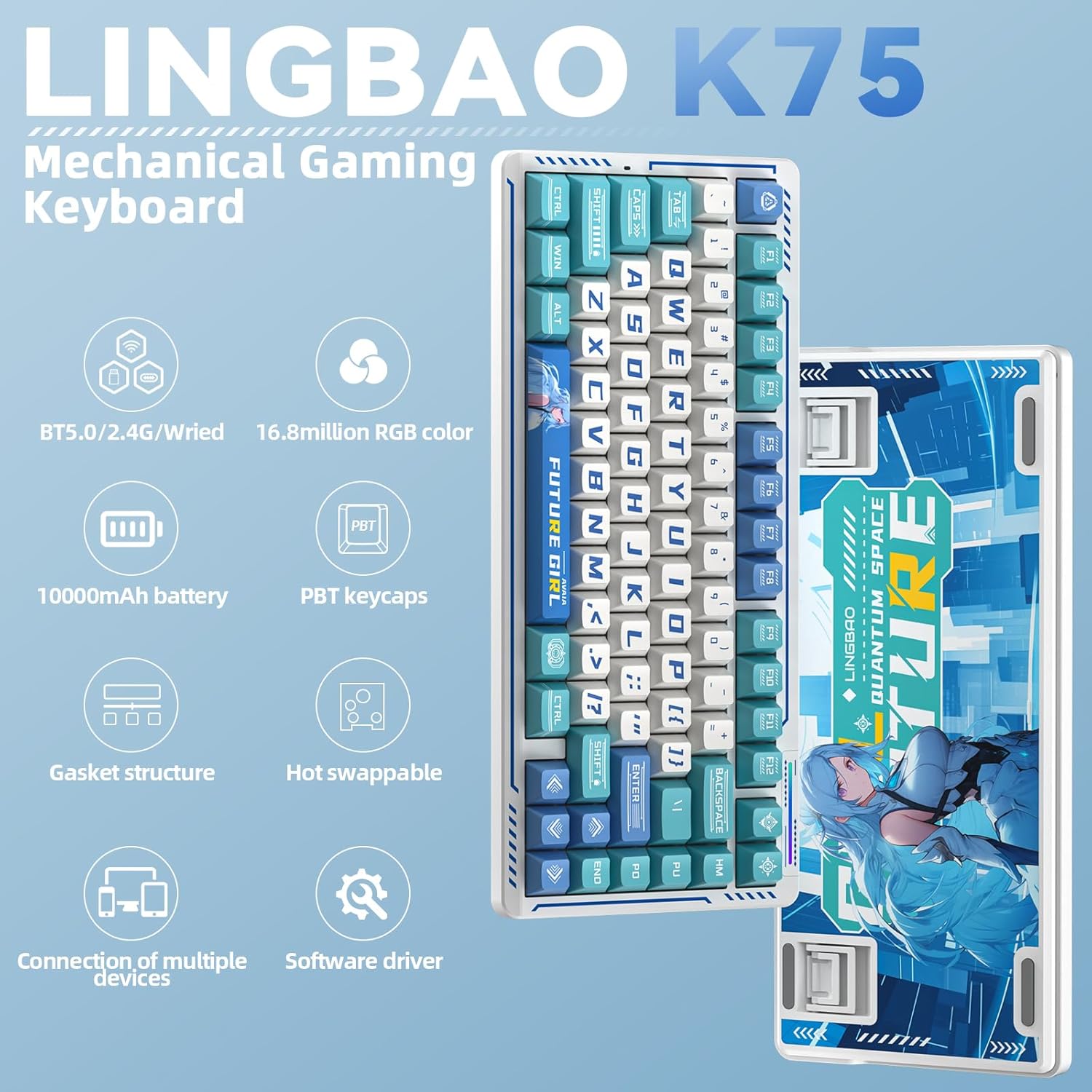
Сурет: аяқталдыview of the LINGBAO K75 Mechanical Gaming Keyboard highlighting its key features.
Қорапта не бар
- Пернетақта x 1
- Пайдаланушы нұсқаулығы
- USB-C кабелі x 1
- Пернетақтаны тарту құралы
- Extra Switch x 2
Орнату
Қосылу режимдері
The K75 keyboard supports three connection modes: 2.4GHz wireless, Bluetooth (BT), and wired (USB-C). You can seamlessly switch between these modes to connect to up to 5 different devices. The mode can be easily switched using the power button located on the top of the keyboard.
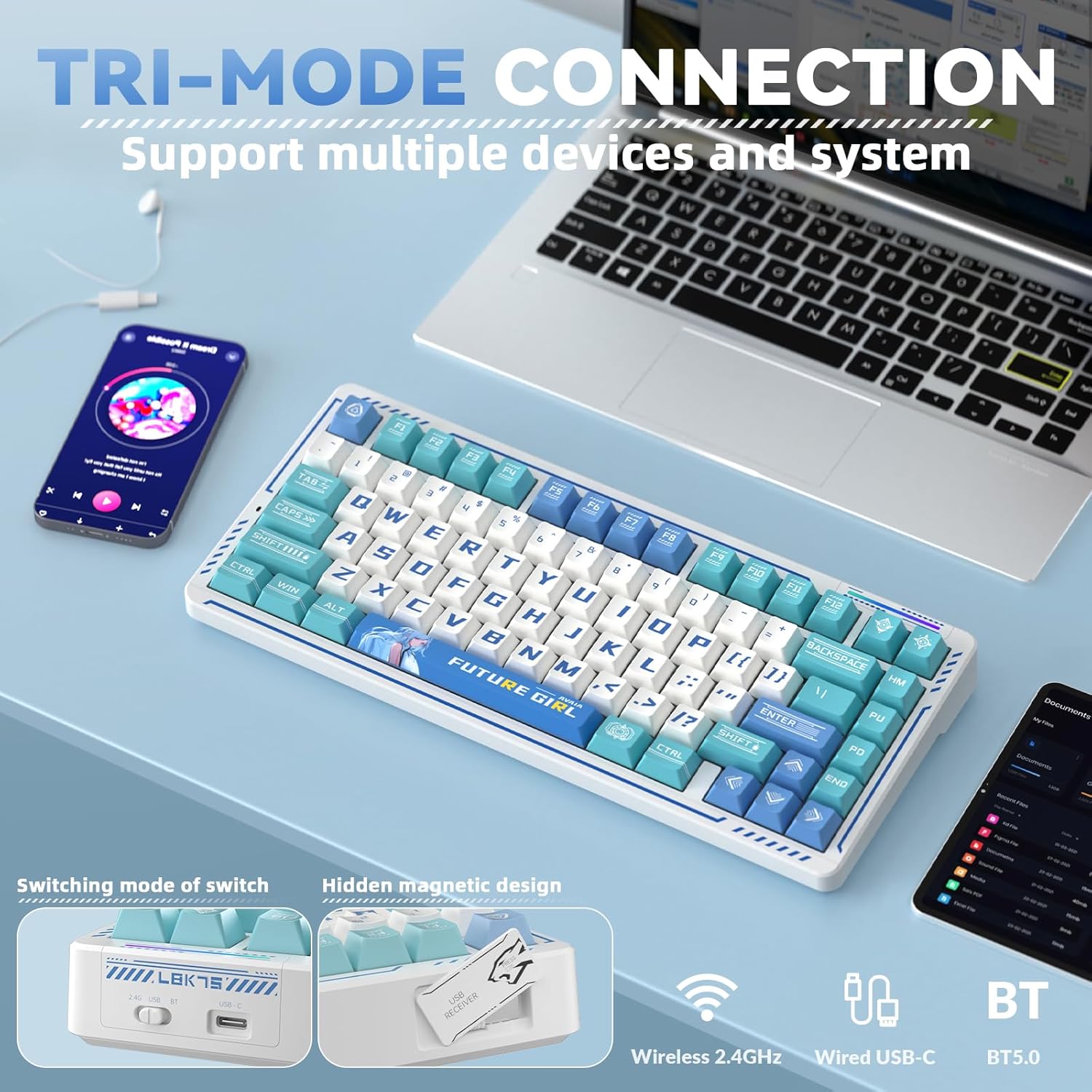
Image: The keyboard demonstrating its tri-mode connection capability with various devices.
Video: Demonstrates the LINGBAO K75 keyboard's features, including its tri-mode connection, hot-swappable switches, and RGB lighting effects.
Драйверді орнату
For comprehensive customization, including full-key macro command programming and advanced lighting effects, install the dedicated driver software. The driver can only be set via a wired connection on Windows systems. Download the driver from: bit.ly/m/corbobo.

Image: The software driver interface for customizing keyboard settings and RGB lighting.
Пайдалану нұсқаулары
Негізгі функциялар және теңшеу
The 75% layout retains independent arrow keys. Utilize the programmable driver for full-key macro commands to enhance efficiency in work or gaming. Refer to the driver software for detailed key remapping and macro creation.
RGB артқы жарықтандыруды басқару
The keyboard offers 16.8 million RGB colors and various lighting effects. You can adjust the backlight using keyboard shortcuts or through the driver software. A unique music rhythm lighting effect mode allows the keyboard's RGB backlight to synchronize with audio played on your computer.

Сурет: Пернетақта шоуыasing its 16.8 million RGB backlight with control shortcuts.
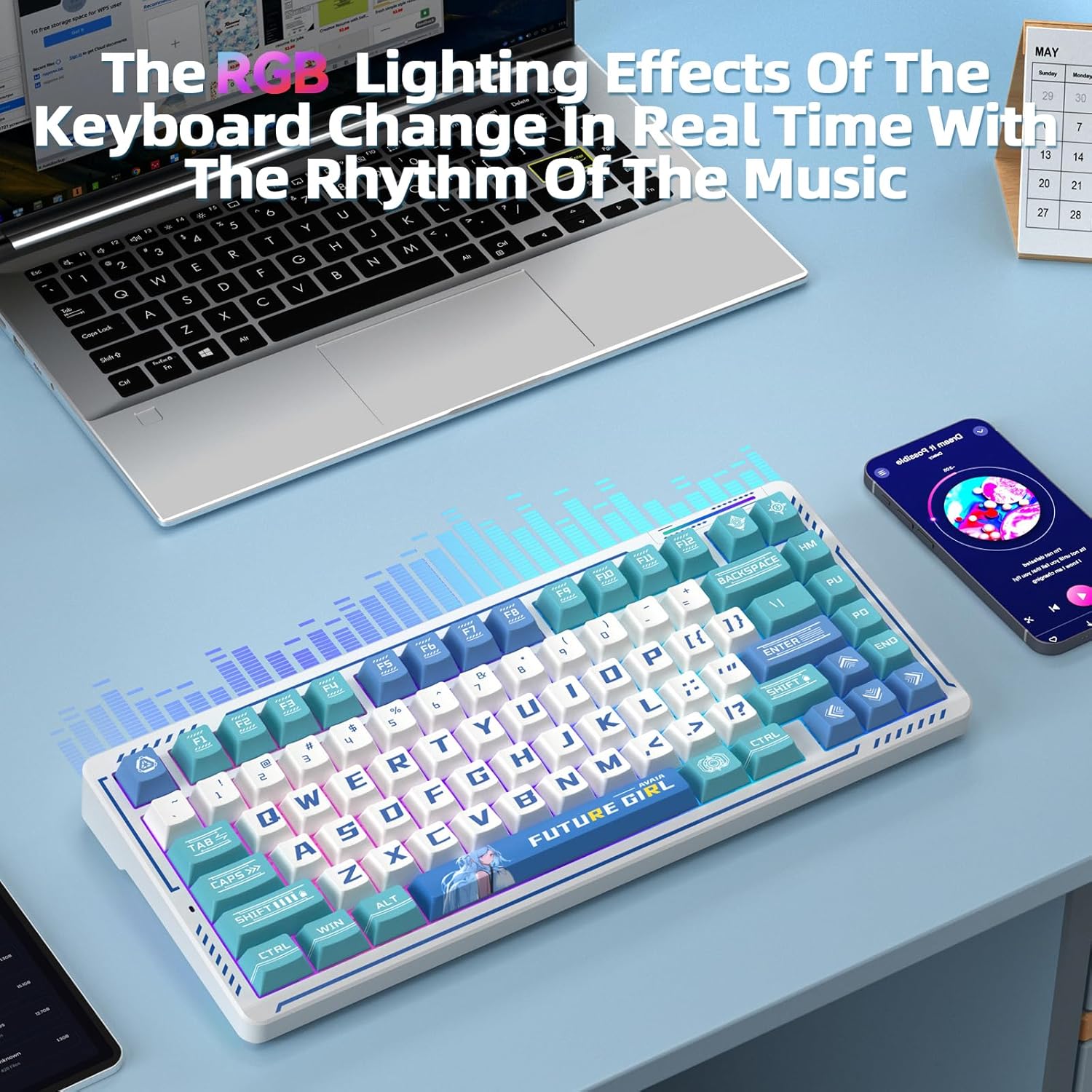
Image: The keyboard's RGB lighting effects dynamically changing with music rhythm.
Ыстық ауыстырылатын қосқыштар
The keyboard features a hot-swappable base compatible with 3-pin or 5-pin mechanical switches. This allows for easy replacement and customization of switches without soldering, providing a personalized typing experience.
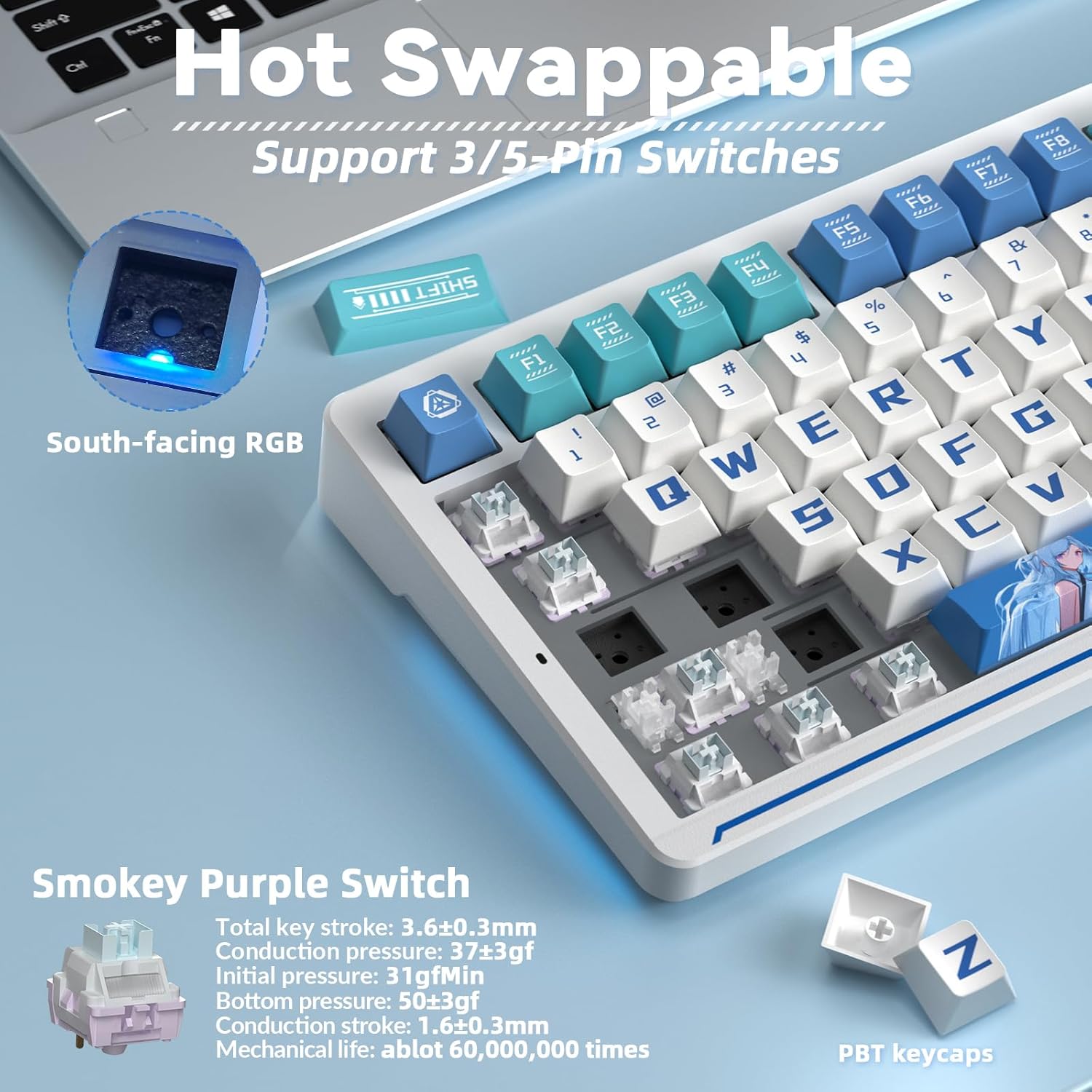
Image: Illustration of the hot-swappable switch functionality.
Техникалық қызмет көрсету
Батареяны зарядтау
The keyboard is equipped with a 10000mAh battery. For optimal battery health and longevity, charge the keyboard exclusively via a computer's USB port. Avoid using mobile phone fast chargers or overcurrent/overvoltage зарядтағыштар.
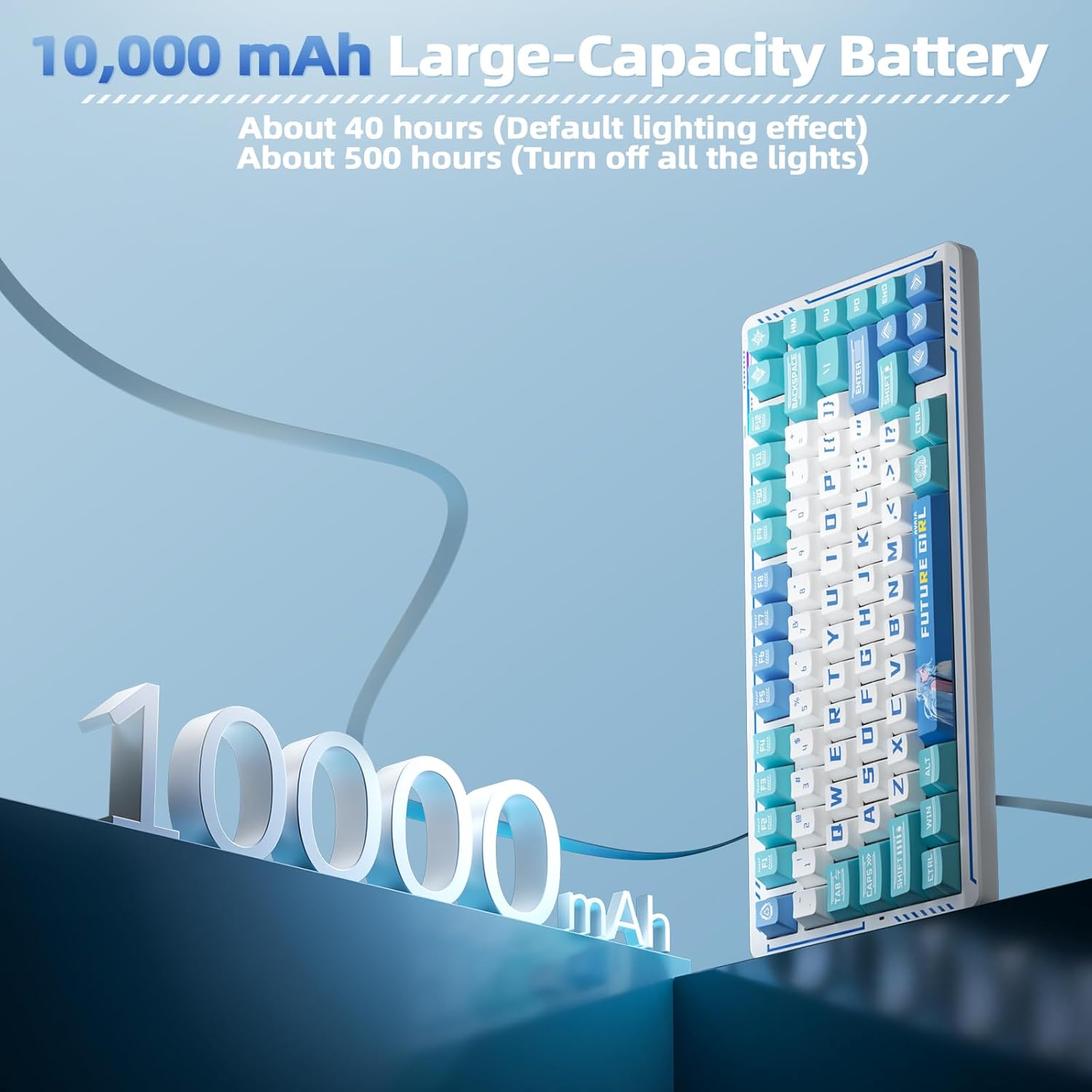
Сурет: Пернетақтаның 10000 мАч батарея сыйымдылығының көрнекі көрінісі.
PBT Keycaps and Gasket Structure
The keyboard features two-color injection-molded PBT keycaps, known for their wear resistance and durability, ensuring characters do not fade. The five-layer gasket structure reduces noise and provides a comfortable typing experience. Regular cleaning with a soft, dry cloth is recommended to maintain the keyboard's appearance.

Сурет: жарылған view of the keyboard's gasket structure and PBT keycaps.
Ақаулықтарды жою
Қосылу мәселелері
- Пернетақтаның зарядталғанына көз жеткізіңіз.
- Verify the correct connection mode (2.4G, BT, or wired) is selected on the keyboard.
- For 2.4G wireless, ensure the USB receiver is securely plugged into your device.
- For Bluetooth, ensure the keyboard is in pairing mode and visible to your device.
- Компьютерді немесе құрылғыны қайта іске қосып көріңіз.
Driver Software Issues
- The driver software is compatible with Windows systems only.
- Ensure the keyboard is connected via USB-C cable when using the driver for customization.
- If issues persist, reinstall the driver software from the official download link.
Техникалық сипаттамалар
| Ерекшелік | Мәлімет |
|---|---|
| Өнім өлшемдері | 13.77 x 7.08 x 1.88 дюйм |
| Элемент салмағы | 3.14 фунт |
| Өндіруші | КОРБОБО |
| Элемент үлгі нөмірі | K75 |
| Батареялар | 2 Nonstandard Battery batteries required (included) |
| Үйлесімді құрылғылар | Gaming Console, Laptop, PC, Smartphone |
| Қосылу технологиясы | 2.4G Wireless, BT5.0, USB-C |
| Пернетақта сипаттамасы | Механикалық ойын пернетақтасы |
| Арнайы мүмкіндік | Anime, Hot-Swappable, Mechanical keyboard, Programmable Keys |
| Пернетақтаның артқы жарығы | RGB |
Кепілдік және қолдау
For warranty information, technical support, or further assistance, please refer to the official CORBOBO webсайтына кіріңіз немесе олардың тұтынушыларға қызмет көрсету орталығына тікелей хабарласыңыз. Толық ақпаратты әдетте өнімнің қаптамасынан немесе өндірушінің нұсқаулығынан табуға болады. webсайт.