
1. Кіріспе
This manual provides essential information for the NIMO 17.3-inch FHD Gaming Laptop, Model N177. It covers the initial setup, operational guidelines, maintenance procedures, troubleshooting tips, and detailed product specifications. Please read this manual thoroughly to ensure proper use and to maximize the lifespan of your laptop.
Пакет мазмұны
Upon unpacking your NIMO N177 Laptop, please verify that all items listed below are present:
- 1 x NIMO N177 ноутбугы
- 1 x Type-C 100 Вт PD жылдам зарядтағыш
- 1 x Пайдаланушы нұсқаулығы (осы құжат)
- Windows 11 Home (pre-installed)
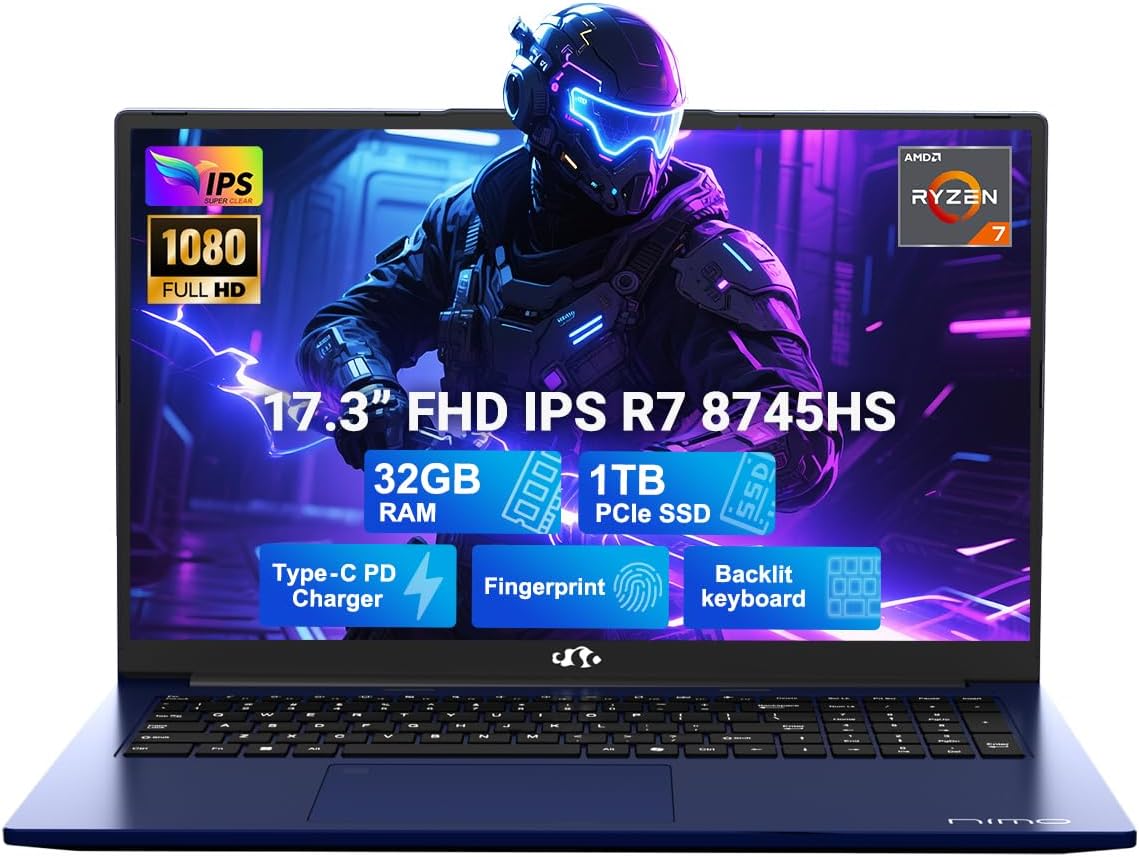
Image 1.1: The NIMO 17.3-inch FHD Gaming Laptop N177, showcasing its 17.3-inch display, 32GB RAM, 1TB SSD, Type-C PD Charger, Fingerprint sensor, and Backlit Keyboard features.
2. Өнімнің ерекшеліктері
The NIMO N177 Laptop is designed for performance and user convenience, incorporating several key features:
- Процессор: Equipped with an AMD Ryzen 7 8745HS processor, featuring 8 cores and 16 threads, capable of turbo speeds up to 4.9GHz for efficient handling of demanding tasks.
- Графика: Integrated AMD Radeon 780M Graphics provide capable visual performance for gaming and content creation.
- Жад және сақтау: Features 32GB DDR5 RAM and a 1TB PCIe 4.0 SSD for fast data access and multitasking. The design allows for memory and storage upgrades.
- Көрсеткіш: A 17.3-inch Full HD (1920x1080) IPS anti-glare display offers clear visuals with an 85% screen-to-body ratio.
- Зарядтау: Includes a 100W USB-C Power Delivery (PD) fast charger, providing rapid charging capabilities.
- Қауіпсіздік және ыңғайлылық: Integrated fingerprint sensor for secure login and a backlit keyboard for comfortable typing in various lighting conditions.
- Қосылу мүмкіндігі: Multiple ports including USB 2.0, USB 3.0, USB 4.0 Type-C, HDMI, headphone jack, SD card reader, and Kensington Lock slot.
Егжей-тегжейлі мүмкіндік аяқталдыview

Image 2.1: Close-up of the AMD Ryzen 7 8745HS processor, highlighting its 8 cores, 16 threads, 780M iGPU Radeon, and 4.9GHz Precision Boost capabilities.
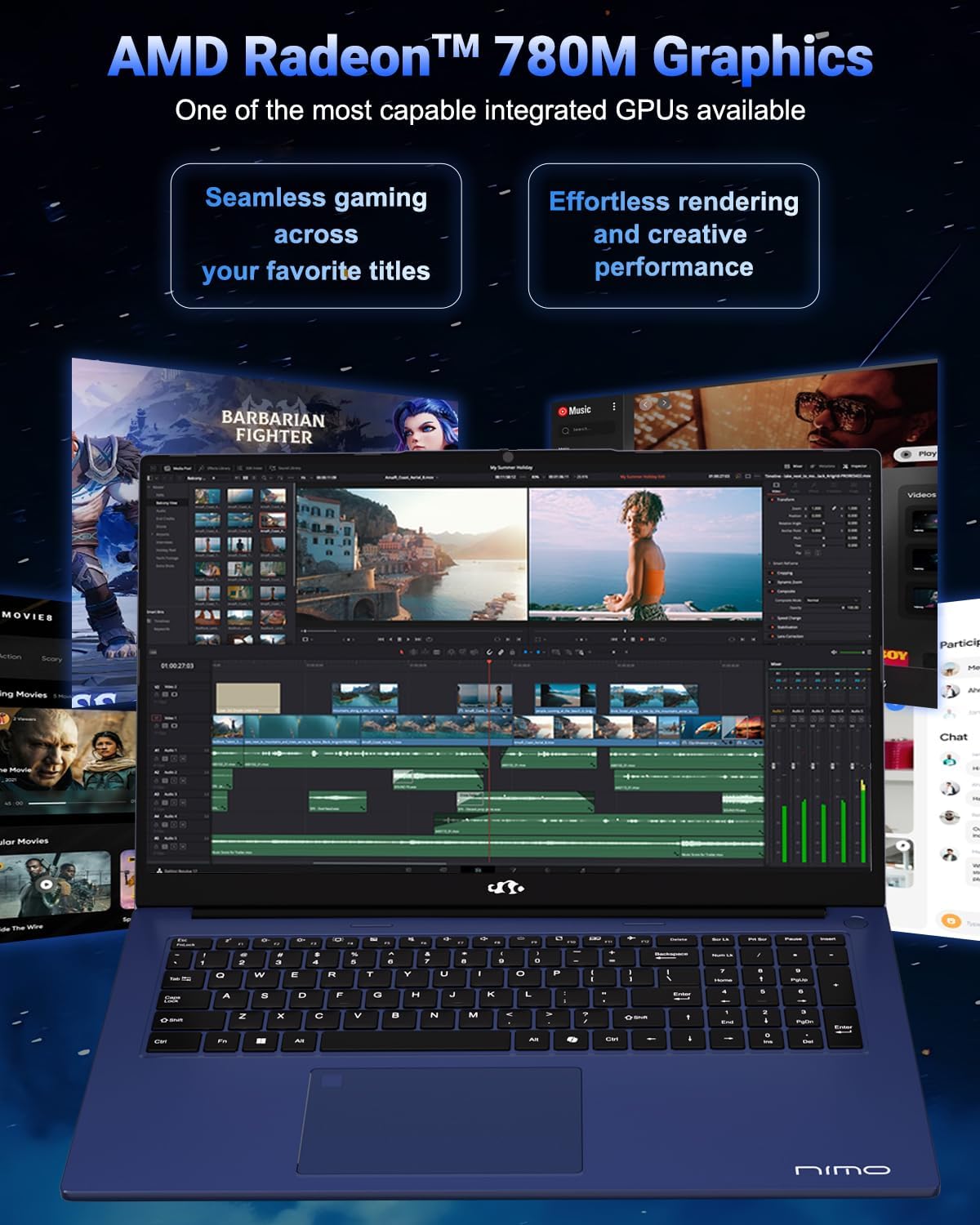
Image 2.2: Visual representation of the AMD Radeon 780M Graphics, illustrating its capacity for seamless gaming and efficient rendering for creative tasks.
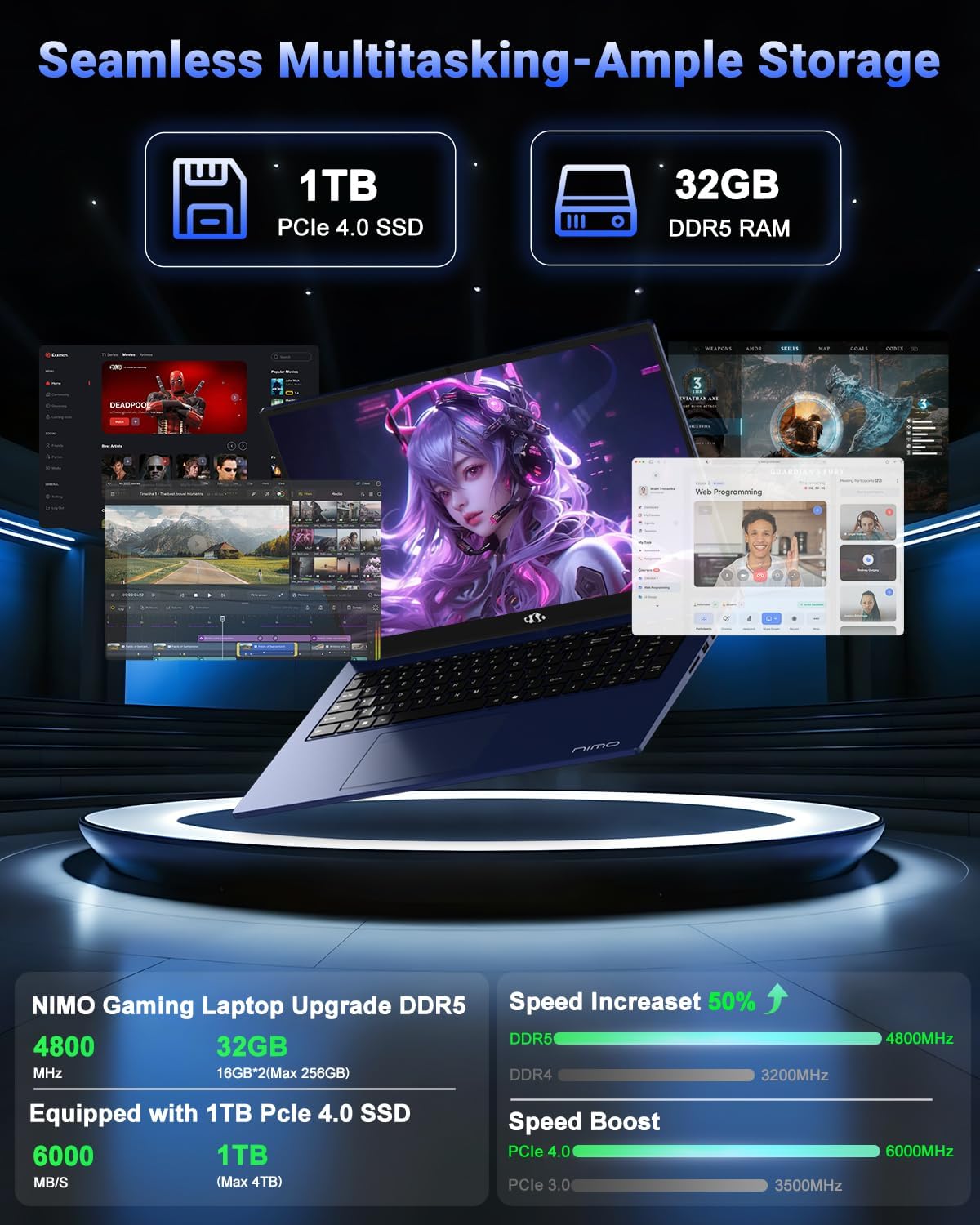
Image 2.3: Depiction of the laptop's 32GB DDR5 RAM and 1TB PCIe 4.0 SSD, emphasizing seamless multitasking and ample storage for various applications and files.

Image 2.4: Illustration of the 100W USB-C fast charger connected to the laptop, highlighting the 75Wh smart battery and its charging efficiency.
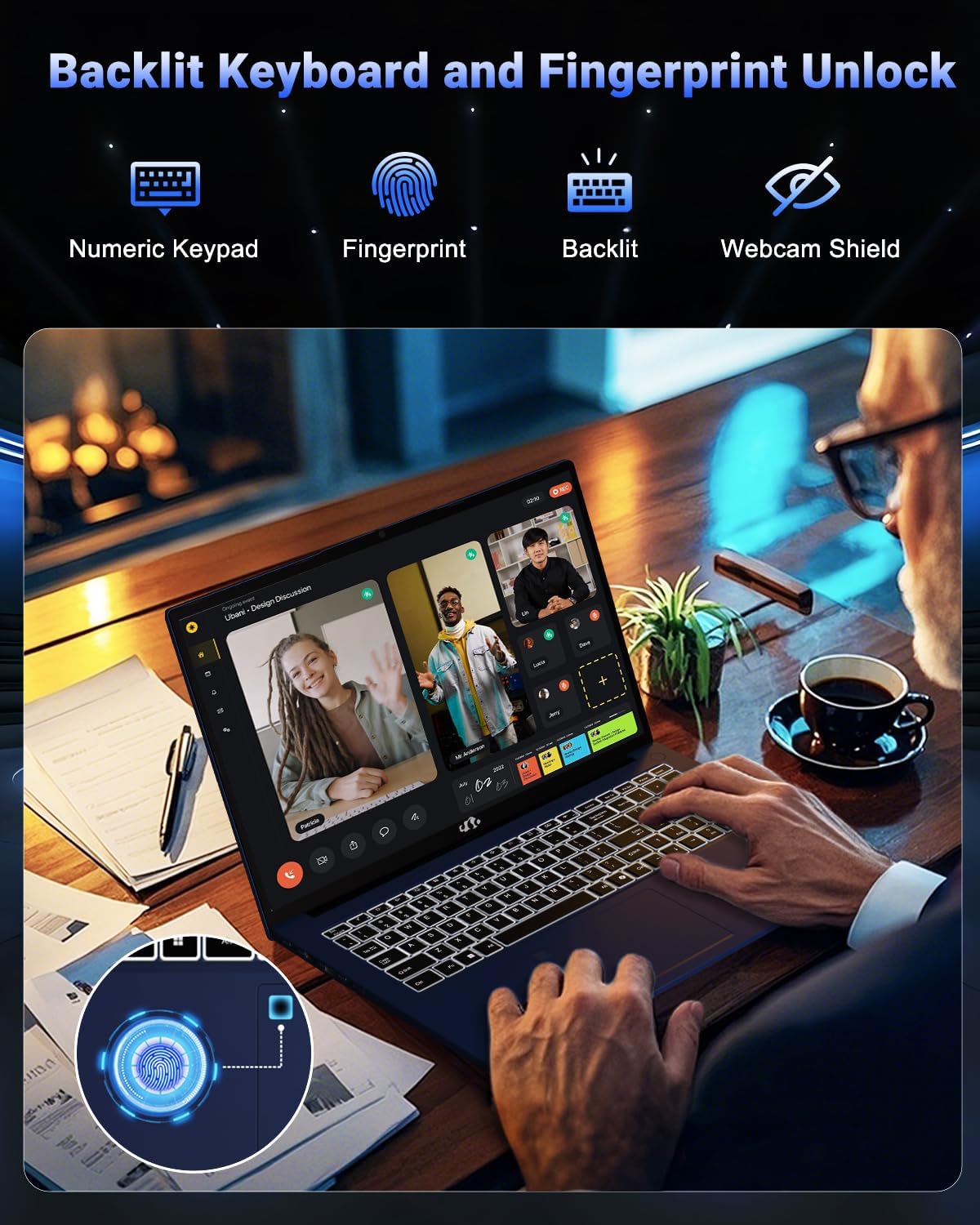
Image 2.5: The backlit keyboard and fingerprint unlock feature, showing the numeric keypad, fingerprint sensor, and webcam shield for enhanced usability and security.
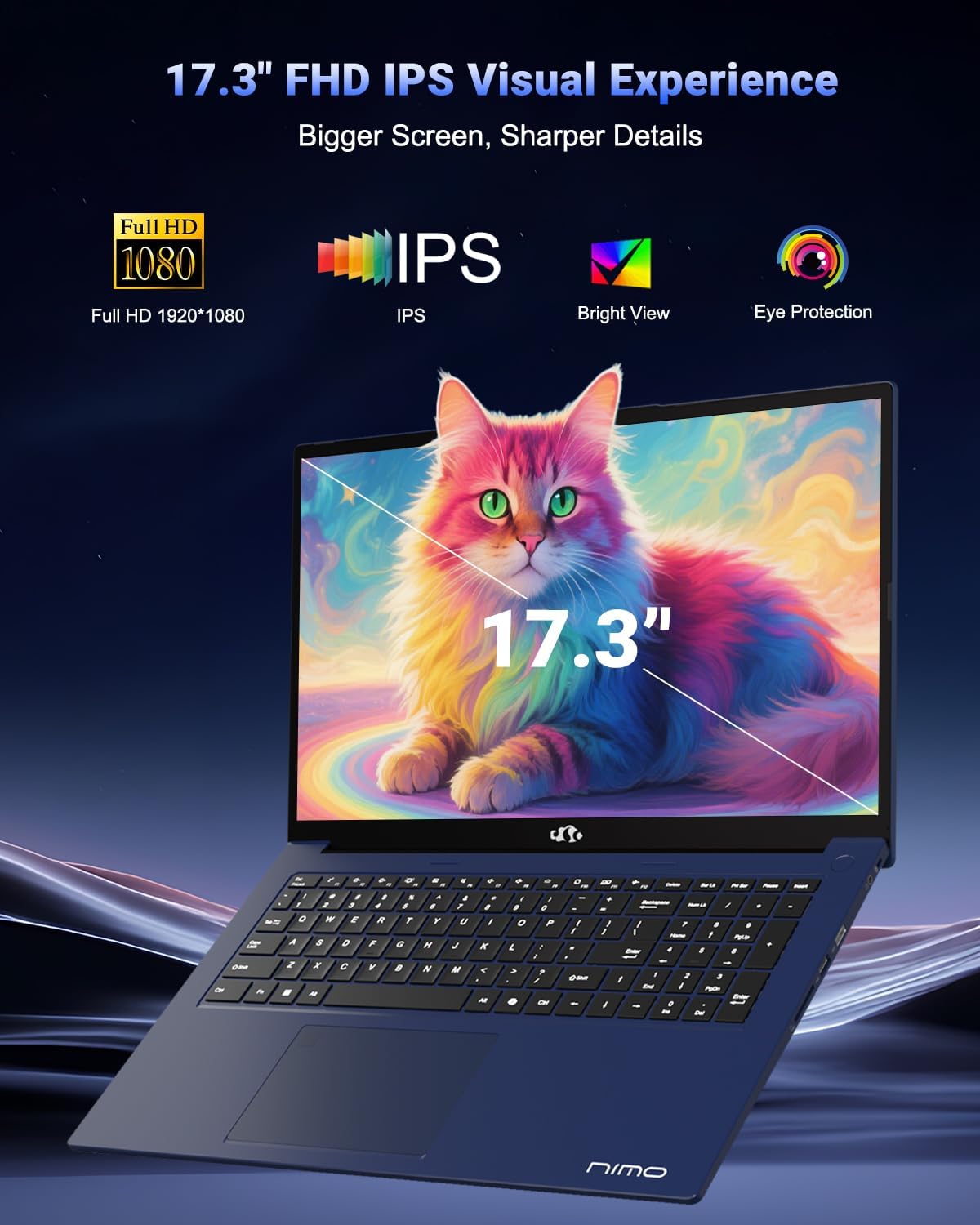
Image 2.6: The 17.3-inch FHD IPS display, emphasizing its larger screen size, sharper details, and eye protection features for an immersive visual experience.
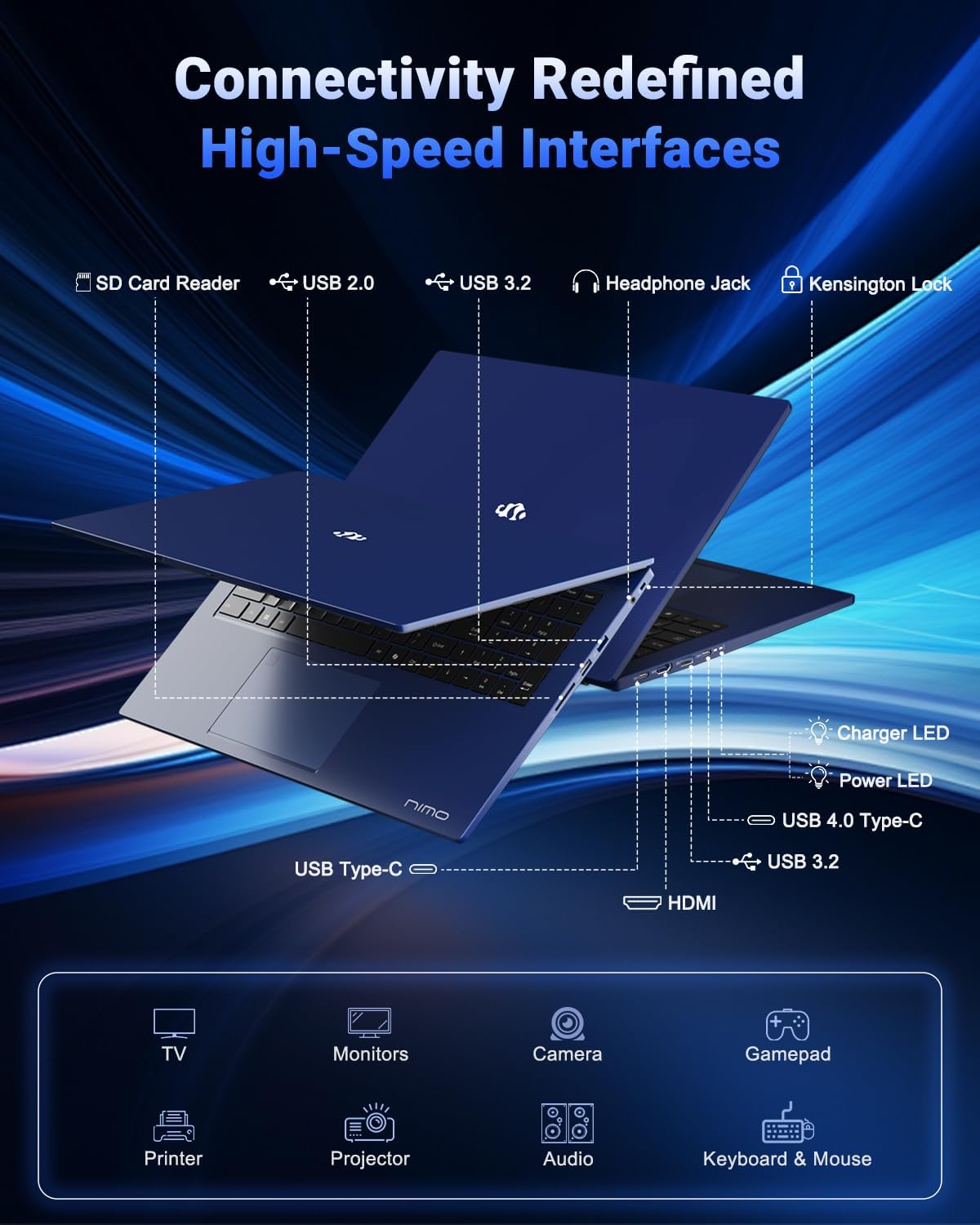
Image 2.7: Diagram illustrating the various high-speed interfaces and connectivity ports available on the NIMO N177 Laptop, including USB, HDMI, and Type-C ports.
3. Орнату
3.1 Бастапқы зарядтау
Before first use, it is recommended to fully charge your NIMO N177 Laptop. Connect the provided 100W Type-C PD Fast Charger to the laptop's USB-C port and then to a power outlet. The charging indicator light will illuminate. A full charge typically takes approximately 45 minutes, providing several hours of usage.
3.2 Бірінші қуат қосу
Open the laptop lid. Press the power button, usually located on the top right of the keyboard or side. The laptop will boot up, and you will be guided through the initial Windows 11 setup process. Follow the on-screen instructions to configure your language, region, network, and user account.
3.3 Желіге қосылу
During the Windows 11 setup, you will be prompted to connect to a Wi-Fi network. Select your preferred network and enter the password. For a wired connection, connect an Ethernet cable (if an adapter is used, as the laptop does not have a built-in Ethernet port) to a USB port.
4. Ноутбукті пайдалану
4.1 Пернетақта және сенсорлық тақта
The laptop features a full-size keyboard with a numeric keypad and backlighting. To adjust the keyboard backlight, use the dedicated function keys (refer to the keyboard layout for specific key combinations, often Fn + Fx). The precision gesture touchpad supports multi-touch gestures for navigation.
4.2 Саусақ ізі сенсоры
The integrated fingerprint sensor allows for quick and secure login. During Windows 11 setup or via Windows Settings > Accounts > Sign-in options, you can set up Windows Hello Fingerprint recognition. Follow the prompts to register your fingerprints.
4.3 Сыртқы құрылғыларды қосу
Utilize the available ports to connect peripherals:
- USB порттары: USB дискілерін, сыртқы пернетақталарды, тышқандарды немесе басқа USB құрылғыларын қосыңыз.
- USB-C 4.0 порты: Supports data transfer, power delivery, and display output. This port can be used with compatible docking stations or external GPUs (eGPU dock not included).
- HDMI порты: Ұзартылған дисплей үшін сыртқы мониторларға немесе теледидарларға қосыңыз.
- Құлаққап ұясы: Құлаққаптарды немесе сыртқы динамиктерді қосыңыз.
- SD картасын оқу құрылғысы: Деректерді тасымалдау үшін SD карталарын салыңыз.
4.4 Дисплей параметрлері
To adjust display settings such as resolution, brightness, or to configure multiple monitors, right-click on the desktop and select 'Display settings' or navigate through Windows Settings > System > Display.
5. Техникалық қызмет көрсету
5.1 Ноутбукті тазалау
To clean the laptop, power it off and disconnect the charger. Use a soft, lint-free cloth slightly dampдисплейге арналған сумен немесе экран тазалағышпен аяқталды. Пернетақта мен шасси үшін құрғақ немесе сәл d пайдаланыңызamp шүберек. Қатты химиялық заттардан немесе абразивті материалдардан аулақ болыңыз.
5.2 Батареяға күтім жасау
Батареяның қызмет ету мерзімін ұзарту үшін:
- Төтенше температурадан аулақ болыңыз.
- Батареяны жиі толық зарядсыздандырмаңыз.
- Ноутбукті ұзақ уақыт сақтасаңыз, батареяның шамамен 50-70% зарядталғанына көз жеткізіңіз.
5.3 Жад және жад жаңартулары
The NIMO N177 Laptop features an upgradeable design for both RAM and SSD. If you intend to upgrade, it is recommended to consult a professional or refer to specific upgrade guides to avoid damaging components and potentially voiding your warranty.
6. Ақаулықтарды жою
This section addresses common issues you might encounter with your NIMO N177 Laptop.
| Мәселе | Мүмкін шешім |
|---|---|
| Ноутбук қосылмайды. | Ensure the charger is securely connected and the power outlet is functional. Allow the laptop to charge for at least 30 minutes before attempting to power on again. |
| Дисплей бос немесе жыпылықтайды. | Check display cable connections if using an external monitor. Try adjusting screen brightness. Restart the laptop. Update graphics drivers. |
| Батареяның қызмет ету мерзімі күтілгеннен аз. | Adjust power settings in Windows to a more power-efficient mode. Close unnecessary applications running in the background. Reduce screen brightness. |
| Wi-Fi байланысы мәселелері. | Restart your router and the laptop. Ensure Wi-Fi is enabled in Windows settings. Update network drivers. |
| Саусақ ізі сенсоры жұмыс істемейді. | Ensure your finger is clean and dry. Re-register your fingerprint in Windows Hello settings. |
If you encounter issues not listed here or if the suggested solutions do not resolve the problem, please contact NIMO customer support for further assistance.
7. Техникалық сипаттамалар
The following table outlines the technical specifications for the NIMO 17.3-inch FHD Gaming Laptop N177:
| Ерекшелік | Техникалық сипаттама |
|---|---|
| Бренд | NIMO |
| Модель атауы | NIMO N177B |
| Тұрақты экран дисплей өлшемі | 17.3 дюйм |
| Максималды экран ажыратымдылығы | 1920x1080 Pixels (FHD) |
| Процессор | AMD Ryzen 7 8745HS (up to 4.9 GHz) |
| Жедел Жадтау Құрылғысы | 32 ГБ DDR5 (4800 МГц) |
| Қатты диск | 1024 ГБ SSD (PCIe 4.0) |
| Графикалық сопроцессор | AMD Radeon 780M (біріктірілген) |
| Операциялық жүйе | Windows 11 Home |
| Сымсыз түрі | 802.11a/b/g/n/ac |
| USB 2.0 порттары | 1 |
| USB 3.0 порттары | 3 |
| USB 4.0 Type-C порттары | 1 (with PD and DisplayPort support) |
| HDMI порты | 1 |
| Батареяның орташа қызмет ету мерзімі | 6 Hours (75Wh battery) |
| Элемент салмағы | 3.84 фунт |
| Өнім өлшемдері (LxWxH) | 15.66 x 9.99 x 0.74 дюйм |
| Арнайы мүмкіндіктер | Артқы жарықтандырылған пернетақта, саусақ ізін оқу құрылғысы, HD аудио, сандық пернетақта |
8. Кепілдік және қолдау
8.1 Кепілдік туралы ақпарат
Your NIMO N177 Laptop is covered by a 2 жылдық кепілдік provided by NIMO Direct Inc. This warranty covers manufacturing defects and ensures support for your product.
8.2 Қайтару саясаты
NIMO offers a 90 күндік қайтару саясаты from the date of purchase. Please refer to the terms and conditions of your purchase for detailed return instructions.
8.3 Тұтынушыларды қолдау қызметі
For any technical assistance, warranty claims, or product-related inquiries, please contact NIMO's dedicated support team. Contact information can typically be found on the official NIMO website or through your purchase platform. Our support team is available to provide solutions and ensure a satisfactory experience.