
1. Кіріспе
This manual provides essential information for the safe and effective use of ANYCUBIC Water Washable 3D Printer Resin 2.0. This 405nm high-precision photopolymer resin is designed for 4K/8K/12K capable LCD and DLP 3D printers, offering low shrinkage and easy water-washable post-processing. Please read this manual thoroughly before use to ensure optimal printing results and safety.
2. Қауіпсіздік шаралары
Handling 3D printer resin requires adherence to safety guidelines to prevent potential health hazards. Always prioritize your safety.
- Қорғаныс құралдарын киіңіз: Always wear gloves (nitrile or similar chemical-resistant gloves are recommended) and safety glasses to prevent skin and eye contact.
- Жеткілікті желдетуді қамтамасыз етіңіз: Use the resin in a well-ventilated area to minimize inhalation of fumes. Consider using a respirator if ventilation is insufficient.
- Теріге тиюден аулақ болыңыз: If resin comes into contact with skin, wash immediately with soap and water.
- Көзге тиюден аулақ болыңыз: If resin gets into eyes, flush immediately with plenty of water for at least 15 minutes and seek medical attention.
- Жұту: Ішке алмаңыз. Жұтылған жағдайда құсуды тудырмаңыз. Дереу медициналық көмекке жүгініңіз.
- Сақтау орны: Store resin in a cool, dry, dark place, away from direct sunlight and heat sources. Keep the bottle tightly sealed when not in use. Keep out of reach of children and pets.
- Жою: Cured resin can be disposed of as regular plastic waste. Uncured liquid resin must be cured under UV light before disposal or disposed of according to local regulations for chemical waste. Do not pour liquid resin down drains.
3. Өнімнің ерекшеліктері
The ANYCUBIC Water Washable Resin 2.0 offers several advanced features for an improved 3D printing experience:
- Өте оңай тазалау: Contains hydrophilic groups for good water solubility, allowing direct cleaning with water instead of alcohol. Compatible with Anycubic Wash and Cure Machine or ultrasonic cleaning.
- Сарғаюға қарсы және жанды болыңыз: Upgraded formula ensures models retain vibrant colors, especially effective for White and Transparent resins, even after prolonged exposure.
- Lower Shrinkage Rate & High Precision Models: 0.15 мм-ге дейінгі дәлдікке жетеді, егжей-тегжейлі миниатюралық үлгілер үшін өте қолайлы.
- Серпімділігі жоғары және сынуға бейімділігі аз: An elongation rate of 16.62% provides flexible, durable, and crack-resistant cured models.
- Ішкі пайдалану үшін азырақ иіс: Optimized formula significantly reduces resin odor during storage and printing for a more comfortable experience.
- Төмен тұтқырлық және жоғары басып шығару табыстары: Enhanced platform adhesion ensures stable, high-quality prints with high success rates.
- Жоғары үйлесімділік: Compatible with a wide range of LCD and DLP 3D printers operating within the 365-405nm wavelength.
4. Орнату
Before starting your print, ensure proper preparation of the resin and your 3D printer.
- Шайыр бөтелкесін шайқаңыз: Before each use, thoroughly shake the resin bottle for at least 1 minute to ensure all components are well mixed. This is crucial for consistent print quality.
- Pour Resin into Vat: Carefully pour the desired amount of resin into your printer's resin vat. Do not overfill.
- Қоршаған орта жағдайлары: Ensure your printing environment is within the recommended temperature range (typically 20-25°C or 68-77°F) for optimal resin performance.
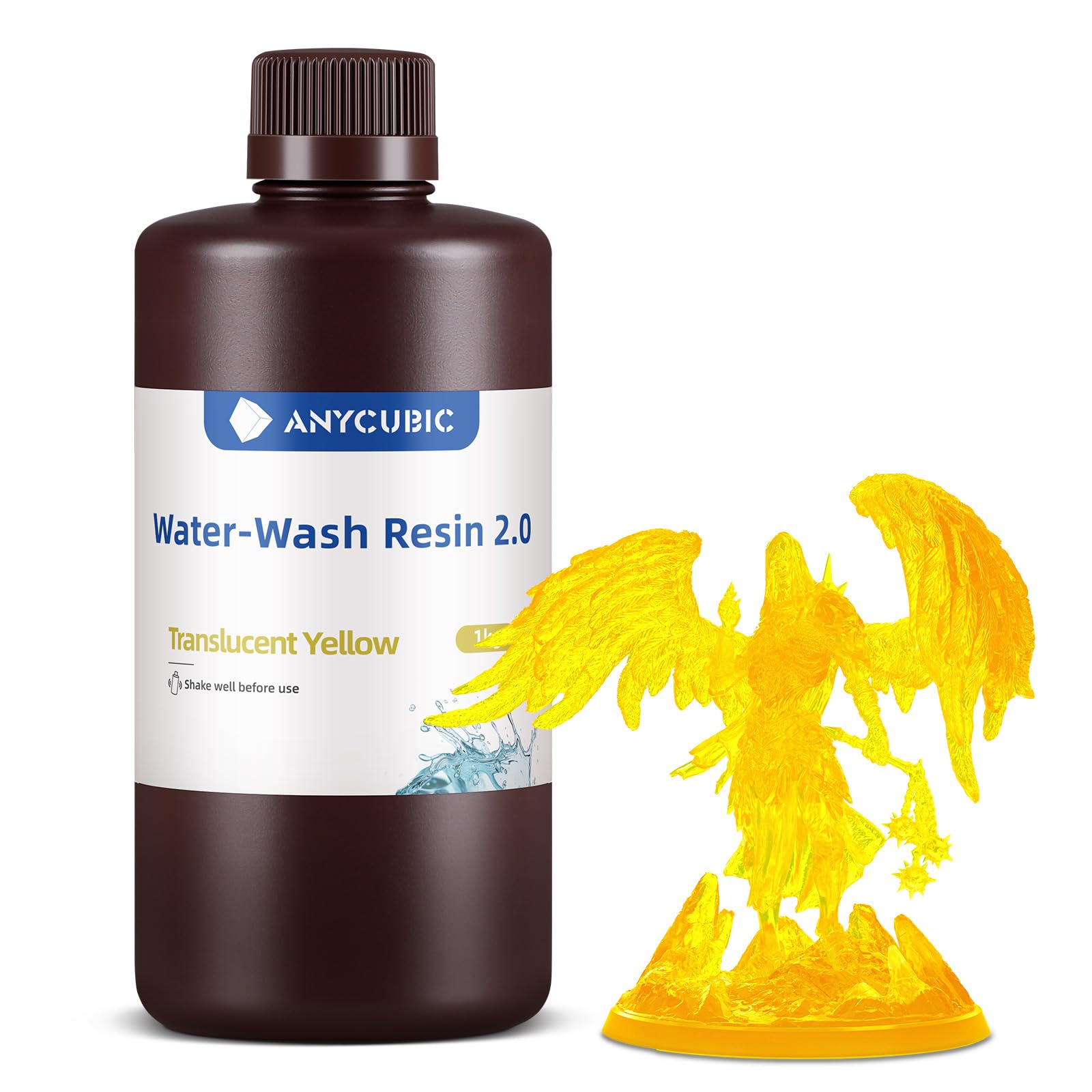
Image: ANYCUBIC Water Washable 3D Printer Resin 2.0 bottle. Always shake the bottle well before pouring resin into the vat.
5. Пайдалану нұсқаулары
Follow these steps for successful 3D printing with ANYCUBIC Water Washable Resin 2.0.
- Кескіш параметрлері: Refer to the recommended printing parameters table below for initial slicer settings. Adjust layer thickness, normal exposure time, bottom exposure time, and other parameters based on your specific printer model and desired print quality.
- Басып шығаруды бастау: Initiate the print job on your 3D printer. Monitor the first few layers to ensure proper adhesion to the build plate.
- Кейінгі өңдеу: After printing, carefully remove the build plate and printed model.
Ұсынылатын басып шығару параметрлері
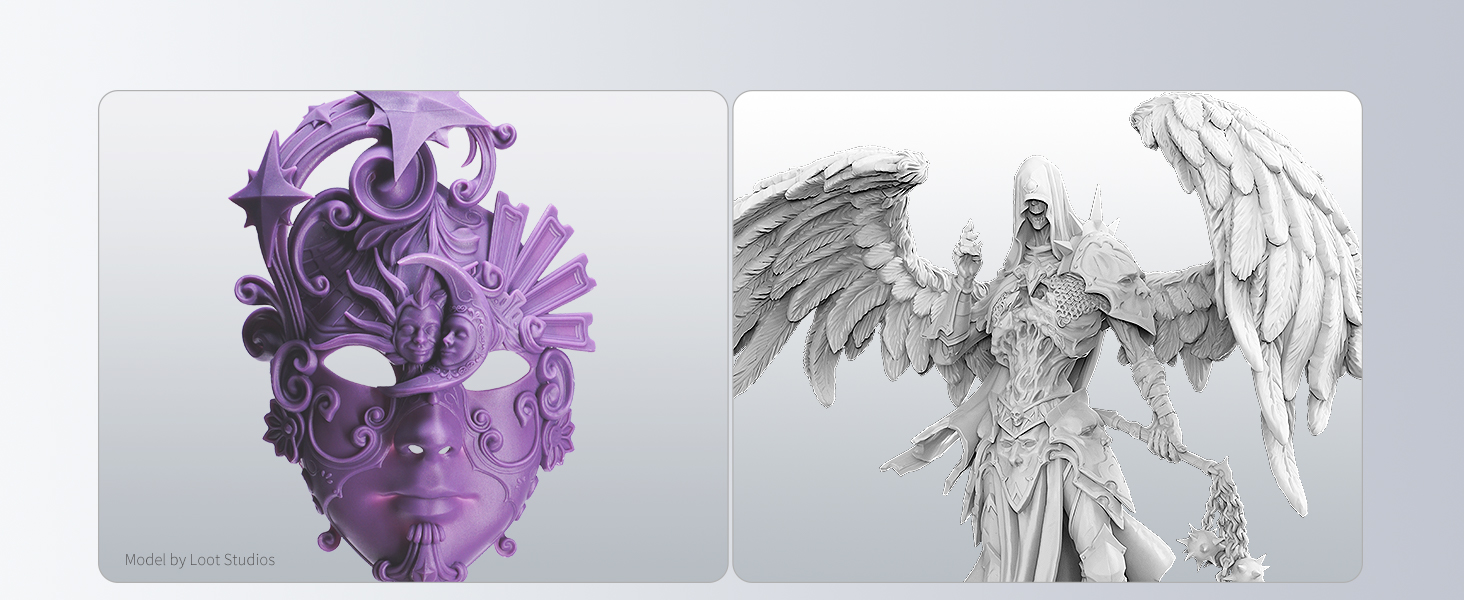
Image: Recommended printing parameters for various Anycubic Photon 3D printers. This table provides guidance for layer thickness, exposure times, and lift speeds.
| Параметр | Мән |
|---|---|
| Қабат қалыңдығы | 0.05mm (typical) |
| Қалыпты экспозиция уақыты | 2.5s - 3.6s (printer dependent) |
| Өшіру уақыты | 0.5s - 2.5s |
| Төменгі экспозиция уақыты | 20s - 35s |
| Төменгі қабаттар | 4 - 5 |
| Z Көтеру қашықтығы | 5 мм - 8 мм |
| Z көтеру жылдамдығы | 3mm/s - 8mm/s |
| Z Қайтару жылдамдығы | 4mm/s - 8mm/s |
Note: These parameters are general guidelines. Optimal settings may vary based on your specific 3D printer model, ambient temperature, and desired print characteristics. Always perform calibration prints to fine-tune your settings.
Post-Processing Steps
- Қолдауларды жою: Carefully remove any necessary supports from your printed model.
- Water Washing: Clean the model using water. This can be done manually, with an ultrasonic cleaner, or with a dedicated wash and cure station. Ensure all uncured resin is removed from the surface and crevices.
- Кептіру: Allow the model to air dry completely or use compressed air to speed up the process. Ensure no water remains on the surface before curing.
- Final Curing: Place the cleaned and dried model under a UV light source (e.g., a UV curing station or direct sunlight) to fully cure the resin. Curing times vary based on UV intensity and model thickness.

Image: A 3D printed elephant model submerged in water, illustrating the water-washable feature of the resin. Post-processing is simplified as it only requires water.
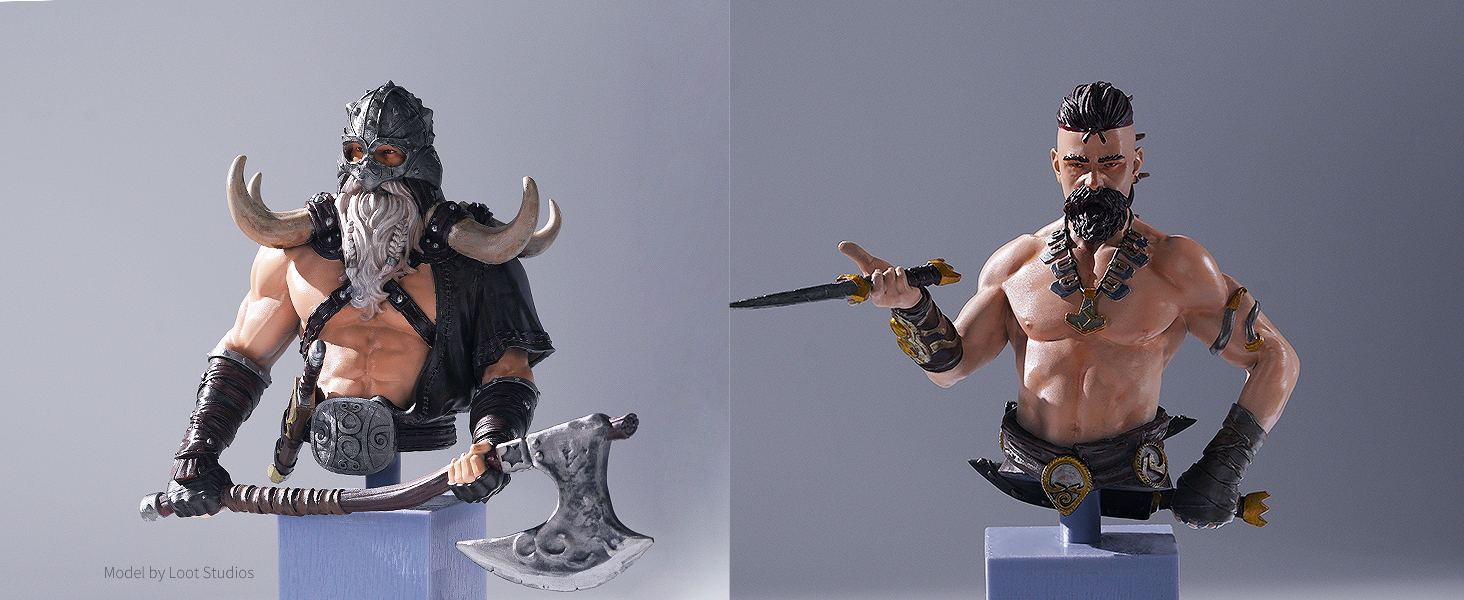
Image: A side-by-side comparison of a 3D printed model before and after washing and curing, demonstrating the improved finish and detail.
6. Техникалық қызмет көрсету
Proper maintenance ensures the longevity of your resin and printer components.
- Шайыр құмырасын тазалау: After printing, if you do not plan to print again soon, filter any remaining resin back into its original bottle using a resin filter. Clean the resin vat with water and a soft cloth.
- Құрылыс тақтасын тазалау: Clean the build plate with water immediately after removing the print. Dry thoroughly before the next print.
- Шайырды сақтау: Store the resin bottle in a cool, dark place, away from direct UV light. Ensure the cap is tightly sealed to prevent contamination and premature curing.
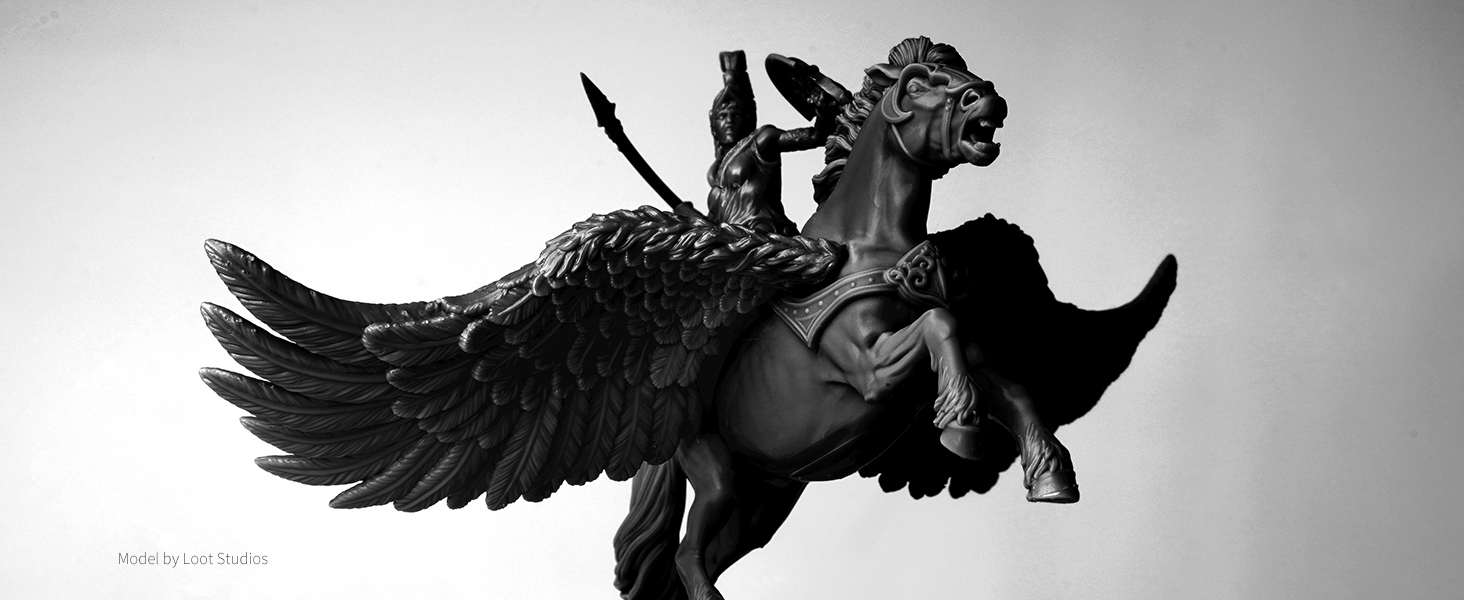
Image: Multiple options for water washing 3D prints, including using an Anycubic Wash & Cure machine, washing in a container, or ultrasonic washing. Always dispose of residual liquid responsibly.
7. Ақаулықтарды жою
Common issues and their potential solutions when using 3D printer resin.
- Prints Not Sticking to Build Plate:
- Increase bottom exposure time.
- Ensure the build plate is properly leveled and clean.
- Increase the initial layer contact area in your slicer.
- Failed Prints / Partial Prints:
- Check exposure times; they might be too low.
- Verify resin temperature is within the recommended range.
- Inspect the FEP film for damage or cloudiness.
- Ensure the resin is well mixed.
- Models are Brittle:
- Ensure models are fully cured. Increase final curing time.
- Check if the resin has expired or been improperly stored.
- Models are Sticky After Washing:
- Ensure thorough washing to remove all uncured resin.
- Increase washing time or agitation.
- Ensure models are completely dry before final curing.
8. Техникалық сипаттамалар
Detailed technical specifications for ANYCUBIC Water Washable 3D Printer Resin 2.0.
| Меншік | Мән |
|---|---|
| Тұтқырлық (мПа.с@25°C) | 190-230 |
| Тығыздығы (г/см³) | 1.07-1.09 |
| Бетінің қаттылығы (HD) | 82-85 |
| Созылу күші (МПа) | 38-43 |
| Үзіліс кезіндегі ұзару (%) | 16-22 |
| Иілу күші (МПа) | 48-60 |
| Иілу модулі (МПа) | 2300-3000 |
| Жас модуль (МПа) | 2350-2950 |
| Қалыптаудың қысқаруы (%) | 2.2-5.5 |
| Жылудың ауытқу температурасы (°C @0.45МПа) | 60-65 |
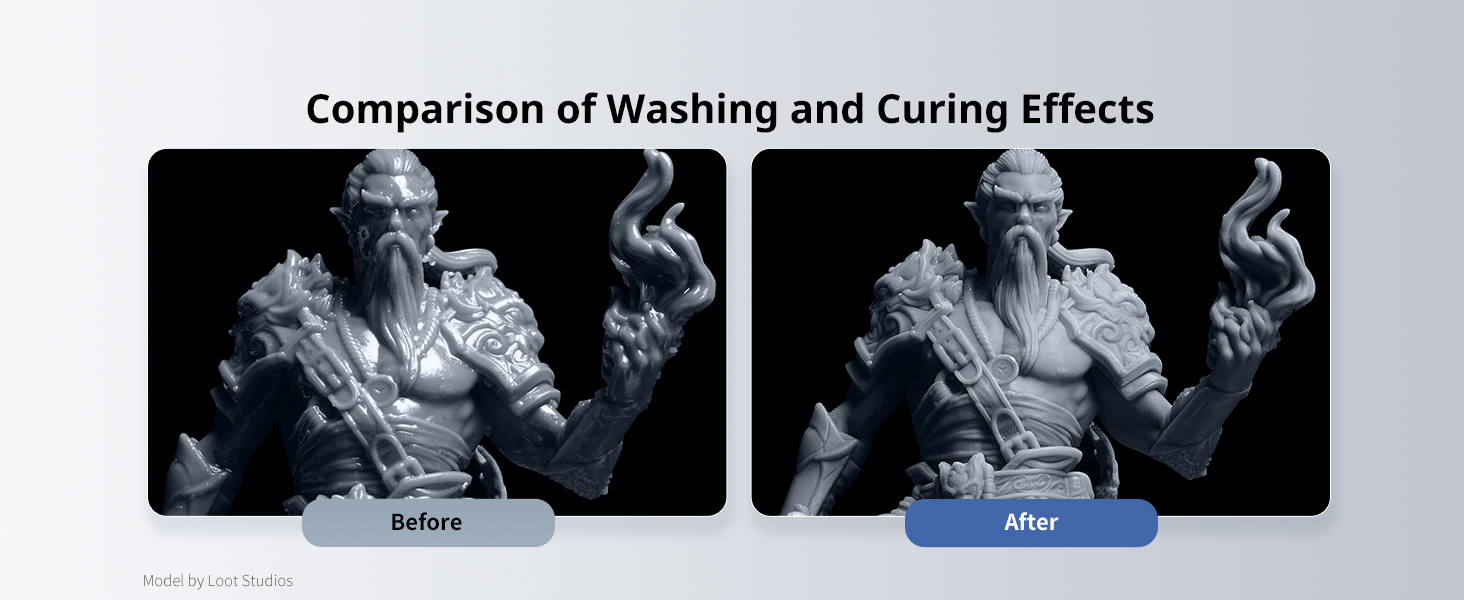
Image: A table detailing the physical and mechanical properties of the resin, such as viscosity, density, surface hardness, and various strength metrics.
9. Кепілдік және қолдау
For warranty information, technical support, or further inquiries, please visit the official ANYCUBIC webсайтына өтіңіз немесе тұтынушыларға тікелей хабарласыңыз.
Official ANYCUBIC Store: Visit the ANYCUBIC Store on Amazon
Always refer to the latest information available on the manufacturer's official channels for the most up-to-date support and warranty details.