
1. Кіріспе
This manual provides essential information for the safe and efficient operation of your NIMO 15.6" FHD-IPS Business Laptop. Please read this manual thoroughly before using your device and retain it for future reference. This laptop is designed for productivity, entertainment, and everyday computing tasks, featuring a powerful Intel Core i5-12450H processor, ampжады және жылдам сақтау.
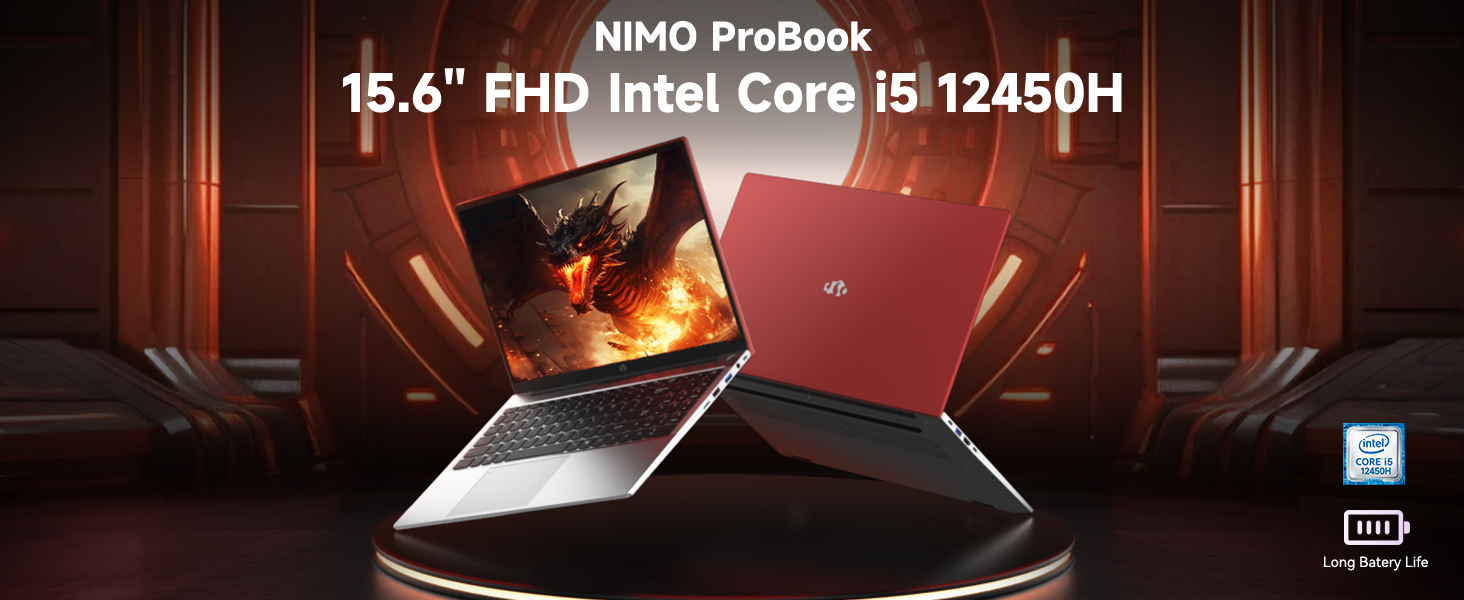
Image: The NIMO 15.6 inch FHD Laptop, highlighting its Intel Core i5 12450H processor.
2. Пакет мазмұны
Өнімнің қаптамасында барлық заттардың бар екенін тексеріңіз:
- 1 x Nimo N156 Laptop
- 1 x Type-C 100 Вт PD жылдам зарядтағыш
- 1 x Пайдаланушы нұсқаулығы (осы құжат)
- Windows 11 Home Operating System (pre-installed)
3. Орнату
3.1 Бастапқы қуат қосу
- Unpack the laptop and charger from the box.
- Connect the 100W Type-C PD Fast Charger to the laptop's Type-C charging port and a power outlet.
- Open the laptop lid. The laptop may power on automatically or require you to press the power button located on the top right of the keyboard.
- Тілді, аймақты, желі қосылымын және пайдаланушы тіркелгісін жасауды қоса, бастапқы Windows 11 Home орнатуды аяқтау үшін экрандағы нұсқауларды орындаңыз.
3.2 Батареяны зарядтау
The laptop is equipped with a 54Wh Smart Battery. For optimal performance, fully charge the battery before first use. The included 100W PD charger supports rapid charging, reaching 0-50% in approximately 15 minutes. The Charge LED indicator will show charging status.
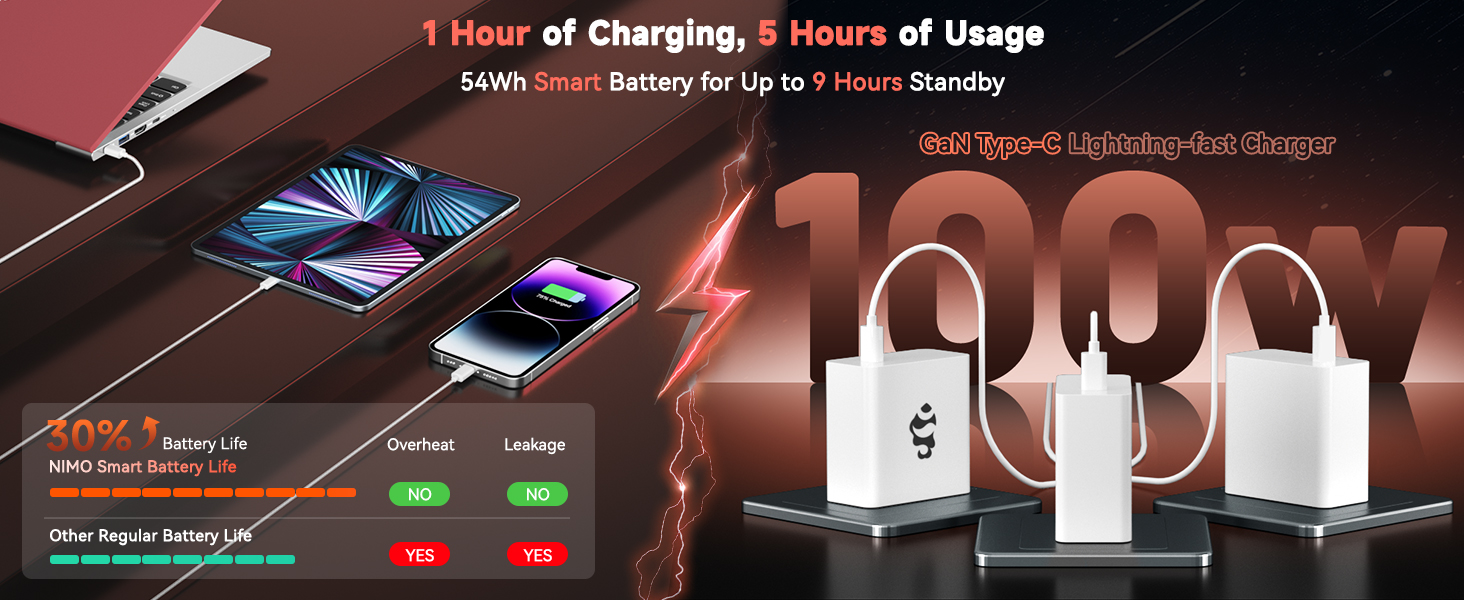
Image: The 100W PD Fast Charger demonstrating its compatibility with various devices.
3.3 Операциялық жүйені орнату (Windows 11 Home)
Your NIMO laptop comes with Windows 11 Home pre-installed. During the initial setup, you will be guided through:
- Wi-Fi желісіне қосылу.
- Microsoft тіркелгісін жасау немесе оған кіру.
- Құпиялық параметрлерін орнату.
- Configuring Windows Hello (optional, for fingerprint login).
4. Ноутбукті пайдалану
4.1 Пернетақта мүмкіндіктері
The laptop features a full-size backlit keyboard with a numeric keypad for enhanced productivity. The backlighting can be adjusted or turned off using the function keys (Fn + Fx keys, refer to keyboard icons for specific controls).
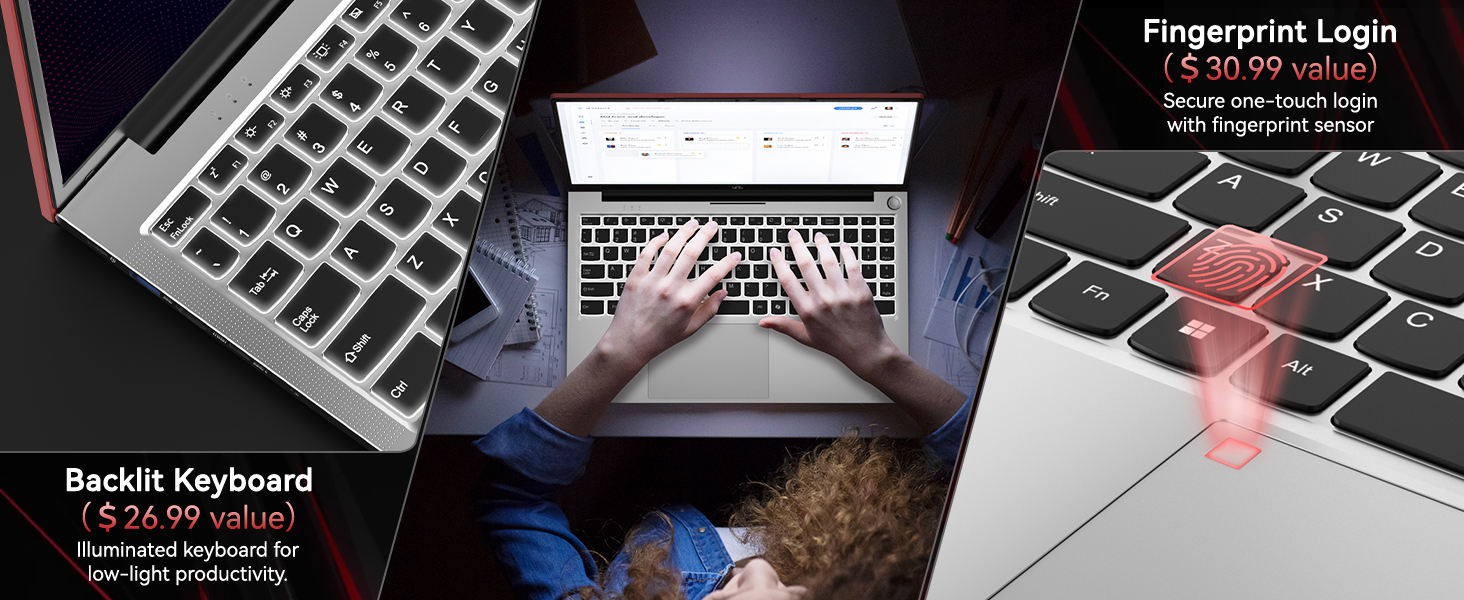
Image: Close-up of the NIMO laptop's backlit keyboard and integrated fingerprint sensor.
4.2 Touchpad and Fingerprint Reader
The precision touchpad supports multi-touch gestures for intuitive navigation. An integrated fingerprint reader is located on the touchpad for secure and quick login via Windows Hello. To set up the fingerprint reader, navigate to Windows Settings > Accounts > Sign-in options.
4.3 Дисплей
Enjoy clear visuals on the 15.6" Full HD (1920x1080) IPS anti-glare display. The IPS technology provides 178° ultra-wide viewing angles, ensuring consistent image quality from various perspectives. The anti-glare coating minimizes reflections for comfortable viewәр түрлі жарық жағдайында.

Image: The NIMO laptop's 15.6" FHD IPS display showcasinоның көрнекі айқындығы.
4.4 Қосылу мүмкіндігі
Your NIMO laptop offers comprehensive connectivity options:
- Сымсыз: Integrated WiFi 6 for fast and stable internet connections, and Bluetooth 5.2 for connecting wireless peripherals.
- Порттар:
- 2 x USB 3.0 порттары
- 1 x USB 2.0 порты
- 2 x Type-C Ports (one for PD charging, one for multifunction)
- 1 x HDMI порты
- 1 х Micro SD картасын оқу құралы
- 1 x Құлаққап ұясы
- 1 x Kensington Lock ұясы
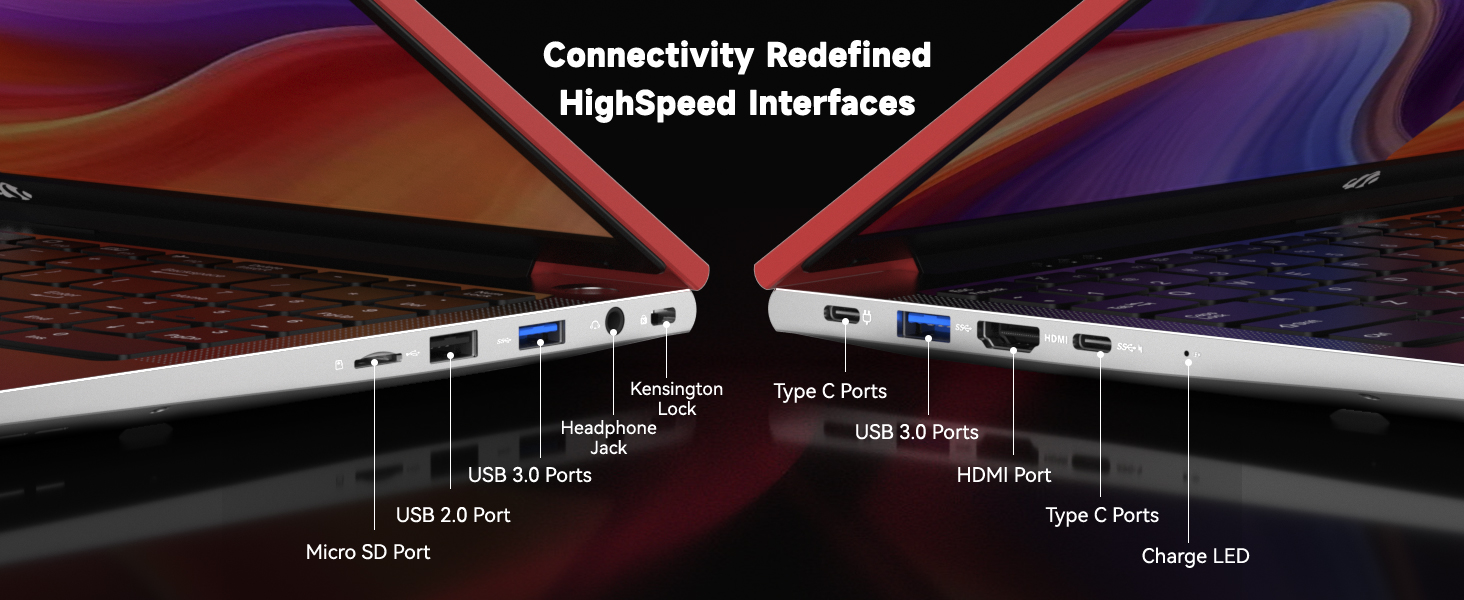
Сурет: егжей-тегжейлі view of the NIMO laptop's high-speed interface ports.
4.5 Webcam and Privacy Switch
The laptop includes a 2.0MP webcam for video conferencing. For privacy, a physical privacy switch is integrated, allowing you to easily disable the camera when not in use.
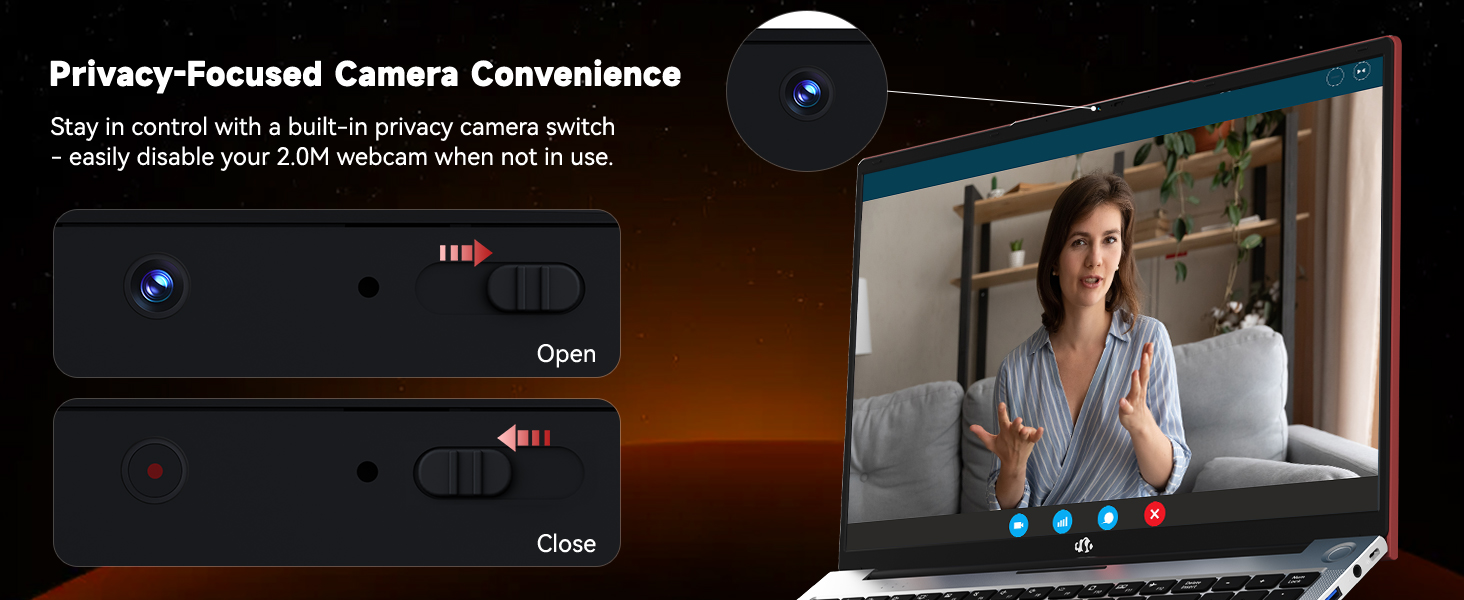
Image: The NIMO laptop's 2.0MP webcam and its privacy switch.
4.6 аудио
Experience immersive audio with the laptop's surround sound technology, enhancing your multimedia and communication experiences.
5. Техникалық қызмет көрсету
5.1 Тазалау
To maintain your laptop's appearance and functionality, regularly clean the screen with a microfiber cloth and the keyboard/chassis with a soft, damp мата. Қатты химиялық заттарды немесе абразивті материалдарды пайдаланбаңыз.
5.2 Батареяға күтім жасау
To prolong battery life, avoid extreme temperatures and fully discharge and recharge the battery periodically. Store the laptop with a partial charge if not used for extended periods.
5.3 Жад және жад жаңартулары
The NIMO N156 laptop features user-expandable dual-channel DDR4 RAM and PCIe NVMe SSD storage. The tool-free design allows for easy upgrades to meet demanding application requirements. Consult a qualified technician for assistance with hardware upgrades.

Image: Illustration of the NIMO laptop's multitasking capabilities with 32GB RAM and 2TB SSD.
6. Ақаулықтарды жою
- Ноутбук қосылмайды: Ensure the charger is securely connected and the power outlet is functional. Try pressing and holding the power button for 10-15 seconds.
- Көрсеткіш жоқ: Connect an external monitor to verify if the issue is with the laptop's screen. Restart the laptop.
- Wi-Fi байланысы мәселелері: Windows параметрлерінде Wi-Fi қосылғанын тексеріңіз. Маршрутизатор мен ноутбукты қайта іске қосыңыз. Драйверлердің жаңартылғанына көз жеткізіңіз.
- Баяу өнімділік: Close unnecessary applications, check for Windows updates, scan for malware, or consider upgrading RAM/SSD if performance remains consistently low.
- Саусақ ізін оқу құрылғысы жұмыс істемейді: Ensure your finger is clean and dry. Re-register your fingerprint in Windows Hello settings.
7. Техникалық сипаттамалар
| Ерекшелік | Техникалық сипаттама |
|---|---|
| Модель атауы | Nimo N156 |
| Экран өлшемі | 15.6 дюйм |
| Экран ажыратымдылығы | 1920 x 1080 пиксель (FHD IPS) |
| Процессор | Intel Core i5-12450H (8 Cores, up to 4.4GHz) |
| Жедел Жадтау Құрылғысы | 32 GB DDR4 (User-expandable) |
| Қатты диск | 2 TB SSD (PCIe NVMe, User-expandable) |
| Графикалық сопроцессор | INTEL Integrated Graphics |
| Операциялық жүйе | Windows 11 Home |
| Сымсыз түрі | 802.11a/b/g/n/ac (WiFi 6) |
| Блютез | Bluetooth 5.2 |
| Webкамера | 2 мегапиксельді артқы жағы Webcam Resolution (with privacy switch) |
| Арнайы мүмкіндіктер | Артқы жарықтандырылған пернетақта, саусақ ізін оқу құрылғысы, HD аудио, сандық пернетақта |
| Порттар | 2x USB 3.0, 1x USB 2.0, 2x Type-C, 1x HDMI, Micro SD, Headphone Jack, Kensington Lock |
| Батареяның қызмет ету мерзімі (орташа) | 5 Hours (54Wh Smart Battery) |
| Элемент салмағы | 3.8 фунт |
| Өнім өлшемдері | 14.07 x 8.98 x 0.76 дюйм |
8. Кепілдік және қолдау
NIMO stands behind its products with comprehensive support:
- 2-Year Manufacturer Guarantee: Your NIMO laptop is covered by a 2-year manufacturer's warranty from Nimo Direct Inc. for any manufacturing defects or issues.
- 90-Day Hassle-Free Returns: Enjoy a 90-day return policy for a risk-free experience.
For technical assistance, warranty claims, or product inquiries, please refer to the contact information provided on the NIMO official webсайт немесе сатып алу құжаттамасы.
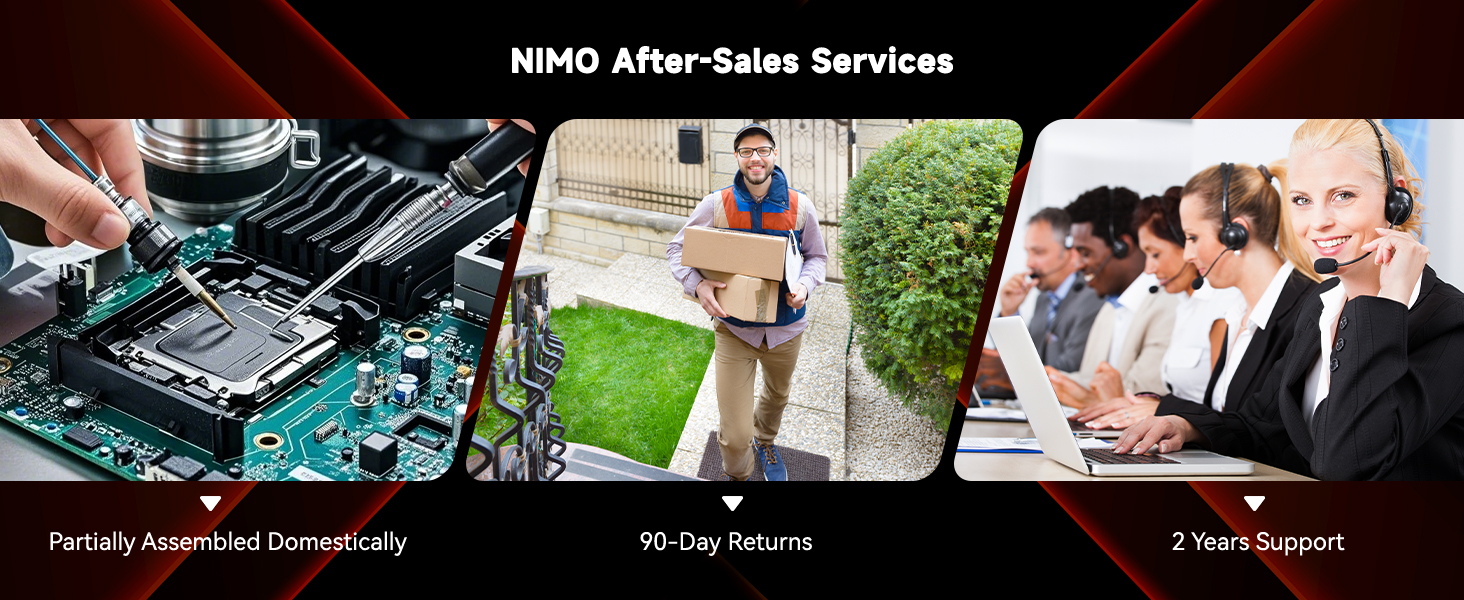
Сурет: аяқталдыview of NIMO's after-sales services, including repair, delivery, and customer support.
9. Өнімнің ресми бейнелері
Watch these official videos for a visual guide to your NIMO laptop's features and usage:
NIMO 15.6 FHD Laptop Promotion Video
Бейне: Жарнамалық жұмыс аяқталдыview of the NIMO 15.6 inch FHD Laptop, showcasing оның дизайны мен негізгі ерекшеліктері.
NIMO 15.6 Backlit Keyboard Student Laptop
Video: Demonstrates the NIMO 15.6 inch laptop's backlit keyboard and suitability for student use.
NIMO 15.6 ноутбукке толық кіріспе
Video: A detailed introduction to the NIMO 15.6 inch laptop, covering various aspects of its functionality.
NIMO 15.6 FHD Laptop for Students Home Work
Video: Highlights the NIMO 15.6 inch FHD Laptop's suitability for students, home use, and work tasks.
Efficiency Meets Convenience: Nimo Laptop
Video: Showcases the Nimo Laptop's efficiency and convenience features for daily use.
NIMO Laptop: Perfect for Work and Study, Anytime, Anywhere
Video: Illustrates the NIMO Laptop's versatility for work and study in various environments.