
ARCCTV P2
ARCCTV 2K қауіпсіздік камерасы P2 сыртқы пайдаланушы нұсқаулығы
Үлгі: P2
1. Кіріспе
This manual provides detailed instructions for the installation, operation, and maintenance of your ARCCTV 2K Security Camera Outdoor P2. Please read this manual thoroughly before using the product to ensure correct usage and optimal performance. Keep this manual for future reference.

1.1-сурет: Алдыңғы view of the ARCCTV 2K Security Camera Outdoor P2.
2. Қорапта не бар
Барлық компоненттер пакетте бар екеніне көз жеткізіңіз:
- Камера корпусы
- 5V1A қуат адаптері
- Орнату бұрандалары (жиынтығы)
- Screw Positioning Sticker
- Ескерту стикері
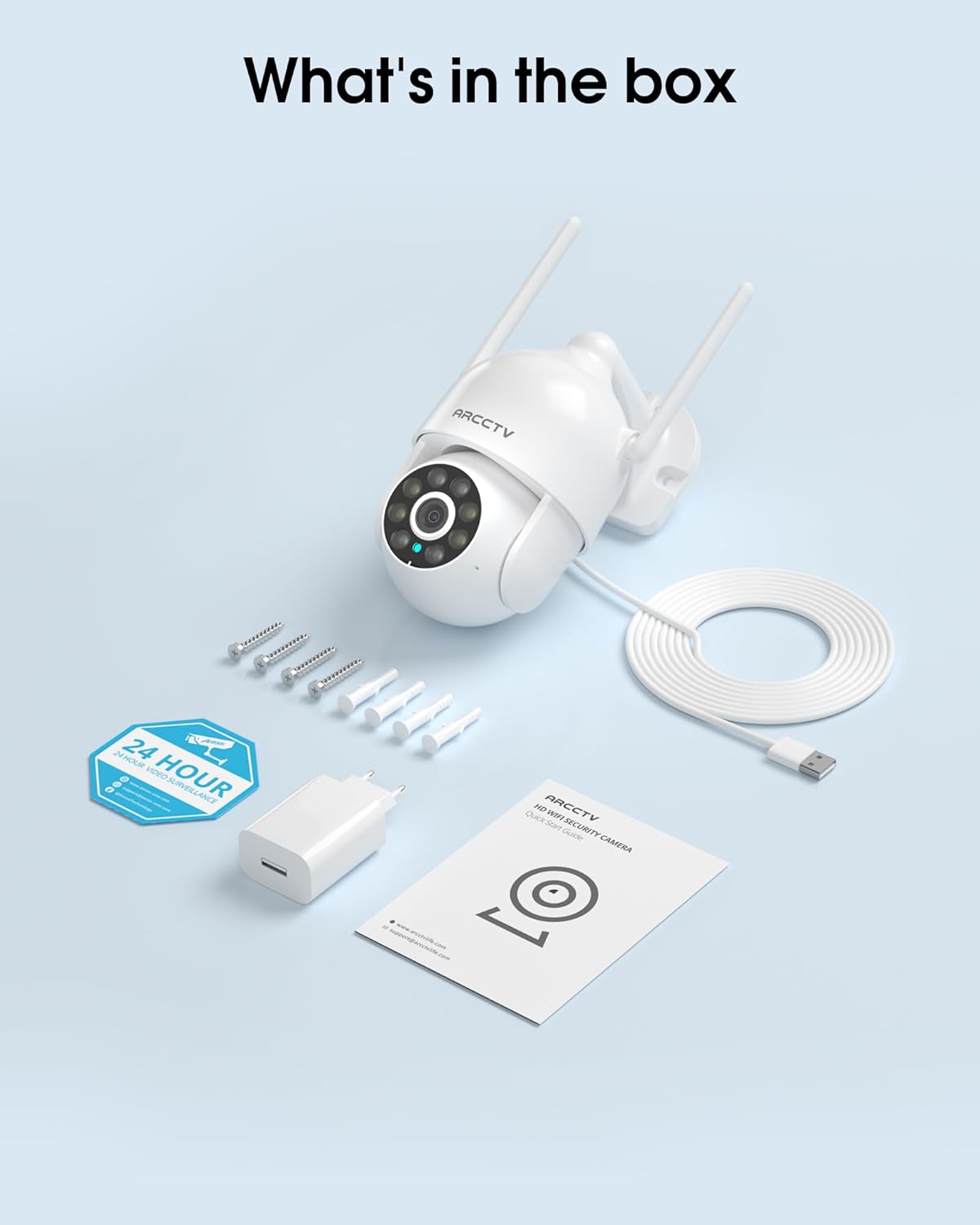
Image 2.1: All items included in the ARCCTV 2K Security Camera package.
3. Өнімнің ерекшеліктері
- 2K Ultra HD ажыратымдылығы: Provides clear 2304x1296p video.
- Толық түсті түнгі көру: Built-in spotlight enables vivid color monitoring in low light.
- 360° панорамалық масштабтау (PTZ): Remotely control 355° horizontal and 90° vertical rotation.
- Auto Motion Tracking: Smart AI automatically follows and records detected movement.
- Қос жолақты WiFi: Supports both 2.4G and 5G WiFi for stable connectivity.
- Екі жақты аудио: Байланыс үшін кірістірілген микрофон мен динамик.
- IP66 ауа райына төзімді: Durable design for outdoor use in various weather conditions (-4°F ~ 122°F).
- Икемді сақтау: Supports local microSD card storage (up to 128GB, not included) and optional cloud storage.
- 24/7 жазу: Continuous recording capability with stable power supply.
4. Орнату
4.1 Орнату
- Орынды таңдаңыз: Ашық аспан астындағы орынды таңдаңыз view of the area you wish to monitor. Ensure it is within range of your Wi-Fi network and a power outlet.
- Камераны орнату: Use the provided screw positioning sticker to mark drill holes. Drill holes, insert wall anchors, and secure the camera body to the wall using the mounting screws.
- Қуатты қосу: Plug the 5V1A power adapter into the camera and then into a power outlet. The camera will power on and begin its startup sequence.
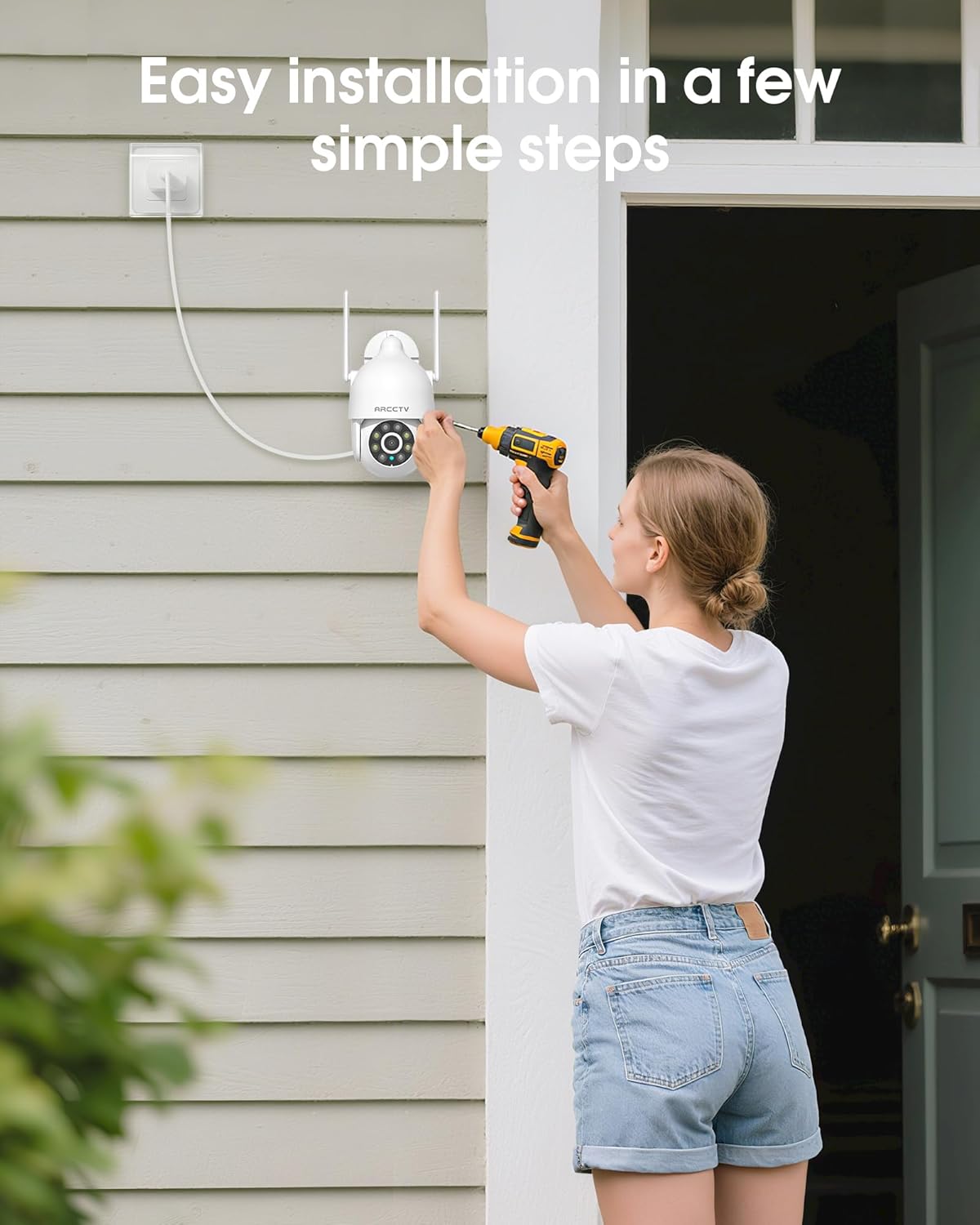
Image 4.1: Illustration of easy camera installation steps.
4.2 Қолданбаны жүктеп алу және тіркелгі жасау
- Download the official ARCCTV app from your smartphone's app store (iOS or Android).
- Қолданбаны ашыңыз және жаңа тіркелгіні жасау немесе бұрыннан бар болса жүйеге кіру үшін экрандағы нұсқауларды орындаңыз.
4.3 Wi-Fi қосылымы
- In the app, tap the "Add Device" or "+" icon.
- Select your camera model and follow the prompts to connect it to your Wi-Fi network. The camera supports both 2.4GHz and 5GHz bands for stable connectivity.
- Ensure your smartphone is connected to the same Wi-Fi network during the setup process.
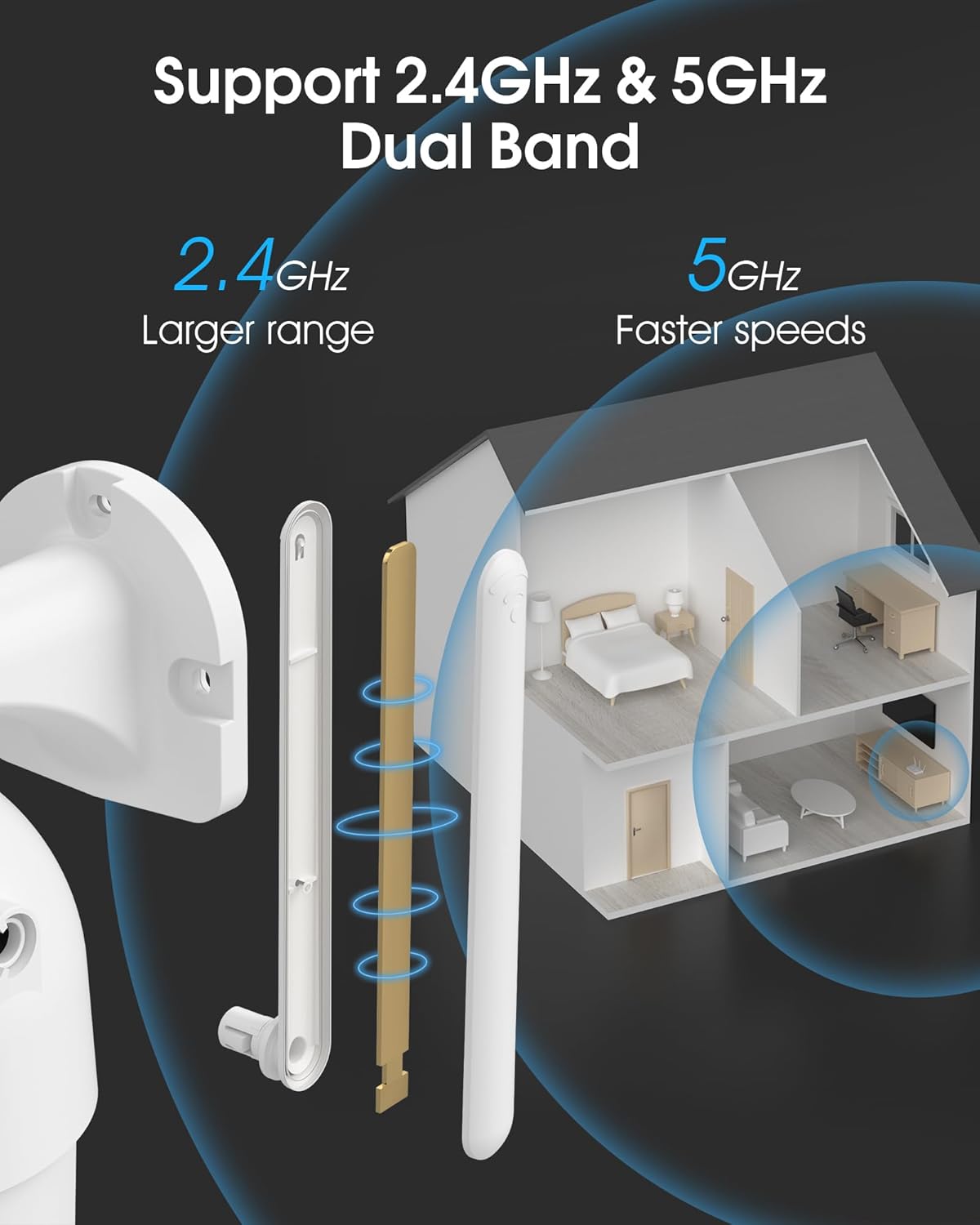
Image 4.2: The camera supports both 2.4GHz (larger range) and 5GHz (faster speeds) Wi-Fi bands.
4.4 MicroSD картасын орнату (міндетті емес)
For local storage, install a microSD card (up to 128GB, not included) into the designated slot on the camera. Ensure the camera is powered off before inserting or removing the card.
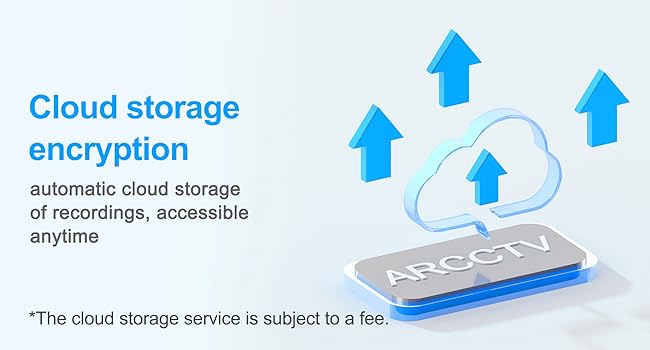
Image 4.3: Location of the microSD card slot on the camera.
5. Камераны пайдалану
5.1 Тікелей View
Open the ARCCTV app and select your camera to view Тікелей эфир. Сіз өз мүлкіңізді нақты уақыт режимінде бақылай аласыз.
5.2 Pan-Tilt-Zoom (PTZ) басқару
Тікелей эфирде view screen, use the directional controls to rotate the camera horizontally (Pan: 355°) and vertically (Tilt: 90°) to adjust the viewing angle. You can also set preset points for quick navigation.
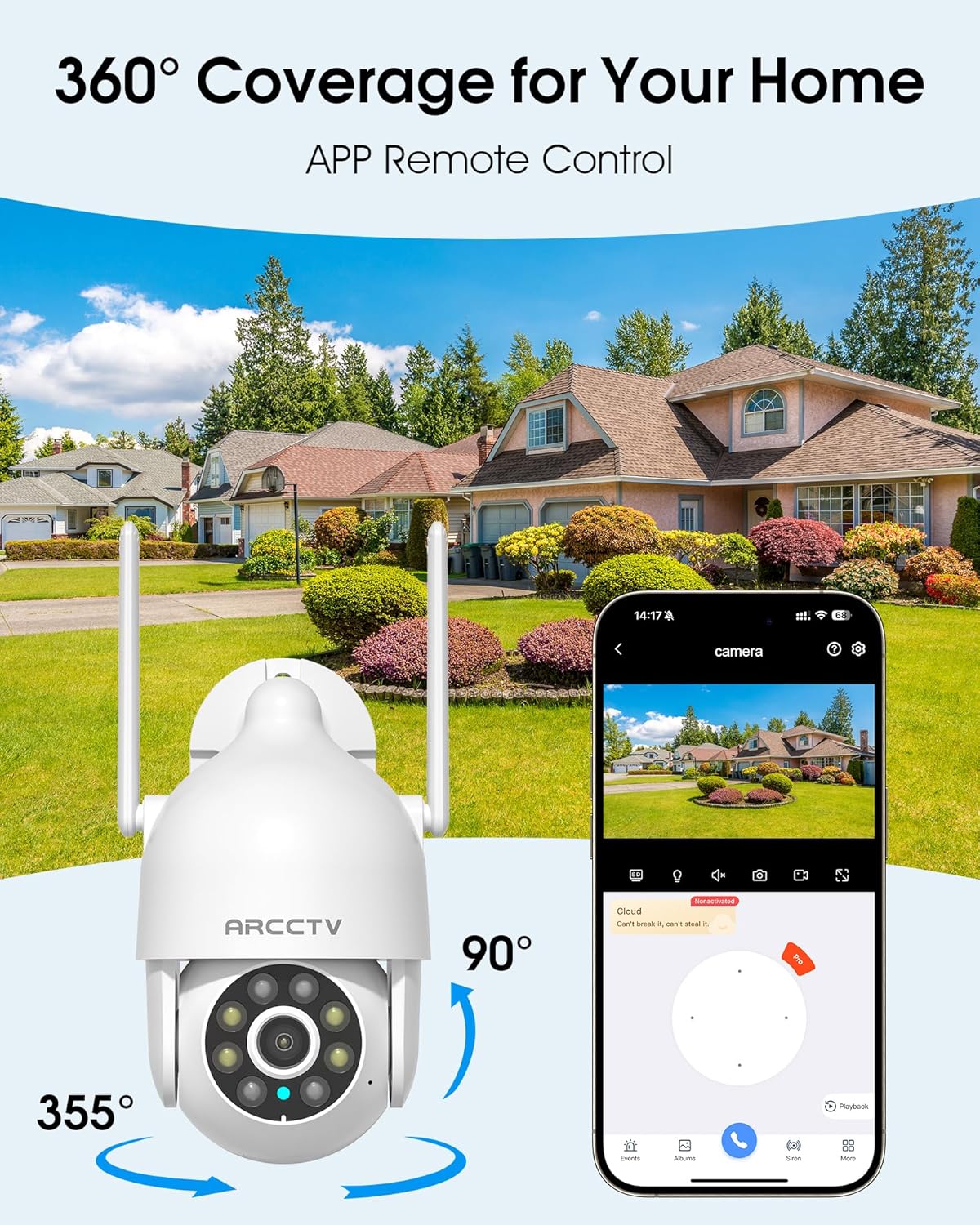
Image 5.1: The camera offers 360° coverage through remote pan and tilt controls.
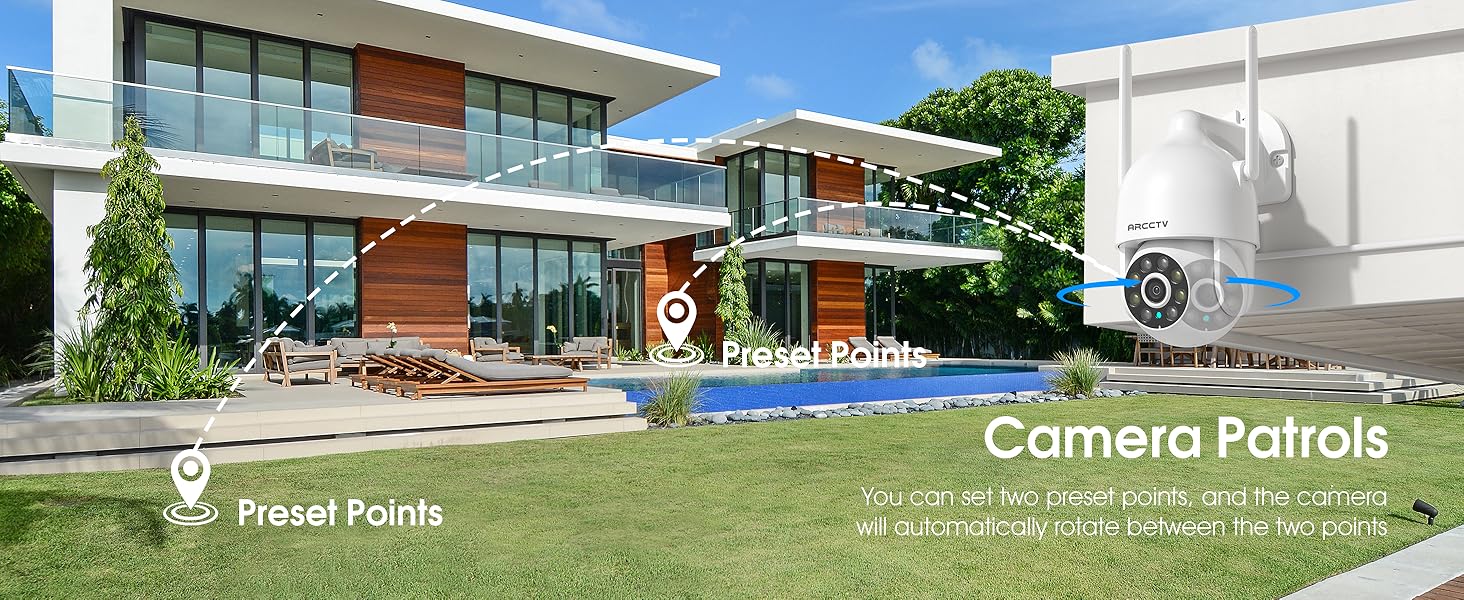
Image 5.2: Setting up camera patrol routes between preset points.
5.3 Motion Tracking and Alerts
The camera features smart AI motion tracking that automatically follows detected movement. You can customize alert zones and receive instant notifications on your smartphone when motion is detected.

Image 5.3: The camera's smart motion tracking feature in action.

Image 5.4: Instant alerts with customizable settings, including spotlight, siren, and two-way audio.
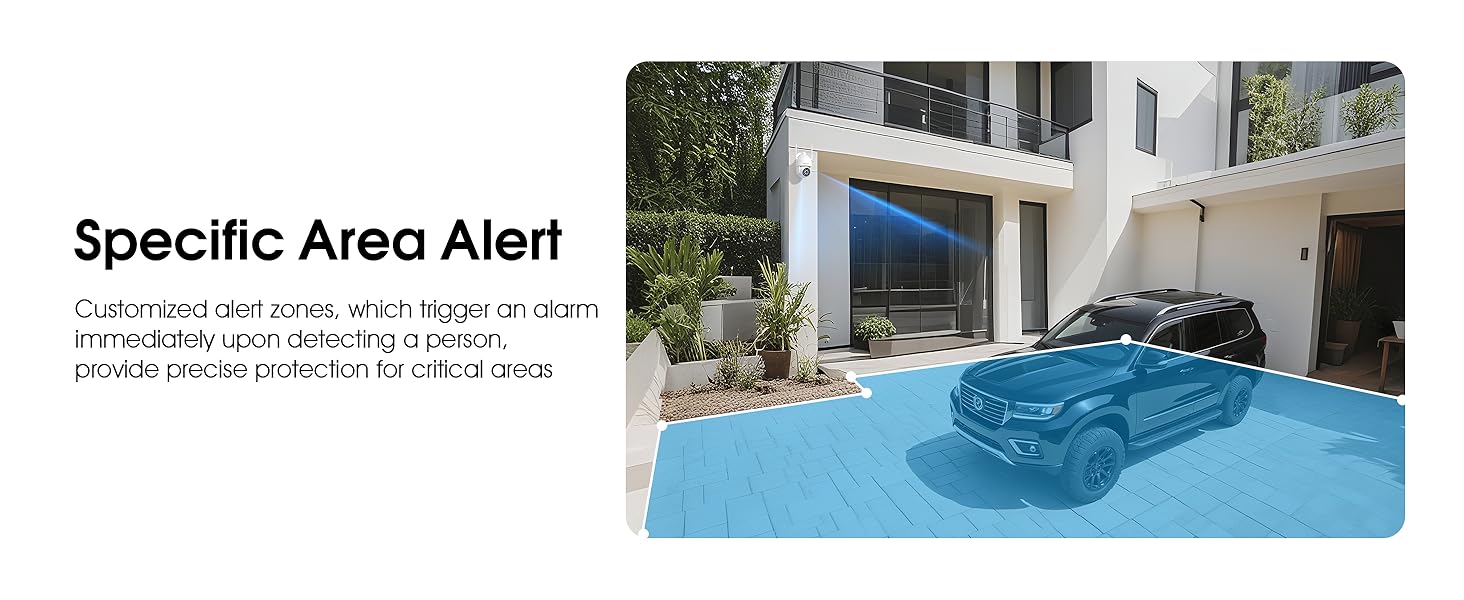
Image 5.5: Setting up specific area alerts for precise protection.
5.4 Түнгі көру режимдері
The camera offers both full-color night vision (activated by the built-in spotlight) and infrared night vision for clear monitoring in various low-light conditions.

Image 5.6: Comparison of Color Night Vision and Infrared Night Vision.
5.5 Екі жақты аудио
Use the two-way audio feature to communicate with visitors or deter unwanted guests directly through the camera's built-in microphone and speaker.
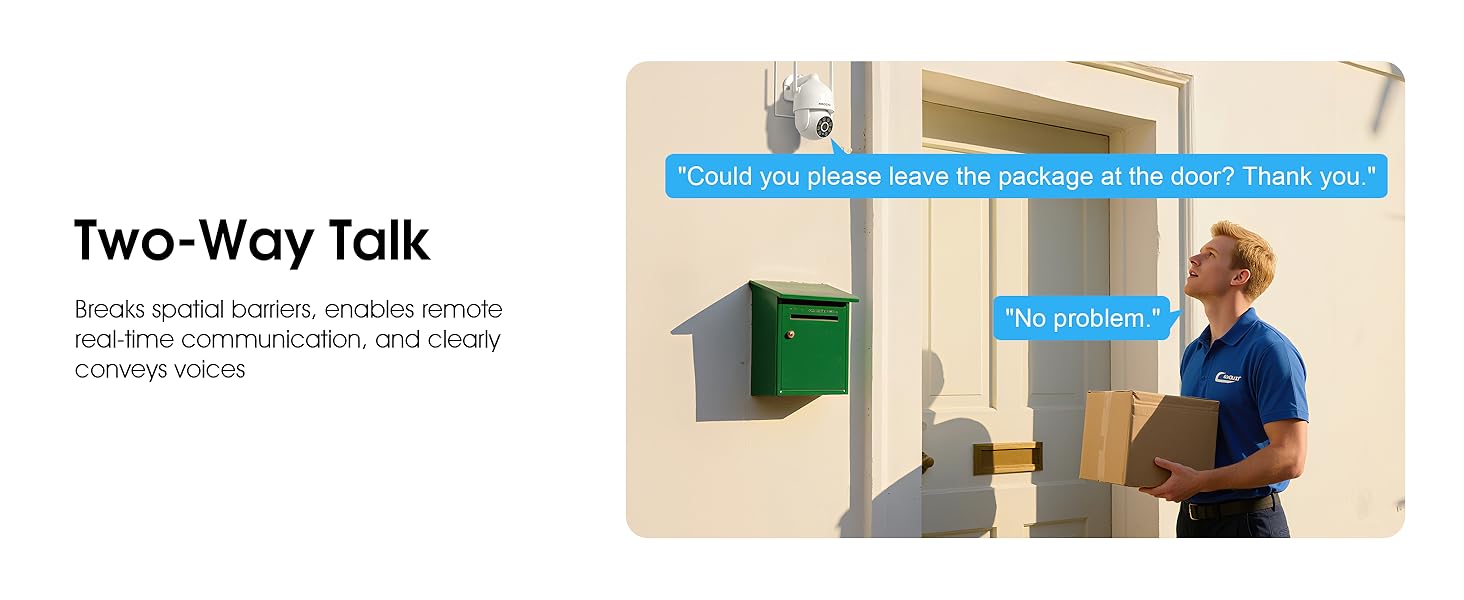
Image 5.7: Utilizing two-way talk for remote communication.
5.6 Жазу және ойнату
The camera supports 24/7 continuous recording. Footage can be saved to a local microSD card (up to 128GB) or to optional cloud storage. Access recorded videos through the app's playback function.

Image 5.8: The camera provides 24/7 recording capabilities.
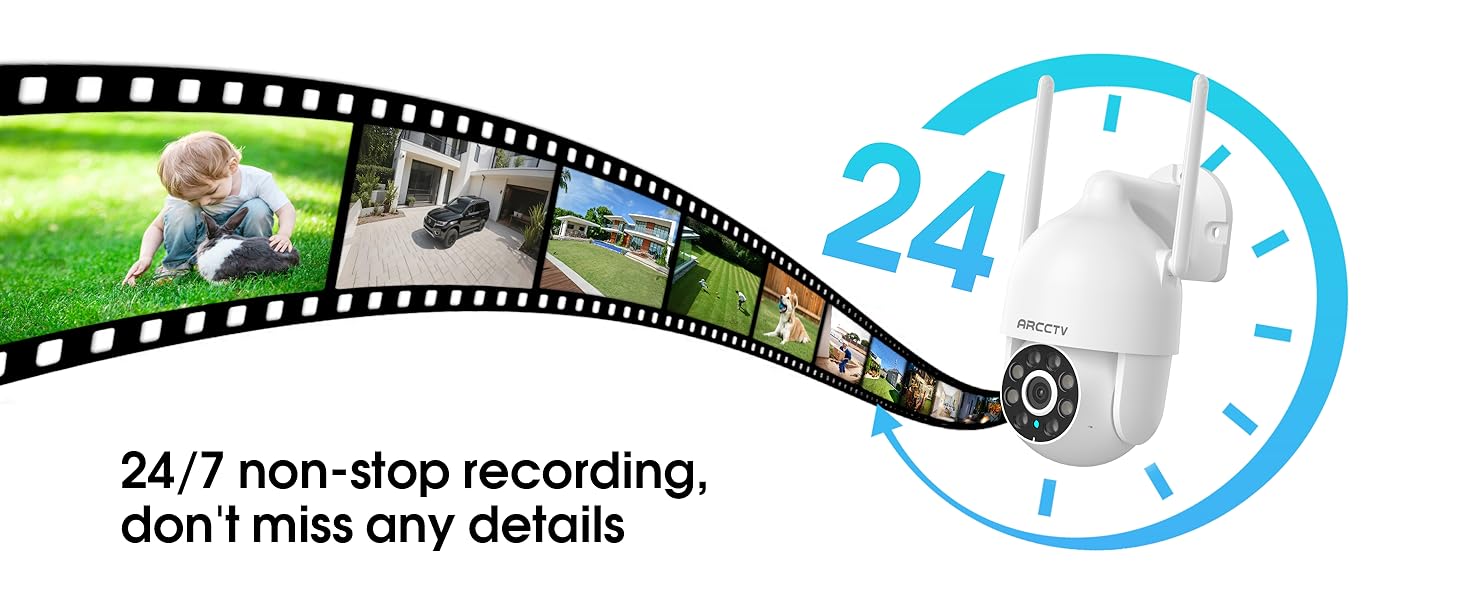
Image 5.9: Continuous 24/7 recording ensures no details are missed.
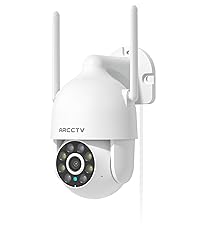
Image 5.10: Cloud storage encryption for secure and accessible recordings (subscription may apply).
5.7 Отбасымен бөлісу
The app supports multi-member sharing, allowing family members to view the camera feed and collaborate on security monitoring.
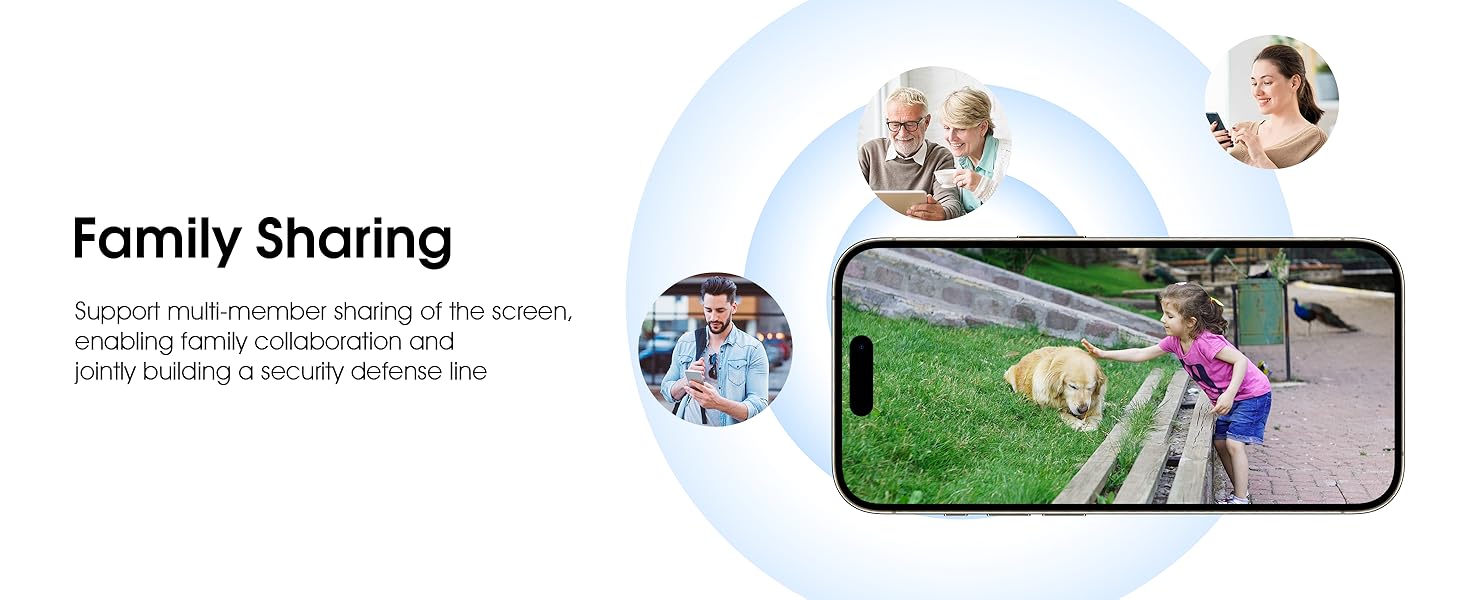
Image 5.11: The family sharing feature allows multiple users to access the camera feed.
5.8 Alexa үйлесімділігі
The camera is compatible with Alexa, allowing you to check the monitoring screen using voice commands.
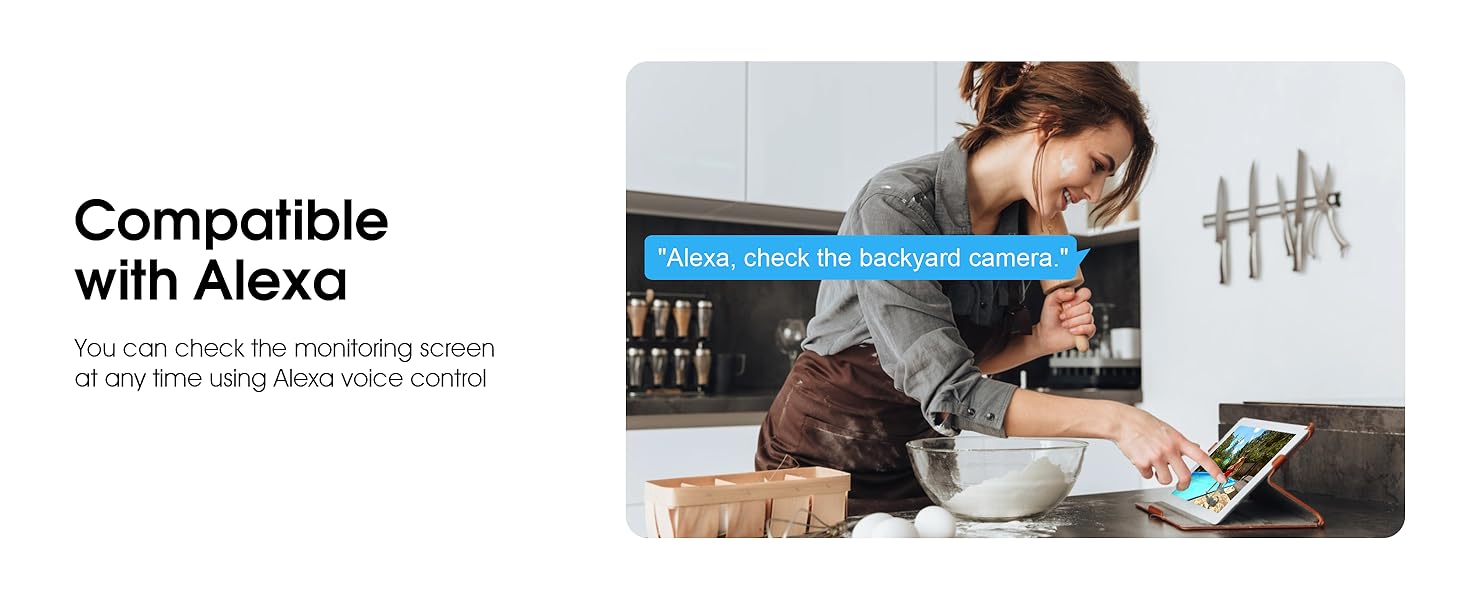
Image 5.12: Voice control via Alexa for convenient monitoring.
6. Техникалық қызмет көрсету
6.1 Камераны тазалау
Камера объективін және корпусын жұмсақ, damp шаң мен қоқысты кетіруге арналған шүберек. Қатты химиялық заттарды немесе абразивті тазартқыштарды қолданбаңыз.
6.2 Микробағдарлама жаңартулары
Ensure your camera's firmware is up to date for optimal performance and security. Check for updates within the ARCCTV app and follow the instructions to install them.
6.3 Сақтауды басқару
If using a microSD card, regularly check its status in the app. Format the card periodically to maintain performance. For cloud storage, manage your subscription and storage space through the app.
7. Ақаулықтарды жою
- Камера Wi-Fi желісіне қосылмайды:
- Ensure your Wi-Fi network is 2.4GHz or 5GHz and has a strong signal at the camera's location.
- Wi-Fi құпия сөзі дұрыс енгізілгенін тексеріңіз.
- Маршрутизатор мен камераны қайта іске қосыңыз.
- Төмен кескін сапасы:
- Камера объективін тазалаңыз.
- Түнгі көрудің оңтайлы өнімділігі үшін сәйкес жарықтандыруды қамтамасыз етіңіз.
- Интернетке қосылу жылдамдығын тексеріңіз.
- Қозғалысты анықтау жұмыс істемейді:
- Қолданба параметрлерінде қозғалысты анықтау мүмкіндігі қосылғанын тексеріңіз.
- Сезімталдық параметрлерін реттеңіз.
- Камераның өрісінде ешқандай кедергілер жоқ екеніне көз жеткізіңіз view.
- No Recording to MicroSD Card:
- Ensure a microSD card is properly inserted and formatted in the app.
- Check if the card is full; consider formatting or replacing it.
- Қолданбадағы жазу параметрлерін тексеріңіз.
8. Техникалық сипаттамалар
| Ерекшелік | Техникалық сипаттама |
|---|---|
| Модель атауы | P2 |
| Ішкі/сыртқы пайдалану | Сыртта |
| Бейне түсіру рұқсаты | 2K (2304x1296p) |
| Қосылу технологиясы | Сымсыз (Wi-Fi) |
| Сымсыз байланыс технологиясы | Wi-Fi (2.4G/5G Dual-Band) |
| Viewбұрыш | 360 градус (355° панорамалау, 90° еңкейту) |
| Түнгі көру диапазоны | 50 фут |
| Суға төзімділік деңгейі | IP66 Суға төзімді |
| Қуат көзі | 5V1A қуат адаптері |
| Флэш жадыға қолдау көрсетілетін ең үлкен өлшем | 128 GB (MicroSD) |
| Аудио-визуалды жазу мүмкіндіктері | Бейне және аудио |
| Арнайы мүмкіндік | 2-Way Audio, Motion Tracking, Full Color Night Vision |
| Элемент өлшемдері L x W x H | 7.8 x 6.6 x 5.3 дюйм |
| Элемент салмағы | 1.39 фунт |
9. Кепілдік және қолдау
For warranty information and technical support, please refer to the official ARCCTV website or contact their customer service directly. Contact details are typically provided on the product packaging or within the mobile application.
Ask a question about this manual
Ask about setup, troubleshooting, compatibility, parts, safety, or missing instructions. Manuals+ will review the question and use this page’s manual context to help answer it.