
1. Кіріспе
Thank you for choosing the Netzu Alarm Clock 6206ZD. This digital alarm clock is designed to provide a reliable wake-up experience, especially for heavy sleepers and individuals with hearing impairments, through its powerful vibrating bed shaker, loud alarm, and bright wake-up light. This manual will guide you through the setup, operation, and maintenance of your new alarm clock.
2. Қауіпсіздік туралы ақпарат
- Ensure the power adapter is connected to a suitable power outlet.
- Құрылғыны суға немесе шамадан тыс ылғалға ұшыратпаңыз.
- Құрылғыны жылу көздерінен және тікелей күн сәулесінен алыс ұстаңыз.
- Тек берілген қуат адаптерін пайдаланыңыз.
- For battery backup, insert 2 AAA batteries (not included) correctly, observing polarity.
- Құрылғыны өзіңіз бөлшектеуге немесе жөндеуге әрекеттенбеңіз. Көмек алу үшін тұтынушыларды қолдау қызметіне хабарласыңыз.
3. Пакет мазмұны
Пакетте келесі элементтердің бар-жоғын тексеріңіз:
- Netzu Alarm Clock (Model 6206ZD)
- Vibrating Bed Shaker
- Қуат адаптері
- Пайдаланушы нұсқаулығы

3.1-сурет: Өнімнің құрамдас бөліктері
4. Өнім аяқталдыview
Familiarize yourself with the main components of your Netzu Alarm Clock:
- Алдыңғы дисплей: Large RGB LED time display.
- Жоғарғы панель: Snooze button, light bar, control buttons (Time Set, Alarm Set, Brightness, Color, Volume, DST).
- Артқы панель: Power input port, bed shaker port, battery compartment.
- Vibrating Bed Shaker: Connects to the alarm clock for silent or combined wake-up.
5. Орнату
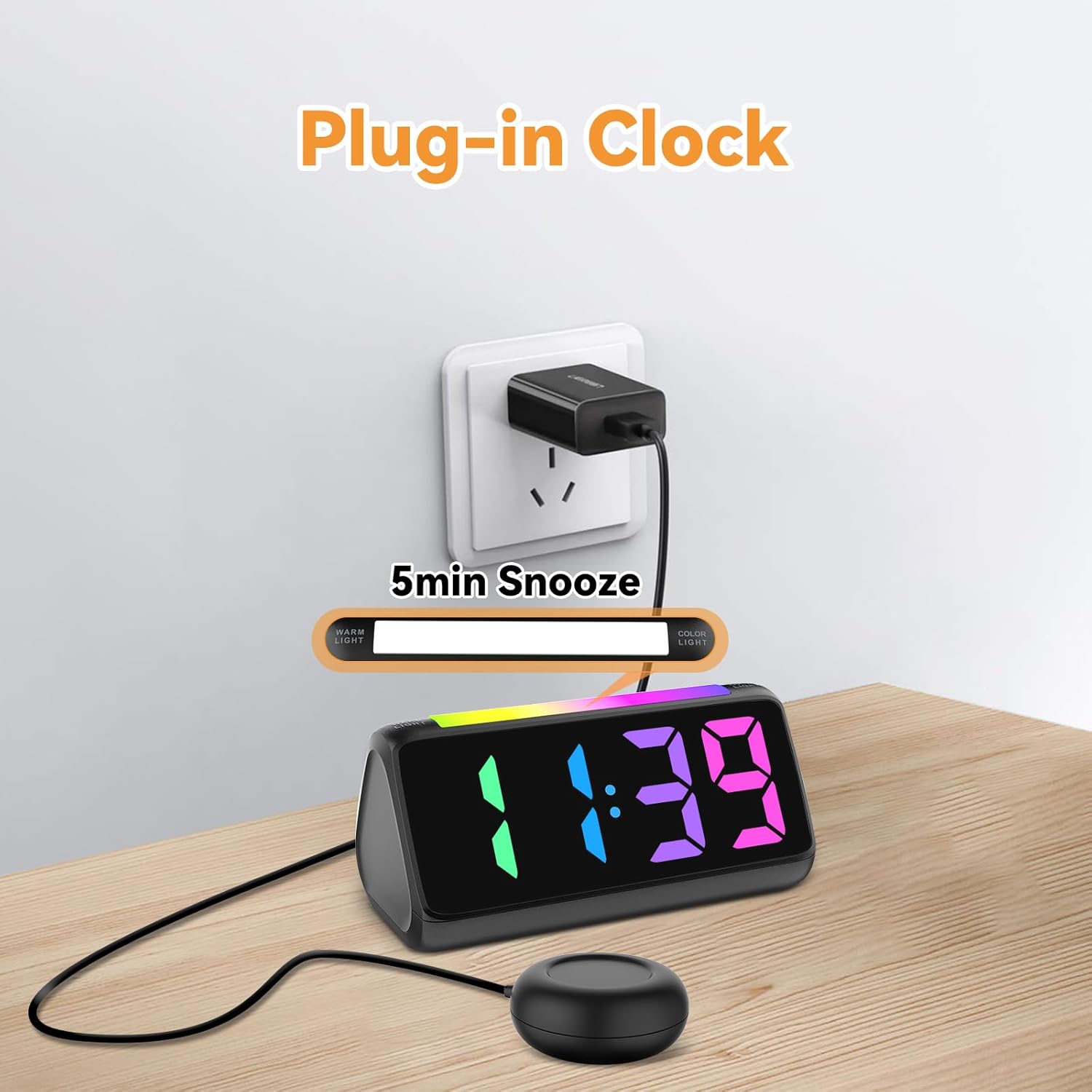
5.1 Қуат қосылымы
- Берілген қуат адаптерін оятқыш сағаттың артқы жағындағы тұрақты ток кіріс портына қосыңыз.
- Plug the power adapter into a standard electrical outlet. The display will light up.
5.1-сурет: Қуат қосылымы
5.2 Battery Installation (for Power Loss Memory)
Қуат өшірілген кезде уақыт пен дабыл параметрлерін сақтау үшінtage, install backup batteries:
- Open the battery compartment cover on the bottom of the alarm clock.
- Insert 2 new AAA batteries (not included), ensuring correct polarity (+ and -).
- Батарея бөлігінің қақпағын мықтап жабыңыз.
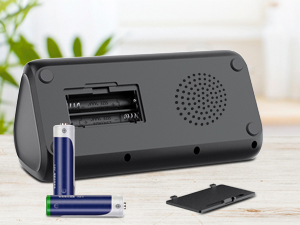
5.2-сурет: Батарея бөлімі
5.3 Connecting the Bed Shaker
Plug the cable of the vibrating bed shaker into the dedicated port on the back of the alarm clock. Place the shaker under your pillow or mattress for optimal vibration.
6. Пайдалану нұсқаулары
6.1 Уақытты орнату
- түймесін басып тұрыңыз УАҚЫТ ОРНАТЫЛДЫ button (usually located on the top or back) until the hour digits flash.
- пайдаланыңыз +/- buttons (or similar adjustment buttons) to set the hour. Pay attention to AM/PM indicators if in 12-hour format.
- түймесін басыңыз УАҚЫТ ОРНАТЫЛДЫ again to confirm the hour and move to minutes.
- пайдаланыңыз +/- минуттарды орнату үшін түймелер.
- түймесін басыңыз УАҚЫТ ОРНАТЫЛДЫ one last time to save the time.
- To switch between 12-hour and 24-hour display, briefly press the УАҚЫТ ОРНАТЫЛДЫ button when not in setting mode.
- To adjust for Daylight Saving Time (DST), long press the DST button to add or subtract an hour.
6.1-сурет: Уақыт пішімі дисплейі
6.2 Дабылды орнату
The alarm clock offers three wake-up modes: Ring Only, Vibration Only, or Ring + Vibration.
- түймесін басып тұрыңыз ДАБЫЛДЫ ОРНАТУ түймесін дабыл сағатының сандары жыпылықтағанша басыңыз.
- пайдаланыңыз +/- қажетті оятқыш сағатын орнату үшін түймелерді басыңыз.
- түймесін басыңыз ДАБЫЛДЫ ОРНАТУ again to confirm the hour and move to minutes.
- пайдаланыңыз +/- Қажетті дабыл минуттарын орнату үшін түймелерді басыңыз.
- түймесін басыңыз ДАБЫЛДЫ ОРНАТУ again to select the wake-up mode: Ring Only, Vibration Only, or Ring + Vibration. An icon on the display will indicate the selected mode.
- түймесін басыңыз ДАБЫЛДЫ ОРНАТУ one last time to save the alarm settings.
- To adjust alarm volume (4 levels, up to 110 dB), use the DOLUM button (or +/- during alarm setting).

6.2-сурет: Three Wake-up Modes
6.3 Кідірту функциясы
Дабыл естілгенде, үлкен түймесін басыңыз ҰЙЫҚТАУ button on the top of the clock to temporarily silence the alarm for 5 minutes. The alarm will sound again after the snooze period.
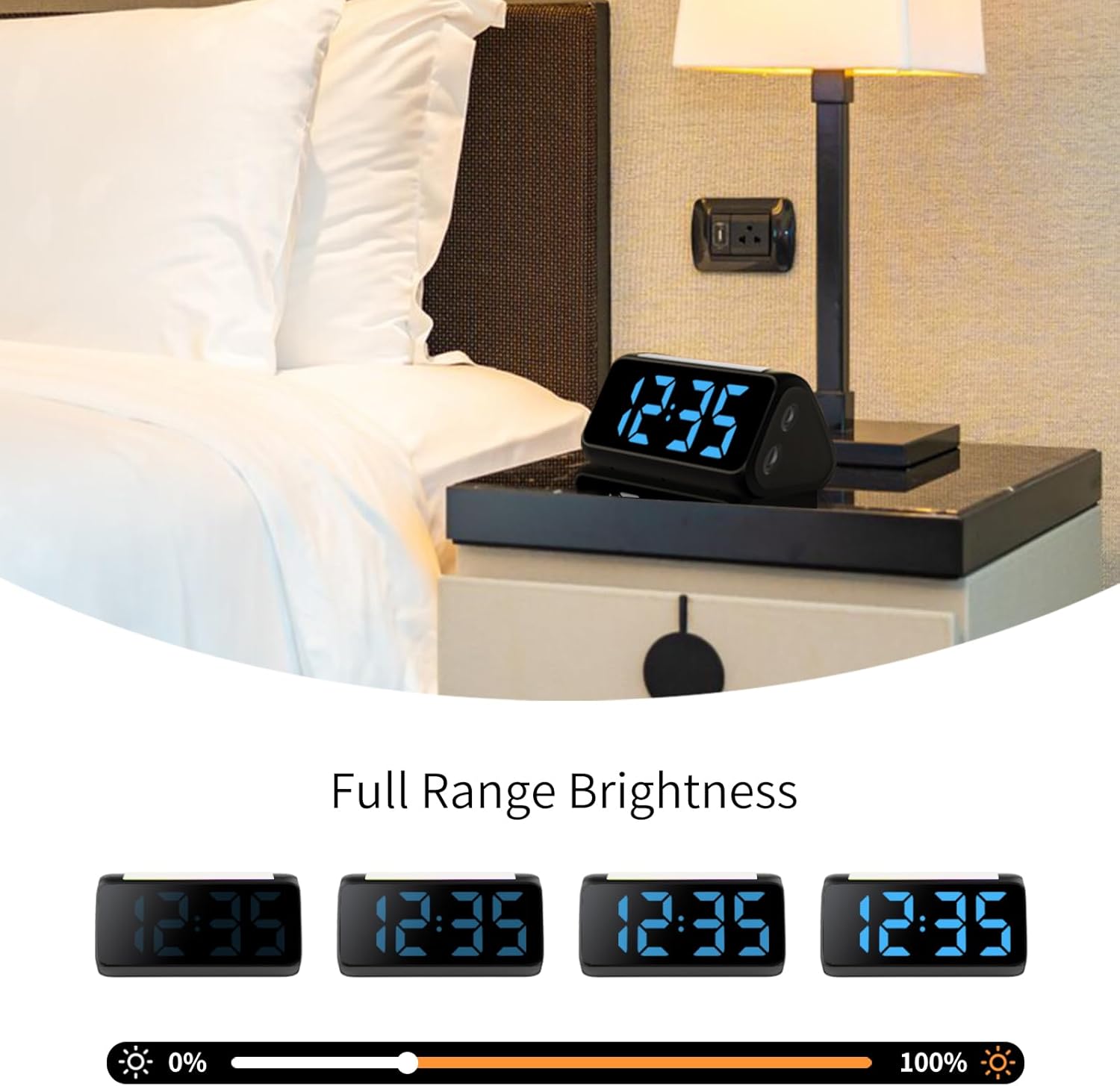
6.4 Adjusting Display Brightness and Color
The alarm clock features an RGB display with 11 color options and adjustable brightness (10%-100%).
- түймесін басыңыз ЖАРҚЫНДЫҚ button (or a dedicated dimmer button) to cycle through brightness levels for the time display.
- түймесін басыңыз ТҮС button to cycle through the 11 available display colors.
6.3-сурет: Colorful Display Options
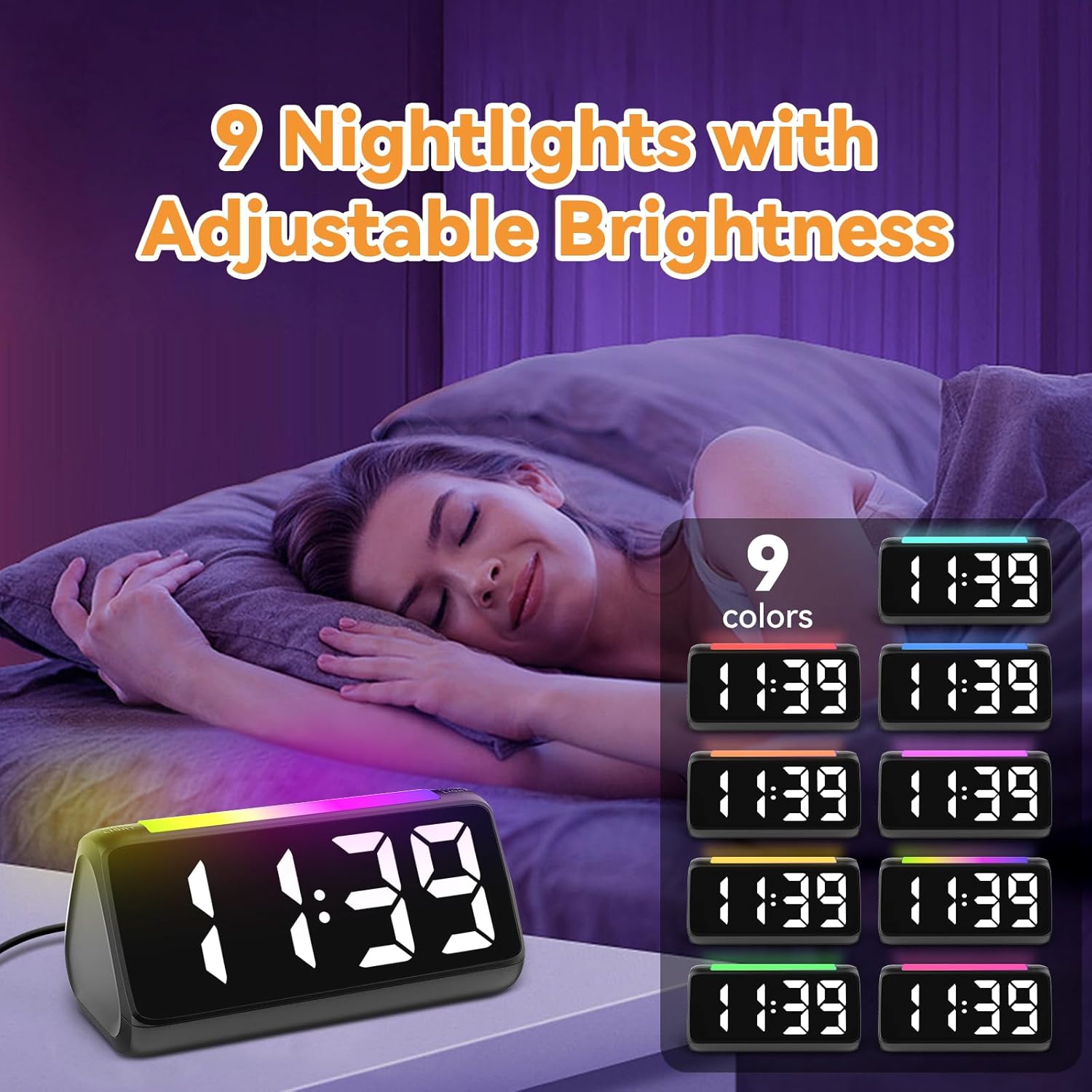
6.5 Түнгі шамды пайдалану
The integrated light bar offers 9 color modes and adjustable brightness, functioning as a calming night light.
- түймесін басыңыз ТҮНГІ ЖАРЫҚ button (or a dedicated light bar button) to turn the night light on/off and cycle through color modes.
- пайдаланыңыз +/- buttons (or a separate brightness control for the night light) to adjust its brightness.

6.4-сурет: Night Light with Adjustable Brightness
7. Техникалық қызмет көрсету
To ensure the longevity and proper functioning of your alarm clock:
- Құрылғыны жұмсақ, құрғақ шүберекпен тазалаңыз. Абразивті тазартқыштарды немесе еріткіштерді қолданбаңыз.
- Keep the bed shaker clean and free from dust.
- If not using the clock for an extended period, remove the AAA backup batteries to prevent leakage.
8. Ақаулықтарды жою
| Мәселе | Ықтимал себебі | Шешім |
|---|---|---|
| Сағат дисплейі өшірулі. | Ешқандай күш те, күш те жоқtage. | Ensure the power adapter is securely plugged in. Check the power outlet. If using battery backup, ensure batteries are fresh and correctly installed. |
| Дабыл дыбыс шығармайды/дірілдемейді. | Alarm not set, incorrect mode, or volume too low. | Verify alarm time and mode (Ring Only, Vibration Only, or Ring + Vibration) are correctly set. Increase alarm volume. Ensure the bed shaker is properly connected. |
| Дисплей тым ашық/жарық. | Жарықтық параметрін реттеу қажет. | түймесін басыңыз ЖАРҚЫНДЫҚ button to cycle through brightness levels. |
| Уақыт дұрыс емес. | Time not set or DST not adjusted. | Follow instructions in Section 6.1 to set the correct time. Adjust DST if applicable. |
| Түнгі жарық жұмыс істемейді. | Night light is off or brightness is too low. | түймесін басыңыз ТҮНГІ ЖАРЫҚ button to turn it on and cycle through modes. Adjust its brightness. |
9. Техникалық сипаттамалар
| Ерекшелік | Мәлімет |
|---|---|
| Бренд | Netzu |
| Үлгі нөмірі | 6206ZD |
| Дисплей түрі | Digital LED (RGB) |
| Қуат көзі | Сымды электр |
| Батареяның сақтық көшірмесі | 2 AAA батареясы (жинаққа кірмейді) |
| Дабыл дыбысы | 4 levels, up to 110 dB |
| Кейінге қалдыру ұзақтығы | 5 минут |
| Дисплей түстері | 11 опция |
| Түнгі жарық түстері | 9 режим |
| Өнім өлшемдері | 6.3"Е x 3.15"H |
| Материал | Пластмасса |
| Элемент салмағы | 13.7 унция |
10. Кепілдік және қолдау
Netzu products are designed for reliability and performance. For warranty information or technical support, please refer to the contact details provided with your purchase or visit the official Netzu website. Please have your model number (6206ZD) ready when contacting support.