
Кіріспе
Thank you for choosing the HISHELL Language Translator Earbuds. These open-ear headphones are designed to provide seamless real-time language translation across 144 online languages, powered by 6 top translation engines. Beyond translation, they also function as versatile devices for music streaming and phone calls. This manual will guide you through the setup, operation, and maintenance of your new device to ensure an optimal user experience.

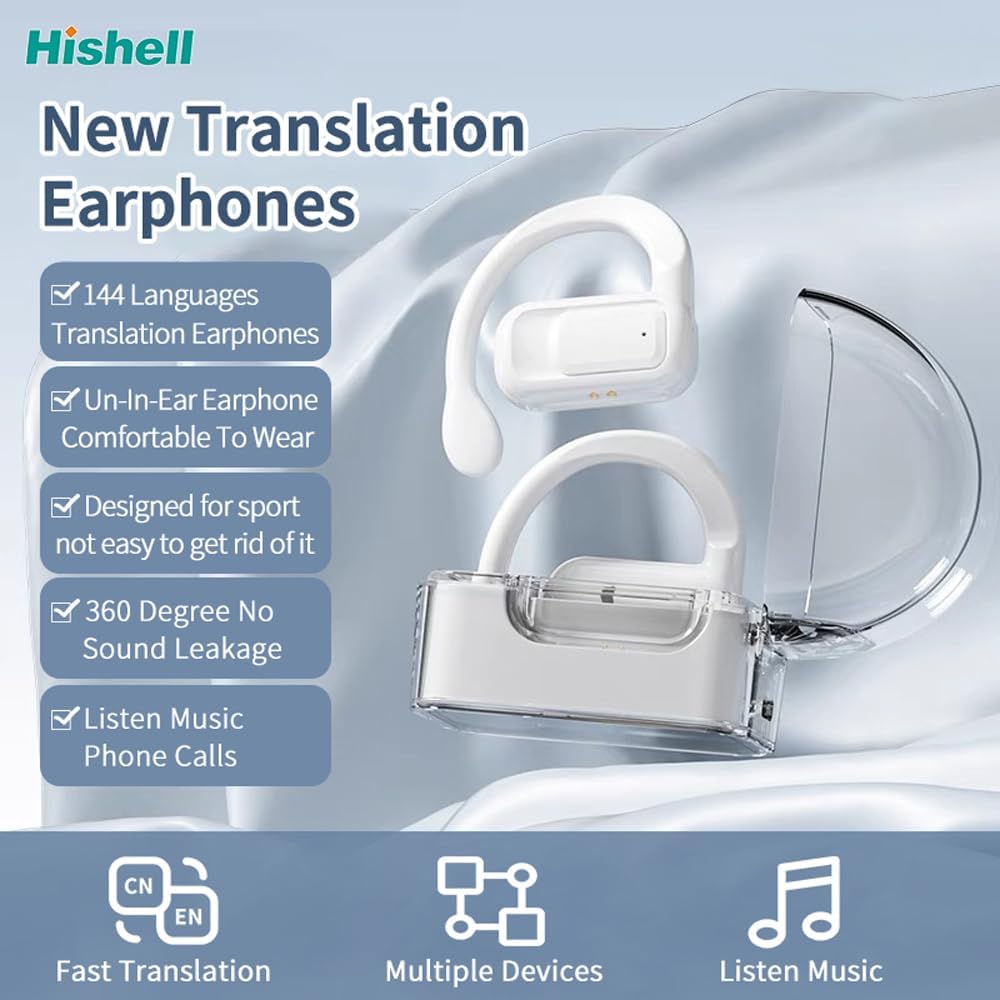
Image: The HISHELL Language Translator Earbuds, showing both earbuds and their transparent charging case.
Қорапта не бар
- 2 x Language Translator Earphones
- 1 x Зарядтау бөлімі
- 1 x Деректер кабелі (USB-C)
- 1 x Headset User Manual
- 1 x APP Translation User Manual

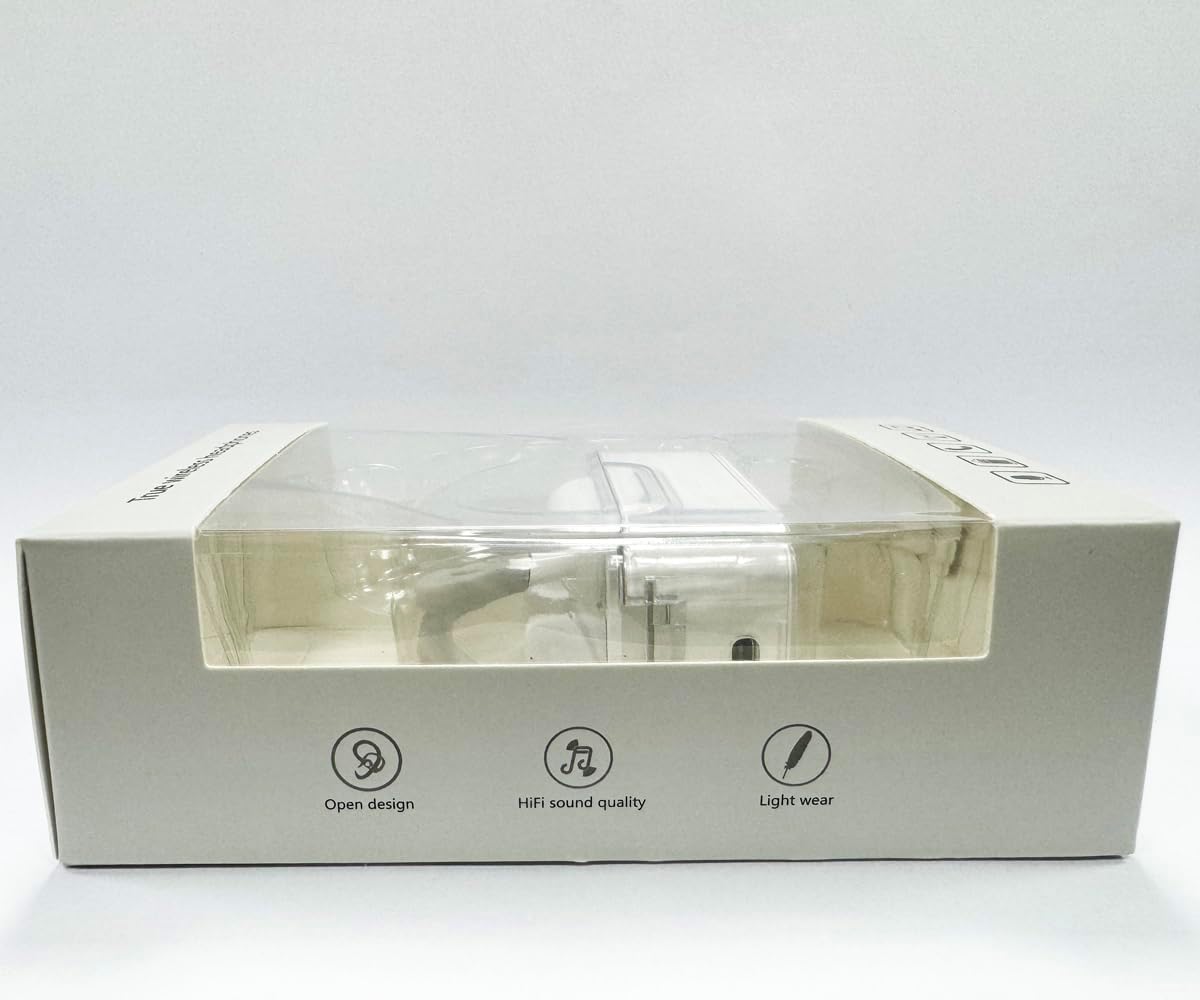
Сурет: алдыңғы view of the product packaging, displaying the earbuds inside.
Орнату
1. Құлақаспаптар мен қорапты зарядтау
Before first use, fully charge the earbuds and the charging case. Connect the provided USB-C data cable to the charging port on the case and plug the other end into a USB power source (e.g., computer, wall adapter). The indicator lights on the case will show charging status.
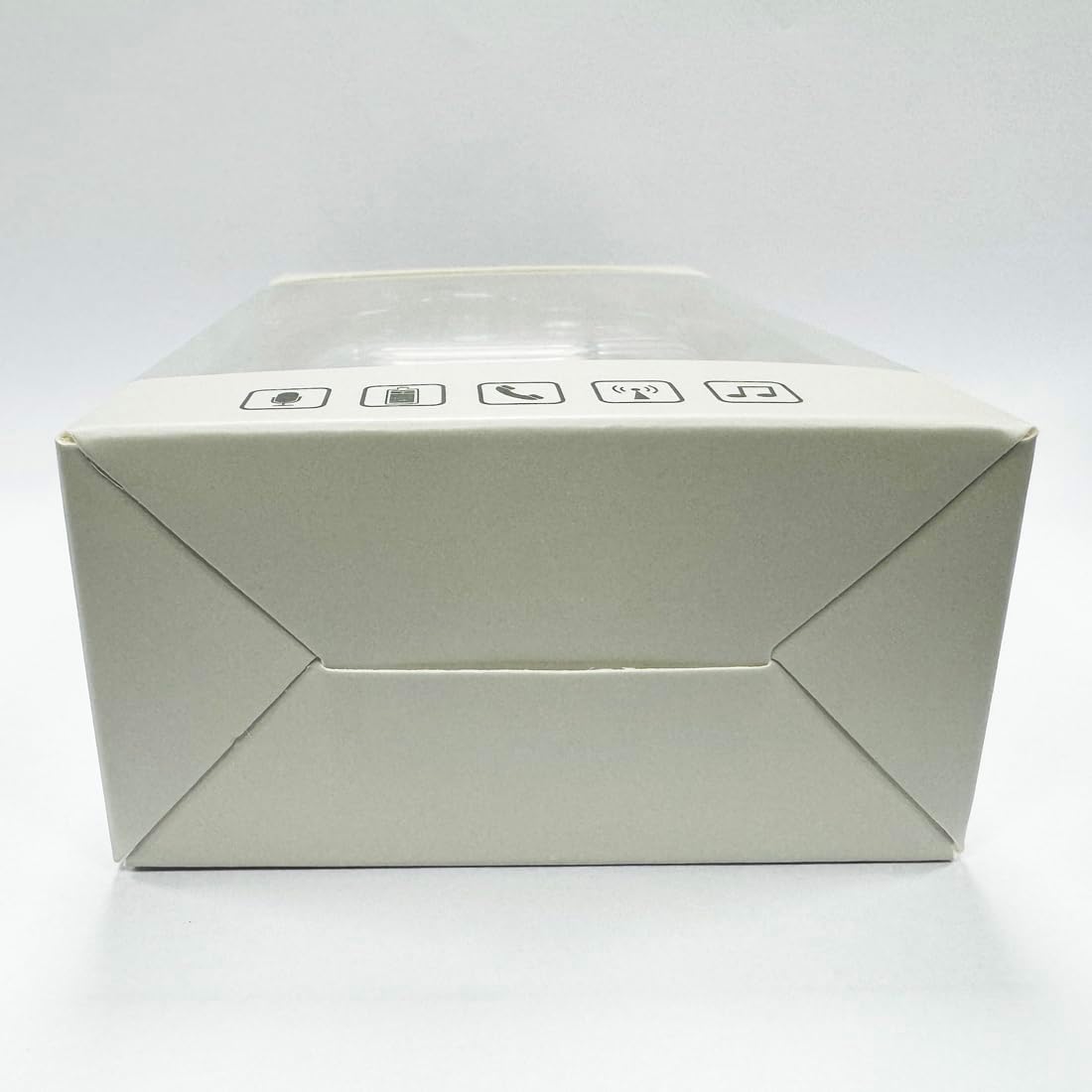
Сурет: төменгі view of the charging case, highlighting the USB-C charging port.
2. Қолданбаны орнату
To utilize the translation features, you must download the dedicated HISHELL translation app on your smartphone (iOS or Android). Scan the QR code provided in the APP Translation User Manual or search for "HISHELL Translator" in your device's app store.
3. Bluetooth жұптастыру
- Құлақаспаптардың зарядталғанын және зарядтау қорабынан алынғанын тексеріңіз. Олар автоматты түрде жұптау режиміне өтеді.
- On your smartphone, go to Bluetooth settings and turn Bluetooth on.
- Select "HISHELL BL02" (or similar name) from the list of available devices.
- Қосылғаннан кейін растау дыбысы шығады және құлақаспаптар пайдалануға дайын болады.
Пайдалану нұсқаулары
The HISHELL Language Translator Earbuds offer three primary translation modes, along with standard audio functions.
Аударма режимдері

Image: Visual representation of the three distinct translation modes available with the earbuds.
- Түрту режимі:
Two people each wear one earphone. Click or double-click the earphone to translate in real-time. This mode is suitable for acquaintances who are willing to wear your earphone.

Image: Two individuals using the translator earbuds in a conversational setting.
- Динамик режимі:
One person wears the earphones, and the other person holds the mobile phone. The phone's speaker will output the translation. This mode is suitable for strangers or situations where it's inconvenient for the other person to wear an earphone.
- Еркін сөйлесу режимі:
Both users wear an earphone. The device translates in real-time, allowing for natural, continuous conversation without needing to press buttons. This mode facilitates smooth and uninterrupted communication.
Music and Call Functions
In addition to translation, the earbuds function as standard Bluetooth headphones:
- Музыканы ойнату: Once connected via Bluetooth, you can stream audio from your device. Use your phone's media controls for play/pause, skip tracks, and volume adjustment.
- Телефон қоңыраулары: The earbuds support hands-free calling. Answer/end calls directly through the earbuds (refer to the APP Translation User Manual for specific touch controls). The binaural HD microphone ensures clear communication.

Сурет: Мысamples of individuals comfortably wearing the open-ear translator earbuds.
Техникалық қызмет көрсету
Тазалау
- Құлақаспаптар мен зарядтау қорабын жұмсақ, құрғақ, түксіз шүберекпен сүртіңіз.
- Абразивті тазартқыштарды, спиртті немесе химиялық еріткіштерді қолданбаңыз.
- Кез келген саңылауларға ылғалдың түсуін болдырмаңыз.
Сақтау
Қолданбаған кезде, құлаққаптарды қорғау және зарядталған күйде ұстау үшін оларды зарядтау қорабында сақтаңыз. Тікелей күн сәулесінен және төтенше температурадан алыс салқын, құрғақ жерде сақтаңыз.
Ақаулықтарды жою
| Мәселе | Ықтимал себебі | Шешім |
|---|---|---|
| Құлақаспаптар жұптаспайды | Low battery; out of range; not in pairing mode; previous connection issue. | Ensure earbuds are charged. Place them closer to your device. Re-insert into case and remove to re-enter pairing mode. Forget device in Bluetooth settings and re-pair. |
| Translation not accurate or delayed | Poor internet connection; background noise; speaking too fast/unclearly; incorrect language selection. | Ensure stable internet connection. Speak clearly and at a moderate pace. Reduce background noise. Verify correct source and target languages in the app. |
| Құлаққаптардан дыбыс жоқ | Дыбыс деңгейі тым төмен; қосылмаған; медиа кідіртілді. | Increase volume on your device. Check Bluetooth connection. Ensure media is playing. |
| Зарядтау қорабы зарядталмайды | Ақаулы кабель/адаптер; лас зарядтау порты. | Басқа USB-C кабелі мен қуат адаптерін қолданып көріңіз. Зарядтау портын құрғақ мақта таяқшасымен ақырын тазалаңыз. |
For further assistance, please refer to the APP Translation User Manual or contact customer support.
Техникалық сипаттамалар
| Ерекшелік | Мәлімет |
|---|---|
| Үлгі нөмірі | BL02 |
| Пакет өлшемдері | 5.16 x 3.15 x 1.69 дюйм |
| Элемент салмағы | 2.12 унция |
| Батареялар | 1 литий полимерлі батарея (жинаққа кіреді) |
| Аударма тілдері | 144 online languages |
| Translation Engines | Powered by 6 top translation engines |
| Микрофон | Binaural HD microphone |
| Батареяның қызмет ету мерзімі (тыңдау) | Шамамен 3 сағат |
| Күту уақыты | Шамамен 240 сағат |
| Зарядтау порты | USB-C |


Сурет: Әртүрлі views of the HISHELL charging case, showing its dimensions and design.
Кепілдік және қолдау
Кепілдік туралы ақпарат
HISHELL products typically come with a standard manufacturer's warranty. Please refer to the warranty card included in your product packaging or visit the official HISHELL webАймағыңызға және сатып алу күніне тән егжей-тегжейлі кепілдік талаптары мен шарттарына арналған сайт.
Тұтынушыларды қолдау
If you encounter any issues or have questions not covered in this manual, please contact HISHELL customer support. You can usually find contact information (email, phone, or support portal) on the official HISHELL webсайт немесе өнімді сатып алған сатушы арқылы.