
Кіріспе
The Motorola Solutions NNTN8235A Remote Speaker Microphone (RSM) is designed for use with SRX2200 Combat Radios. This rugged microphone features an IP57 submersible rating and Windporting technology, ensuring clear communication in challenging environments. Its Coyote Brown color is suitable for military applications.
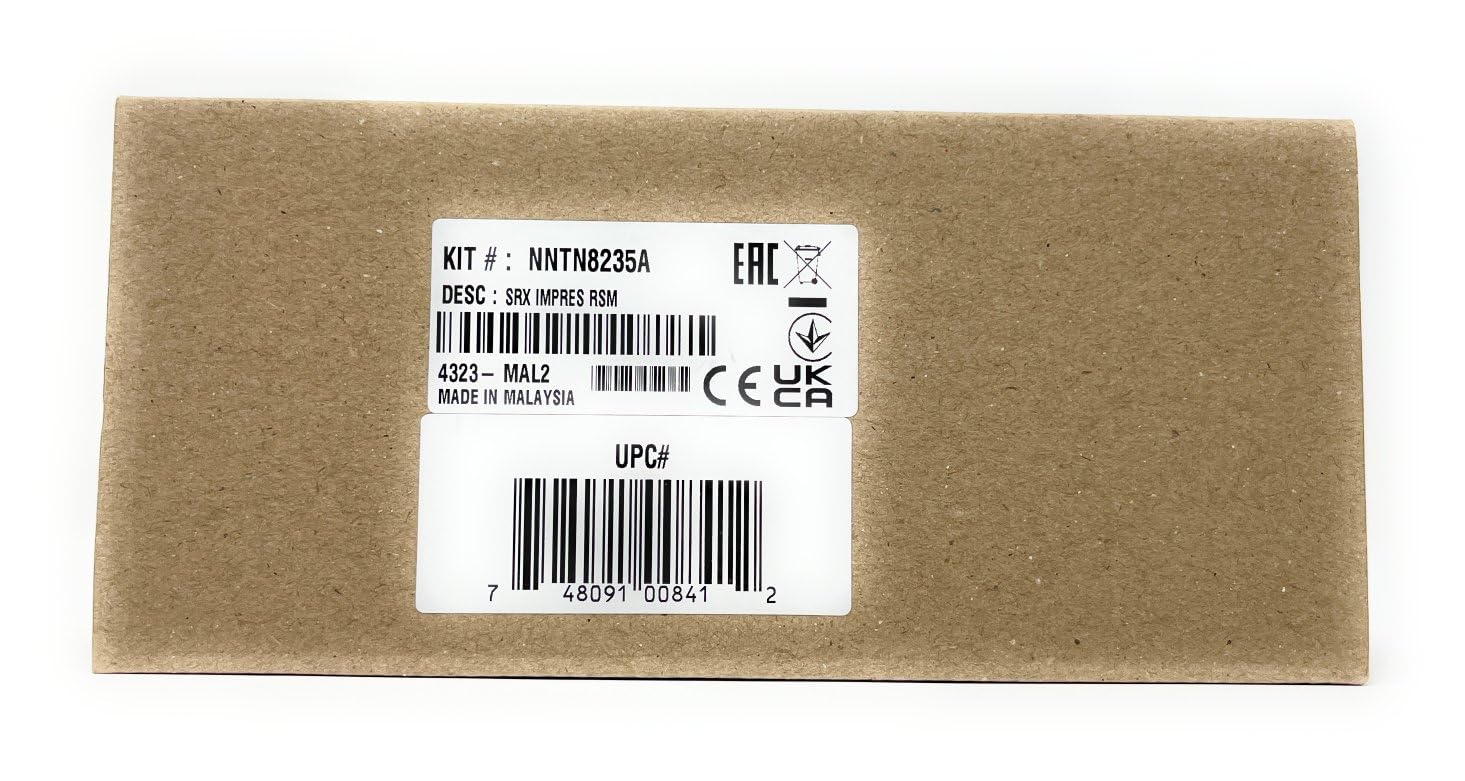
Image: The NNTN8235A Remote Speaker Microphone shown with its accompanying documentation.
Негізгі ерекшеліктері:
- SRX2200 Military Designed: Optimized for compatibility and performance with SRX2200 Combat Radios.
- Windporting Technology: Effectively reduces background noise from high winds and severe weather for clearer audio.
- IP57 Submersible Rating: Provides protection against dust and water immersion up to 1 meter for 30 minutes.
- Intrinsically-Safe Rated: Designed for safe operation in hazardous environments.
- Coyote Brown: Color matched for military and tactical applications.
Орнату
Follow these steps to properly connect your NNTN8235A Remote Speaker Microphone to your SRX2200 Combat Radio.
- Радионы өшіру: Ensure your SRX2200 radio is powered off before connecting any accessories.
- Locate Accessory Connector: Identify the accessory connector port on the side of your SRX2200 radio. This port is typically covered by a protective cap.
- Қорғаныс қалпақшасын алыңыз: Carefully remove the protective cap from the radio's accessory connector.
- Connect RSM: Align the connector of the NNTN8235A RSM with the radio's accessory port. Gently push the connector in until it clicks securely into place. Ensure a firm connection to maintain the IP57 rating.
- Қауіпсіз қосылым (қажет болса): Some radio models may have a screw or locking mechanism to further secure the accessory. If present, tighten it hand-tight.
- Радионы қосу: Once the RSM is securely connected, power on your SRX2200 radio. The radio should recognize the connected microphone.

Image: An SRX2200 Combat Radio, compatible with the NNTN8235A RSM.
Пайдалану нұсқаулары
The NNTN8235A Remote Speaker Microphone provides convenient and clear communication. Familiarize yourself with its functions for optimal use.
Басу-сөйлесу (PTT) түймесі:
- Тасымалдау: Press and hold the large PTT button located on the side of the RSM to transmit your voice. Speak clearly into the microphone grille.
- Қабылдау: Release the PTT button to stop transmitting and listen for incoming communications through the RSM's speaker.
Баяндамашы:
The integrated speaker on the front of the RSM allows you to hear incoming radio transmissions directly from the microphone, providing clear audio output.
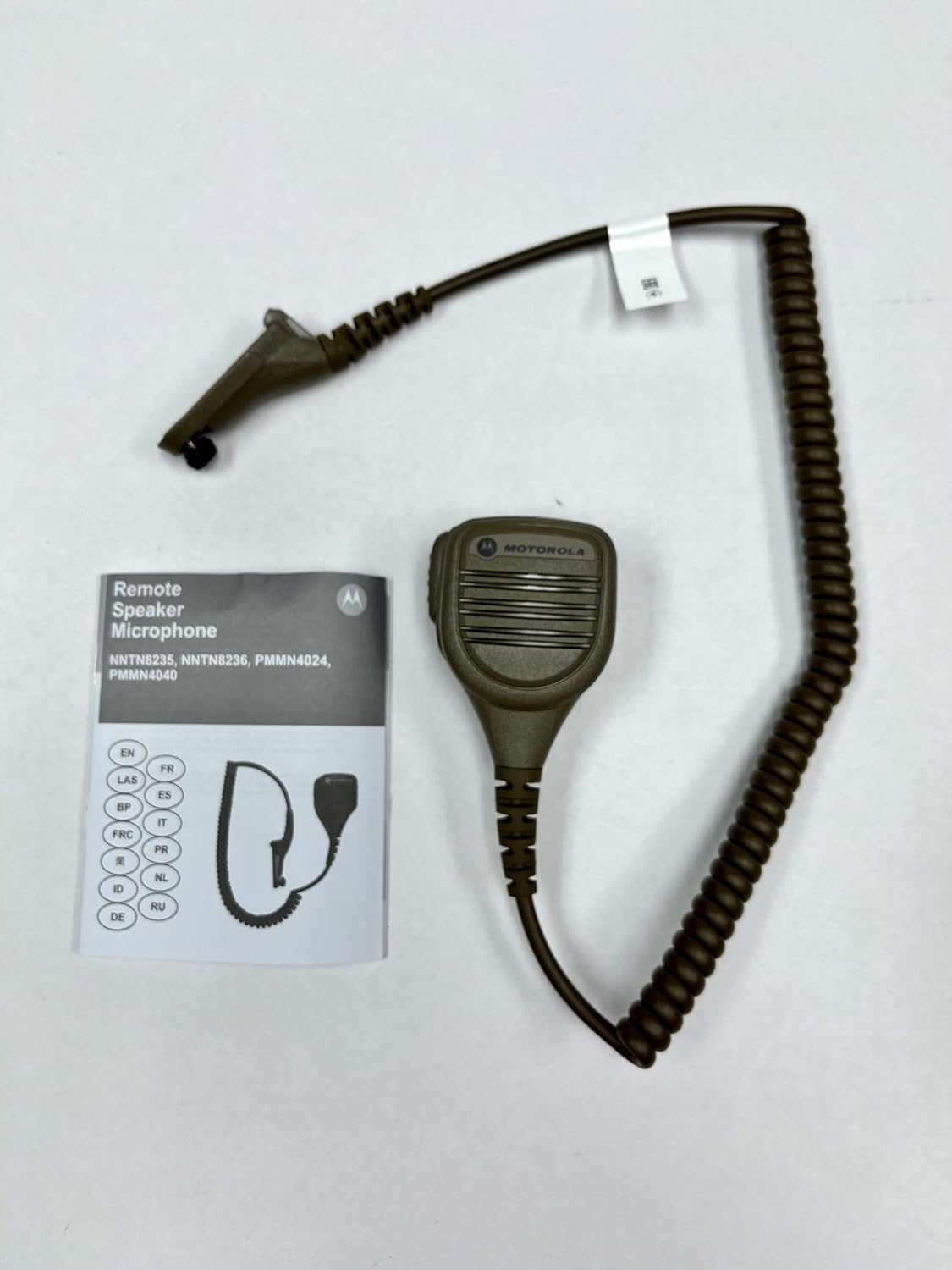
Сурет: егжей-тегжейлі view of the NNTN8235A RSM, highlighting the speaker grille and PTT button area.
Windporting Technology:
The Windporting feature is automatically active. It uses a specialized microphone port design to minimize wind noise and other environmental sounds, ensuring your voice is transmitted clearly even in adverse conditions.
Accessory Jack (if present):
Some RSM models may include an accessory jack (e.g., 3.5mm) for connecting an external earpiece. If present, insert your compatible earpiece into this jack for private listening.
Техникалық қызмет көрсету
Proper maintenance ensures the longevity and reliable performance of your NNTN8235A Remote Speaker Microphone.
- Тазалау:
- Wipe the exterior of the RSM with a soft, damp мата.
- Қатты химиялық заттарды, еріткіштерді немесе абразивті тазартқыштарды қолданбаңыз.
- Ensure the microphone grille and speaker openings are free from dirt and debris. Use a soft brush if necessary.
- Суға әсер ету:
- While the RSM is IP57 rated, always ensure the accessory connector is securely attached to the radio to maintain its water resistance.
- After exposure to water, especially saltwater, rinse the RSM with fresh water and dry thoroughly with a clean cloth before storage or further use.
- Сақтау орны:
- Store the RSM in a clean, dry environment away from extreme temperatures.
- Avoid kinking or sharply bending the coiled cable to prevent internal wire damage.
Ақаулықтарды жою
If you encounter issues with your NNTN8235A Remote Speaker Microphone, refer to the following common problems and solutions.
| Мәселе | Ықтимал себебі | Шешім |
|---|---|---|
| RSM динамикінен дыбыс жоқ. |
|
|
| Others cannot hear my transmission. |
|
|
| Бұрмаланған немесе анық емес дыбыс. |
|
|
If the problem persists after trying these solutions, contact Motorola Solutions customer support or your authorized dealer.
Техникалық сипаттамалар
| Ерекшелік | Мәлімет |
|---|---|
| Үлгі нөмірі | NNTN8235A |
| Бренд | Motorola шешімдері |
| Үйлесімділік | SRX2200 Combat Radios |
| Кіруден қорғау (IP) рейтингі | IP57 (Submersible up to 1 meter for 30 minutes) |
| Арнайы мүмкіндіктер | Windporting Technology, Intrinsically-Safe Rated |
| Түс | Coyote Brown |
| Микрофон пішін факторы | Қол |
| Полярлық үлгі | Бір бағытты |
| Элемент өлшемдері (L x W x H) | 5 x 3.5 x 1.5 дюйм |
| Қоршау материалы | Металл, пластик |
| Қосылған құрамдас бөліктер | Микрофон |
Кепілдік туралы ақпарат
The Motorola Solutions NNTN8235A Remote Speaker Microphone comes with a standard manufacturer's warranty.
Кепілдік сипаттамасы: 1 Year Standard Manufacturer Warranty.
For detailed terms and conditions, or to initiate a warranty claim, please refer to the official Motorola Solutions warranty documentation provided with your product or visit the official Motorola Solutions webсайт.
Қолдау
For further assistance, technical support, or inquiries regarding your Motorola Solutions NNTN8235A Remote Speaker Microphone, please contact Motorola Solutions directly.
- Ресми Webсайт: -ге барыңыз Motorola Solutions ресми webсайт өнім туралы ақпарат, жиі қойылатын сұрақтар және қолдау ресурстары үшін.
- Клиенттерге қызмет көрсету: Refer to your product packaging or the Motorola Solutions website for specific customer service contact numbers or email addresses in your region.
- Уәкілетті дилерлер: Contact the authorized Motorola Solutions dealer from whom you purchased the product for local support and service.
When contacting support, please have your product model number (NNTN8235A) and any relevant purchase information ready.