
1. Кіріспе
The BuzzTV B5 is an advanced Android 11 TV Box designed to deliver a superior 4K UHD streaming experience. This device allows you to access a wide range of entertainment, including movies, TV shows, and applications, directly on your television. This manual provides essential information for the proper setup, operation, maintenance, and troubleshooting of your BuzzTV B5.
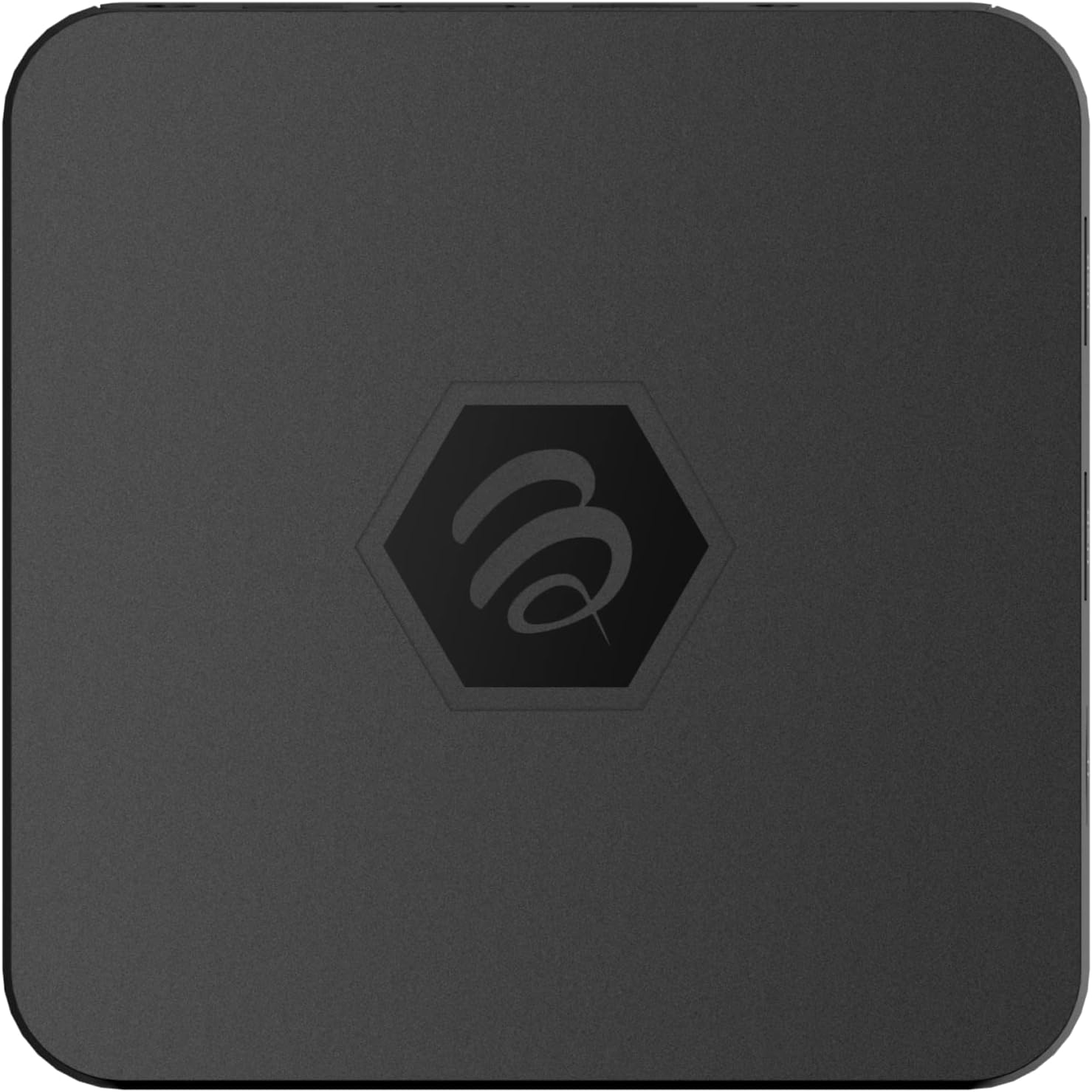
1.1-сурет: Жоғарғы view of the BuzzTV B5 Android 11 TV Box.
2. Пакет мазмұны
Please verify that all items listed below are included in your BuzzTV B5 package:
- BuzzTV B5 Set Top Box
- IR-100 Remote Control
- Электрмен жабдықтау адаптері
- 2x AAA батареялары (қашықтан басқару үшін)
- HDMI кабелі
- Пайдаланушы нұсқаулығы (бұл құжат)

Image 2.1: Contents included in the BuzzTV B5 retail package.
3. Орнату нұсқаулығы
Follow these steps to set up your BuzzTV B5 TV Box:
- Теледидарға қосылу: Connect one end of the provided HDMI cable to the HDMI port on the BuzzTV B5 and the other end to an available HDMI input on your television.
- Қуатты қосу: Plug the power supply adapter into the DC 5V port on the BuzzTV B5, then plug the adapter into a wall outlet. The device should power on automatically or can be powered on using the remote control.
- Батареяларды қашықтан басқару пультіне салыңыз: Open the battery compartment on the back of the IR-100 Remote Control and insert the two AAA batteries, ensuring correct polarity (+/-).
- Желілік байланыс: Once the device boots up, follow the on-screen instructions to connect to your network. You can choose between Wi-Fi (wireless) or Ethernet (wired) connection. For a wired connection, connect an Ethernet cable from your router to the Ethernet port on the BuzzTV B5.
- Бастапқы орнату: Complete the initial Android setup process, which may include language selection, Google account login, and time zone settings.

Image 3.1: Rear ports of the BuzzTV B5 for connectivity.
4. Пайдалану нұсқаулары
The BuzzTV B5 operates on Android 11, providing a user-friendly interface for navigation and content access.
4.1 Қашықтан басқару құралының функциялары
The IR-100 Remote Control is your primary interface for the BuzzTV B5. Key functions include:
- Қуат түймесі: Құрылғыны қосады немесе өшіреді.
- Навигация тақтасы (жоғары/төмен/сол/оң/ОК): Мәзірлерді шарлау және элементтерді таңдау үшін қолданылады.
- Артқа түймесі: Алдыңғы экранға немесе мәзірге оралады.
- Басты түймесі: Returns to the main Android home screen.
- Дыбыс деңгейі түймелері: Аудио дыбыс деңгейін реттейді.
- App/Menu Buttons: Accesses specific applications or context menus.

Image 4.1: Layout of the IR-100 Remote Control.
4.2 Қолданбаларға қол жеткізу
From the home screen, you can access pre-installed applications like Netflix and YouTube, or download new applications from the Google Play Store. Use the navigation pad on your remote to select and launch applications.
4.3 4K UHD Streaming
The BuzzTV B5 supports 4K UHD resolution. Ensure your television is 4K compatible and that you are using a high-speed HDMI cable for optimal picture quality. Streaming quality will also depend on your internet connection speed and the content source.
5. Техникалық қызмет көрсету
To ensure the longevity and optimal performance of your BuzzTV B5, consider the following maintenance tips:
- Тазалау: Use a soft, dry cloth to clean the exterior of the device. Avoid liquid cleaners or abrasive materials.
- Желдету: Құрылғының қызып кетуіне жол бермеу үшін жақсы желдетілетін жерге қойылғанына көз жеткізіңіз. Желдеткіш саңылауларын жаппаңыз.
- Бағдарламалық құрал жаңартулары: Periodically check for and install system updates to benefit from new features, performance improvements, and security patches. These can usually be found in the device's settings menu.
- Қуат циклі: Егер құрылғы жауап бермесе, қуат адаптерін ажыратып, 10 секунд күтіңіз, содан кейін қуат циклін орындау үшін қайта қосыңыз.
6. Ақаулықтарды жою
If you encounter issues with your BuzzTV B5, refer to the following common problems and solutions:
| Мәселе | Ықтимал себебі | Шешім |
|---|---|---|
| Қуат жоқ | Қуат адаптері қосылмаған; розетка жұмыс істемейді. | Қуат адаптерінің құрылғыға және жұмыс істейтін розеткаға мықтап қосылғанына көз жеткізіңіз. Басқа розетканы қолданып көріңіз. |
| No Signal on TV | Incorrect HDMI input selected; faulty HDMI cable. | Select the correct HDMI input on your TV. Check HDMI cable connections or try a different HDMI cable. |
| Қашықтан басқару пульті жауап бермейді | Өлген батареялар; қашықтан басқару жұпталмаған (егер бар болса); кедергі. | Replace AAA batteries. Ensure no obstructions between remote and device. |
| Желіге қосылу мәселелері | Incorrect Wi-Fi password; router issues; weak signal. | Verify Wi-Fi password. Restart your router. Move the device closer to the router or use an Ethernet cable. |
| Applications Crashing/Freezing | Insufficient memory; outdated app; software glitch. | Close background apps. Update the app or the device's firmware. Clear app cache/data in settings. |
7. Техникалық сипаттамалар
Detailed technical specifications for the BuzzTV B5 Android 11 TV Box:
- Операциялық жүйе: Android OS 11
- CPU: Amlogic S905W2 Quad-Core A-35
- GPU: Mali-G31 MP2
- ЖЕДЕЛ ЖАДТАУ ҚҰРЫЛҒЫСЫ: 2 ГБ DDR
- Сақтау орны: 16 ГБ eMMC
- Сымсыз дәлдiк: Dual Band AC
- LAN: 10/100 Мбит/с Ethernet
- Блютез: 4.2
- USB порттары: 2x USB 2.0
- MicroSD ұясы: 1
- Қуат интерфейсі: Тұрақты ток 5 В
- HDMI шығысы: 1
- Оптикалық аудио шығысы: 1
- Шығару ажыратымдылығы: 4K (32 FPS)
- Өлшемдері: 9.06 x 5.63 x 2.32 дюйм
- Элемент салмағы: 1.01 фунт

Image 7.1: BuzzTV B5 with a summary of its technical specifications.
8. Кепілдік туралы ақпарат
For detailed warranty information regarding your BuzzTV B5, please refer to the warranty card included in your product packaging or visit the official BuzzTV webсайт. Кепілдік шарттары аймаққа және сатушыға байланысты әр түрлі болуы мүмкін.
9. Қолдау
If you require further assistance or have questions not covered in this manual, please contact BuzzTV customer support or visit their official webЖиі қойылатын сұрақтар, бағдарламалық жасақтаманы жүктеу және қосымша ресурстар сайты.
BuzzTV Official Webсайт: www.buzztv.com