
1. Кіріспе
This manual provides detailed instructions for the Apera Instruments GroStar Series GS3 EC/ppm Pen Tester Kit (AI103G). This lab-grade conductivity meter is designed for accurate measurement of EC (Electrical Conductivity), 500ppm, and 700ppm, along with temperature, making it suitable for hydroponics and general water quality testing. The device features a replaceable titanium conductivity sensor and a user-friendly interface.
2. Өнім аяқталдыview
The GroStar Series GS3 EC/ppm Pen Tester is engineered for reliability and ease of use. Key features include:
- Measures conductivity (EC), 500ppm, 700ppm, and temperature.
- Replaceable titanium sensor for high accuracy in the 0 to 10 EC range.
- Backlit HD screen for clear readings.
- Grower-friendly calibration workflow with a calibration reminder function.

Figure 1: Apera Instruments GroStar Series GS3 EC/ppm Pen Tester.
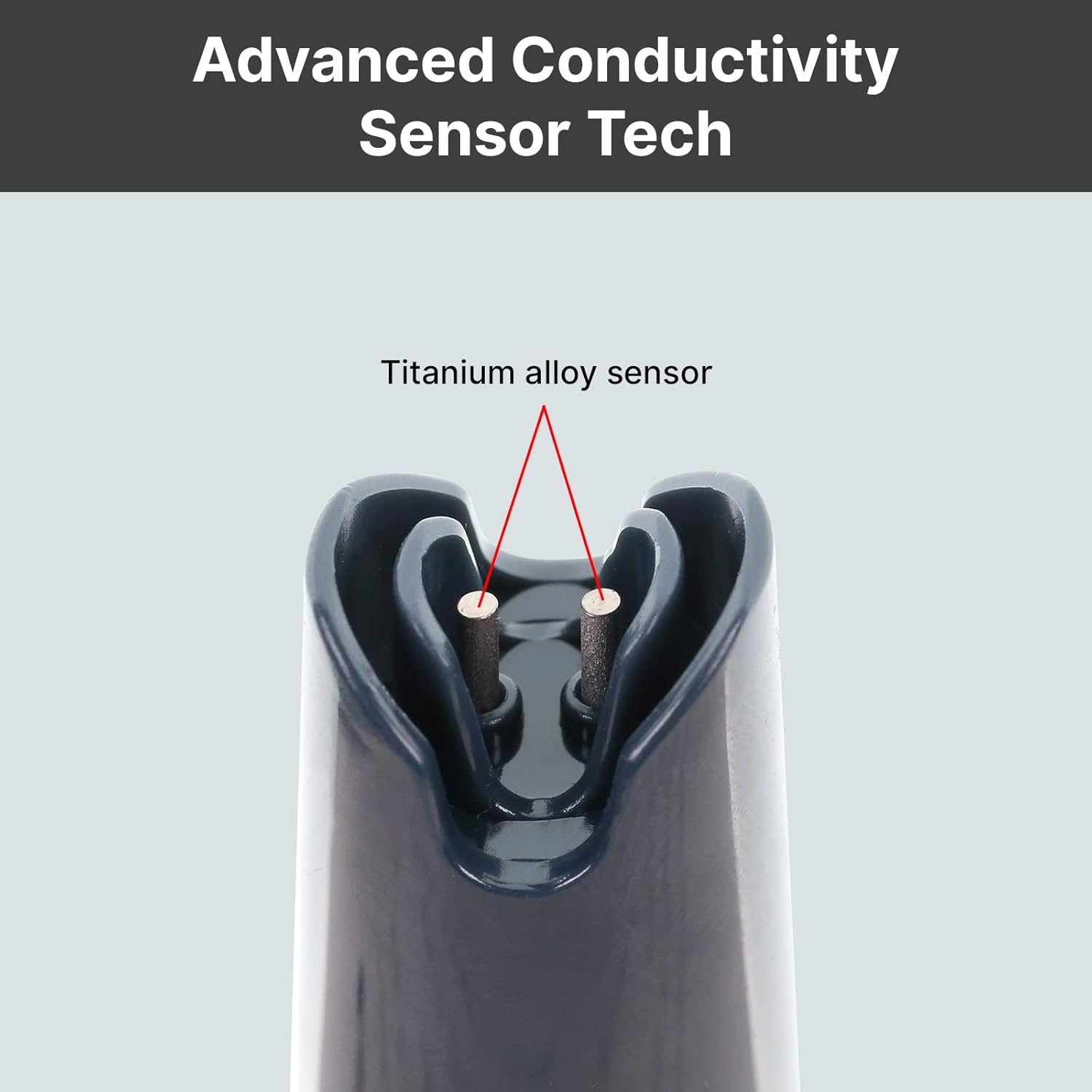
2-сурет: Жақыннан view of the durable titanium alloy sensor for conductivity measurements.
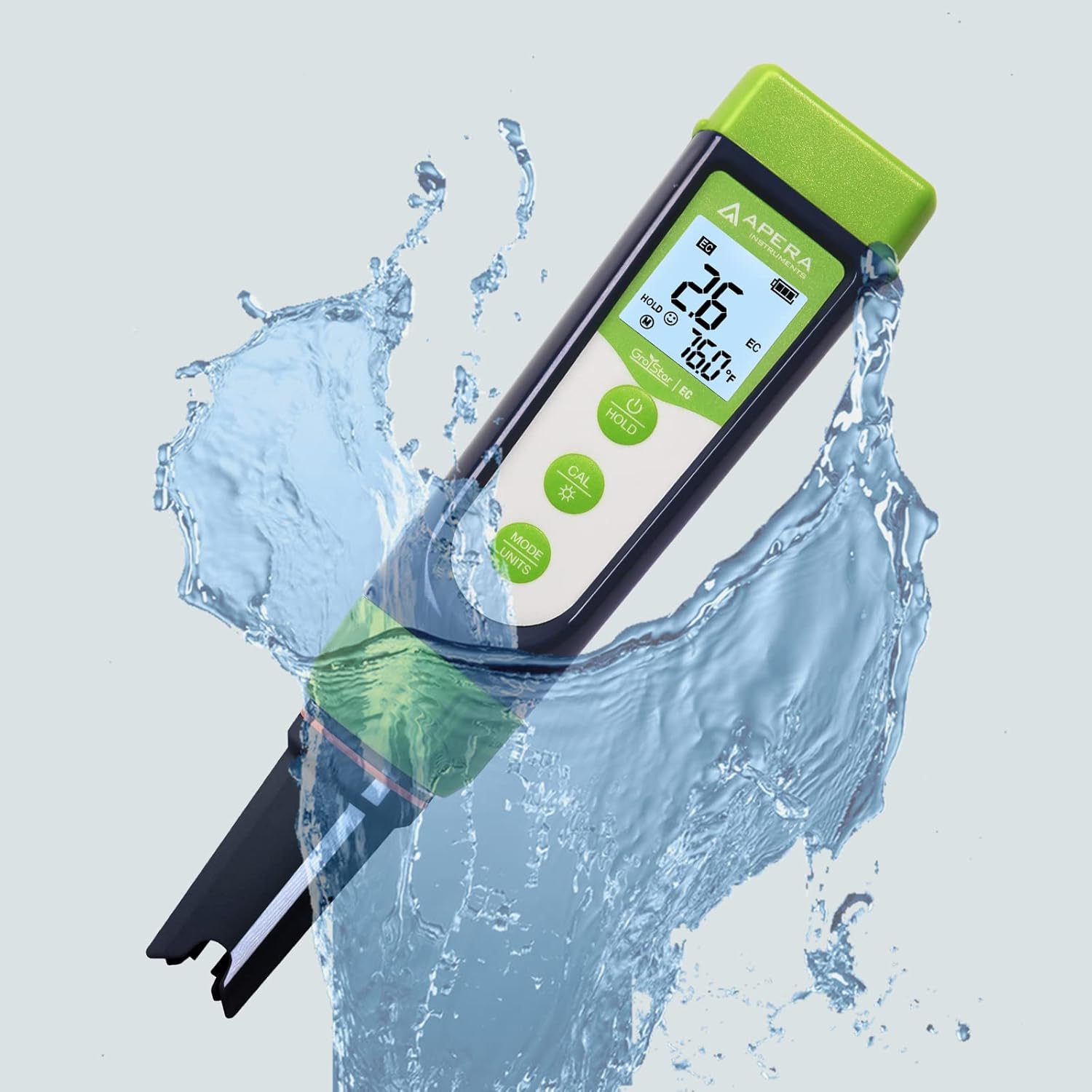
Figure 3: The GroStar GS3 Pen Tester demonstrating its water resistance during use.
3. Орнату
Before first use, ensure all components are present and the device is ready for operation.
3.1 Қорапта не бар
- Apera Instruments GroStar Series GS3 EC/ppm Pen Tester (Gen II)
- 2.77 EC Calibration Solution
- Бау
- 4 AAA батареясы (алдын ала орнатылған немесе бөлек кіреді)

Figure 4: The complete kit contents, including the tester, calibration solution, and lanyard.
3.2 Батареяны орнату
The device requires 4 AAA batteries. If not pre-installed, open the battery compartment located at the top of the tester, insert the batteries according to the polarity indicators, and securely close the compartment.
3.3 Бастапқы дайындық
- Сенсордан қорғаныс қақпағын алыңыз.
- Rinse the sensor with distilled or deionized water.
- Gently shake off excess water.
4. Пайдалану нұсқаулары
4.1 Қуатты қосу/өшіру
түймесін басыңыз ҚУАТ button to turn the tester on or off.
4.2 Өлшеу
- Ensure the tester is clean and calibrated.
- Сенсорды s ішіне батырыңызampшешімді қолданып, сенсордың толығымен батырылғанына көз жеткізіңіз.
- Stir gently and wait for the reading to stabilize on the display.
- The display will show EC/ppm and temperature readings.
4.3 Switching Measurement Modes (EC/ppm)
түймесін басыңыз MODE/UNITS button to cycle through EC, 500ppm, and 700ppm measurement modes.

Figure 5: The tester's display cycling through different measurement units.
4.4 Ұстау функциясы
түймесін басыңыз ҰСТАП ТҰРУ Дисплейдегі ағымдағы көрсеткішті қатыру үшін түймені қайта басыңыз. Босату үшін қайтадан басыңыз.
4.5 TruRead Display
The TruRead display provides MAX, AVG, and MIN readings, offering a comprehensive view сіздің өлшемдеріңіз.

Figure 6: The TruRead display feature, showing maximum, average, and minimum recorded values.
5. Калибрлеу
Regular calibration ensures accurate measurements. The GS3 features a grower-friendly calibration workflow and a reminder function.
5.1 Калибрлеу процесі
- Сынақ құралын қосыңыз.
- түймесін басыңыз КАЛ Калибрлеу режиміне өту үшін батырманы басыңыз.
- Immerse the sensor into the 2.77 EC calibration solution.
- The tester will automatically recognize the solution and calibrate. Wait for the stable reading and confirmation.
- Rinse the sensor with distilled water after calibration.

Figure 7: Visual representation of the tester's display in measurement, calibration, and error states.
5.2 Calibration Reminder
The tester will automatically remind you when recalibration is due, ensuring consistent accuracy.
6. Техникалық қызмет көрсету
6.1 Датчикті тазалау
After each use, rinse the sensor thoroughly with distilled or deionized water to prevent residue buildup. Do not scrub the sensor vigorously.
6.2 Сақтау
Always replace the protective cap after use. For long-term storage, ensure the sensor is kept moist. Refer to the product packaging or Apera Instruments website for specific storage solution recommendations if applicable.
6.3 Датчикті ауыстыру
The titanium EC sensor is replaceable. If the sensor performance degrades significantly or it becomes damaged, a new sensor can be purchased and easily installed by twisting off the old one and attaching the new one.
7. Ақаулықтарды жою
| Мәселе | Ықтимал себебі | Шешім |
|---|---|---|
| Дәл емес көрсеткіштер | Sensor is dirty or dry; Calibration is outdated or incorrect; Damaged sensor. | Clean the sensor; Recalibrate the tester; Replace the sensor if damaged. |
| Tester does not power on | Батареялар таусылған; Батарея дұрыс орнатылмаған. | Батареяларды ауыстырыңыз; Батареяның полярлығын тексеріңіз. |
| "CAL Er" error during calibration | Incorrect calibration solution; Contaminated solution; Sensor issue. | Ensure correct 2.77 EC solution is used; Use fresh calibration solution; Clean or replace sensor. |
8. Техникалық сипаттамалар
- Модель нөмірі: AI103G
- Өнім өлшемдері: 7 x 1.5 x 1.3 дюйм
- Салмағы: 4.69 унция
- Қуат көзі: 4 AAA батареясы (жинаққа кіреді)
- Сенсор түрі: Replaceable Titanium EC Probe
- Өлшеу параметрлері: EC, 500ppm, 700ppm, Temperature
- Алғашқы қолжетімді күн: 28 жылғы 2022 қыркүйек
9. Кепілдік және қолдау
Apera Instruments products are backed by a manufacturer's warranty. For detailed warranty information, technical support, or to purchase replacement parts, please visit the official Apera Instruments webсайтына өтіңіз немесе тұтынушыларға тікелей хабарласыңыз. Кепілдік шағымдары үшін сатып алу түбіртегін сақтаңыз.
Өндіруші: Apera аспаптары