
1. Кіріспе
The PikDik Mini Portable Photo Printer PD-Q2 is a compact thermal printer designed for on-the-go printing. It connects via Bluetooth to compatible Android and iOS devices, allowing users to print photos, labels, lists, and more without the need for ink cartridges. This manual provides essential information for setting up, operating, maintaining, and troubleshooting your PD-Q2 printer.
2. Қауіпсіздік туралы ақпарат
- Принтерді суға немесе шамадан тыс ылғалға ұшыратпаңыз.
- Avoid extreme temperatures. Operate and store the printer within recommended environmental conditions.
- Use only the provided charging cable and recommended power sources.
- Балалардың қолы жетпейтін жерде сақтаңыз.
- Do not attempt to disassemble or repair the printer yourself. Contact customer support for assistance.
3. Пакет мазмұны
Пакетте келесі элементтердің бар-жоғын тексеріңіз:
- PikDik Mini Portable Photo Printer PD-Q2
- USB Type-C зарядтау кабелі
- Roll of Thermal Photo Paper
- Пайдаланушы нұсқаулығы
4. Өнім аяқталдыview
The PD-Q2 printer features a compact design with a single power/function button and a paper output slot. It utilizes thermal printing technology, eliminating the need for ink. The device is powered by a built-in rechargeable lithium battery.
5. Орнату нұсқаулығы
5.1 Принтерді зарядтау
Before first use, fully charge the printer. Connect the provided USB Type-C cable to the printer's charging port and a compatible USB power adapter. The LED indicator will show charging status.
5.2 Термиялық қағазды салу
- Принтердің қағаз бөлімінің қақпағын ашыңыз.
- Insert a new roll of thermal paper, ensuring the printing side faces the print head.
- Pull a small length of paper out of the slot and close the cover securely.
5.3 Қолданбаны орнату және Bluetooth қосылымы
The PikDik PD-Q2 printer requires the "Meta Print" application for operation. Follow these steps to connect your device:
- Принтерді қосыңыз: Индикатор шамы жанғанша қуат түймесін басып тұрыңыз.
- Download and Install the "Meta Print" APP: Іздеу "Meta Print" on your smartphone's app store (Google Play for Android or App Store for iOS) and install it.
- Bluetooth қосу: On your phone or tablet, go to your device's settings and ensure Bluetooth is turned on.
- Connect in the APP: Open the "Meta Print" app. The app will guide you to link the printer via Bluetooth. Select the PD-Q2 from the list of available devices.
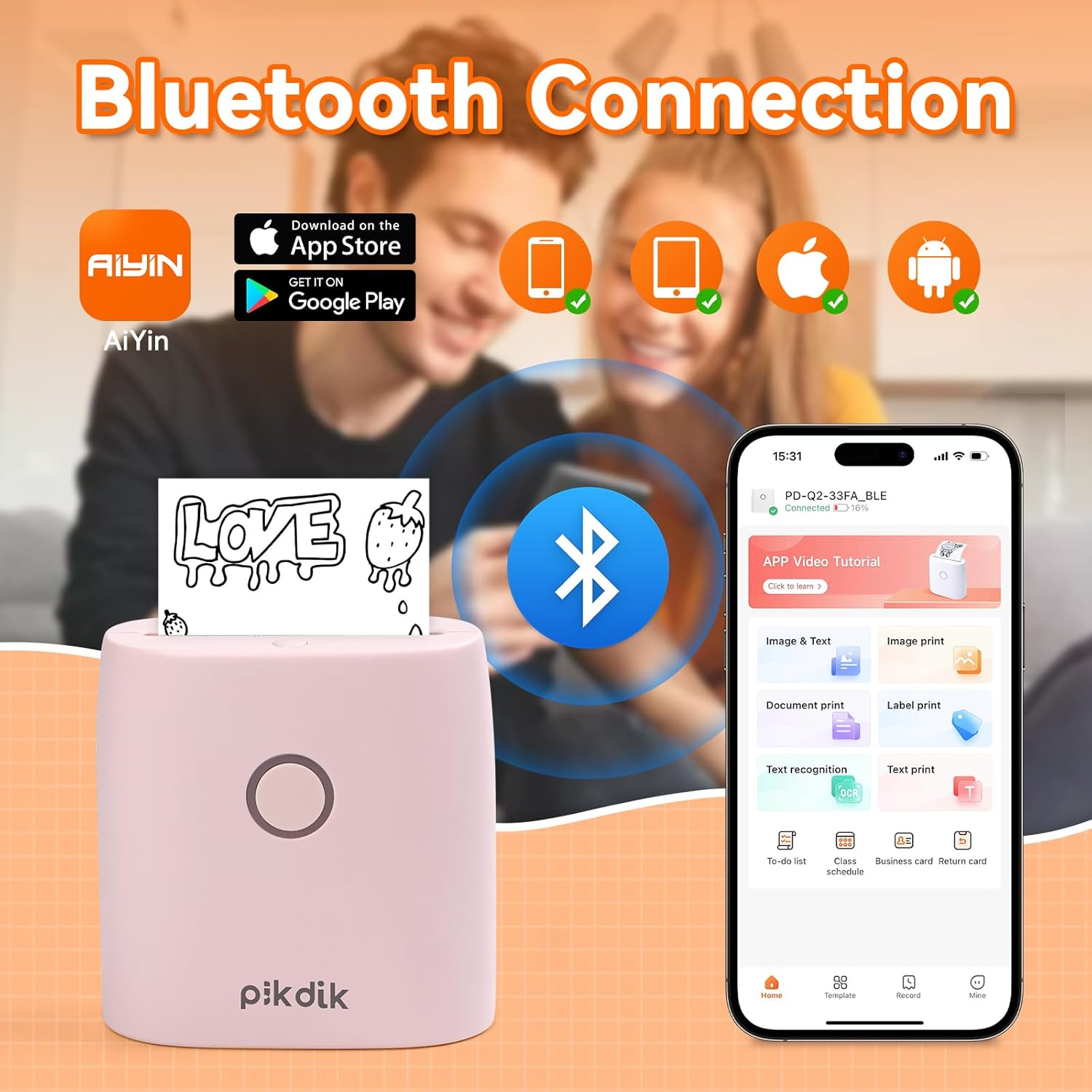
Image: The printer connects to your smartphone via Bluetooth using the Meta Print app, available on both Android and iOS.
6. Пайдалану нұсқаулары
6.1 Printing Content
Once connected to the "Meta Print" app, you can select various content types for printing:
- Image & Text: Print photos, graphics, or combine them with text.
- Құжатты басып шығару: Print documents or notes.
- Label Print: Create and print custom labels.
- Мәтінді тану: Convert images of text into editable text for printing.
- Үлгілер: Utilize pre-designed templates for to-do lists, business cards, emojis, and more.
After selecting and editing your content within the app, tap the print button to initiate printing. The printer will output the thermal paper with your printed content.

Image: The printer is suitable for various applications such as journaling, scrapbooking, printing shopping lists, and notes.
6.2 Print Quality and Limitations
The PD-Q2 printer offers a 300 DPI resolution for clear and detailed black and white prints. As a thermal printer, it does not support color printing.
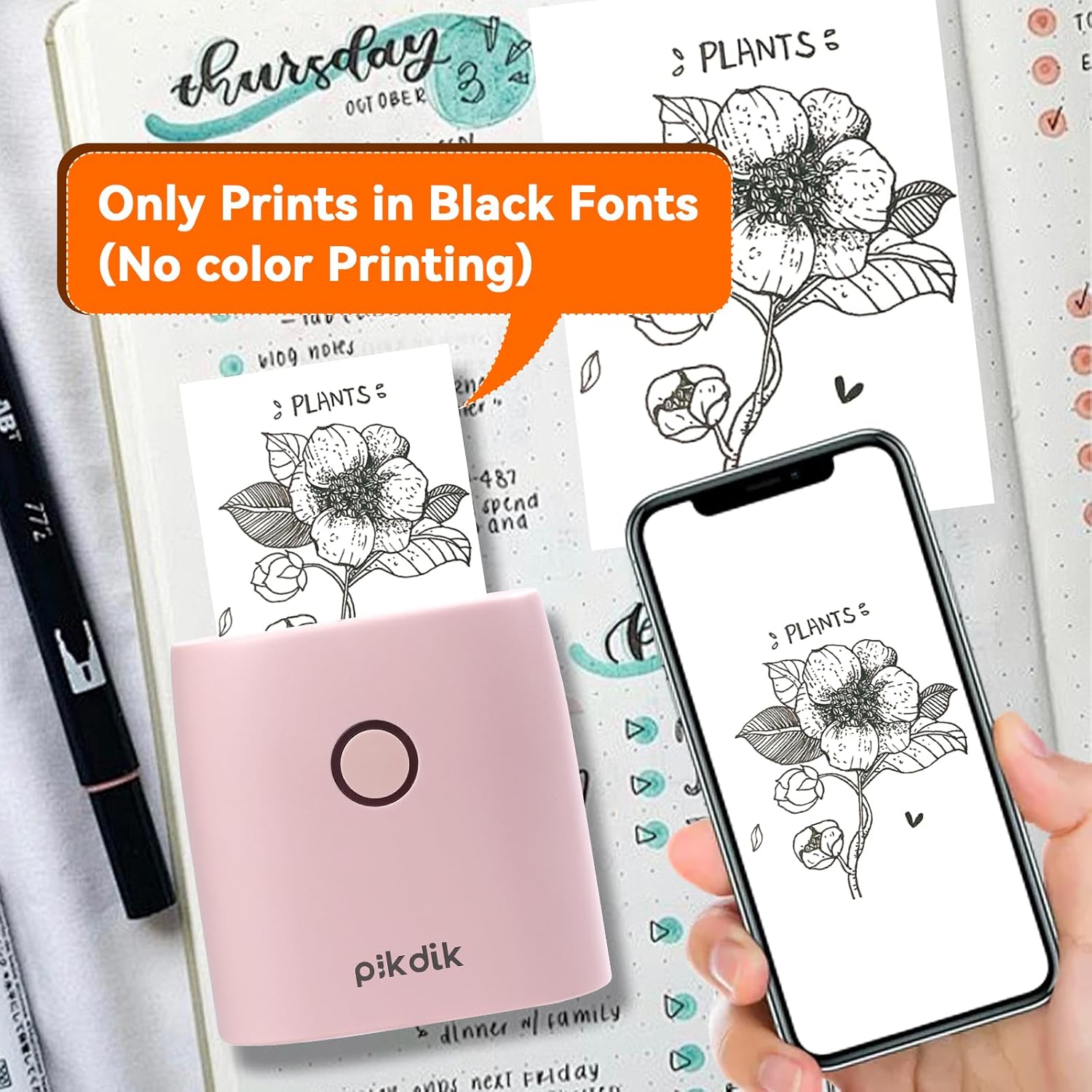
Image: The printer produces prints exclusively in black and white, as shown with a plant illustration.

Image: The 300 DPI resolution of the Q2 printer provides enhanced clarity and detail in prints compared to lower resolution alternatives.
7. Техникалық қызмет көрсету
7.1 Принтерді тазалау
Басып шығару сапасын оңтайлы деңгейде ұстап тұру үшін басып шығару басын мезгіл-мезгіл тазалап отырыңыз. Жұмсақ, мамықсыз шүберекті ақырын пайдаланыңыз.ampened with isopropyl alcohol. Gently wipe the print head surface. Ensure the printer is turned off and completely dry before use.
7.2 Термиялық қағазды ауыстыру
When the paper roll is depleted, replace it by following the steps in Section 5.2. Use only thermal paper compatible with the PD-Q2 printer to ensure proper function and print quality.
8. Ақаулықтарды жою
| Мәселе | Ықтимал себебі | Шешім |
|---|---|---|
| Принтер қосылмайды | Төмен батарея; Қуат түймесі дұрыс басылмады | Charge the printer; Press and hold the power button for a few seconds. |
| Bluetooth арқылы қосылу мүмкін емес | Bluetooth off on phone; Printer not in pairing mode; App issue | Ensure phone Bluetooth is on; Restart printer and app; Re-pair device in app. |
| Poor print quality (faint, pixelated) | Low battery; Print head dirty; Incorrect paper type; Image resolution too low | Charge printer; Clean print head (Section 7.1); Use correct thermal paper; Use higher resolution images. |
| Қағаз кептелісі | Paper not loaded correctly; Foreign object in paper path | Open cover, remove jammed paper, reload correctly; Check for obstructions. |
| Принтер жауап бермейді | Жүйе қатесі | Perform a soft reset by turning the printer off and on again. If issue persists, contact support. |
9. Техникалық сипаттамалар
| Ерекшелік | Мәлімет |
|---|---|
| Үлгі | Q2 |
| Өлшемдер (D x W x H) | 4.1 x 8.4 x 8.4 см (1.6 x 3.3 x 3.3 дюйм) |
| Салмағы | 0.57 фунт (шамамен 258.55 г) |
| Баспа технологиясы | Жылулық |
| Басып шығару рұқсаты | 300н/д (монохромды) |
| Қосылу мүмкіндігі | Блютез |
| Үйлесімді құрылғылар | Смартфондар, планшеттер (Android, iOS) |
| Ең үлкен медиа өлшемі | 2 дюйм |
| Қуат көзі | Built-in Lithium Polymer Battery (Rechargeable via USB Type-C) |
| Қолданба атауы | Meta Print |
10. Кепілдік және қолдау
For warranty information and technical support, please refer to the warranty card included with your product or contact PikDik customer service directly. Keep your purchase receipt as proof of purchase.