
Кіріспе
This manual provides essential information for the safe and efficient operation of your Audiolab Omnia All-in-One Music System. Please read these instructions carefully before use and retain them for future reference. The Audiolab Omnia is designed to deliver high-fidelity audio performance from various sources, including CD, streaming, and external devices.
Қауіпсіздік туралы маңызды ақпарат
- Нәр беруші: Connect the unit only to an AC power source of the type marked on the rear panel. Ensure the power cord is securely plugged into the unit and the wall outlet.
- Желдету: Желдету саңылауларын жаппаңыз. Қызып кетудің алдын алу үшін құрылғының айналасында тиісті ауа ағынын қамтамасыз етіңіз.
- Су және ылғал: Құрылғыны жаңбырға, ылғалға немесе шамадан тыс ылғалдылыққа ұшыратпаңыз. Құрылғының үстіне вазалар сияқты сұйықтық толтырылған заттарды қоймаңыз.
- Жылу көздері: Құрылғыны радиаторлар, жылу регистрлері, пештер немесе жылу шығаратын басқа құрылғылар сияқты жылу көздерінен алыс ұстаңыз.
- Қызмет көрсету: Бұл өнімге өзіңіз қызмет көрсетуге тырыспаңыз. Барлық қызмет көрсетуді білікті қызмет көрсетуші қызметкерлерге тапсырыңыз.
- Тазалау: Unplug the unit from the wall outlet before cleaning. Use a soft, dry cloth for cleaning. Do not use liquid cleaners or aerosol cleaners.
Пакет мазмұны
Барлық элементтер пакетте бар екенін тексеріңіз:
- Audiolab Omnia All-in-One Music System
- Қуат кабелі
- Қашықтан басқару құралы
- Wi-Fi антенналары (x2)
- Пайдаланушы нұсқаулығы (бұл құжат)
Орнату
1. Қаптаманы ашу және орналастыру
Carefully remove the Audiolab Omnia from its packaging. Place the unit on a stable, level surface with adequate ventilation. Avoid placing it near strong magnetic fields or direct sunlight.
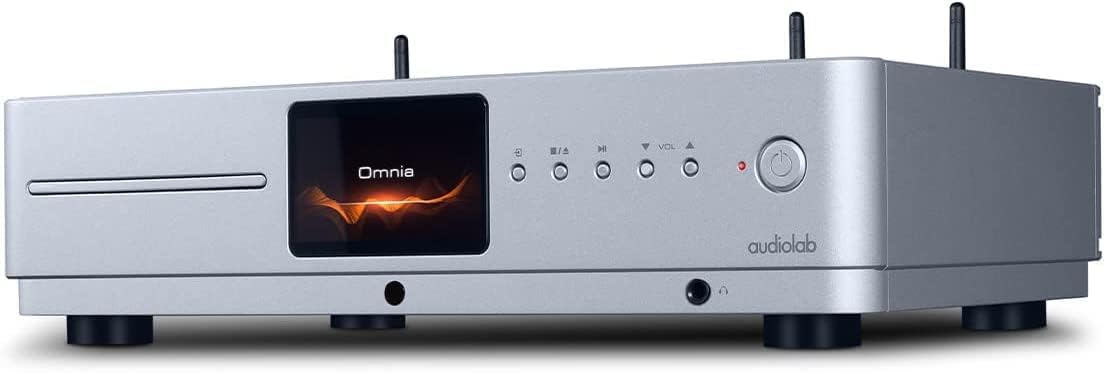
Алдыңғы view of the Audiolab Omnia All-in-One Music System, showcasing its silver finish, central display, CD slot, and control buttons.
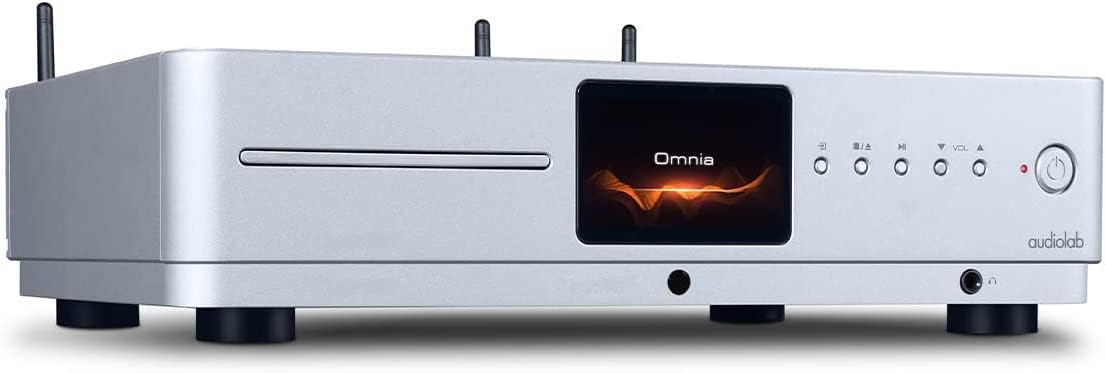
Бұрыштық фронт view of the Audiolab Omnia, highlighting its sleek design and integrated display.
2. Үндеткіштерді қосу
Connect your passive speakers to the speaker terminals on the rear panel of the Omnia. Ensure correct polarity (+ to + and - to -) for optimal sound quality. Use high-quality speaker cables.

The rear panel of the Audiolab Omnia, displaying speaker terminals, digital and analog inputs, network ports, and power input.
3. Желіге қосылу
For network streaming features, connect the supplied Wi-Fi antennas to the rear panel. Alternatively, connect an Ethernet cable from your router to the LAN port on the Omnia for a wired connection.
Detail of the rear panel, indicating the locations for Wi-Fi antenna attachment and the Ethernet port for network connectivity.
4. Қуат қосылымы
Connect the power cable to the AC inlet on the rear panel and then to a suitable wall outlet. Ensure the power switch is in the OFF position before connecting.
Пайдалану нұсқаулары
1. Қосу / Өшіру
Press the power button on the front panel or the remote control to turn the unit on or off. The display will illuminate upon power-on.
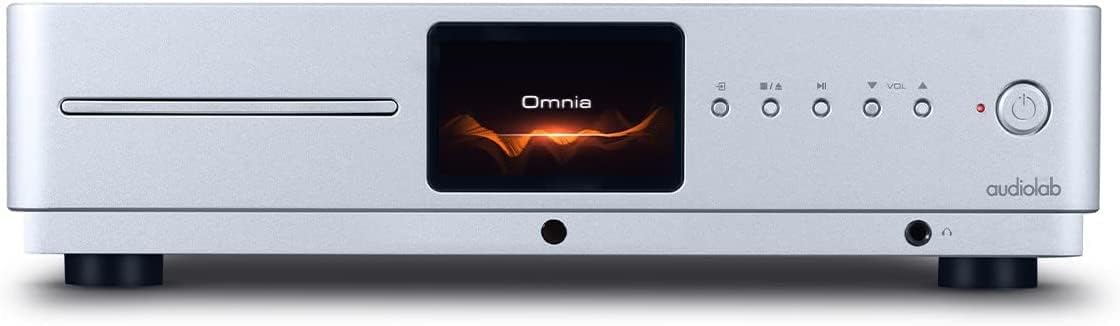
Front panel of the Omnia, showing the power button on the right and the central display.
2. Дереккөзді таңдау
Use the 'Input' button on the front panel or the remote control to cycle through available input sources (e.g., CD, Optical, Coaxial, USB, Network, Bluetooth, Analog).
3. CD ойнату
Insert a CD into the slot on the front panel. The unit will automatically detect the CD and begin playback. Use the play/pause, stop, and track skip buttons on the front panel or remote control.
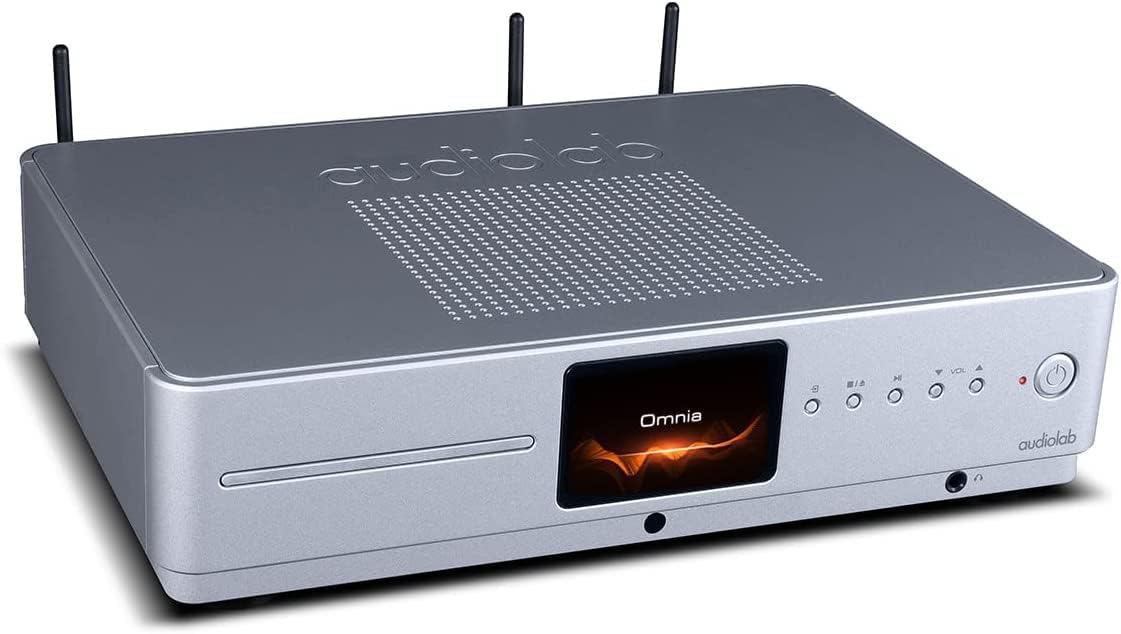
The CD slot on the front left of the Audiolab Omnia, ready for disc insertion.
4. Network Streaming
Once connected to your network, use the dedicated Audiolab app (available for iOS and Android) to control streaming services, internet radio, and local network music files. Follow the in-app instructions for setup and control.
5. Bluetooth қосылымы
Select Bluetooth as the input source. On your mobile device, search for "Audiolab Omnia" in the Bluetooth settings and pair. The unit supports aptX Bluetooth for high-quality wireless audio.
Техникалық қызмет көрсету
- Тазалау: Use a soft, dry, lint-free cloth to clean the unit's exterior. Do not use abrasive cleaners, waxes, or solvents.
- Желдету: Ауа ағынының дұрыс болуын қамтамасыз ету үшін желдету саңылауларының шаң мен қоқыстан таза екенін үнемі тексеріп отырыңыз.
- CD науасы: Keep the CD slot clean and free from foreign objects.
Ақаулықтарды жою
| Мәселе | Ықтимал себебі | Шешім |
|---|---|---|
| Қуат жоқ | Power cable not connected; Power switch off; Wall outlet faulty. | Ensure power cable is securely connected; Turn power switch on; Test wall outlet with another device. |
| Дыбыс шығуы жоқ | Speakers not connected; Incorrect input source selected; Volume too low; Mute activated. | Check speaker connections; Select correct input source; Increase volume; Deactivate mute. |
| CD ойнатылмайды | CD inserted incorrectly; CD dirty or scratched; Incorrect source selected. | Re-insert CD correctly; Clean or replace CD; Select CD input source. |
| Желіге қосылу мәселелері | Wi-Fi antennas not connected; Router issues; Incorrect network settings. | Ensure antennas are connected; Restart router; Check network settings via the app. |
Техникалық сипаттамалар
- Үлгі: Omnia
- Бренд: Аудиозертхана
- Қосылу технологиясы: Wi-Fi, Bluetooth, Ethernet
- Түсі: Күміс
- Динамик түрі: Stereo (Integrated Ampөмір сүруші)
- Қуат көзі: Сымды электр
- Элемент салмағы: 26.1 фунт (шамамен 11.84 кг)
- Пакет өлшемдері: 21 x 16.7 x 8.3 дюйм (шамамен 53.34 x 42.42 x 21.08 см)
- Бірінші қол жетімді күн: 21 жылдың 2021 қазаны
Кепілдік туралы ақпарат
Audiolab products are manufactured to the highest standards and undergo rigorous quality control. This product is covered by a limited warranty against manufacturing defects. The specific terms and duration of the warranty may vary by region. Please retain your proof of purchase for warranty claims. For detailed warranty information, please refer to the warranty card included with your product or visit the official Audiolab webсайт.
Тұтынушыларды қолдау
If you encounter any issues not covered in the troubleshooting section or require further assistance, please contact Audiolab customer support. You can find contact details on the official Audiolab website or through your local dealer. Please have your product model and serial number ready when contacting support.
Онлайн ресурстар: бару www.audiolab.co.uk өнімді тіркеу, жиі қойылатын сұрақтар және қосымша қолдау материалдары үшін.