
Avision AD340G

Avision AD340G ықшам жоғары жылдамдықты дуплексті құжат сканерінің пайдаланушы нұсқаулығы
Model: AD340G
Кіріспе
This manual provides comprehensive instructions for the setup, operation, maintenance, and troubleshooting of your Avision AD340G Compact High Speed Duplex Document Scanner. Please read this manual thoroughly before using the scanner to ensure proper and safe operation.
Қауіпсіздік туралы ақпарат
Сканердің жарақаттануы мен зақымдалуын болдырмау үшін келесі қауіпсіздік шараларын сақтаңыз:
- Тек сканермен бірге берілген қуат адаптерін пайдаланыңыз.
- Сканерді суға немесе шамадан тыс ылғалдылыққа ұшыратпаңыз.
- Place the scanner on a stable, level surface.
- Keep the scanner away from direct sunlight and heat sources.
- Unplug the scanner before cleaning or if it will not be used for an extended period.
Пакет мазмұны
Барлық элементтер пакетте бар екенін тексеріңіз:
- Avision AD340G Document Scanner
- Қуат адаптері
- USB кабелі
- Жылдам бастау нұсқаулығы
- Software CD (or download instructions)
Өнім аяқталдыview
Familiarize yourself with the main components of the Avision AD340G scanner.
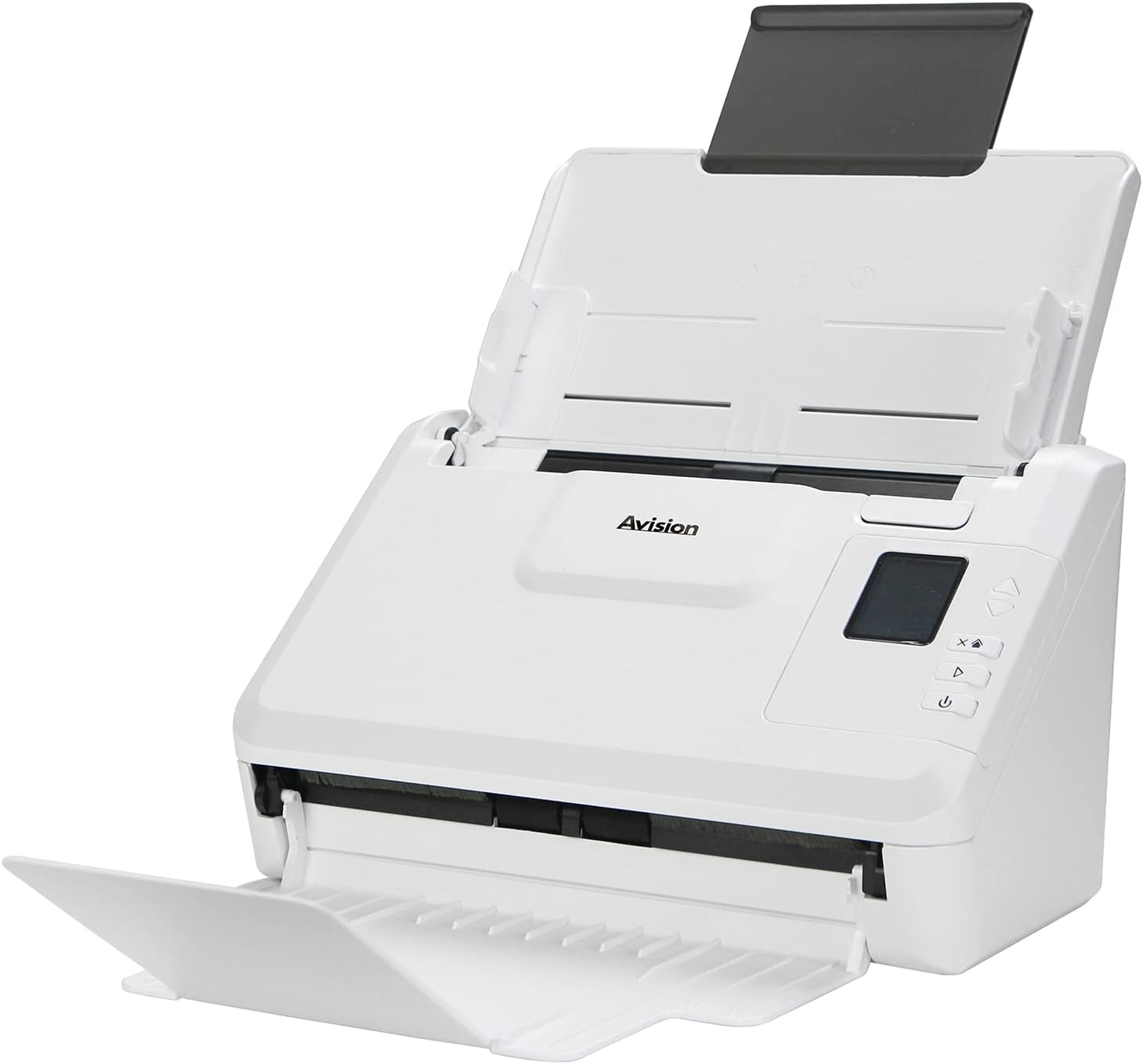
Сурет: The Avision AD340G scanner shown with its input and output trays extended, ready for document feeding. This view highlights the compact design and accessible paper path.
- Document Feeder Tray: Where documents are loaded for scanning.
- Шығыс науасы: Where scanned documents are ejected.
- Басқару тақтасы: Buttons and display for scanner operation.
- USB порты: Компьютерге қосылу үшін.
- Қуат порты: Қуат адаптерін қосу үшін.
Орнату
1. Физикалық орнату
- Сканерді орауыштан шығару: Сканерді және барлық керек-жарақтарды қаптамасынан абайлап алыңыз.
- Сканерді орналастырыңыз: Position the scanner on a flat, stable surface with adequate space for the input and output trays.
- Қуатты қосу:
- Connect the power adapter to the scanner's power port.
- Қуат адаптерін электр розеткасына қосыңыз.
- Компьютерге қосылу:
- Connect one end of the USB cable to the scanner's USB port.
- USB кабелінің екінші ұшын компьютердегі қол жетімді USB портына жалғаңыз.
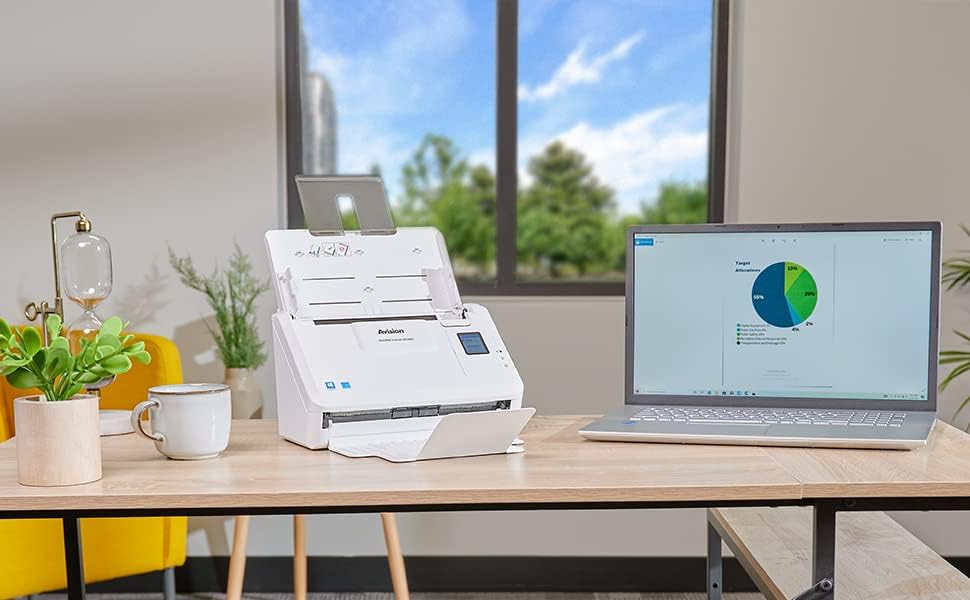
Сурет: The Avision AD340G scanner set up on a desk next to a laptop, illustrating a typical connected environment. This shows the scanner's compact footprint when in use.
2. Бағдарламалық құралды орнату
Install the necessary drivers and scanning software from the provided CD or by downloading them from the official Avision webсайт.
- Insert the software CD into your computer's CD/DVD drive, or navigate to the Avision support website to download the latest drivers and utilities for the AD340G model.
- Follow the on-screen instructions to complete the installation. This typically includes installing the TWAIN/ISIS drivers and the Avision scanning utility software.
- Сұралса, компьютерді қайта іске қосыңыз.
Сканерді басқару
1. Құжаттарды жүктеу
- Open the document feeder tray and extend the output tray.
- Қағаз бағыттауыштарын құжаттарыңыздың еніне сәйкестендіріңіз.
- Place the documents face-down in the input tray, ensuring they are neatly stacked and aligned. The scanner supports up to 50 sheets.

Сурет: A hand carefully placing a stack of documents into the input tray of the Avision AD340G scanner, demonstrating the correct loading procedure.
2. Scanning Procedure
- Қуат түймесін басу арқылы сканерді қосыңыз.
- Launch the Avision scanning software on your computer.
- Қажетті сканерлеу маманын таңдаңызfile (e.g., color, grayscale, black & white, resolution). The AD340G supports duplex scanning (both sides simultaneously).
- Click the "Scan" button in the software or press the scan button on the scanner's control panel.
- The scanner will feed and process the documents. Once scanning is complete, the images will appear in the software.
- Review the scanned images, make any necessary adjustments (e.g., rotate, crop), and save them to your desired location and format (e.g., PDF, JPEG, TIFF).
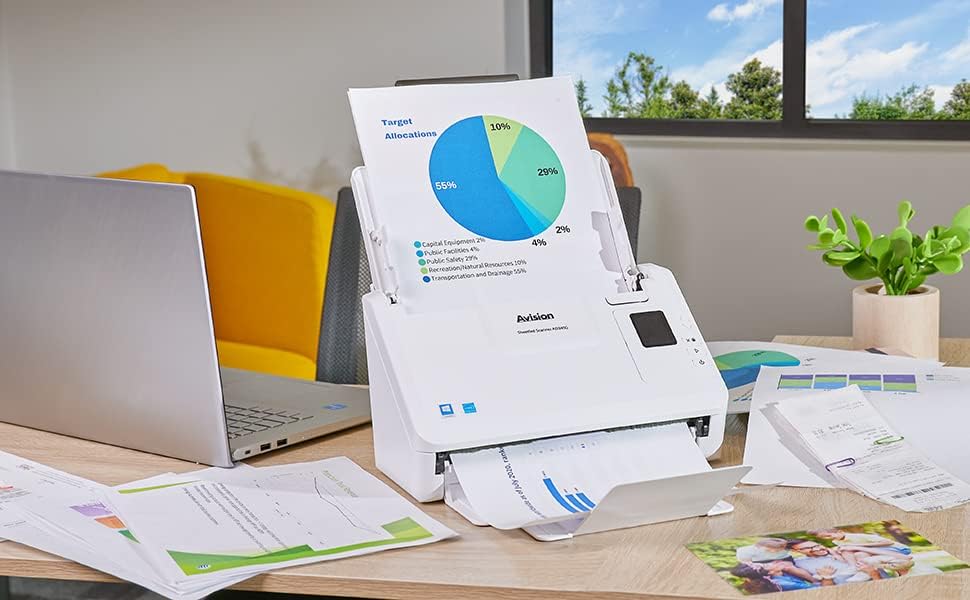
Сурет: The Avision AD340G scanner in operation, feeding a document with a pie chart. This illustrates the scanner's ability to handle various document types efficiently.
Техникалық қызмет көрсету
Сканерді тазалау
Үнемі тазалау сканердің оңтайлы жұмысын қамтамасыз етеді және оның қызмет ету мерзімін ұзартады.
- Қуатты өшіру және ажырату: Always turn off the scanner and disconnect the power adapter and USB cable before cleaning.
- Таза сыртқы: Wipe the exterior of the scanner with a soft, lint-free cloth lightly dampсумен немесе жұмсақ, абразивті емес тазалағышпен толтырыңыз.
- Clean Interior (Rollers and Glass):
- Open the scanner cover to access the rollers and glass scanning surfaces.
- Gently wipe the feed rollers with a clean, lint-free cloth. If necessary, use a small amount of isopropyl alcohol on the cloth for stubborn residue.
- Clean the glass scanning strips with a soft cloth and glass cleaner (non-ammonia based).
- Allow all components to dry completely before closing the cover and reconnecting power.
Ақаулықтарды жою
| Мәселе | Ықтимал себебі | Шешім |
|---|---|---|
| Сканер қосылмайды. | Қуат кабелі қосылмаған; розетка мәселесі. | Қуат кабелінің сенімді жалғанғанына көз жеткізіңіз. Басқа қуат розеткасын қолданып көріңіз. |
| Documents jam frequently. | Misaligned paper guides; worn rollers; dirty rollers. | Adjust paper guides. Clean the feed rollers. If problem persists, rollers may need replacement. |
| Сканерленген кескіндер бұлыңғыр немесе сызықтары бар. | Dirty scanning glass; incorrect resolution settings. | Clean the scanning glass. Adjust scanning resolution in the software. |
| Сканер компьютермен анықталмады. | USB cable disconnected; driver not installed or corrupted. | Check USB cable connection. Reinstall scanner drivers. Try a different USB port. |
Техникалық сипаттамалар
Key technical specifications for the Avision AD340G Document Scanner:
- Үлгі: AD340G
- Сканер түрі: ADF Duplex Document Scanner
- Қосылу мүмкіндігі: USB
- Ажыратымдылық: 600 dpi (оптикалық)
- Сканерлеу жылдамдығы: 40 ppm (pages per minute) / 80 ipm (images per minute)
- Түс тереңдігі: 48 bits input / 24 bits output
- Стандартты парақ сыйымдылығы: 50 парақ
- Оптикалық сенсор технологиясы: CIS (байланыс суреті сенсоры)
- Өнім өлшемдері: 11 x 6.1 x 6.5 дюйм
- Элемент салмағы: 8 фунт
- Ең төменгі жүйелік талаптар: Windows XP/7/8/10
Кепілдік және қолдау
For warranty information, technical support, or service inquiries, please refer to the warranty card included with your product or visit the official Avision website. Contact information for customer support can typically be found on the manufacturer's webсайт.
Avision Official Webсайт: www.avision.com