
Ансман 1260-0006
ANSMANN AES4 Timer Switch User Manual
Үлгі: 1260-0006
Brand: Ansmann
Өнім аяқталдыview
The ANSMANN AES4 Timer Switch is a digital weekly timer designed to automate the switching of electrical devices. It features a clear LCD display, 10 programmable switching times, a random function for simulating presence, and a summer time adjustment feature. This device helps in managing energy consumption and enhancing home security.

1-сурет: Алдыңғы view of the ANSMANN AES4 Timer Switch, showing the LCD display and control buttons.
Орнату және бастапқы конфигурация
Before first use, ensure the timer switch is fully charged by plugging it into a live socket for at least 30 minutes. This will activate the internal battery for memory retention.
1. Құрылғыны бастапқы қалпына келтіру
To clear all previous settings and ensure a fresh start, locate the small RESET button (usually recessed) and press it with a pointed object (e.g., a pen tip). The display will show all segments, then reset to 00:00.
2. Ағымдағы уақыт пен күнді орнату
- түймесін басыңыз САҒАТ button once. The display will show the current time.
- түймесін басыңыз АПТА button repeatedly to set the current day (MO, TU, WE, TH, FR, SA, SU).
- түймесін басыңыз САҒАТ button repeatedly to set the current hour (0-23).
- түймесін басыңыз МИНУТ button repeatedly to set the current minute (0-59).
- To exit time setting mode, press any other button or wait approximately 30 seconds for the device to return to normal display.

2-сурет: Close-up of the LCD display, illustrating the day and time setting interface. Note the "SUMMER" indicator for summer time function.
3. 12/24 Hour Display Selection
While in normal clock mode, press the САҒАТ түймесін, содан кейін түймесін басыңыз ТАЙМЕР button simultaneously to toggle between 12-hour (with AM/PM indicator) and 24-hour display formats.
4. Summer Time Function
To activate or deactivate the summer time (Daylight Saving Time) function, press the САҒАТ түймесін, содан кейін түймесін басыңыз ҚОСУ/АВТО/ӨШІРУ button simultaneously. The display will show "SUMMER" when activated, and the time will advance by one hour.
Пайдалану нұсқаулары
The AES4 Timer Switch allows for up to 10 ON/OFF programs per day or week, along with manual control and a random function.
1. ҚОСУ/ӨШІРУ уақыттарын бағдарламалау
- түймесін басыңыз ТАЙМЕР button. The display will show "1 ON". This is the first ON program.
- Қолдану АПТА, САҒАТ, және МИНУТ buttons to set the desired ON time and day(s) for this program. You can select specific days, weekdays, weekends, or all days.
- түймесін басыңыз ТАЙМЕР button again. The display will show "1 OFF". This is the first OFF program.
- Қолдану АПТА, САҒАТ, және МИНУТ buttons to set the desired OFF time and day(s) for this program.
- Repeat steps 1-4 for up to 10 ON/OFF programs. Pressing ТАЙМЕР will cycle through P1 ON, P1 OFF, P2 ON, P2 OFF, ..., P10 ON, P10 OFF.
- Бағдарламалау режимінен шығу үшін түймесін басыңыз САҒАТ түймесін басыңыз немесе 30 секунд күтіңіз.

3-сурет: Example of the timer switch being used to automate Christmas lighting, turning lights on from 17:00 to 08:00.
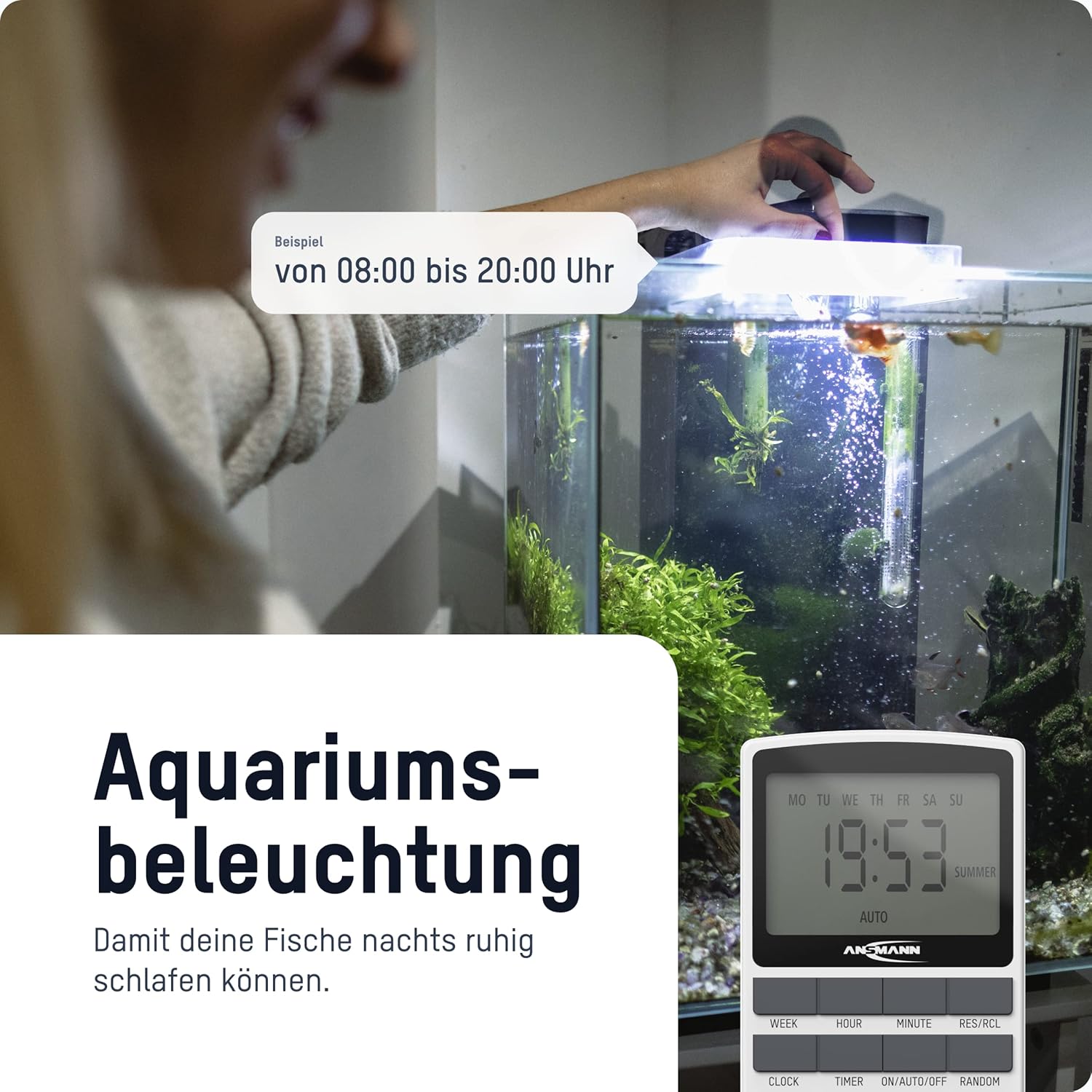
4-сурет: The timer switch automating aquarium lighting, ensuring fish have a regular light cycle, for example, 08:00-ден 20:00-ге дейін.
2. Manual ON/AUTO/OFF Mode
түймесін басыңыз ҚОСУ/АВТО/ӨШІРУ Жұмыс режимдері арасында ауысу үшін түймені басыңыз:
- ҚОСУЛЫ: The connected device is continuously ON, overriding all programs.
- АВТОМАТТЫ: The connected device operates according to the programmed ON/OFF times. This is the standard operating mode for automated control.
- ӨШІРУЛІ: The connected device is continuously OFF, overriding all programs.
3. Кездейсоқ функция
The random function is designed to simulate presence in your home by randomly switching the connected device ON and OFF within a specific time window (e.g., 18:00 to 06:00). This can deter potential intruders.
To activate the random function, press the КЕЗДЕСУ button. "RANDOM" will appear on the display. Press it again to deactivate.
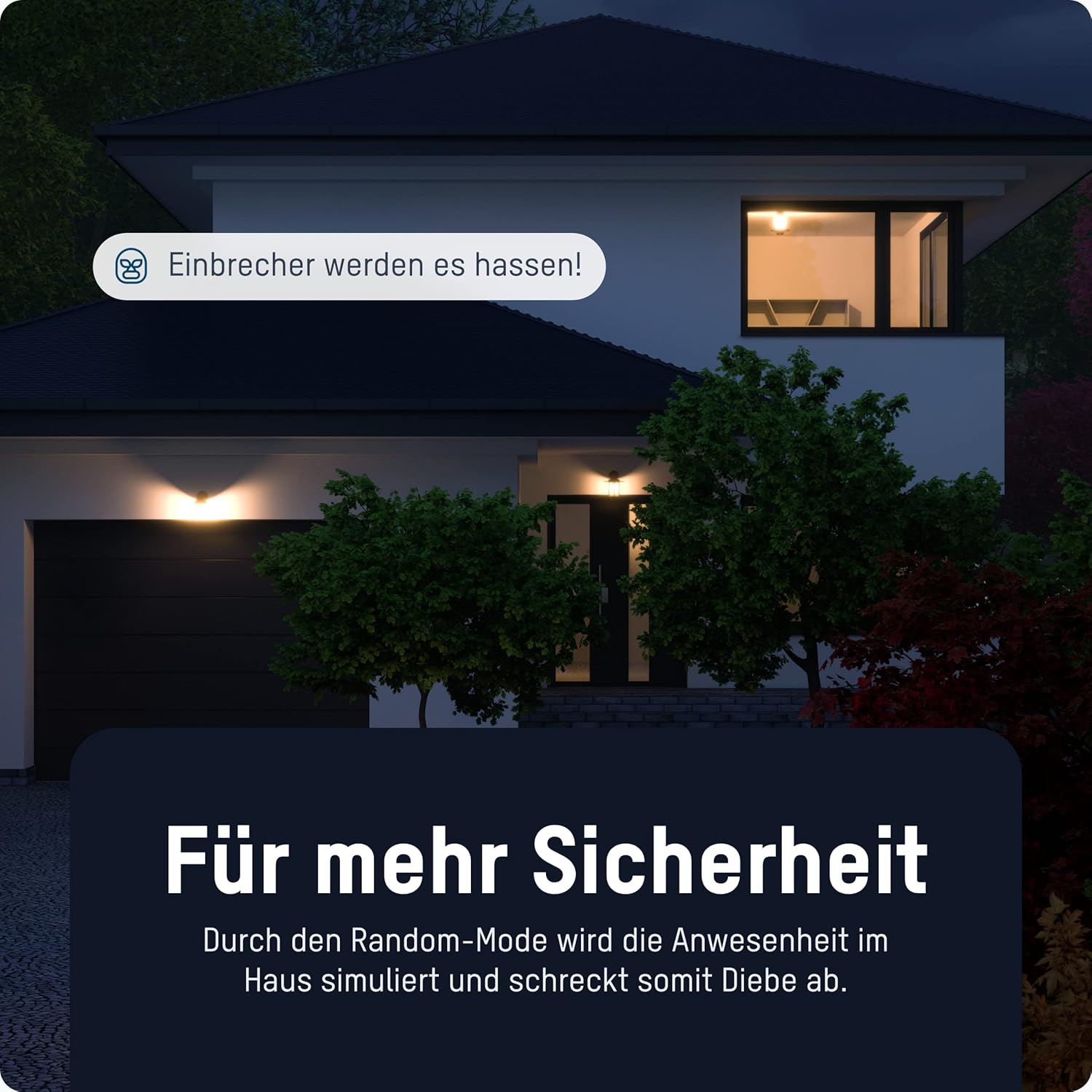
5-сурет: The timer switch utilizing its random mode to simulate occupancy, enhancing home security by randomly turning lights on and off.
Техникалық қызмет көрсету
The ANSMANN AES4 Timer Switch requires minimal maintenance.
- Тазалау: Құрылғыны жұмсақ, құрғақ шүберекпен сүртіңіз. Абразивті тазартқыштарды немесе еріткіштерді қолданбаңыз. Тазалау алдында құрылғының желіден ажыратылғанына көз жеткізіңіз.
- Сақтау орны: If storing the device for an extended period, ensure it is unplugged and kept in a dry, cool place.
- Батарея: The internal battery is designed for memory retention during power outages. It is not user-replaceable.
Ақаулықтарды жою
If you encounter issues with your ANSMANN AES4 Timer Switch, try the following steps:
- Дисплей бос немесе жауап бермейді: Ensure the timer is plugged into a live power outlet. If it has been unplugged for a long time, the internal battery might be depleted. Plug it in for at least 30 minutes to charge.
- Бағдарламалар жұмыс істемейді:
- Check if the timer is in "AUTO" mode. If it's in "ON" or "OFF" mode, programs will be overridden.
- Verify that the current time and day are set correctly.
- Review your programmed ON/OFF times to ensure they are set as intended and do not conflict.
- Device connected to timer is not turning ON/OFF:
- Ensure the connected device is properly plugged into the timer switch.
- Check if the connected device itself is working by plugging it directly into a wall socket.
- Ensure the timer switch is receiving power.
- Random function not working: Ensure the "RANDOM" indicator is visible on the display.
- Жалпы ақау: Perform a full reset of the device by pressing the recessed RESET button. Note that this will erase all programmed settings.
Техникалық сипаттамалар
| Ерекшелік | Мәлімет |
|---|---|
| Үлгі нөмірі | 1260-0006 |
| Өнім өлшемдері | 2.36 x 2.35 x 5.31 дюйм |
| Элемент салмағы | 5.4 унция (153 грамм) |
| Экран өлшемі | 2.1 дюйм |
| Макс. Қуат рейтингі | 3680 W (as per product title/description) |
| Ауысу уақыттары | Up to 10 ON/OFF programs per day/week |
| Функциялар | Digital Timer, Random Function, Summer Time, 12/24-hour display |
Кепілдік және қолдау
For detailed warranty information and technical support, please refer to the official Ansmann webсайтына өтіңіз немесе тұтынушыларға тікелей хабарласыңыз. Сатып алуды растау ретінде сатып алу түбіртегіңізді сақтаңыз.
Official Ansmann Webсайт: www.ansmann.de
Ask a question about this manual
Ask about setup, troubleshooting, compatibility, parts, safety, or missing instructions. Manuals+ will review the question and use this page’s manual context to help answer it.