
1. Кіріспе
This manual provides essential information for setting up, operating, and maintaining your TECLAST T60Pro 12-inch 2K Tablet. The T60Pro features a 12-inch 2K IPS display, powered by a MediaTek Helio G99 Octa-Core processor, running Android 15. It includes 20GB RAM (8GB physical + 12GB virtual expansion) and 128GB internal storage, expandable up to 1TB via Micro SD. The tablet is equipped with four stereo speakers, a 13MP rear camera, an 8MP front camera, and an 8000mAh battery with 18W fast charging.

The TECLAST T60Pro features a slim 7.9mm metal body, weighing 553g, designed for portability and comfortable handling.
2. Қорапта не бар
Барлық элементтер пакетте бар екенін тексеріңіз:
- TECLAST T60Pro Tablet (x1)
- Зарядтағыш (x1)
- USB-C кабелі (x1)
- SIM картаны шығару құралы (x1)
- Пайдаланушы нұсқаулығы (x1)
This video demonstrates the unboxing process of the TECLAST T60Pro tablet and its included accessories.
3. Орнату
3.1 Құрылғының орналасуы
The image displays the side profile of the tablet, highlighting the SIM/TF Card slot, speaker grilles, and the Type-C port for charging and data transfer.
3.2 Планшетті зарядтау
Before first use, fully charge the tablet using the provided USB-C cable and charger. Connect the USB-C cable to the tablet's Type-C port and the charger to a power outlet. The battery indicator on the screen will show charging status.
3.3 Қуатты қосу/өшіру
- To power on: Press and hold the Power button until the TECLAST logo appears.
- Қуатты өшіру үшін: Қуат түймесін басып тұрыңыз, содан кейін экрандағы опциялардан «Қуатты өшіру» тармағын таңдаңыз.
- Қайта қосу үшін: Қуат түймесін басып тұрыңыз, содан кейін опциялардан «Қайта іске қосу» тармағын таңдаңыз.
3.4 SIM/TF Card Installation
To install a SIM card for cellular connectivity or a TF (Micro SD) card for expanded storage:
- Планшеттің бүйіріндегі SIM/TF картасы науасын табыңыз.
- Берілген SIM картасын шығару құралын науаның жанындағы кішкентай тесікке салып, науа шыққанша ақырын басыңыз.
- Place your Nano-SIM card(s) and/or Micro SD card into the designated slots on the tray, ensuring correct orientation.
- Науаны орнына түскенше абайлап қайтадан планшетке итеріңіз.

The tablet supports up to 1TB Micro SD card expansion for additional storage.
3.5 Android жүйесін бастапқы орнату
Upon first power-on, follow the on-screen prompts to complete the initial setup, which includes selecting your language, connecting to Wi-Fi, setting up your Google account, and configuring security options.
4. Пайдалану нұсқаулары
4.1 Дисплей және көрнекіліктер
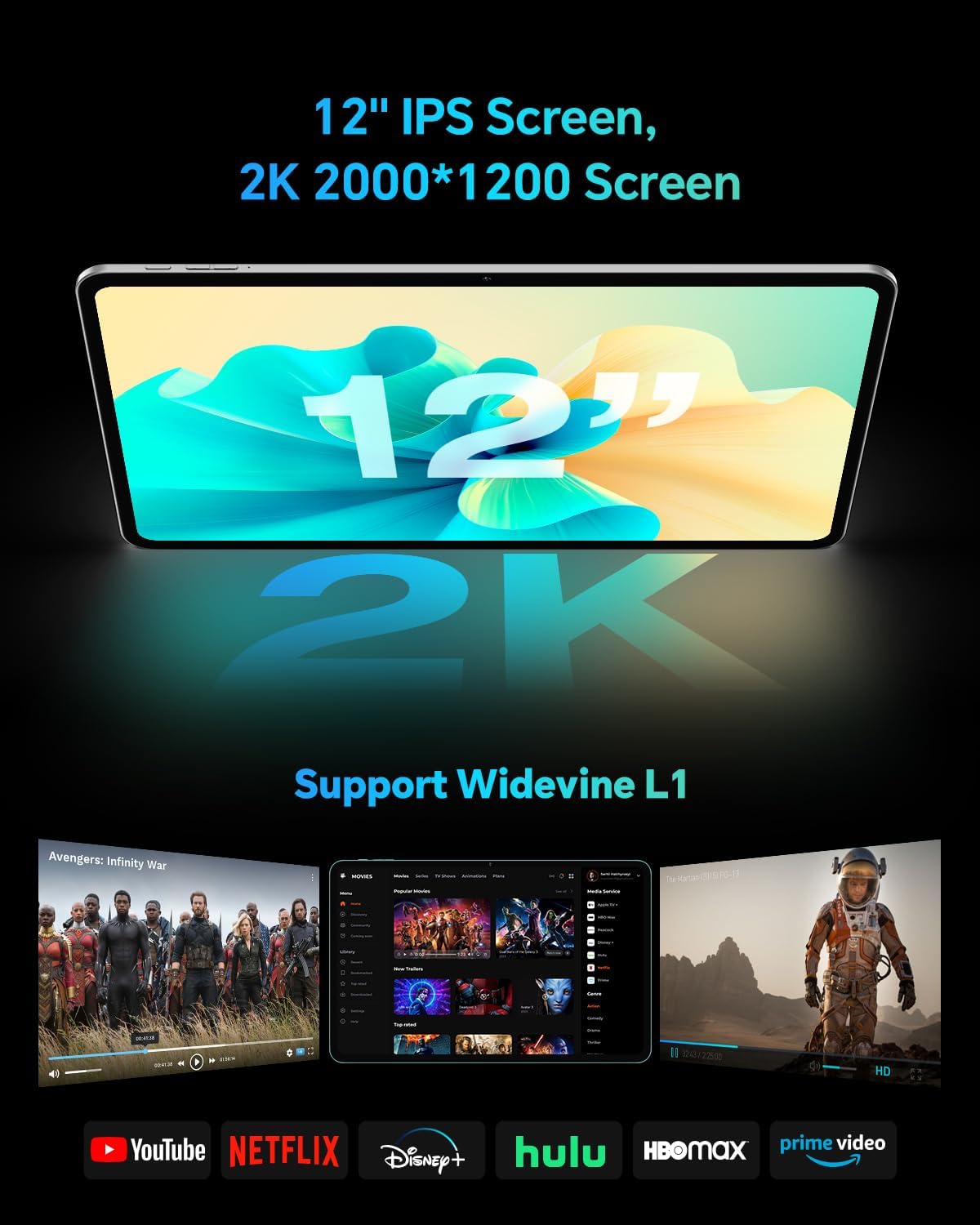
The TECLAST T60Pro features a 12-inch 2K (2000x1200) IPS TDDI full-lamination screen. It includes built-in blue light filtering for eye protection. The display supports Widevine L1 for high-definition streaming content.

Experience crisp visuals and support for HD streaming with the 12-inch 2K IPS display and Widevine L1 certification.
4.2 аудио
The tablet is equipped with four high-fidelity stereo speakers, providing an immersive audio experience for media consumption and video calls.
4.3 Камера функциялары
The T60Pro includes a 13MP rear camera and an 8MP front camera. The rear camera is designed for clear shooting, even in low-light conditions. Utilize the camera for photos, videos, and video calls.

The tablet features a 13MP rear camera and an 8MP front camera, supporting features like Google Lens and Face Recognition.
4.4 Қосылу мүмкіндігі
- Сымсыз дәлдiк: Supports 2.4/5GHz dual-band Wi-Fi (802.11a/b/g/n/ac) for stable internet connection.
- Блютез: Features Bluetooth 5.2 for connecting wireless accessories.
- Ұялы: Supports 4G cellular connectivity with a compatible SIM card.
- GPS: Integrated A-GPS/GPS/BeiDou/GLONASS/Galileo multi-navigation system for accurate location services.

The tablet includes built-in GPS with support for multiple satellite positioning systems for reliable navigation.
4.5 Сақтауды басқару
The tablet comes with 128GB of internal storage. This can be expanded up to 1TB using a Micro SD card (sold separately).
4.6 Бетті тану
For convenient and secure unlocking, the tablet supports face recognition. Simply hold your face in front of the front camera. If face recognition fails, use your registered password or adjust ambient lighting for better recognition.

Unlock your tablet quickly and securely using the face recognition feature.
4.7 Сымсыз проекция
Mirror your tablet's display to a larger screen, such as a TV, for an enhanced viewing experience. Refer to your TV's manual for specific wireless projection setup instructions.
4.8 Parental Controls and Kids Mode
The Android 15 system includes built-in parental controls to manage screen time and app access for children. Utilize these features to create a safe and controlled environment for younger users.
5. Техникалық қызмет көрсету
5.1 Құрылғыны тазалау
Use a soft, lint-free cloth to clean the tablet's screen and body. Avoid using harsh chemicals or abrasive materials that could damage the surfaces.
5.2 Батареяға күтім жасау
Батареяның қызмет ету мерзімін ұзарту үшін:
- Төтенше температурадан аулақ болыңыз.
- Батареяның жиі таусылуына жол бермеңіз.
- Оңтайлы зарядтау үшін берілген зарядтағышты пайдаланыңыз.
5.3 Бағдарламалық құралды жаңарту
Regularly check for and install system updates to ensure optimal performance, security, and access to the latest features. Navigate to Параметрлер > Жүйе > Жүйені жаңарту қол жетімді жаңартуларды тексеру үшін.
5.4 Экранды қорғау
The tablet comes with a pre-applied tempered glass screen protector. A protective film for shipping is also applied, which should be removed after opening the package.

The tablet includes a pre-applied screen protector for immediate use and protection.
6. Ақаулықтарды жою
6.1 Құрылғы қосылмаған
- Батареяның зарядталғанына көз жеткізіңіз. Қосу алдында планшетті зарядтағышты кем дегенде 30 минутқа қосыңыз.
- Мәжбүрлеп қайта қосуды орындау үшін Қуат түймесін 10-15 секунд басып тұрыңыз.
6.2 Байланыс мәселелері (Wi-Fi/Bluetooth)
- Toggle Wi-Fi or Bluetooth off and on in the Settings menu.
- Restart your router or Bluetooth device.
- Желіні/құрылғыны ұмытып, қайта қосылыңыз.
6.3 Low Audio Volume
- Adjust the volume using the physical Volume buttons on the tablet.
- Check media volume settings in Параметрлер > Дыбыс және діріл.
- Ensure no external audio devices are connected via Bluetooth or Type-C that might be overriding the internal speakers.
6.4 Қолданбалар бұзылып жатыр немесе қатып жатыр
- Қолданбаны жауып, қайта ашыңыз.
- Қолданбаның кэші мен деректерін тазалаңыз Параметрлер > Қолданбалар > [Қолданба аты] > Сақтау > Кэшті тазалау/Деректерді өшіру.
- Қолданбаның Google Play Store дүкенінен соңғы нұсқасына жаңартылғанына көз жеткізіңіз.
7. Техникалық сипаттамалар
| Ерекшелік | Техникалық сипаттама |
|---|---|
| Бренд | TECLAST |
| Модель атауы | T60pro |
| Операциялық жүйе | Android 15 |
| Экран өлшемі | 12 дюйм |
| Дисплей ажыратымдылығы | 2000x1200 пиксел (2K) |
| Процессор | MediaTek Helio G99 сегіз ядролы (2.2 ГГц) |
| ЖЖҚ жады | 20 ГБ (8 ГБ физикалық + 12 ГБ виртуалды) |
| Сақтау сыйымдылығы | 128 ГБ |
| Кеңейтілетін сақтау орны | 1 ТБ дейін (Micro SD) |
| Графикалық сопроцессор | Mali-G57 MC2 |
| Батарея сыйымдылығы | 8000 мАч |
| Зарядталуда | 18W USB-PD Fast Charging |
| Артқы камера | 13 МП |
| Алдыңғы камера | 8 МП |
| Сымсыз технология | Wi-Fi (2.4/5GHz), Bluetooth 5.2, 4G Cellular |
| GPS функционалдығы | GPS/BEIDOU/GLONASS/GALILEO |
| Құлаққап ұясы | C түрі |
| Өлшемдері (L x W x T) | 10.97" x 6.85" x 0.31" |
| Түс | Қою сұр |
8. Кепілдік және қолдау
8.1 Өндірушінің кепілдігі
The TECLAST T60Pro tablet comes with a 1 жылдық өндірушінің кепілдігі. Бұл кепілдік қалыпты пайдалану кезіндегі материалдар мен жұмыс ақауларын қамтиды. Кепілдік шағымдары үшін сатып алуды растайтын құжатты сақтаңыз.
8.2 Тұтынушыларды қолдау қызметі
For technical assistance, troubleshooting, or warranty inquiries, please contact TECLAST customer support. Most questions are answered within 24 hours. Refer to the official TECLAST webнақты байланыс мәліметтерін алу үшін сайтқа немесе сатып алу платформасына хабарласыңыз.
Online resources and FAQs may also be available on the TECLAST support page.