
Кіріспе
This manual provides detailed instructions for the operation and maintenance of your TOZO G1 Wireless Gaming Earbuds. Please read thoroughly before use to ensure optimal performance and longevity of your device.
Қорапта не бар
- TOZO G1 сымсыз құлаққаптар
- Сымсыз зарядтауға арналған қорап
- Eartips (multiple sizes for comfortable fit)
- USB A - USB C зарядтау кабелі
- Пайдаланушы нұсқаулығы (бұл құжат)
Орнату
1. Құлақаспаптар мен қорапты зарядтау
Before first use, fully charge the earbuds and charging case to ensure maximum battery life.
Image: The TOZO G1 charging case connected via a USB-C cable, indicating charging status with an illuminated logo.
- Connect the USB A to USB C charging cable to the charging port on the case.
- Connect the other end to a compatible USB power source.
- The LED indicator on the case will show the charging status. A full charge provides up to 6 hours of playback for the earbuds and an additional 30 hours with the charging case.
2. Құрылғымен жұптастыру
Follow these steps to pair your earbuds with a Bluetooth-enabled device.
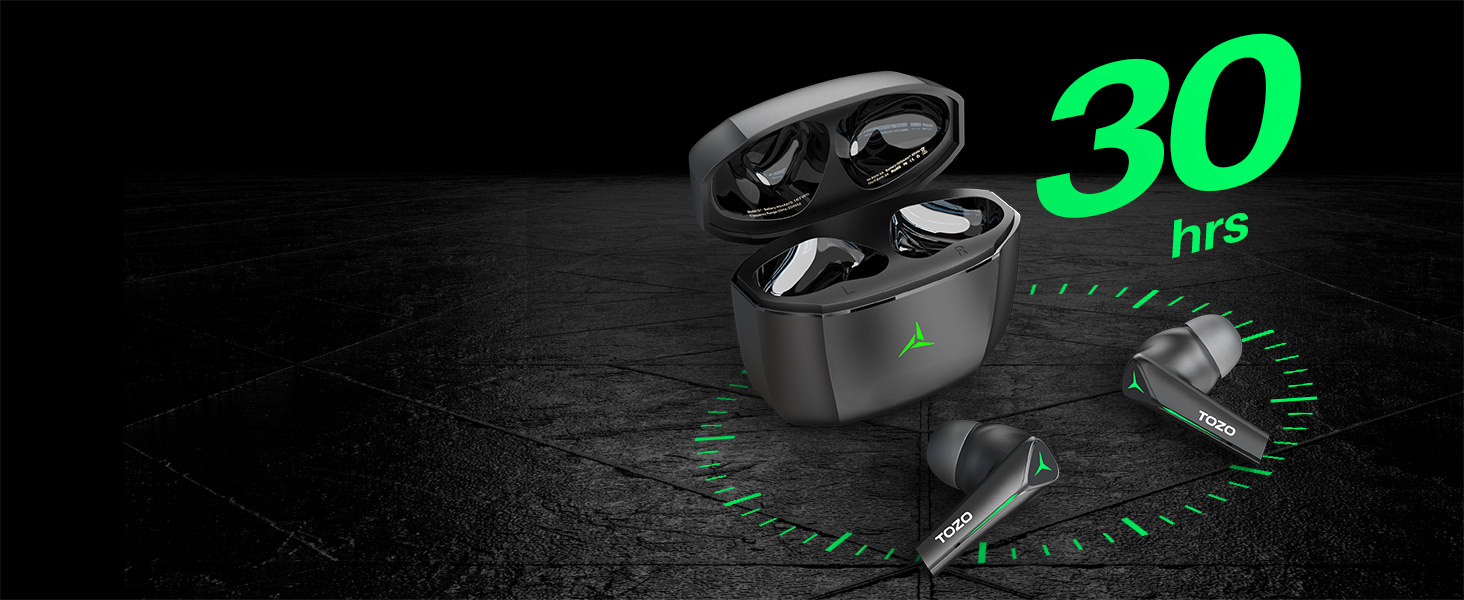
Image: TOZO G1 earbuds shown next to a smartphone displaying Bluetooth pairing options, with the earbuds emitting a green light.
- Open the charging case. The earbuds will automatically enter pairing mode (indicated by flashing LED lights).
- On your device (smartphone, tablet, laptop, gaming console), enable Bluetooth.
- Іздеу "TOZO G1" in the list of available devices and select it to connect.
- Once connected, the earbud LED lights will turn off or show a steady light.
Пайдалану нұсқаулары
1. Game & Music Dual Mode
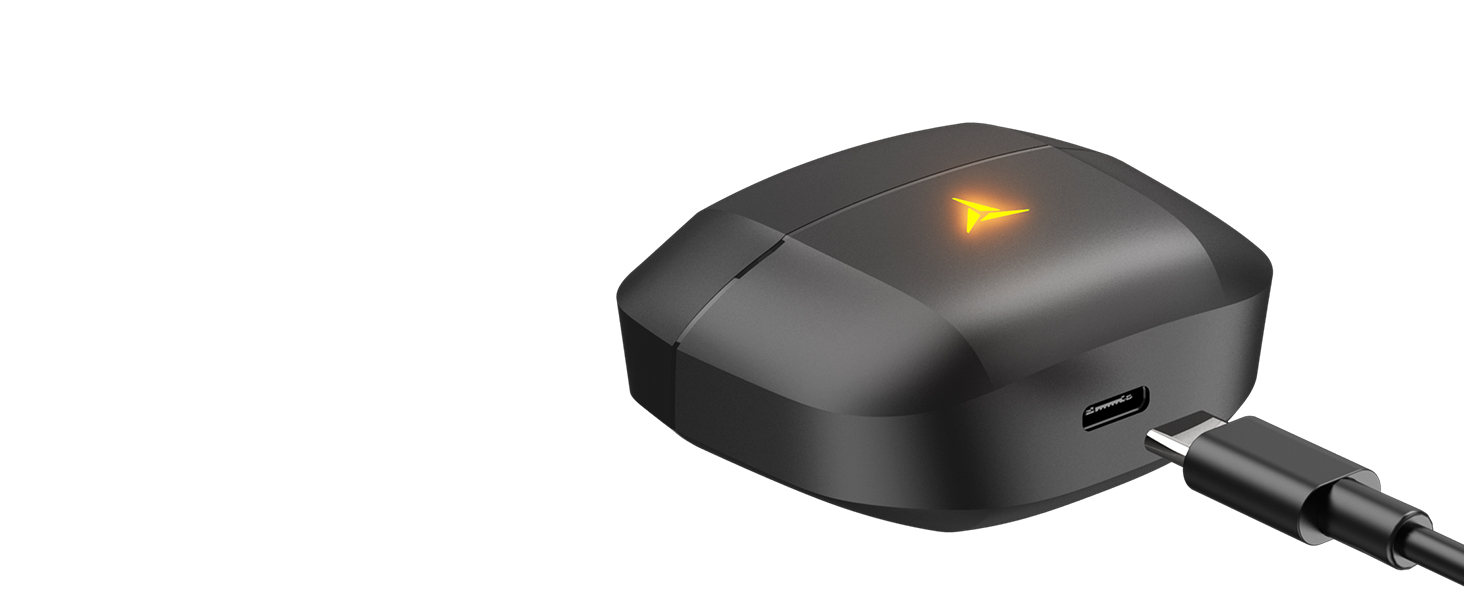
Image: A split image showing the TOZO G1 earbuds in "Game Mode" with a gaming scene and "Music Mode" with a person playing guitar, highlighting the dual functionality.
The TOZO G1 earbuds feature a dual mode for optimized audio performance:
- Ойын режимі: Provides 45ms ultra-low latency for synchronized audio and video, enhancing gaming with accurate sound detection (footsteps, gunfire).
- Музыка режимі: Delivers high-fidelity sound with powerful bass (16Hz-20kHz), mellow midrange, and clear treble for an immersive listening experience.
2. Smart Touch Control

Image: A diagram illustrating the touch control functions for the left and right TOZO G1 earbuds, including play/pause, track skipping, volume control, call management, and voice assistant/game mode activation.
Control your earbuds with simple touch gestures:
| Әрекет | Сол жақ құлаққап | Оң жақ құлаққап |
|---|---|---|
| Ойнату/Үзіліс | Бір рет түрту (X1) | Бір рет түрту (X1) |
| Алдыңғы / келесі ән | Double Tap (X2) - Previous | Double Tap (X2) - Next |
| Қоңырауға жауап беру/қою | Бір рет түрту (X1) | Бір рет түрту (X1) |
| Қоңырауды қабылдамау | 2 секунд ұстап тұрыңыз | 2 секунд ұстап тұрыңыз |
| Дыбыс деңгейі төмен / жоғары | Hold for 2 seconds - Volume Down | Hold for 2 seconds - Volume Up |
| Voice Assistant/Game Mode | Triple Tap (X3) - Voice Assistant | Triple Tap (X3) - Game Mode |
Техникалық қызмет көрсету
- Құлақаспаптар мен зарядтау қорабын жұмсақ, құрғақ шүберекпен жүйелі түрде тазалаңыз.
- Avoid exposing the earbuds to extreme temperatures or liquids. While waterproof, prolonged submersion is not recommended.
- Store in the charging case when not in use to protect and keep them charged.
Ақаулықтарды жою
- Құлақаспаптар жұптаспайды:
- Ensure both earbuds are in the charging case and the case is open. Check your device's Bluetooth settings and try reconnecting. If issues persist, reset the earbuds (refer to the full user manual for specific reset instructions).
- Дыбыс жоқ немесе төмен дыбыс:
- Check the volume levels on both your device and the earbuds. Ensure earbuds are properly seated in your ears. Verify the earbuds are connected to the correct device.
- Зарядтау мәселелері:
- Зарядтау кабелінің қорапқа да, қуат көзіне де сенімді жалғанғанына көз жеткізіңіз. Басқа USB-C кабелін немесе қуат адаптерін қолданып көріңіз. Құлаққаптардағы және қораптың ішіндегі зарядтау контактілерін тазалаңыз.
Техникалық сипаттамалар
| Ерекшелік | Мәлімет |
|---|---|
| Модель атауы | G1 |
| Қосылу технологиясы | Сымсыз (Bluetooth 5.3) |
| Аудио кешігу | 45 миллисекунд (ойын режимі) |
| Батареяның қызмет ету мерзімі (құлаққаптар) | 6 сағатқа дейін |
| Жалпы ойнау уақыты (зарядтау қорабы бар) | 30 сағатқа дейін |
| Суға төзімділік деңгейі | Суға төзімді (IPX5) |
| Бақылау әдісі | түртіңіз |
| Қосылған құрамдас бөліктер | TOZO G1 Wireless Earbuds, Wireless Charging Case, Eartips, USB A to USB C Charging Cable, User Manual |
Өнімнің ресми бейнесі
Бейне: Өнімнің ресми бейне көрсетіліміasing the TOZO G1 Wireless Gaming Earbuds and their features.
Кепілдік және қолдау
TOZO products come with a standard manufacturer's warranty. For detailed warranty information, product support, or to contact customer service, please visit the official TOZO webсайтынан қараңыз немесе өнім қаптамасындағы кепілдік картасын қараңыз.
Ресми Webсайт: www.tozostore.com


