
REXING H6
REXING Woodlens H6 қос камералы із камерасының пайдаланушы нұсқаулығы
Үлгі: H6
1. Кіріспе
The REXING Woodlens H6 is an advanced dual-camera trail camera designed for capturing high-quality video and still images of wildlife, property, or other outdoor subjects. Featuring both a 4K Ultra HD lens for daytime recording and an FHD Infrared lens for night vision, the H6 ensures clear visuals in various lighting conditions. Its robust, weather-resistant design and long standby time make it an ideal solution for extended outdoor surveillance.
2. Өнім аяқталдыview және Негізгі мүмкіндіктер
- Қос камера жүйесі: Captures 4K Ultra HD video during the day and FHD Infrared video at night with simultaneous audio recording. Designed to avoid IR CUT switching sounds that might disturb wildlife.
- Ажыратымдылығы жоғары бейнелеу: Supports up to 20MP still images and cinematic video quality.
- Integrated LCD & Speaker: Features a built-in 2.4-inch LCD screen and speaker for direct viewing and editing of recordings without external devices.
- Жетілдірілген түнгі көру: Equipped with 35M IR Flash and double 850nm high-powered Infrared lights, illuminating subjects up to 65 feet away for clear night images.
- Жылдам іске қосу жылдамдығы: Responds to motion within 0.2 seconds via 110° PIR sensors (Front + Side Sensor).
- Икемді жазу опциялары: Allows manual scheduling for recording start/stop times and supports time-lapse videos and photos.
- Durable and Secure Design: IP66 rated sturdy open/close case protects against rain and dust. The camera can be password-protected and secured with a lock.
- Кеңейтілген күту режимі: Supports up to 512GB SD card and offers up to 12 months of standby time.
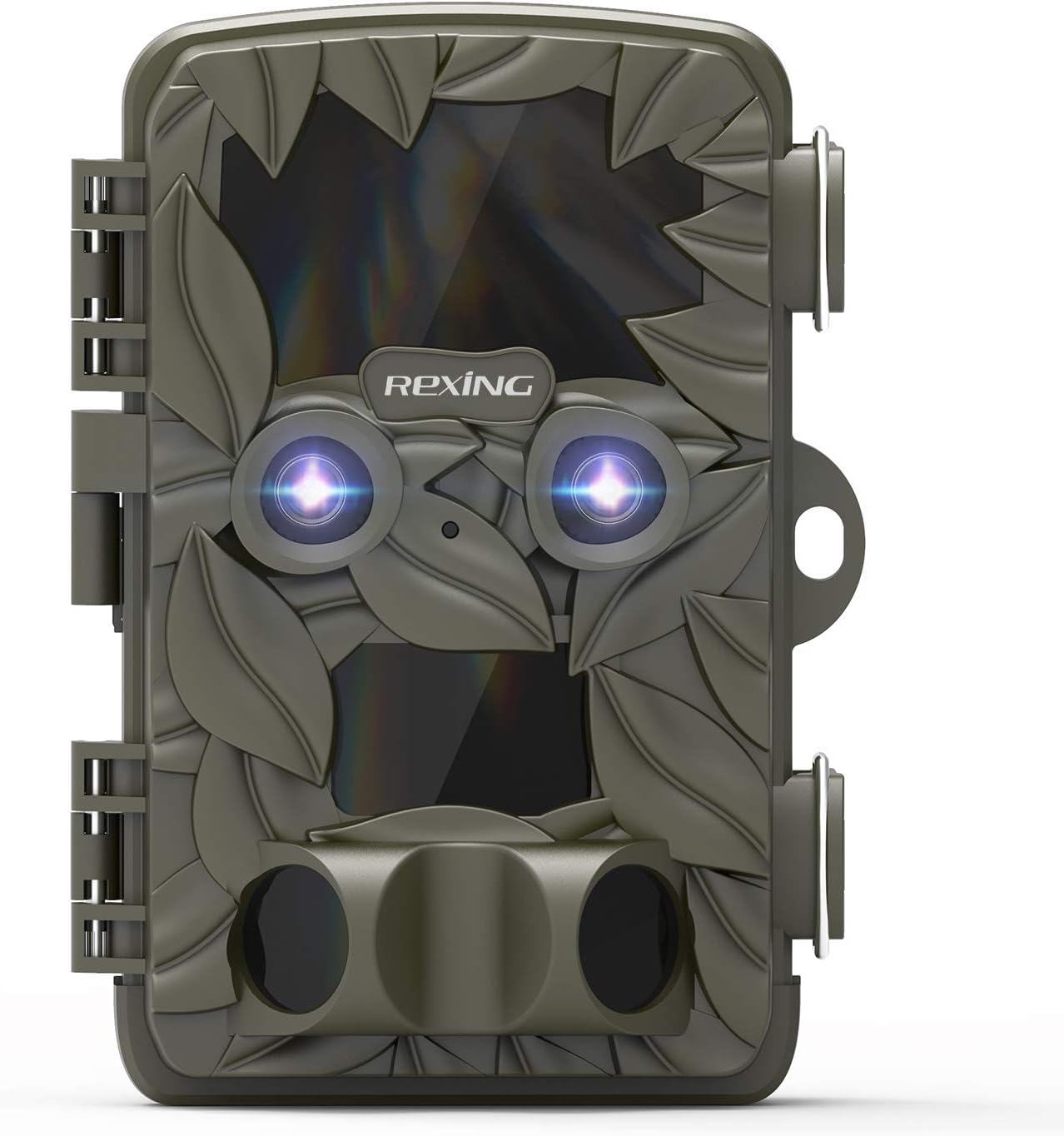
2.1-сурет: Алдыңғы view of the REXING Woodlens H6 Trail Camera, showcasing its camouflage design and dual lenses.
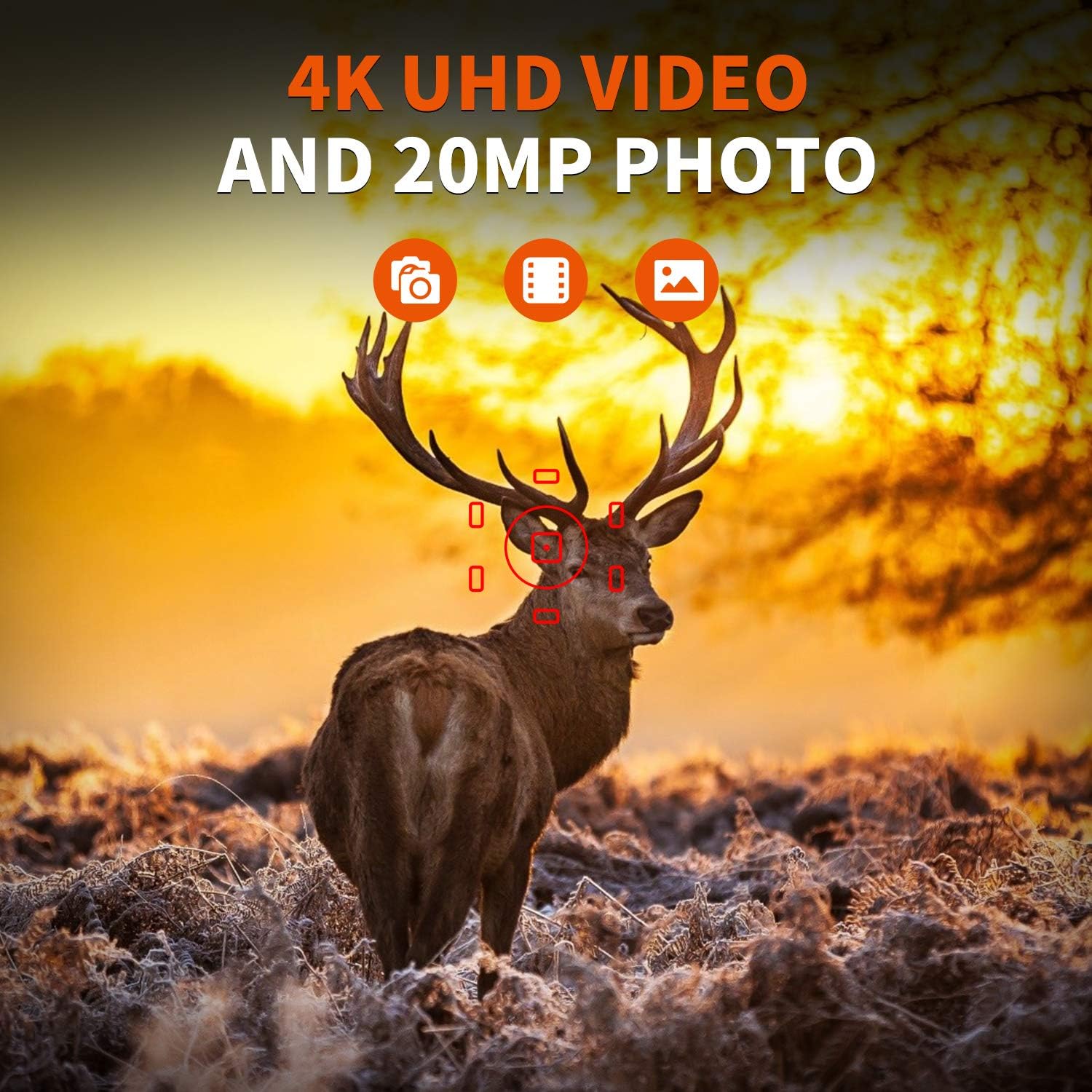
Figure 2.2: The REXING Woodlens H6 captures stunning 4K UHD video and 20MP photos, as demonstrated by this image of a deer in its natural habitat.
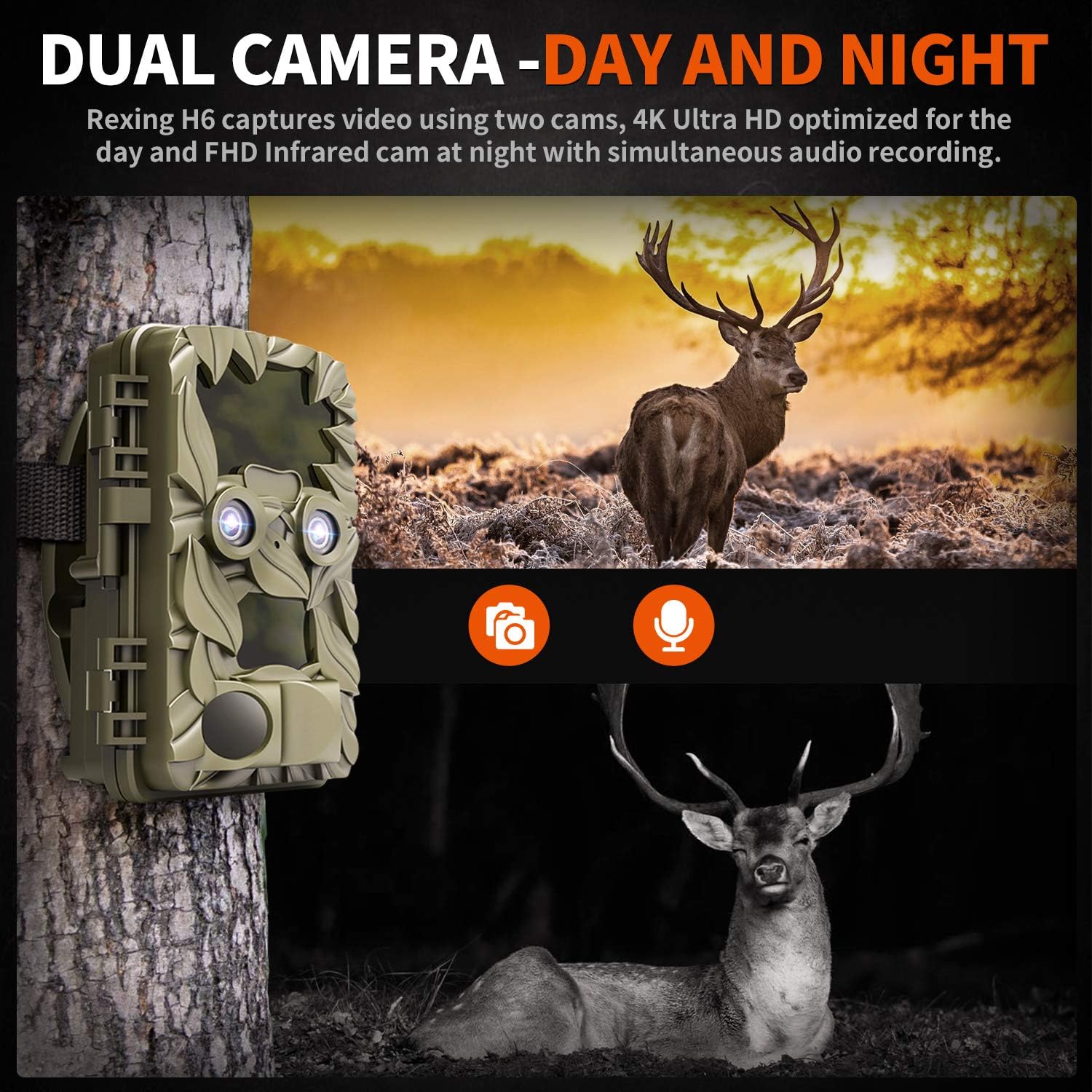
Figure 2.3: The H6 features a dual camera system, optimized for both day (4K) and night (FHD Infrared) recording, ensuring comprehensive surveillance around the clock.

Figure 2.4: Enhanced night vision capabilities of the H6, capturing clear images of wildlife up to 35 meters away in low light conditions, without disturbing sounds.

Figure 2.5: The H6 boasts a 120-degree detection angle and an ultra-fast 0.2-second trigger speed, ensuring no motion is missed.

Figure 2.6: Built to withstand the elements, the H6 is IP56 rated, making it resistant to heavy rain, ice, snow, dust, and mud.

Figure 2.7: The H6 is designed for low power consumption, compatible with 8x AA batteries, providing up to 12 months of standby time.

Figure 2.8: The REXING Woodlens H6 is versatile, suitable for multiple applications including wildlife monitoring, farm surveillance, and security.
3. Пакет мазмұны
Барлық элементтердің бар екеніне көз жеткізу үшін пакеттің мазмұнын тексеріңіз:
- REXING Woodlens H6 Trail Camera
- Монтаждау бауы
- USB кабелі
- АВ кабелі
- Пайдаланушы нұсқаулығы
- (Optional: 8x AA Batteries - check product packaging)
4. Орнату
4.1 Батареяны орнату
- Open the camera's outer casing бүйірлік қысқыштарды босату арқылы.
- Батарея бөлімін табыңыз.
- Insert 8x AA batteries, ensuring correct polarity (+/-) as indicated inside the compartment.
- Батарея бөлігінің қақпағын мықтап жабыңыз.
4.2 SD картасын енгізу
- With the camera open, locate the SD card slot.
- Insert a compatible SD card (up to 512GB) into the slot until it clicks into place. Ensure the card is inserted in the correct orientation.
- It is recommended to format the SD card via the camera's menu before first use.
4.3 Камераны орнату
- Select a suitable location for the camera, such as a tree or pole, ensuring a clear view қалаған аумақтың.
- Берілген бекіту белдігін камераның артқы жағындағы ұяшықтар арқылы өткізіңіз.
- Securely fasten the strap around the tree or pole, adjusting the camera's angle as needed.
- Alternatively, the camera can be wall-mounted using appropriate hardware (not included) via the mounting point.
4.4 Бастапқы қуат қосу
- After installing batteries and SD card, switch the camera to the "ON" position.
- The LCD screen will power on, and you can begin configuring settings.
5. Пайдалану нұсқаулары
5.1 Мәзірді шарлау
Use the control buttons (MENU, UP, DOWN, LEFT, RIGHT, OK, SHOT) located next to the LCD screen to navigate through the camera's settings and modes.
- МЕНЮ: Негізгі параметрлер мәзіріне кіреді.
- ЖОҒАРЫ-ТӨМЕН: Мәзір опциялары бойынша шарлайды.
- СОЛ ОҢ: Adjusts values or selects sub-options.
- OK: Таңдауды растайды.
- АТУ: Manually takes a photo or starts/stops video recording in preview режимі.
5.2 Жазу режимдері
The H6 supports various recording modes:
- Фото режимі: Captures still images (up to 20MP).
- Бейне режимі: Records video (4K UHD day, FHD night).
- Фото + Бейне режимі: Captures a still image followed by a video clip upon detection.
- Уақыт аралығы режимі: Captures photos or videos at set intervals to create time-lapse sequences.
5.3 Setting Up Scheduled Recording
To set specific times for the camera to operate:
- МӘЗІРге кіріңіз.
- Navigate to the "Timer" or "Schedule" setting.
- Set the desired start and end times for recording. The camera will only be active during these periods.
5.4 Viewing and Managing Recordings
Жазбалар болуы мүмкін viewed directly on the camera or on an external device:
- On-Camera Playback: Use the built-in 2.4-inch LCD screen and navigation buttons to review түсірілген фотосуреттер мен бейнелер.
- Теледидар қосылымы: Connect the camera to a TV using the provided AV cable to view recordings on a larger screen.
- Компьютерге қосылу: Connect the camera to a computer via the USB cable, or remove the SD card and insert it into a card reader, to transfer and view files.
5.5 Құпия сөзді қорғау
To prevent unauthorized access to your camera settings and recordings:
- МӘЗІРге кіріңіз.
- Navigate to the "Password" or "Security" setting.
- Set a 4-digit PIN. Remember this PIN as it will be required to access the camera.
Video 5.1: Official product video demonstrating the features and operation of the REXING Woodlens H6 Trail Camera, including its dual lens capabilities, night vision, and user interface.
6. Техникалық қызмет көрсету
- Тазалау: Use a soft, dry cloth to clean the camera body and lenses. Avoid abrasive cleaners or solvents.
- Батареяны ауыстыру: Replace all batteries simultaneously when the low battery indicator appears to ensure optimal performance and prevent leakage.
- SD карталарын басқару: Regularly back up important recordings and format the SD card periodically to maintain optimal recording performance and prevent data corruption.
- Сақтау орны: Ұзақ уақыт пайдаланбаған кезде, батареяларды алып тастаңыз және камераны тікелей күн сәулесінен алыс, салқын, құрғақ жерде сақтаңыз.
7. Ақаулықтарды жою
| Мәселе | Ықтимал себебі | Шешім |
|---|---|---|
| Камера қосылмайды. | Төмен немесе зарядсыз батареялар; батареяны дұрыс орнатпау. | Барлық батареяларды жаңаларына ауыстырыңыз, дұрыс полярлықты қамтамасыз етіңіз. |
| Camera stops functioning after installation / No data recorded. | SD card full or corrupted; incorrect SD card insertion; camera settings preventing recording. | Format the SD card (backup data first); ensure SD card is properly inserted; check recording mode and schedule settings. Ensure sufficient battery power. |
| Түнде кескін/бейне сапасы нашар. | IR lights obstructed; subject too far; low battery affecting IR performance. | Ensure clear line of sight for IR lights; position camera closer to subjects (within 65ft); replace batteries. |
| Camera not triggering motion. | PIR sensor obstructed; sensitivity setting too low; subject outside detection range. | Clear obstructions from PIR sensors; increase PIR sensitivity in settings; ensure subjects pass within the 110° detection angle. |
| Camera screen counts down and switches off. | This is normal behavior for the camera to enter monitoring mode after a brief display. | No action required. The camera is functioning as designed. |
| Wi-Fi байланысы жоқ. | The REXING Woodlens H6 model does not feature Wi-Fi connectivity. | This model requires direct connection via AV/USB cable or SD card removal for data transfer. |
8. Техникалық сипаттамалар
| Ерекшелік | Мәлімет |
|---|---|
| Бренд | РЕКСИНГ |
| Үлгі | H6 |
| Бейне түсіру рұқсаты | 2160p (4K UHD) |
| Тиімді тұрақты ажыратымдылық | 20 МП |
| Фото сенсор технологиясы | CMOS |
| Түнгі көру | 35M IR Flash, Double 850nm High Powered Infrared Light |
| PIR анықтау бұрышы | 110° (Front + Side Sensor) |
| Триггер жылдамдығы | 0.2 секунд |
| Дисплей | Built-in 2.4-inch LCD |
| Сақтау | SD картасы (512 ГБ дейін) |
| Қуат көзі | 8x AA Batteries (12 Month Standby) |
| Қосылу мүмкіндігі | AV Output, USB |
| Халықаралық қорғау рейтингі | IP66 |
| Элемент бумасының өлшемдері | 7.68 x 4.92 x 3.9 дюйм |
| Пакет салмағы | 0.61 келі |
| UPC | 810046601815 |
9. Кепілдік және қолдау
For warranty information and technical support, please refer to the official REXING webсайтына өтіңіз немесе тұтынушыларға тікелей хабарласыңыз. Сатып алу түбіртегін кез келген кепілдік талаптары үшін сатып алудың дәлелі ретінде сақтаңыз.
Байланыс ақпараты:
- Webсайт: www.rexingusa.com (Ресми тұлғаны растаңыз webең соңғы ақпаратқа арналған сайт)
- Электрондық пошта: сілтемесін қараңыз webқолдау электрондық поштасына арналған сайт.
- Телефон: сілтемесін қараңыз webқолдау телефонының нөмірін алу үшін сайт.
Ask a question about this manual
Ask about setup, troubleshooting, compatibility, parts, safety, or missing instructions. Manuals+ will review the question and use this page’s manual context to help answer it.