
1. Кіріспе
Thank you for choosing the gorsun Kids Bluetooth Headphones. This manual provides essential information for the safe and effective use of your headphones. Please read it carefully before use and retain it for future reference.
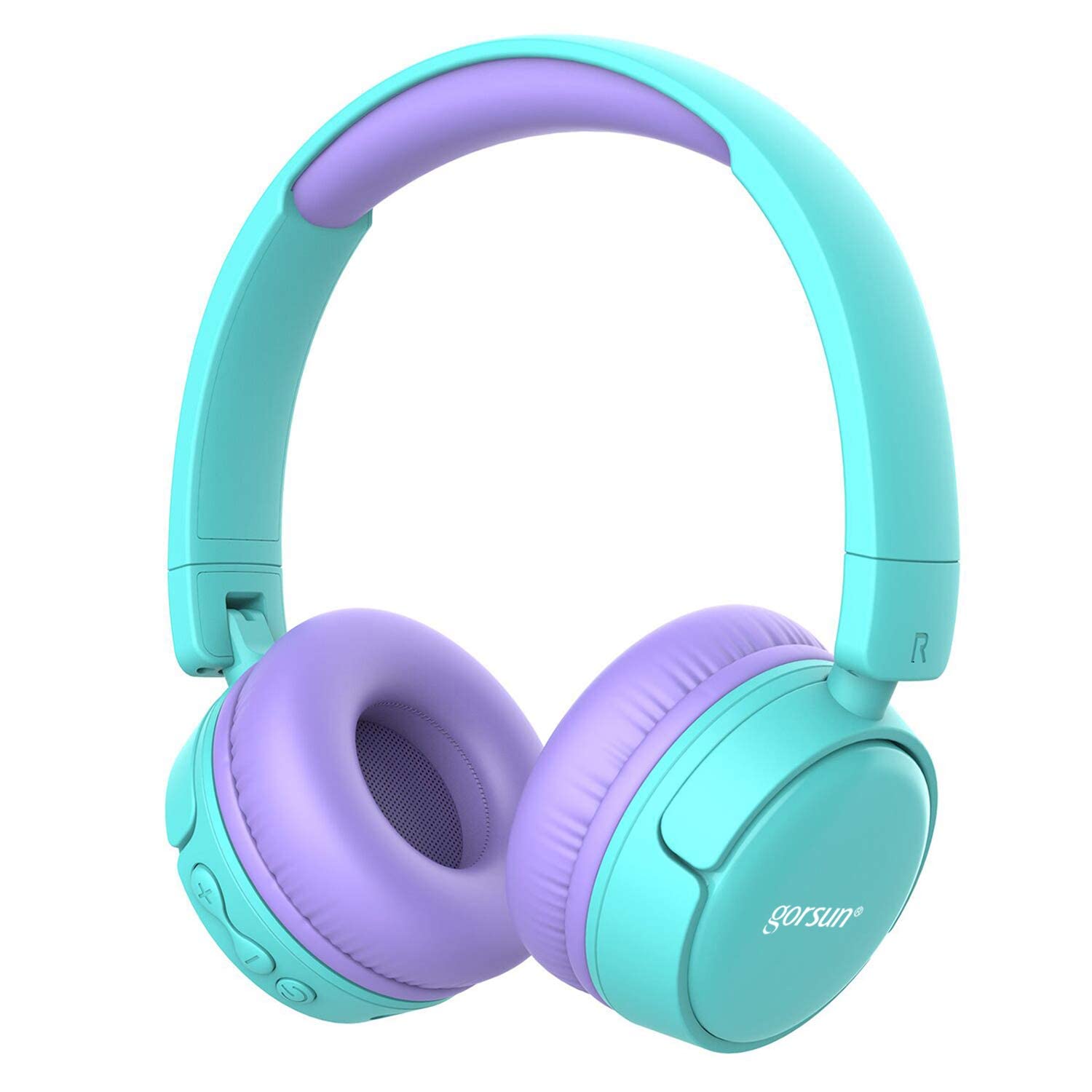
Image: gorsun Kids Bluetooth Headphones in purple and teal, showcasing жалпы дизайн.
2. Пакет мазмұны
Пакетте барлық элементтер бар екеніне көз жеткізіңіз:
- 1 x gorsun Kids Bluetooth Headphones
- 1 x USB зарядтау кабелі
- 1 x 3.5 мм аудио кабель
- 1 x Пайдаланушы нұсқаулығы (осы құжат)
- 1 x Тасымалдау сөмкесі

Image: The product box and its contents, including the headphones, USB charging cable, 3.5mm audio cable, and a black carrying bag.
3. Орнату
3.1 Құлақаспаптарды зарядтау
Before first use, fully charge the headphones. Connect the small end of the USB charging cable to the charging port on the headphones and the larger end to a USB power source (e.g., computer, wall adapter). The charging indicator light will show the charging status. A full charge takes approximately 1 hour.
3.2 Қуатты қосу/өшіру
- Қосу үшін: Индикатор шамы жыпылықтағанша Қуат түймесін шамамен 3 секунд басып тұрыңыз.
- Қуатты өшіру үшін: Қуат түймесін индикатор шамы сөнгенше шамамен 3 секунд басып тұрыңыз.
3.3 Bluetooth жұптастыру
- Құлақаспаптардың өшірілгеніне көз жеткізіңіз.
- Press and hold the Power button for about 5-7 seconds until the indicator light flashes red and blue alternately. This indicates pairing mode.
- Құрылғыда (смартфон, планшет, ноутбук) Bluetooth қосыңыз және қолжетімді құрылғыларды іздеңіз.
- Select "gorsun Kids Headphones" from the list of found devices.
- Once paired, the indicator light will flash blue slowly.
Құлаққап қосылған кезде соңғы жұптастырылған құрылғыға автоматты түрде қайта қосылуға әрекет жасайды.
3.4 Сымды байланыс
To use the headphones in wired mode, connect one end of the 3.5mm audio cable to the audio input jack on the headphones and the other end to your audio device's 3.5mm output jack. The Bluetooth function will automatically disable when the audio cable is connected.
3.5 Volume Limiter Adjustment
These headphones feature a volume limiter to protect children's hearing. You can switch between 85dB (Child Safety Mode) and 93dB (Flight Mode) depending on the environment.

Сурет: жақыннан түсірілген view of the gorsun Kids Bluetooth Headphones, highlighting the volume adjuster switch on the earcup, which allows selection between 85dB and 93dB modes.
Locate the volume adjuster switch on the earcup and slide it to your desired volume limit setting.
4. Пайдалану нұсқаулары
4.1 Негізгі басқару элементтері
- Ойнату/кідірту: Қуат түймесін бір рет басыңыз.
- Дыбыс деңгейі: «+» түймесін басыңыз.
- Дыбыстың төмендеуі: «-» түймесін басыңыз.
- Келесі трек: «+» түймесін басып тұрыңыз.
- Алдыңғы трек: «-» түймесін басып тұрыңыз.
4.2 Телефон қоңыраулары
With the built-in microphone, you can manage phone calls when connected via Bluetooth:
- Қоңырауға жауап беру/аяқтау: Қуат түймесін бір рет басыңыз.
- Қоңырауды қабылдамау: Қуат түймесін 2 секунд басып тұрыңыз.
- Соңғы нөмірді қайта теру: Қуат түймесін екі рет басыңыз.
4.3 Compatible Sharing Jack-Port
These headphones feature a sharing jack-port, allowing two or more headphones to be connected to a single audio source using standard 3.5mm Aux cables (one cable per additional headphone). This enables multiple users to listen to the same audio simultaneously.
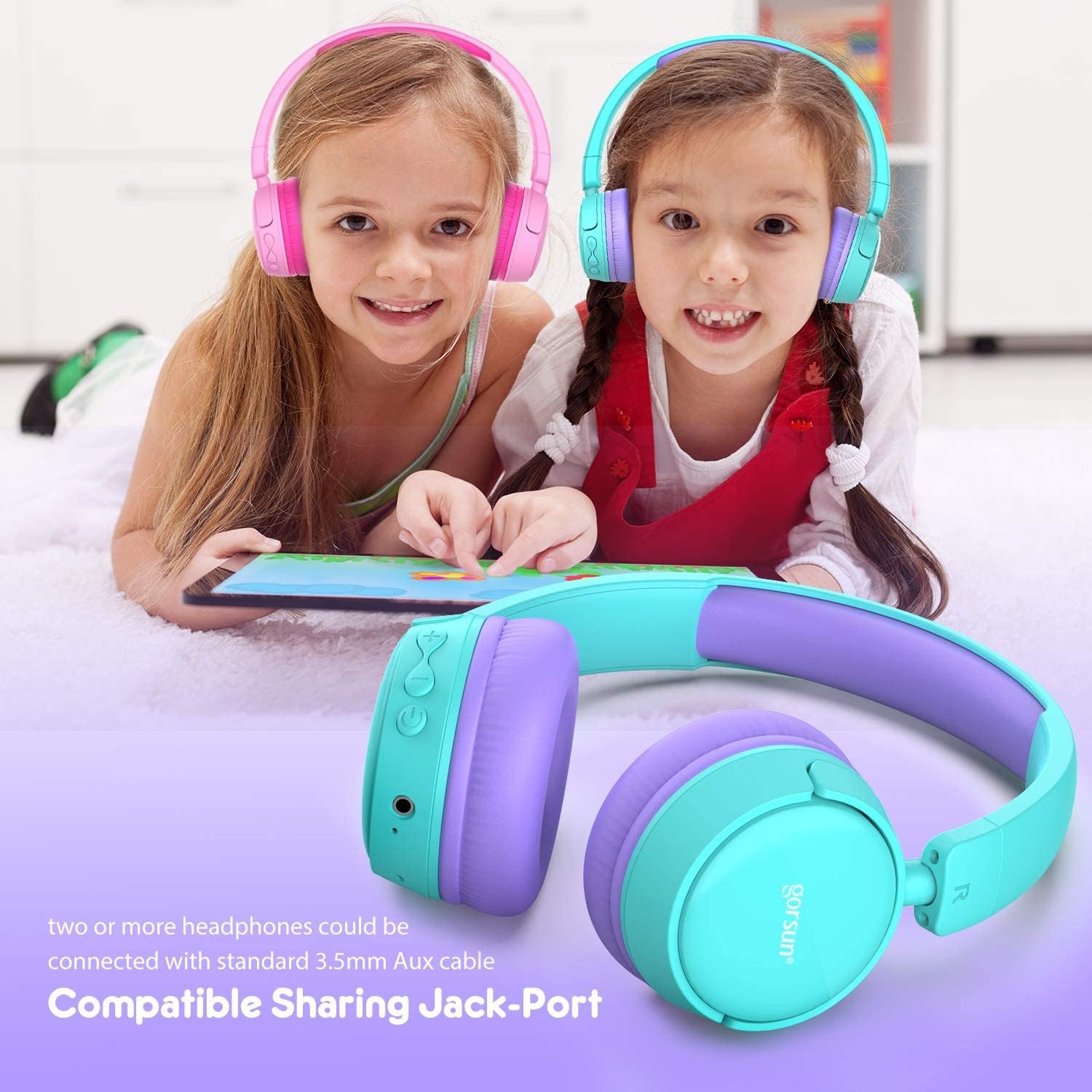
Image: Two children wearing gorsun Kids Bluetooth Headphones, connected together with an audio cable to share sound from a tablet, demonstrating the sharing jack-port feature.
5. Техникалық қызмет көрсету
5.1 Тазалау
Wipe the headphones with a soft, dry cloth. Do not use harsh chemicals or abrasive cleaners. Avoid getting moisture into any openings.
5.2 Сақтау
When not in use, store the headphones in the provided carrying bag to protect them from dust and scratches. The headphones are foldable for compact storage.

Image: The gorsun Kids Bluetooth Headphones shown in a folded position, illustrating their compact design for easy storage and portability.
5.3 Батареяға күтім жасау
Батареяның қызмет ету мерзімін ұзарту үшін құлаққаптың зарядын жиі толығымен таусудан аулақ болыңыз. Оларды үнемі зарядтаңыз, тіпті үнемі пайдаланбасаңыз да. Салқын, құрғақ жерде, жоғары температурадан алыс сақтаңыз.

Image: A detailed breakdown of the headphone's comfortable features, including protein sponge padding, an adjustable headband with numbered markings, soft protein ear cushions, and a polished outer casing.
6. Ақаулықтарды жою
- Headphones do not power on: Құлаққаптардың зарядталғанына көз жеткізіңіз. USB кабелін пайдаланып қуат көзіне қосыңыз.
- Bluetooth арқылы жұптау мүмкін емес: Make sure the headphones are in pairing mode (red and blue flashing light). Ensure Bluetooth is enabled on your device and it is within 10 meters of the headphones. Turn off and on both devices and try again.
- Дыбыс жоқ: Check the volume level on both the headphones and your connected device. Ensure the headphones are properly paired or the 3.5mm audio cable is fully inserted.
- Poor sound quality or connection drops: Move closer to your Bluetooth device to reduce interference. Ensure there are no obstacles between the headphones and the device. Disconnect and re-pair the headphones.
- Микрофон жұмыс істемейді: Ensure the headphones are properly connected via Bluetooth. Check your device's audio input settings to confirm the headphone microphone is selected.
7. Техникалық сипаттамалар
| Ерекшелік | Техникалық сипаттама |
|---|---|
| Үлгі нөмірі | f0b6f738-96a2-4a17-9d00-ed2fa798fbe0 |
| Қосылу мүмкіндігі | Wireless (Bluetooth 4.0), Wired (3.5mm Aux) |
| Bluetooth диапазоны | 10 метрге дейін (33 фут) |
| Батареяның қызмет ету мерзімі | 15 сағатқа дейін |
| Зарядтау уақыты | Шамамен 1 сағат |
| Көлемді шектегіш | 85dB (Child Safety Mode) / 93dB (Flight Mode) |
| Жиілік реакциясы | 20 Гц - 20 кГц |
| Материал | Пластмасса, силикон |
| Элемент салмағы | 10.6 унция (300 грамм) |
| Өнім өлшемдері | 6.69 x 6.5 x 0.18 дюйм |
| Арнайы мүмкіндіктер | Lightweight, Built-in Microphone, Foldable Design, Sharing Jack-Port |
8. Кепілдік туралы ақпарат
gorsun products are designed and manufactured to the highest quality standards. This product is covered by a limited warranty from the date of purchase. Please refer to the warranty card included in your package or contact customer support for detailed warranty terms and conditions.
9. Тұтынушыларға қолдау көрсету
For any questions, technical assistance, or warranty claims, please contact gorsun customer support through the retailer where you purchased the product or visit the official gorsun webбайланыс ақпаратына арналған сайт.