
1. Маңызды қауіпсіздік нұсқаулары
Орнату және пайдалану алдында барлық нұсқауларды мұқият оқып шығыңыз. Бұл нұсқаулықты болашақта анықтама үшін сақтаңыз.
Жалпы қауіпсіздік
- Орнату, техникалық қызмет көрсету немесе тазалау алдында қуат көзінің ажыратылғанына көз жеткізіңіз.
- Бұл құрылғы физикалық, сенсорлық немесе ақыл-ой қабілеттері шектеулі немесе тәжірибесі мен білімі жоқ адамдардың (соның ішінде балалар) пайдалануына арналмаған, егер олардың қауіпсіздігіне жауапты адамның қадағалауынсыз немесе құрылғыны пайдалану туралы нұсқау болмаса.
- Балалардың құрылғымен ойнамауын қадағалау керек.
Электр қауіпсіздігі
- All electrical connections must be made by a qualified electrician and conform to local codes and regulations.
- томды қамтамасыз етіңізtage and frequency of your power supply match the specifications of the fan.
- The fan must be properly grounded to prevent electric shock.
Орнату қауіпсіздігі
- Mount the fan to a ceiling structure capable of supporting a minimum of 15 kg (33 lbs).
- Ensure there is adequate clearance between the fan blades and any obstacles (walls, furniture) and the floor. A minimum distance of 2.3 meters (7.5 feet) from the floor to the blades is recommended.
- Do not install the fan in a location where it can be easily reached by children or pets.
2. Өнім аяқталдыview
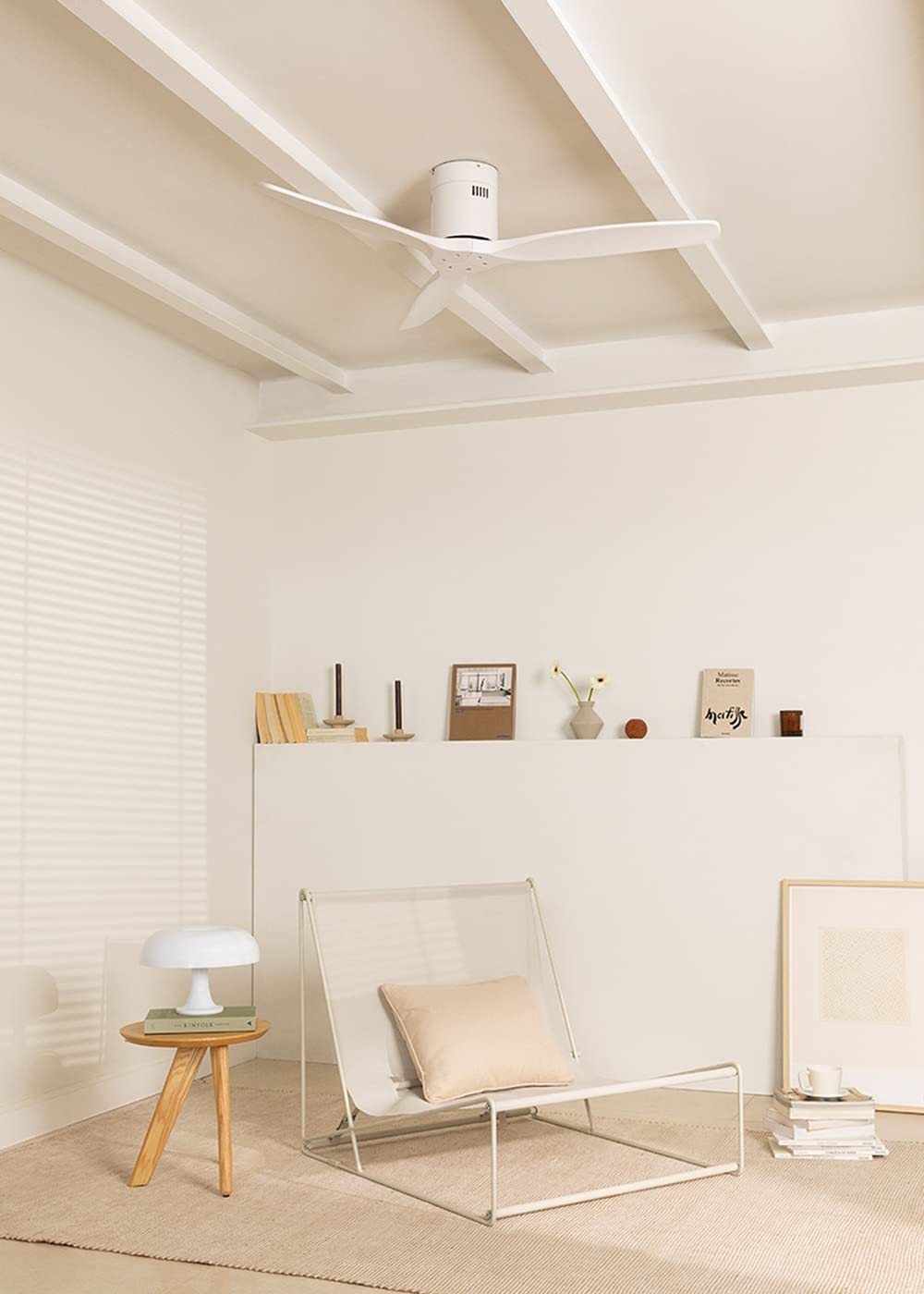
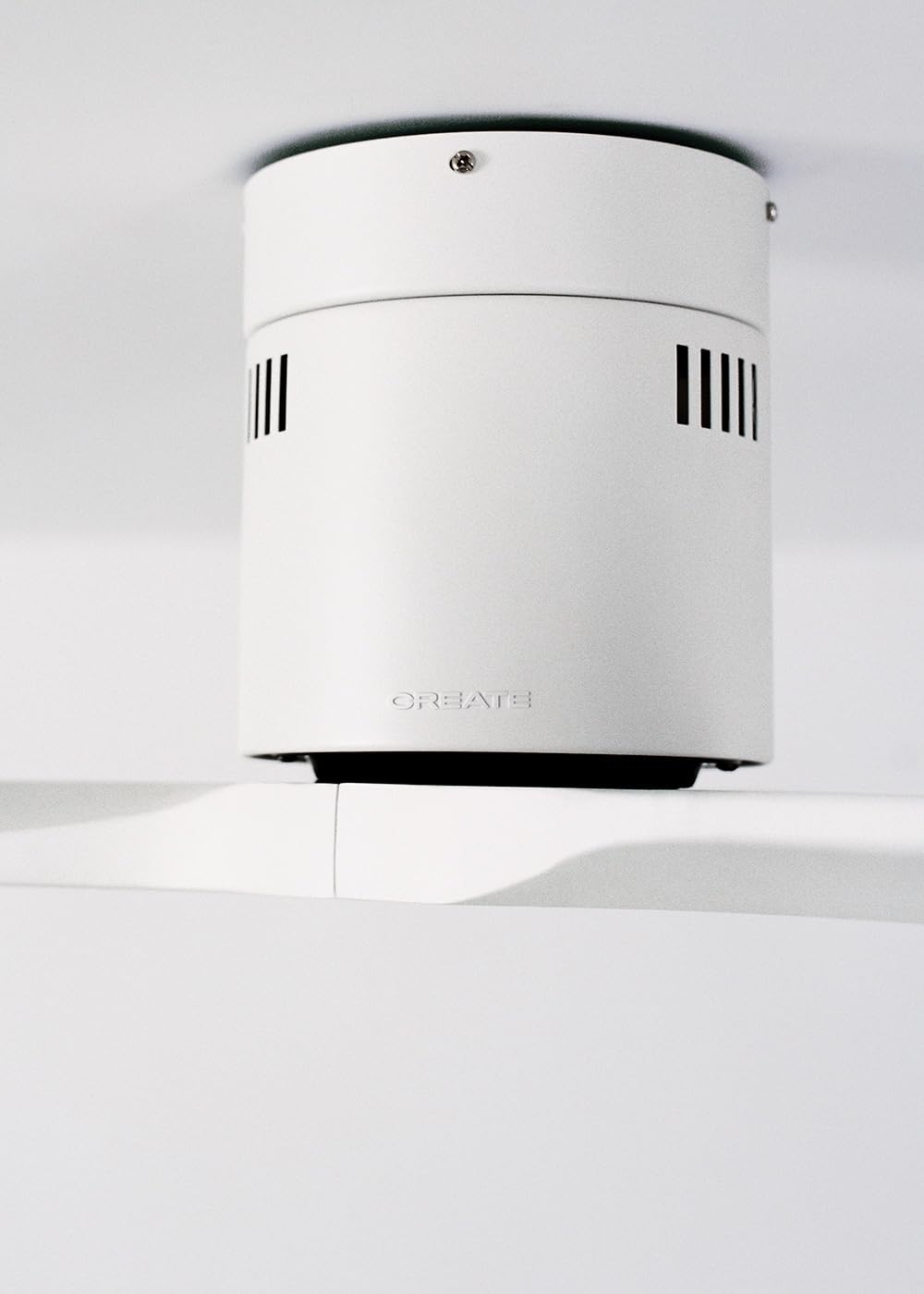
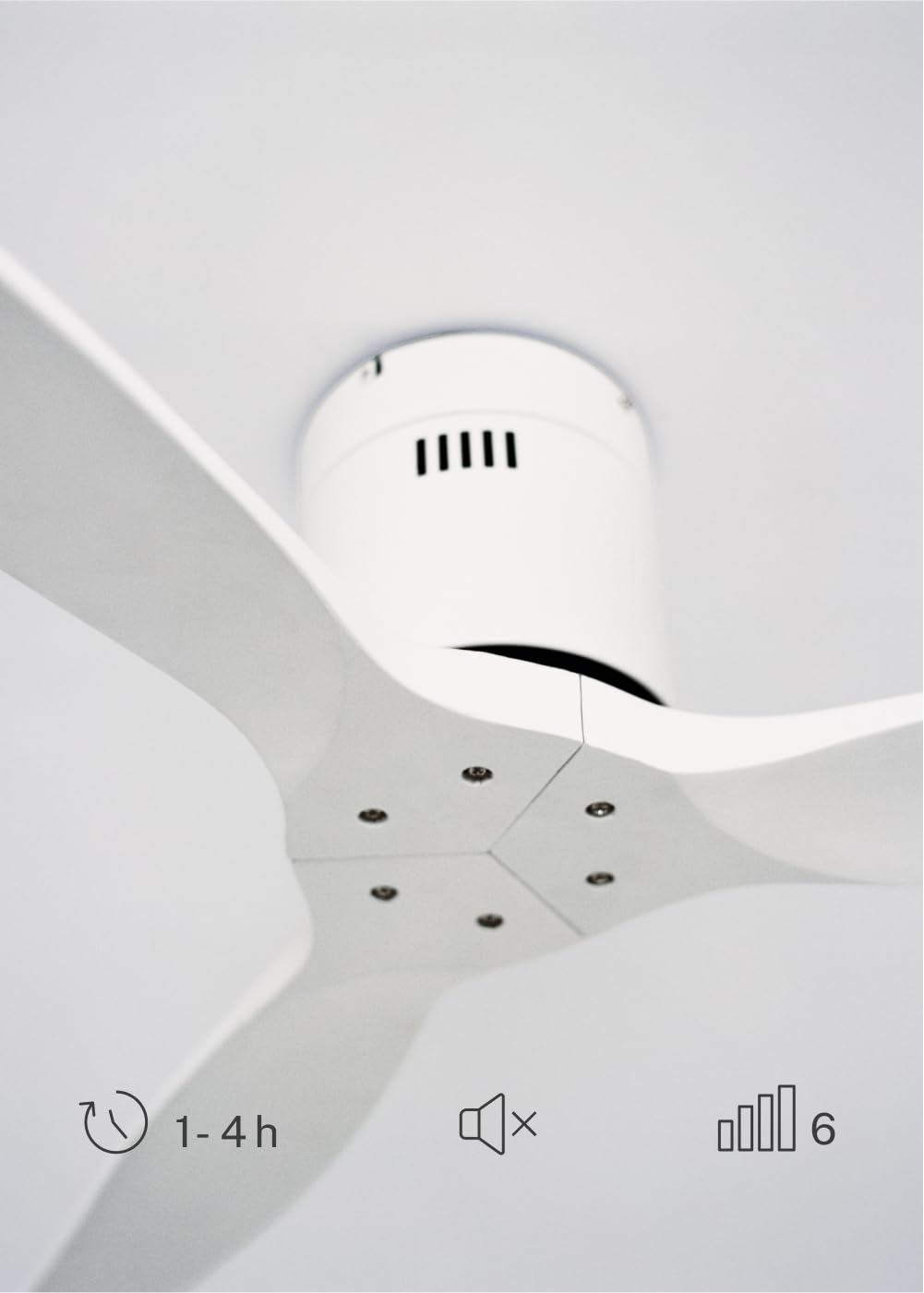
The CREATE WINDCALM DC Ceiling Fan is designed for efficient and quiet air circulation in various indoor spaces. It features a durable aluminum body, a silent DC motor, and three lightweight blades, ensuring minimal noise operation. The fan offers 6 adjustable speeds and a programmable timer for convenience.

3. Техникалық шарттар
| Ерекшелік | Техникалық сипаттама |
|---|---|
| Бренд | ЖАСАУ |
| Үлгі нөмірі | 43479_88375 |
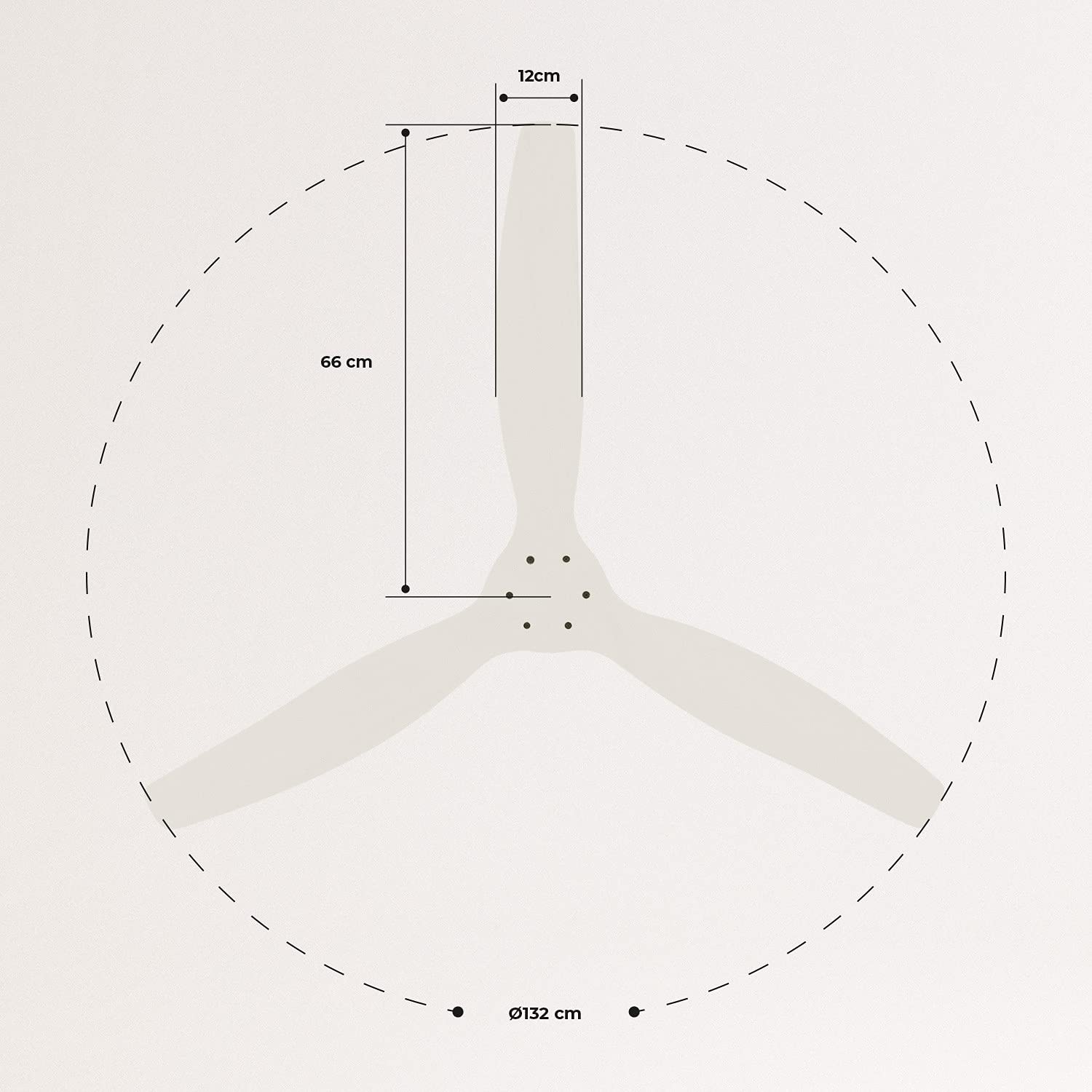
| Өлшемдері (L x W x H) | 132 x 132 x 29 см |
| Салмағы | 6.38 кг |
| Желдеткіш дизайны | Төбе желдеткіші |
| Қуат көзі | Электр кабелі |
| Арнайы мүмкіндік | High Speed, Silent DC Motor, Timer, Summer/Winter Function |
| Ұсынылатын пайдалану | Желдету |
| Бөлме түрі | Living Room (suitable for 13m² to 25m² rooms) |
| Түс | White Blades |

4. Орнату нұсқаулығы
Proper installation is crucial for the safe and efficient operation of your ceiling fan. It is highly recommended that installation be performed by a qualified electrician.
Орнату алдындағы тексерулер
- Барлық құрамдастарды қаптамадан шығарып, орау тізімімен салыстырыңыз.
- Ensure the ceiling joist or support structure is strong enough to hold the fan's weight.
- Turn off power at the main circuit breaker before starting any electrical work.
Желдеткішті орнату
- Secure the mounting bracket to the ceiling outlet box using appropriate screws and washers.
- Желдеткіш қозғалтқышының жинағын абайлап көтеріп, оны бекіту кронштейніне бекітіңіз.
Сымдарды қосу
Connect the electrical wires according to the wiring diagram provided in the separate detailed installation manual (not included in this general overview). Ensure all connections are secure and insulated.
Пышақтарды бекіту
Attach the fan blades to the motor hub using the provided screws. Ensure all screws are tightened securely.

5. Пайдалану нұсқаулары
Your CREATE WINDCALM DC Ceiling Fan comes with a remote control for convenient operation of all its functions.
Қашықтан басқару функциялары
Қашықтан басқару пульті мыналарға мүмкіндік береді:
- Қуатты қосу/өшіру: Желдеткішті қосыңыз немесе өшіріңіз.
- Жылдамдықты реттеу: Select from 6 different fan speeds to control airflow intensity.
- Таймер параметрі: Program the fan to automatically turn off after 1, 2, or 4 hours.
- Жазғы/қысқы режимі: Change the direction of blade rotation to optimize air circulation for different seasons.
Жазғы режим
In summer mode, the fan blades rotate counter-clockwise, pushing air downwards. This creates a cooling breeze effect, helping to dissipate heat and refresh the room.

Қысқы режим
In winter mode, the fan blades rotate clockwise, drawing air upwards. This helps to circulate warm air that accumulates near the ceiling, distributing it evenly throughout the room and improving heating efficiency.
6. Техникалық қызмет көрсету және күту
Тұрақты техникалық қызмет көрсету төбелік желдеткіштің ұзақ қызмет етуі мен оңтайлы жұмысын қамтамасыз етеді.
Тазалау
- Тазалау алдында әрқашан автоматты ажыратқыштағы желдеткіштің қуатын өшіріңіз.
- Жұмсақ пайдаланыңыз, damp cloth to wipe down the fan blades and motor housing. Do not use abrasive cleaners or solvents, as they may damage the finish.
- Қуатты қайтармас бұрын желдеткіштің толық құрғақ екеніне көз жеткізіңіз.
Тұрақты тексерулер
- Periodically check all screws and fasteners on the mounting bracket and blade attachments to ensure they are secure. Tighten if necessary.
- Listen for any unusual noises during operation, which may indicate a loose part or an issue with the motor.
7. Ақаулықтарды жою
If you encounter any issues with your fan, refer to the following common problems and their solutions:
| Мәселе | Ықтимал себебі | Шешім |
|---|---|---|
| Желдеткіш қосылмайды | Қуат көзі жоқ Бос сым қосылымы Қашықтан басқару пультінің батареясы аз | Ажыратқышты және қабырға қосқышын тексеріңіз Verify all wiring connections are secure (consult electrician) Қашықтан басқару пультінің батареяларын ауыстырыңыз |
| Желдеткіш шамадан тыс шу шығарады | Loose screws on blades or mounting Бүктелген пышақ Мотор мәселесі | Барлық бұрандаларды қатайтыңыз Check blades for damage and replace if necessary Тұтынушыларды қолдау қызметіне хабарласыңыз |
| Қашықтан басқару пульті жұмыс істемейді | Батарея таусылды Қашықтан басқару құралы мен ресивер арасындағы кедергі Қашықтан басқару пульті жұпталмаған (бар болса) | Батареяларды ауыстырыңыз Көру сызығын қамтамасыз етіңіз Refer to detailed manual for pairing instructions |
| Желдеткіш тербеледі | Бос монтаждық кронштейн Теңгерілмеген пышақтар | Орнату кронштейнінің мықтап бекітілгеніне көз жеткізіңіз Check blade balance and use balancing kit if needed |
8. Кепілдік және қолдау
For warranty information, technical support, or replacement parts, please contact CREATE customer service. Keep your purchase receipt as proof of purchase.
You can find more information and contact details on the official CREATE webсайт: www.create-store.com