
1. Кіріспе
This manual provides detailed instructions for the operation and maintenance of your Microware EZCAP230 Cassette to MP3 Converter. This device allows you to convert your old cassette tapes into digital MP3 format, preserving your audio memories. It can function as a standalone converter or connect to a computer for conversion and playback.
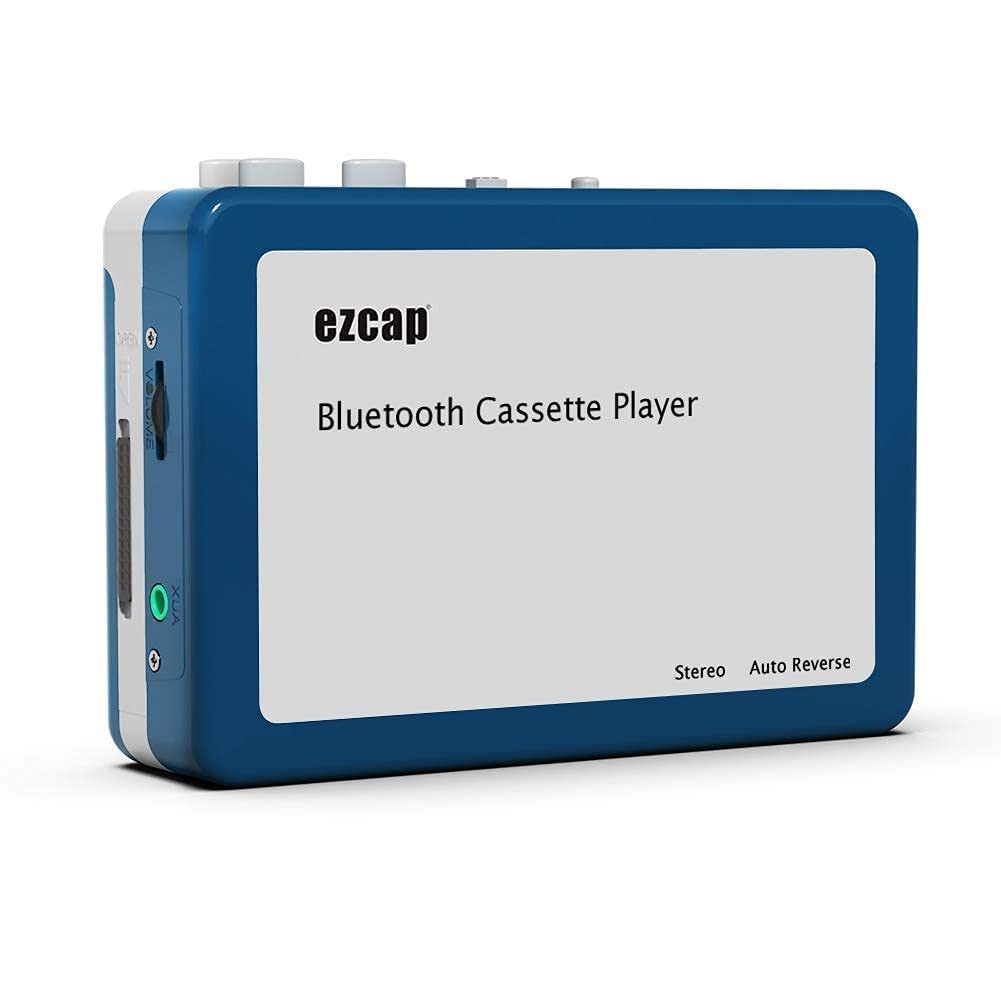
Image 1.1: The Microware EZCAP230 Cassette to MP3 Converter.
2. Өнім аяқталдыview
2.1 Негізгі мүмкіндіктер
- Converts cassette tapes to MP3 format.
- Standalone operation: No computer required for conversion.
- USB connectivity for power and data transfer.
- Playback function to check recorded music.
- Ықшам және портативті дизайн.
- Supports FAT, FAT32, exFAT USB formats up to 64GB. NTFS format is not supported.
2.2 Пакет мазмұны
- Microware EZCAP230 Cassette to MP3 Converter
- USB кабелі
- Құлаққаптар
- Пайдаланушы нұсқаулығы (бұл құжат)

Image 2.1: The converter unit, USB cable, and earphones.
3. Орнату
3.1 Қуат көзі
Құрылғыны екі жолмен қуаттандыруға болады:
- USB қуаты: Connect the provided USB cable to the device and a computer USB port or a 5V DC power adapter (not included).
- Батарея қуаты: Insert 2 x AA batteries (not included) into the battery compartment.
3.2 Кассета таспасын салу
- Кассета бөлімінің қақпағын ашыңыз.
- Insert your cassette tape with the open side facing up.
- Close the cassette compartment cover securely.

Image 3.1: Proper insertion of a cassette tape.
3.3 Connecting Earphones/Speakers and USB Flash Drive
- Connect the earphones to the 3.5mm audio output jack for private listening.
- To save converted MP3 files, insert a USB flash drive into the USB port. The device supports FAT, FAT32, and exFAT formats up to 64GB.

Image 3.2: Connecting earphones and a USB flash drive to the converter.
4. Пайдалану нұсқаулары
4.1 Standalone Cassette to MP3 Conversion
Follow these steps to convert your cassette tapes directly to MP3 format without a computer:
- Қуат қосулы: Ensure the device is powered via USB or batteries.
- Кассетаны енгізу: Place a cassette tape into the compartment.
- USB дискісін қосу: Insert a USB flash drive into the USB port. A green light will flash, indicating it's ready.
- Ойнатуды бастау: Press the "Play" button on top of the device to begin playing the tape.
- Жазуды бастау: Press the "Record" button to start recording. The default mode is manual division. To divide tracks, press the "Record/Stop" button each time you want a new MP3 file.
- Жазуды тоқтату: Press the "Record" button again to stop recording. The MP3 files will be saved to your USB flash drive.

Image 4.1: Step-by-step guide for independent cassette to MP3 conversion.
4.2 Кассета таспаларын ойнату
To use the device as a cassette player:
- Кассета таспасын салыңыз.
- Connect earphones or external speakers to the 3.5mm audio output jack.
- Press the "Play" button.
- Дыбыс деңгейін реттеу құралы арқылы дыбыс деңгейін реттеңіз.
4.3 Компьютерге қосылу
The device can be connected to a computer via USB for power and to transfer recorded MP3 files. While the device primarily functions for standalone conversion, you can manage the converted fileкомпьютеріңізде.
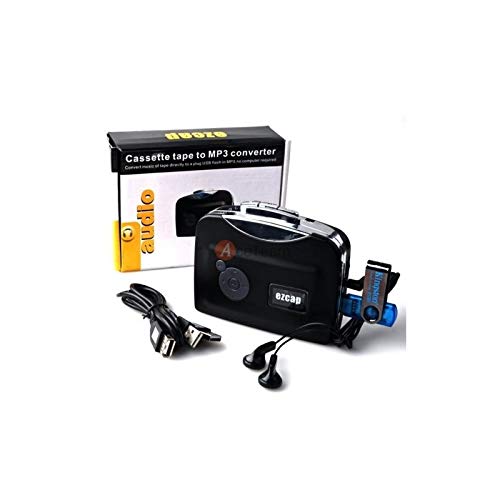
Image 4.2: The converter connected to a laptop, illustrating the digital conversion process.
4.4 Ойнату функциясы
The device includes a playback function to review the recorded MP3 files directly on the device. This allows you to verify the quality of your conversions.
4.1-бейне: аяқталдыview of the Microware Cassette to MP3 Converter's features and operation, demonstrating its ease of use for digitizing old tapes.
5. Техникалық қызмет көрсету
- Құрылғыны таза және шаңсыз ұстаңыз. Тазалау үшін жұмсақ, құрғақ матаны пайдаланыңыз.
- Құрылғыны шектен тыс температураға, ылғалдылыққа немесе тікелей күн сәулесінің әсеріне ұшыратпаңыз.
- Абразивті тазартқыштарды немесе еріткіштерді қолданбаңыз.
- When not in use for extended periods, remove batteries to prevent leakage.
6. Ақаулықтарды жою
6.1 Қуат жоқ
- Check if the USB cable is securely connected to a power source.
- Батареяларды пайдалансаңыз, олардың дұрыс салынғанына және таусылмауына көз жеткізіңіз.
6.2 Poor Audio Quality During Playback/Recording
- Ensure the cassette tape is clean and in good condition.
- Check earphone connections.
- Clean the tape head and pinch rollers with a cotton swab lightly dampизопропил спиртімен толықтырылған.
6.3 MP3 Files Not Saving to USB Drive
- Ensure the USB flash drive is properly inserted.
- Verify that the USB drive is formatted to FAT, FAT32, or exFAT. NTFS is not supported.
- USB дискісінде жеткілікті бос орын бар-жоғын тексеріңіз.
7. Техникалық сипаттамалар
| Ерекшелік | Техникалық сипаттама |
|---|---|
| Бренд | МИКРО ҚҰРАМА |
| Үлгі | EZCAP230 |
| Элемент салмағы | 150 г |
| Пакет өлшемдері | 14 x 10.01 x 5.99 см |
| Қуат көзі | USB Power (5V DC) or 2 x AA Batteries |
| USB Format Support | FAT, FAT32, exFAT (up to 64GB). NTFS not supported. |
8. Кепілдік және қолдау
For warranty information and technical support, please refer to the official MICROWARE webсайтына немесе сатушыға хабарласыңыз. Сатып алуды растау ретінде сатып алу түбіртегіңізді сақтаңыз.
Өндіруші: МИКРО ҚҰРАМА
Бірінші қол жетімді күн: 24 жылы 2019 қыркүйек
Қосымша көмек алу үшін мына сайтқа кіріңіз MICROWARE Store on Amazon.