
1. Кіріспе
The Viotek GN32DB is a 32-inch curved gaming monitor designed to deliver an immersive visual experience. It features a WQHD (2560x1440p) resolution, a 144Hz refresh rate, and AMD FreeSync technology, ensuring smooth and responsive gameplay. This manual provides essential information for setting up, operating, maintaining, and troubleshooting your monitor.

Image: The Viotek GN32DB monitor showcasing its 144Hz WQHD display capabilities.
2. Орнату
2.1 Қораптан шығару және құрастыру
Carefully remove the monitor and all components from the packaging. Ensure all parts are present before proceeding with assembly. Attach the stand base to the stand neck, then secure the assembled stand to the back of the monitor using the provided screws. The monitor also supports VESA mounting (75x75mm) for alternative installation options.
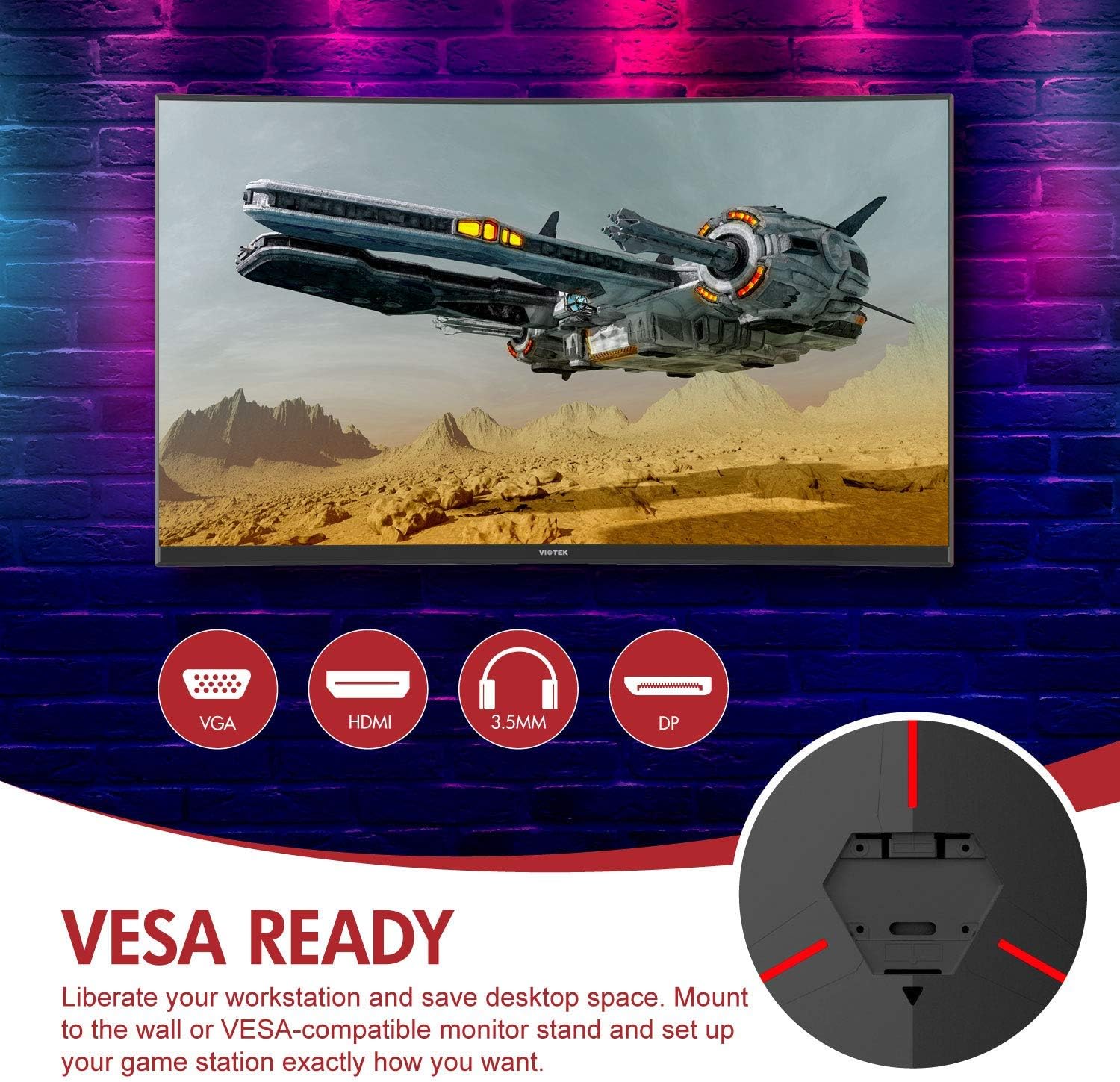
Сурет: артқы view of the monitor highlighting VESA compatibility and available ports.
2.2 Құрылғыға қосылу
Connect your computer or gaming console to the monitor using one of the available input ports:
- DisplayPort (DP 1.2): For optimal performance, including 144Hz refresh rate and FreeSync.
- HDMI (HDMI 2.0): Supports high-resolution and refresh rates.
- DVI: Үйлесімді құрылғылар үшін.
Connect the power adapter to the monitor and then to a power outlet. The monitor also features a 3.5mm audio output jack for external sound systems.

Сурет: егжей-тегжейлі view of the monitor's rear panel with input ports.
3. Мониторды пайдалану
3.1 Қуатты қосу/өшіру
Мониторды қосу немесе өшіру үшін мониторда орналасқан қуат түймесін басыңыз. Қуат индикаторының шамы монитордың күйін көрсетеді.
3.2 Экрандық дисплей (OSD) мәзірі
Navigate the OSD menu using the buttons or joystick (if present) on the monitor. The OSD allows you to adjust various settings:
- Сурет параметрлері: Жарықтықты, контрастты, айқындықты және түс температурасын реттеңіз.
- Түс режимдері: Алдын ала анықталған түс про арасынан таңдаңызfiles немесе өзіңіз реттеңіз.
- Кіріс көзі: Manually select the active input (DP, HDMI, DVI).
- Аудио: Adjust volume for the 3.5mm audio output.
3.3 Ойын мүмкіндіктері
- AMD FreeSync: This technology synchronizes the monitor's refresh rate with your GPU's frame rate to eliminate screen tearing and stuttering. Ensure FreeSync is enabled in both the monitor's OSD and your graphics card settings.
- FPS/RTS режимдері: Optimize display settings for specific game genres.
- Ойын плюс: Activate on-screen crosshairs for improved aiming accuracy.

Image: Visual demonstration of AMD FreeSync technology in action.
3.4 Көк жарықтың аз режимі
Activate the Low Blue Light mode to reduce blue light emissions, which can help minimize eye strain during extended use.
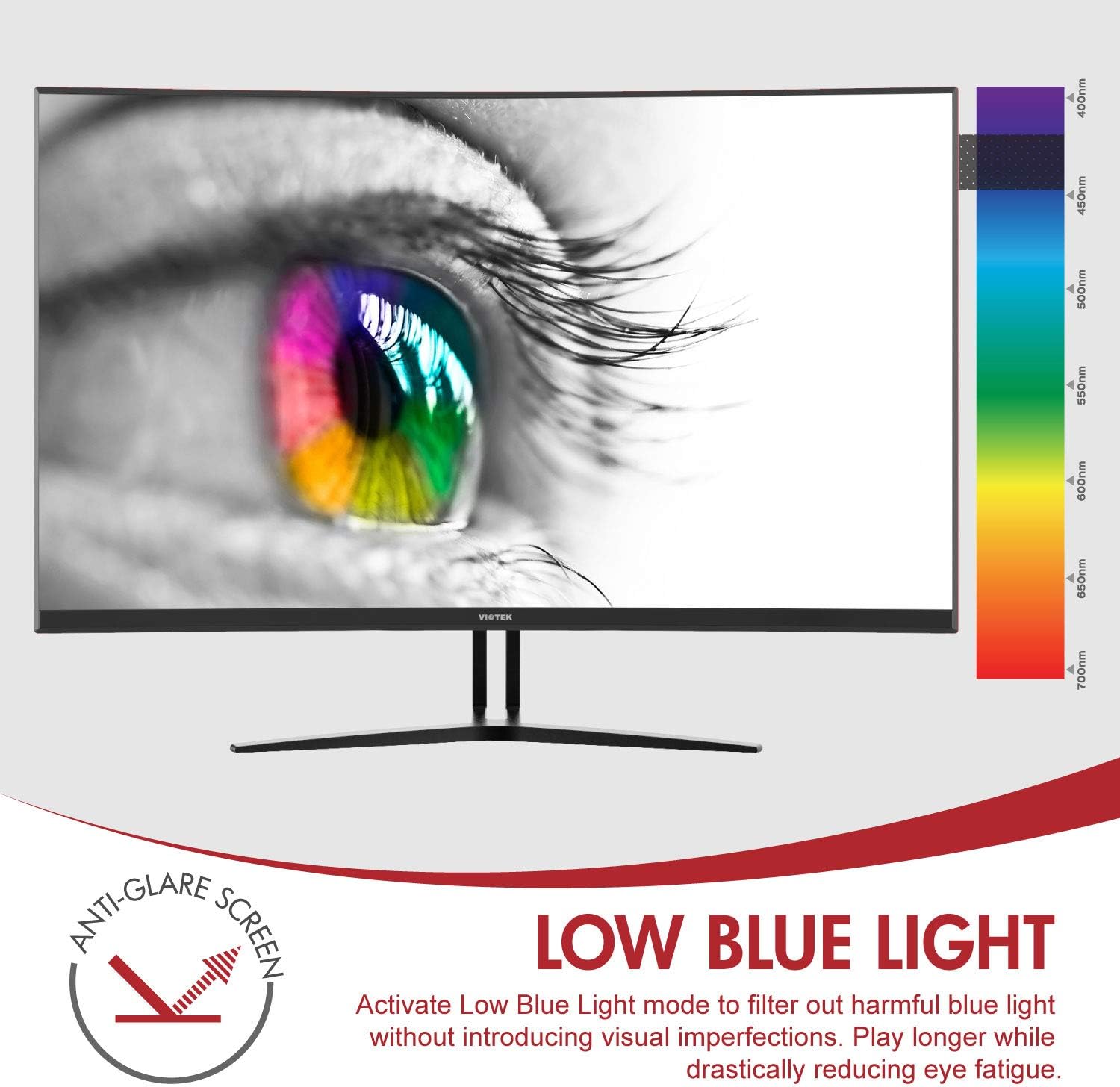
Image: The monitor's Low Blue Light feature for eye comfort.
3.5 Console Compatibility
The GN32DB is compatible with various gaming consoles, including Xbox One S/X and PlayStation 4, via DP 1.2 or HDMI connections. Enjoy FreeSync compatibility with supported Xbox consoles for smoother gameplay.

Image: Monitor compatibility with gaming consoles and adjustable tilt angle.
4. Техникалық қызмет көрсету
To ensure the longevity and optimal performance of your Viotek GN32DB monitor, follow these maintenance guidelines:
- Экранды тазалау: Экранды жұмсақ, талшықсыз шүберекпен ақырын сүртіңіз. Қыңыр белгілер үшін жеңіл dampшүберекті сумен немесе экранға арналған тазалау ерітіндісімен құйыңыз. Қатты химиялық заттарды немесе абразивті материалдарды пайдаланбаңыз.
- Жалпы тазалау: Мониторды тазалау үшін жұмсақ, құрғақ шүберекті пайдаланыңыз casing және тұрыңыз.
- Желдету: Қызып кетудің алдын алу үшін монитордың желдету саңылауларының бітелмегеніне көз жеткізіңіз.
- Сақтау орны: Мониторды ұзақ уақыт пайдаланбаған кезде, салқын, құрғақ жерде, жақсысы бастапқы қаптамасында сақтаңыз.
5. Ақаулықтарды жою
Мониторға қатысты мәселелер туындаса, келесі жалпы мәселелер мен шешімдерді қараңыз:
| Мәселе | Ықтимал себебі | Шешім |
|---|---|---|
| Экранда кескін жоқ | Power cable disconnected, incorrect input source, faulty video cable. | Check power connections. Select correct input source via OSD. Replace video cable. |
| Жыпылықтау немесе бұрмаланған кескін | Loose video cable, incorrect resolution/refresh rate, FreeSync issue. | Ensure video cable is secure. Adjust display settings on your device. Verify FreeSync settings. |
| No sound from 3.5mm audio out | Volume too low, external speakers not connected, audio source issue. | Increase monitor volume. Connect speakers correctly. Check audio settings on your device. |
| Монитор қосылмайды | Power supply issue, faulty power button. | Verify power outlet and adapter. Contact support if issue persists. |
If the problem persists after attempting these solutions, please contact Viotek customer support.
6. Техникалық сипаттамалар
| Ерекшелік | Мәлімет |
|---|---|
| Бренд | Виотек |
| Үлгі нөмірі | GN32DB |
| Экран өлшемі | 31.5 дюйм |
| Ажыратымдылық | QHD Wide 1440p (2560x1440) |
| Аспект қатынасы | 16:9 |
| Жаңарту жылдамдығы | 144 Гц |
| Жауап беру уақыты | 4 Milliseconds (with Automatic Overdrive) |
| Дисплей түрі | LED (Samsung VA Panel) |
| Қисықтық | 1800R |
| Түс гаммасы | 115% sRGB / 85% NTSC |
| Контраст қатынасы | 3000:1 (Static), 1,000,000:1 (Dynamic) |
| Жарықтық | 250 кд/м² |
| Viewбұрыш | 178 градус |
| Бейімделетін синхрондау | FreeSync |
| Қосылу мүмкіндігі | 1x DisplayPort 1.2, 1x HDMI 2.0, 1x DVI, 1x 3.5mm Audio Output |
| Монтаждау түрі | VESA орнату (75x75мм) |
| Қосымша мүмкіндіктер | Anti-Glare Screen, Low Blue Light, FPS/RTS Modes, Game Plus |
| Элемент салмағы | 17.2 фунт |
7. Кепілдік
The Viotek GN32DB monitor is protected by a 3 жылдық шектеулі кепілдік. This warranty includes a Zero-Tolerance Dead Pixel Policy, ensuring that your monitor is free from dead pixels upon purchase. For detailed terms and conditions, please refer to the official Viotek warranty documentation.

Image: Viotek's 3-Year Limited Warranty and Zero-Tolerance Dead Pixel Policy.
8. Қолдау
For any questions, technical assistance, or warranty claims, please contact Viotek's customer service. Our 100% U.S.-based customer service team is available 7 days a week to provide support.
Contact information can be found on the official Viotek webсайтында немесе өнім қаптамасында.