
Өнім аяқталдыview
The MY ARCADE Super Gamepad is a wireless gaming controller designed to replace wired controllers for various Nintendo consoles. It offers wireless freedom and enhanced gaming features.
Негізгі ерекшеліктері:
- Сымсыз байланыс: Enjoy gaming up to 25 feet away from your console without lag.
- Ұзартылған ойнау уақыты: Over 27 hours of gameplay on two AAA batteries (not included).
- Эргономикалық дизайн: Provides comfortable grip and precise control for extended gaming sessions.
- Басты түймесі: Quickly access the main game selection menu directly from the controller.
- Турбо түймесі: Assign turbo functionality to any action button for rapid input.
Пакет мазмұны
Орнатуды жалғастырмас бұрын барлық элементтердің бар екеніне көз жеткізіңіз:
- MY ARCADE Super Gamepad (DGUN-2960)
- Сымсыз адаптер
- Нұсқаулық (бұл құжат)
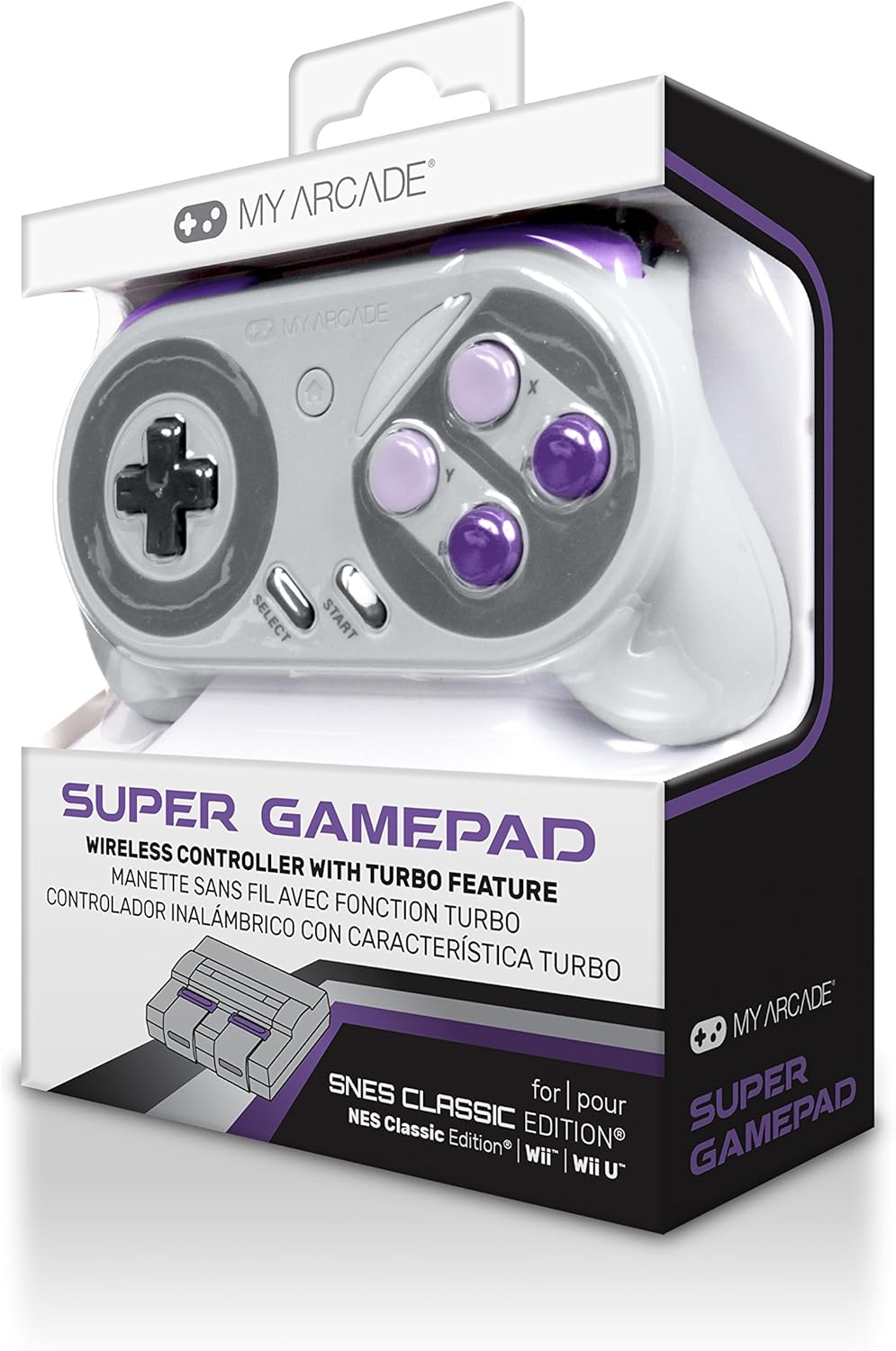
Сурет: алдыңғы view of the MY ARCADE Super Gamepad packaging, showing the controller and branding.
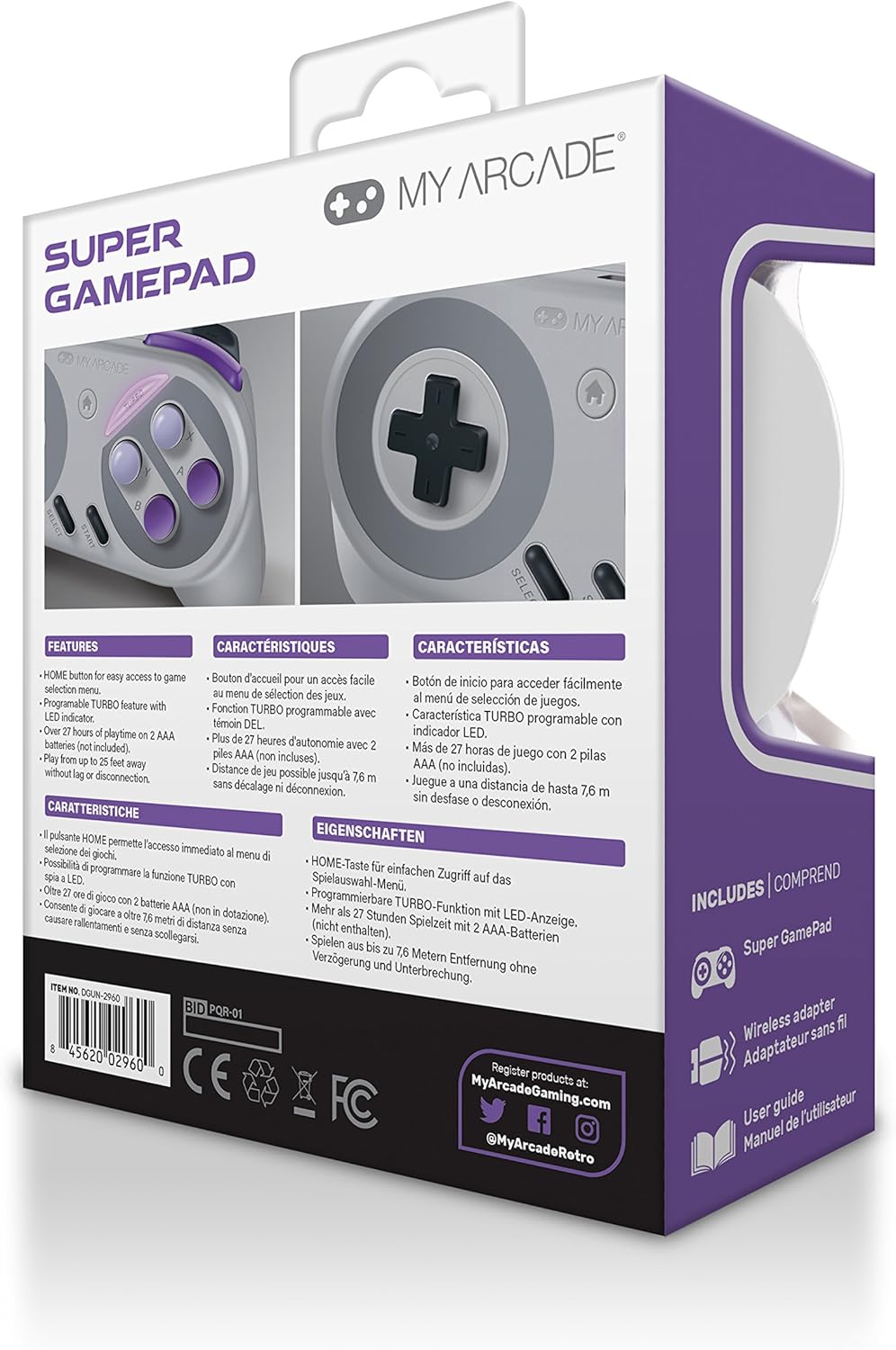
Сурет: Артқа view of the MY ARCADE Super Gamepad packaging, detailing features and contents in multiple languages.
Орнату нұсқаулығы
1. Батареяларды орнатыңыз
The Super Gamepad requires two AAA batteries (not included). Open the battery compartment on the back of the controller and insert the batteries, ensuring correct polarity (+/-).
2. Connect Wireless Adapter
Plug the included wireless adapter into an available controller port on your compatible console (Nintendo SNES Classic, NES Classic, Super Famicom, Wii, or Wii U).

Image: The MY ARCADE Super Gamepad shown alongside its compact wireless adapter, illustrating the wireless connection capability.
3. Қосу және жұптау
Turn on your console. Press the power button on the Super Gamepad. The controller should automatically pair with the wireless adapter. An indicator light on the controller will confirm a successful connection.
Пайдалану нұсқаулары
Familiarize yourself with the controller's buttons for optimal gameplay.
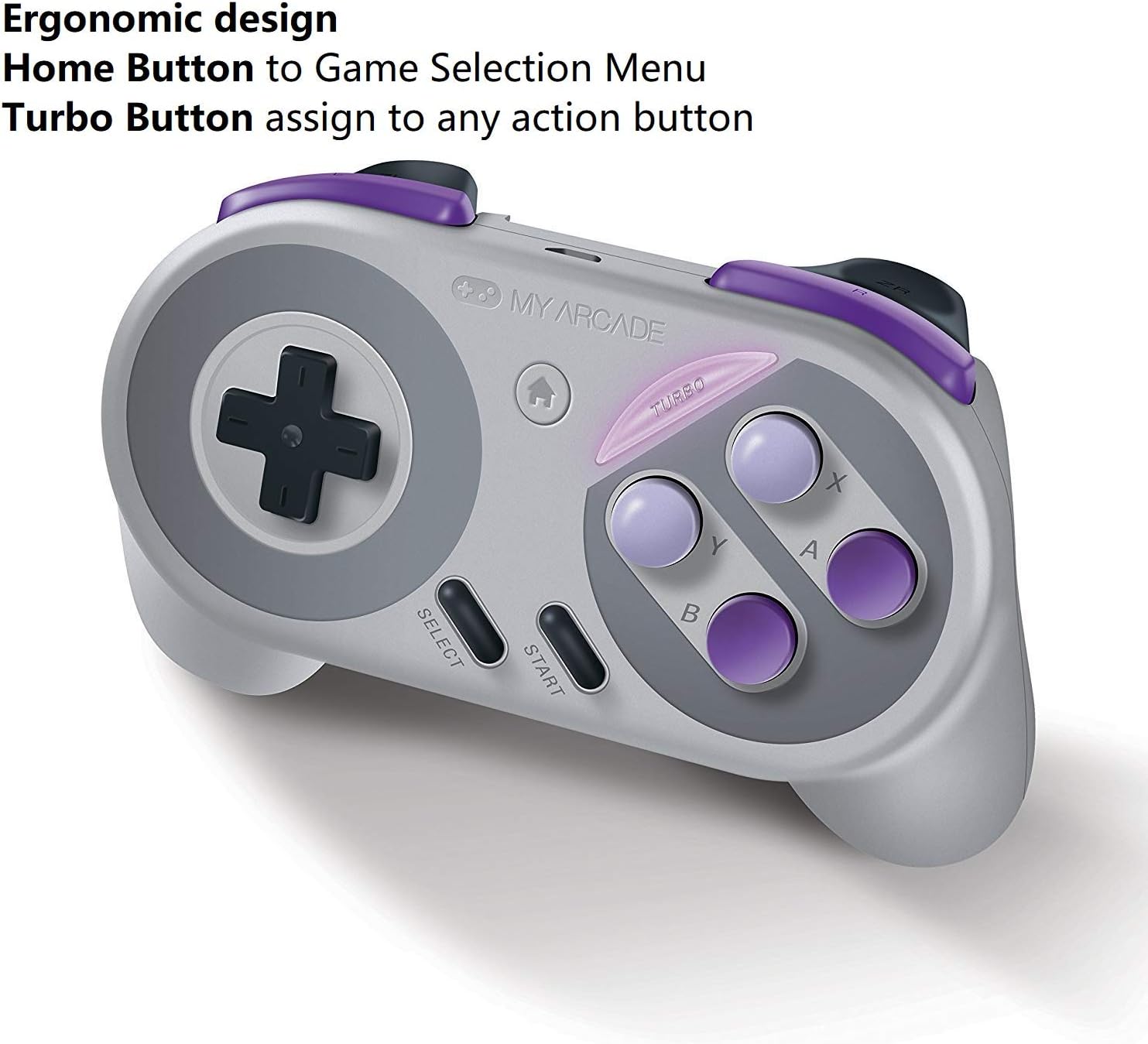
Image: The MY ARCADE Super Gamepad, highlighting the Home button (house icon) and Turbo button for special functions.
Басты түймесі:
түймесін басыңыз Негізгі түйме (typically marked with a house icon) to return to the main game selection menu of your console. This eliminates the need to manually reset the console to change games.
Турбо түймесі:
The Турбо батырмасы allows you to assign rapid-fire functionality to any action button. To activate:
- түймесін басып тұрыңыз Турбо батырмасы.
- While holding Turbo, press the desired action button (e.g., A, B, X, Y) to which you want to assign rapid-fire.
- Release both buttons. The assigned action button will now have turbo functionality.
Техникалық қызмет көрсету
Proper care will extend the life of your Super Gamepad.
- Тазалау: Басқару құралын тазалау үшін жұмсақ, құрғақ шүберекті пайдаланыңыз. Абразивті тазартқыштардан немесе еріткіштерден аулақ болыңыз.
- Сақтау орны: Контроллерді тікелей күн сәулесінен және төтенше температурадан алыс салқын, құрғақ жерде сақтаңыз.
- Батареяны ауыстыру: When the controller's performance degrades or it fails to power on, replace both AAA batteries with fresh ones.
Ақаулықтарды жою
Мәселелерге тап болсаңыз, мына жалпы шешімдерді қолданып көріңіз:
- Контроллер жауап бермейді:
- Батареялардың дұрыс орнатылғанына және таусылмауына көз жеткізіңіз. Қажет болса ауыстырыңыз.
- Verify the wireless adapter is securely plugged into the console.
- Confirm the controller is powered on.
- Move closer to the console to ensure you are within the 25-foot wireless range.
- Кешігу немесе ажырату:
- Басқа сымсыз құрылғылардың ықтимал кедергілерін тексеріңіз.
- Ensure the controller and adapter have a clear line of sight.
- Батареялар аз болса, оларды ауыстырыңыз.
- Түймелер жұмыс істемейді:
- Кез келген қоқысты кетіру үшін түймелердің айналасын тазалаңыз.
- Ensure the controller is properly paired.
Техникалық сипаттамалар
| Ерекшелік | Мәлімет |
|---|---|
| Үлгі нөмірі | DGUN-2960 |
| Бренд | МЕНІҢ АРКАДЕ |
| Қосылу мүмкіндігі | Сымсыз (Bluetooth) |
| Сымсыз Range | 25 футқа дейін (7.6 метр) |
| Үйлесімді консольдер | Nintendo SNES Classic, NES Classic, Super Famicom, Wii, Wii U |
| Қуат көзі | 2 x AAA батареялары (жинаққа кірмейді) |
| Батареяның қызмет ету мерзімі | Over 27 hours of playtime |
| Өнім өлшемдері | 3.81 x 10.16 x 8.26 см (1.5 x 4 x 3.25 дюйм) |
| Элемент салмағы | 136.08 г (4.8 унция) |
| Түйме саны | 16 |
| Түс | Super NES Colors |
Кепілдік және қолдау
Кепілдік туралы ақпарат:
The MY ARCADE Super Gamepad comes with a 120 күндік кепілдік сатып алған күннен бастап. Бұл кепілдік қалыпты пайдалану кезіндегі өндірістік ақауларды қамтиды. Кепілдік шағымдары үшін сатып алуды растайтын құжатты сақтаңыз.
Тұтынушыларды қолдау:
For technical assistance, troubleshooting, or warranty inquiries, please contact the manufacturer:
Өндіруші: DreamGEAR
Байланыс ақпараты: TORRANCE, CA, 90501 US
You may also visit the official MY ARCADE webқосымша ресурстар мен қолдау үшін сайт.