
Кіріспе
This manual provides instructions for the installation and use of the Mount Plus MP-APM-06-01 Streaming Media Player Wall Mounting Bracket. This adjustable bracket is designed to securely hold small, narrow media devices such as Apple TV, Roku, and Fire TV, weighing up to 11 lbs. It allows for discreet mounting behind a television, contributing to a clean and organized entertainment area.
Қауіпсіздік туралы ақпарат
- Орнату алдында барлық нұсқауларды мұқият оқып шығыңыз.
- Ensure the mounting surface can support the weight of the bracket and the device.
- Орнату кезінде тиісті құралдар мен қауіпсіздік құралдарын пайдаланыңыз.
- Ең үлкен салмақ сыйымдылығы 11 фунттан (5 кг) аспаңыз.
- Ұсақ бөлшектерді балалардан алыс ұстаңыз.
Пакет мазмұны
Орнатуды бастамас бұрын барлық компоненттердің бар екенін тексеріңіз.
- 1x MP-APM-06-01 Wall Mounting Bracket
- 2x Drywall Screws
- 2x гипсокартон анкерлері
- 1x Elastic Cord (for securing device)

Figure 1: Package Contents - Wall mounting bracket, screws, anchors, and elastic cord.
Орнату және орнату
The bracket can be installed on various wall types. Ensure you select the appropriate mounting hardware for your wall material.
1-қадам: Орнату орнын таңдаңыз
Select a location on the wall where you intend to mount the bracket. This is typically behind your television for a concealed setup. Use a level to ensure the bracket is straight.
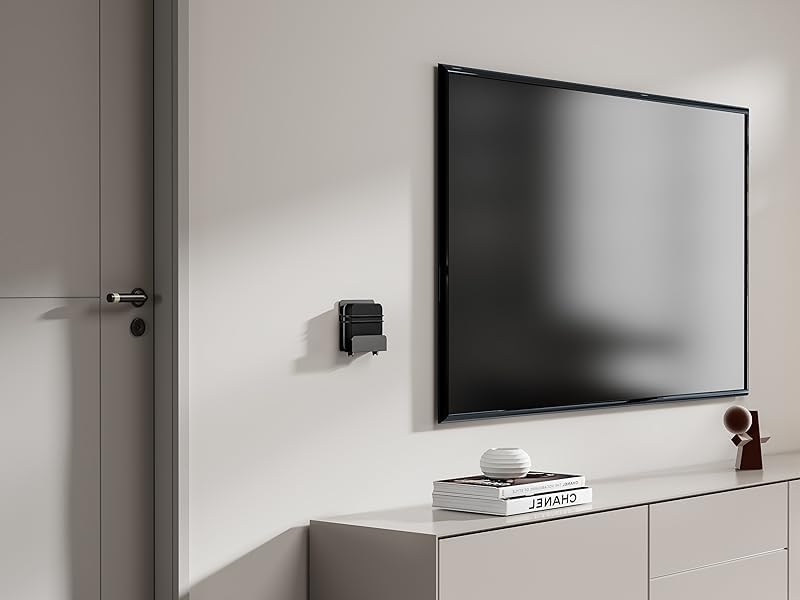
2 -сурет: Мысалыample of bracket mounted on a wall next to a television.
Step 2: Mark Drill Holes
Hold the bracket against the wall at the desired height and position. Use a pencil to mark the locations for the two mounting screws through the pre-drilled holes on the bracket.
Бейне 1: Орнату аяқталдыview showing marking drill holes for wall mounting.
Step 3: Drill Pilot Holes and Install Anchors (if applicable)
- Ағаш шегелер үшін: Drill pilot holes using a suitable drill bit (e.g., 1/8 inch or 3mm). Secure the bracket directly with the provided screws.
- Гипсокартон үшін: Drill pilot holes using a suitable drill bit for the provided drywall anchors. Insert the drywall anchors into the holes until flush with the wall surface.
- For Masonry/Concrete: Drill pilot holes using a masonry drill bit. Insert appropriate masonry anchors (not included) into the holes.
4-қадам: Кронштейнді бекітіңіз
Align the bracket with the pilot holes/anchors. Insert the screws and tighten them until the bracket is firmly secured to the wall. Do not overtighten.

Figure 3: Detail of the rotary knob for adjustment.
Пайдалану нұсқаулары
Adjusting and Securing Your Device
- Ені реттеу: The bracket features a rotary knob design (Figure 3) that allows you to adjust the width to fit your device. Turn the knob to expand or contract the bracket's holding arms until it snugly fits your media player. The adjustable depth ranges from 23 mm to 37 mm.
- Орын құрылғысы: Carefully place your streaming media player into the adjusted bracket.
- Қауіпсіз құрылғы: For added security, use the provided elastic cord to firmly hold your equipment within the bracket. Wrap the cord around the device and the bracket's securing points.
- Кабельдерді қосу: The open construction of the bracket allows for easy access to ports for connecting power, HDMI, and other necessary cables.

4 -сурет: Мысалыample of a device (Nintendo Switch) secured in the bracket.

Figure 5: Open construction allows for easy cable management.
The bracket's design ensures that remote control signals (Infrared, Radio Frequency, and Bluetooth) are not blocked when the device is mounted behind a TV.
Техникалық қызмет көрсету
- Periodically check the tightness of the mounting screws to ensure the bracket remains securely attached to the wall.
- Inspect the elastic cord for any signs of wear or damage. Replace if necessary.
- Clean the bracket with a soft, dry cloth. Avoid abrasive cleaners or solvents.
Ақаулықтарды жою
- Device does not fit: Ensure your device's width is within the adjustable range of 23 mm to 37 mm. The bracket's height is a maximum of 10 inches.
- Кронштейн босап қалғандай сезіледі: Re-tighten the mounting screws. If mounted on drywall, ensure anchors are properly installed and not stripped. Consider relocating to a wood stud if possible for maximum stability.
- Қашықтан басқару мәселелері: The bracket is designed not to interfere with remote signals. Test your remote by holding your device behind the TV before final mounting to confirm functionality.
Техникалық сипаттамалар
| Үлгі нөмірі | MP-APM-06-01 |
| Бренд | Mount Plus |
| Материал | Тот баспайтын болат |
| Түс | Қара |
| Монтаждау түрі | Қабырғаға аспа |
| Реттелетін тереңдік | 23 мм - 37 мм (0.9 - 1.46 дюйм) |
| Maximum Vertical Height | 10 дюйм (254 мм) |
| Максималды салмақ сыйымдылығы | 11 фунт (5 кг) |
| Элемент салмағы | 12 унция (0.34 кг) |
| Пакет өлшемдері | 5.7 x 5.1 x 1.3 дюйм |
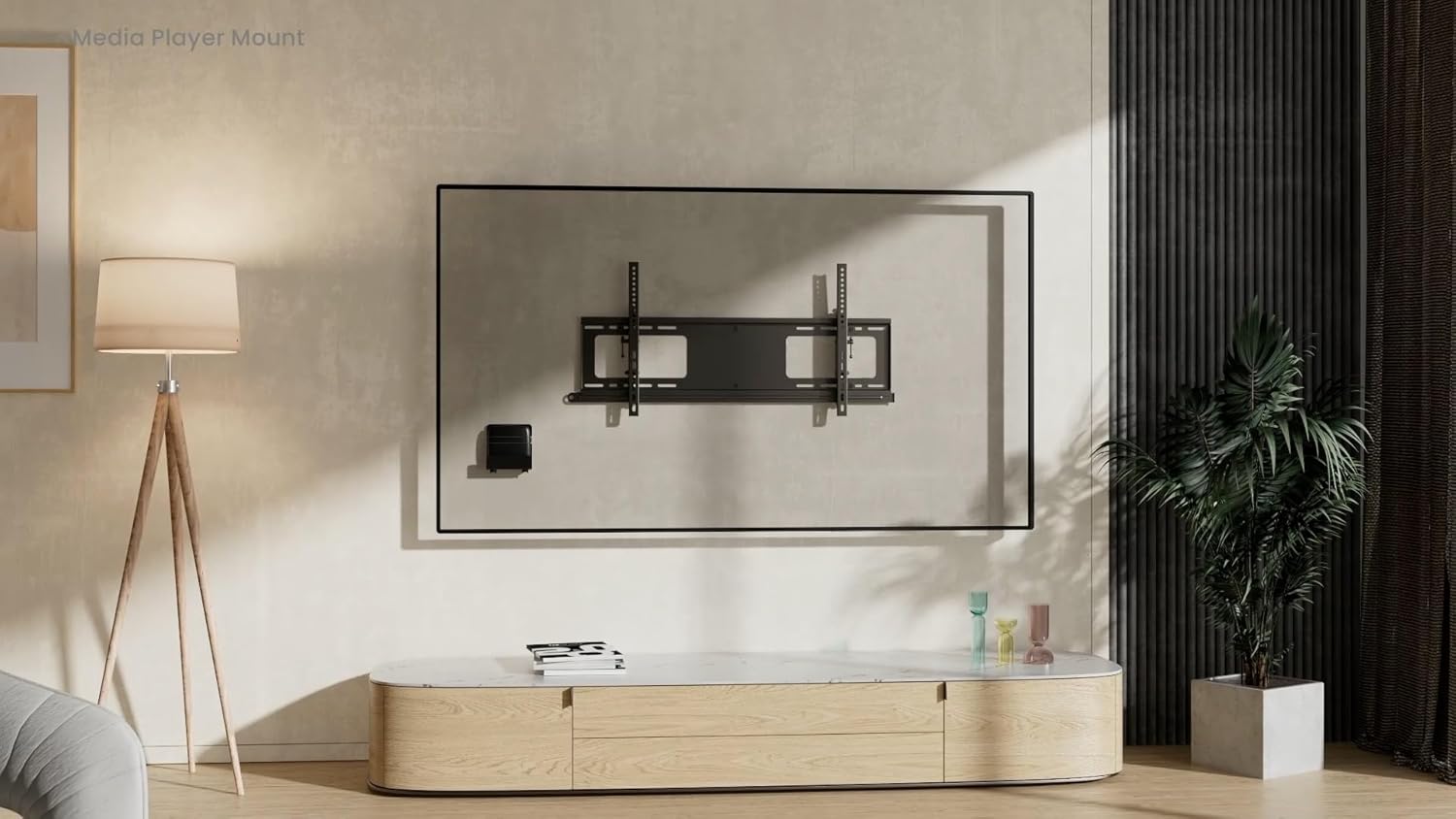
Figure 6: Dimensional drawing of the MP-APM-06-01 bracket.
Кепілдік және қолдау
Кепілдік туралы ақпаратты немесе техникалық қолдауды өндірушінің ресми өкілінен қараңыз webсайтына өтіңіз немесе тұтынушыларға қызмет көрсету бөліміне хабарласыңыз. Кепілдік шағымдары үшін сатып алу түбіртегін сақтаңыз.