
Cecotec 05050
Conga Excellence 990 робот шаңсорғышының пайдаланушы нұсқаулығы
Үлгі: 05050 | Бренд: Cecotec
1. Өнім аяқталдыview
The Cecotec Conga Excellence 990 is a versatile 4-in-1 robot vacuum cleaner designed to sweep, vacuum, mop, and wipe floors. It features intelligent navigation, programmable cleaning schedules, and multiple cleaning settings to ensure thorough cleaning of your home.

1.1-сурет: Жоғарғы view of the Conga Excellence 990 Robot Vacuum Cleaner, showcasing its sleek gray design and central power button.
2. Қауіпсіздік нұсқаулары
Құрылғыны қолданар алдында барлық қауіпсіздік нұсқауларын мұқият оқып шығыңыз. Бұл нұсқаулықты болашақта анықтама үшін сақтаңыз.
- Do not use the robot vacuum cleaner on wet surfaces or to clean up liquids.
- Ensure all loose cables, rugs, and small objects are cleared from the floor before operation to prevent entanglement.
- Жұмыс кезінде балалар мен үй жануарларын роботтан алыс ұстаңыз.
- Робот зақымдалған немесе дұрыс жұмыс істемейтін болса, оны пайдаланбаңыз. Тұтынушыларды қолдау қызметіне хабарласыңыз.
- Use only the original charging station and power adapter provided with the device.
- Do not block the robot's air vents or exhaust.
- The robot is equipped with anti-drop sensors. However, exercise caution near stairs or elevated surfaces.
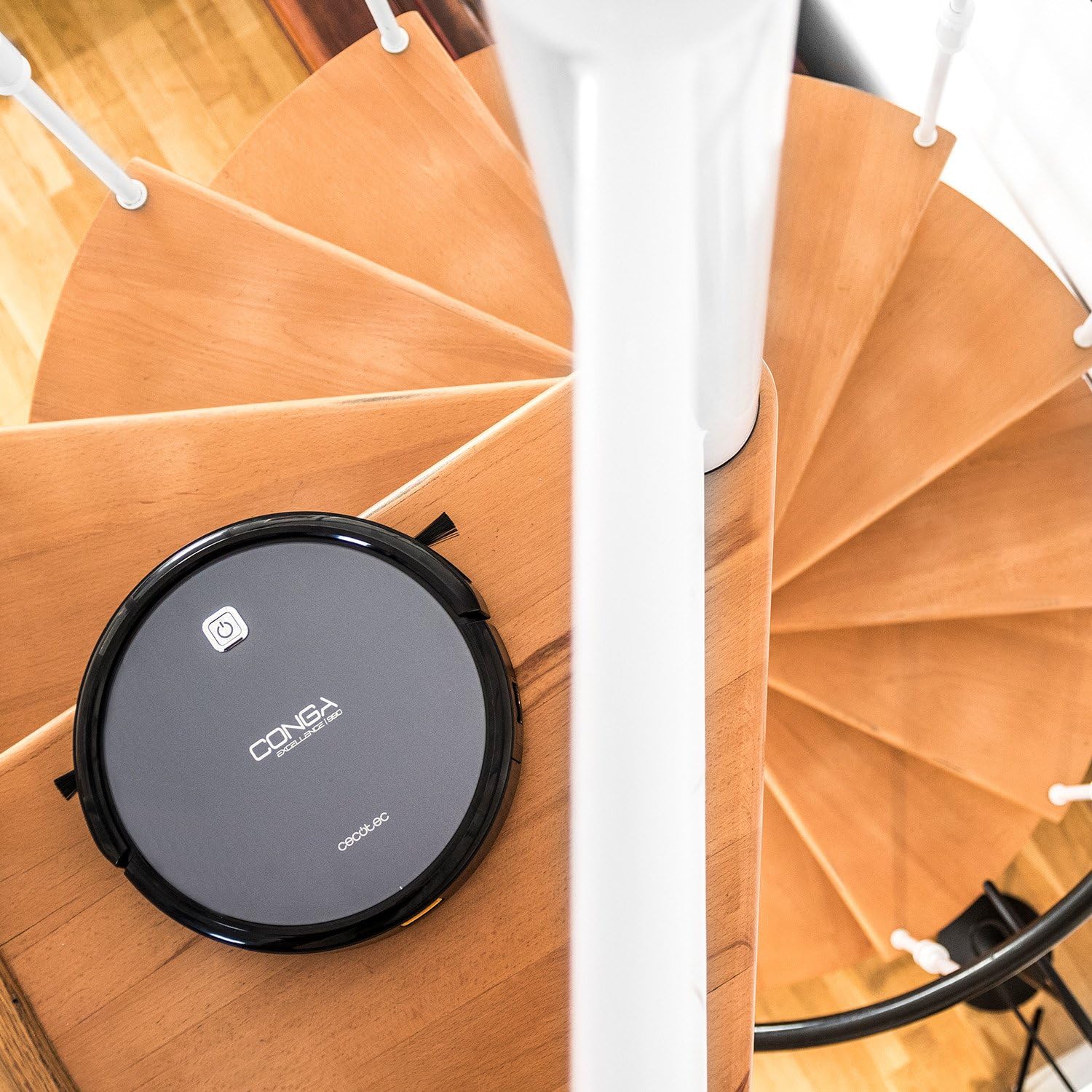
Figure 2.1: The robot vacuum positioned near a spiral staircase, demonstrating its ability to navigate edges while highlighting the importance of anti-drop sensor functionality.
3. Ерекшеліктер
The Conga Excellence 990 offers a range of features for efficient home cleaning:
- 4-і 1 функциясы: Sweeps, vacuums, mops, and wipes simultaneously.
- Интеллектуалды навигация: Calculates optimal routes for comprehensive cleaning, stopping at surface boundaries.
- Бағдарламаланатын: Schedule cleaning for up to 24 hours a day.
- 5 Cleaning Settings: Adaptable modes for various cleaning needs.
- HEPA сүзгісі: Captures allergens and fine dust particles.
- Тыныш жұмыс: Пайдалану кезінде шудың минималды болуы үшін жасалған.
- Күшті сору: Ensures effective dirt and debris removal.
- Автоматты зарядтау: Returns to the charging station when battery is low.

Figure 3.1: The robot vacuum demonstrating its cleaning capability by approaching spilled nuts and dried fruit on a carpet, highlighting its powerful suction.
4. Орнату
4.1 Қаптаманы ашу
Қаптамадан барлық компоненттерді мұқият алып тастаңыз. Қаптама тізімінде көрсетілген барлық бөлшектердің бар екеніне көз жеткізіңіз.
4.2 Зарядтау станциясын орналастыру
Place the charging station against a wall in an open, uncluttered area. Ensure there is at least 1 meter (3 feet) of clear space on either side and 2 meters (6 feet) in front of the station. Plug the power adapter into the charging station and then into a wall outlet.
4.3 Бастапқы зарядтау
Place the robot onto the charging station, ensuring the charging contacts align. The robot will begin charging automatically. For first use, charge the robot for at least 4-5 hours until fully charged.

Figure 4.1: The robot vacuum automatically navigating back to its charging station, indicated by a white path on the floor.
5. Робот шаңсорғышты пайдалану
5.1 Тазалау циклін бастау
Press the power button on the robot or the "Clean" button on the remote control to start a cleaning cycle. The robot will automatically select a cleaning mode based on its intelligent navigation.
5.2 Қашықтан басқару құралын пайдалану
The remote control allows you to manually control the robot, select cleaning modes, set schedules, and send the robot back to its charging station.

Figure 5.1: A hand holding the remote control for the robot vacuum, showing its various buttons for control and programming.
5.3 Programming Cleaning Schedules
Refer to the remote control section in the full manual for detailed instructions on setting daily or weekly cleaning schedules. The robot can be programmed to clean at specific times, even when you are not home.

Figure 5.2: The robot vacuum cleaning a living room carpet, demonstrating its quiet operation as two dogs and a person relax nearby.

Figure 5.3: The robot vacuum cleaning a carpet, with a visual representation of its intelligent cleaning path, ensuring thorough coverage.
6. Тазалау режимдері
The Conga Excellence 990 offers 5 distinct cleaning settings to suit various needs:
- Авто режим: Робот ақылды түрде шарлап, бүкіл қол жетімді аумақты тазартады.
- Жиек режимі: Робот қабырғалар мен жиһаз жиектерін тазартады.
- Spot режимі: For concentrated cleaning of a specific dirty area. The robot cleans in a spiral pattern.
- Single Room Mode: Cleans a single room thoroughly before stopping.
- Максималды режим: Increases suction power for deeper cleaning on carpets or heavily soiled areas.
6.1 Mopping and Wiping Function
To use the mopping function, attach the microfiber mop cushion to the water tank and fill the tank with clean water. The robot will spray and wipe the floor as it cleans. This function is ideal for hard floors.
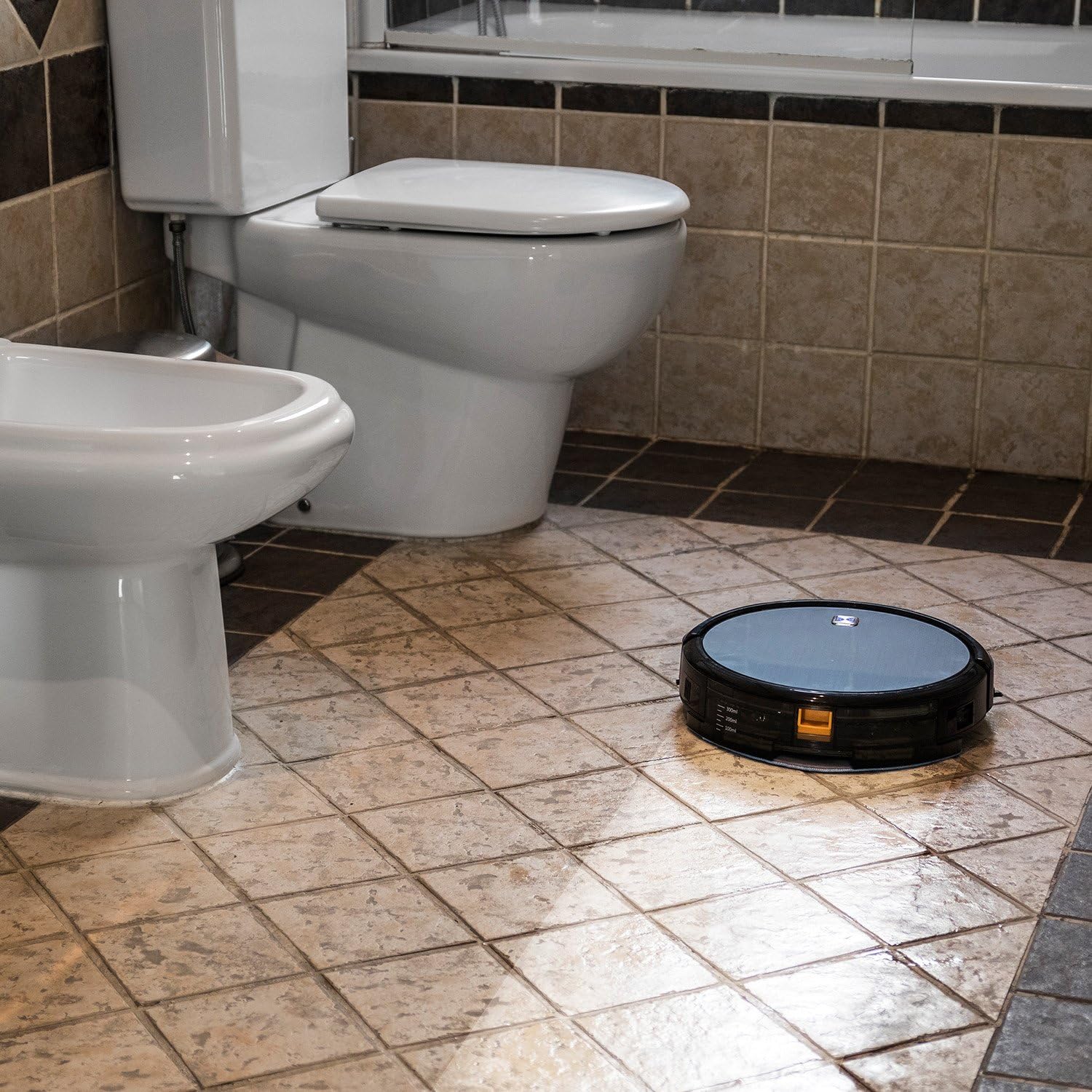
Figure 6.1: The robot vacuum mopping a tiled bathroom floor, demonstrating its wet cleaning capability.
7. Техникалық қызмет көрсету
Тұрақты техникалық қызмет көрсету робот шаңсорғыштың оңтайлы өнімділігін қамтамасыз етеді және қызмет ету мерзімін ұзартады.
7.1 Қоқыс жәшігін босату
The dustbin should be emptied after each cleaning cycle or when full. Press the release button to remove the dustbin, open it, and discard the collected debris.
7.2 Сүзгілерді тазалау
The HEPA filter and primary filter should be cleaned regularly. Tap the HEPA filter to remove dust; do not wash it with water. The primary filter can be rinsed with water and air-dried completely before reinstallation.
7.3 Тазалау щеткасы
Periodically remove and clean the main brush and side brushes. Use the cleaning tool provided to cut and remove any hair or debris tangled around the brushes.
7.4 Датчиктерді және зарядтау контактілерін тазалау
Wipe the anti-drop sensors, wall sensors, and charging contacts on both the robot and the charging station with a clean, dry cloth to ensure proper function.
8. Ақаулықтарды жою
If your Conga Excellence 990 encounters an issue, refer to the following common problems and solutions:
| Мәселе | Ықтимал себебі | Шешім |
|---|---|---|
| Робот қосылмайды. | Төмен батарея; өшіру. | Charge the robot; ensure power switch is on. |
| Робот зарядтамайды. | Charging contacts dirty; charging station not powered. | Clean charging contacts; check power connection to station. |
| Робот жиі тұрып қалады. | Obstacles (cables, rugs); uneven surfaces. | Clear obstacles; use virtual wall if available. |
| Нашар тазалау өнімділігі. | Full dustbin; dirty filters/brushes. | Empty dustbin; clean/replace filters and brushes. |
| Robot does not return to charging station. | Charging station blocked; robot too far. | Ensure clear path to station; manually place robot closer. |
9. Техникалық сипаттамалар
| Ерекшелік | Мәлімет |
|---|---|
| Бренд | Cecotec |
| Модель атауы | Conga Excellence 990 |
| Үлгі нөмірі | 05050 |
| Өнім өлшемдері | 9.06"L x 5.43"W x 11.81"H |
| Элемент салмағы | 3.52 фунт |
| Түс | Сұр |
| Сүзгі түрі | HEPA сүзгісі |
| Батареяның қызмет ету мерзімі | 1.5 сағат |
| Сыйымдылығы (қоқыс жәшігі) | 3 литр |
| Бақылау әдісі | Қашықтан |
| Қосылған құрамдас бөліктер | Battery, Remote Control, mop cushion |
10. Кепілдік және қолдау
The Cecotec Conga Excellence 990 comes with a standard manufacturer's warranty. Please refer to the warranty card included in your product packaging for specific terms and conditions.
Техникалық қолдау, қосалқы бөлшектер немесе кепілдік талаптарын алу үшін олардың ресми өкілдері арқылы Cecotec тұтынушыларға қызмет көрсету орталығына хабарласыңыз webсайтына немесе өнім құжаттамасында берілген байланыс ақпаратына хабарласыңыз. Сатып алу түбіртегін сатып алуды растайтын құжат ретінде сақтаңыз.
ЕО қосалқы бөлшектерінің қолжетімділігі ұзақтығы: 10 жыл.
Ask a question about this manual
Ask about setup, troubleshooting, compatibility, parts, safety, or missing instructions. Manuals+ will review the question and use this page’s manual context to help answer it.