
Кіріспе
This manual provides essential instructions for the setup, operation, and maintenance of your ADE WS1000 Replacement Outdoor Sensor. This single-channel sensor is designed to provide accurate outdoor temperature readings for compatible ADE weather stations and alarm clocks. Please read this manual thoroughly before use to ensure proper functionality and longevity of your device.
Пакет мазмұны
- 1 x ADE WS1000 Outdoor Sensor
Note: 2 AAA batteries are required for operation and are not included in the package.
Үйлесімділік
The ADE WS1000 outdoor sensor is compatible with the following ADE devices:
- ADE Weather Stations: WS1703, WS1704, WS1711, WS1911, WS2132, WS2136, WS2324, WS2331
- ADE Projection Alarm Clock: CK2406
This sensor operates on a single channel and is intended as a replacement unit. It cannot be paired with other outdoor sensors simultaneously.
Орнату
1. Батареяларды орнату
- Locate the battery compartment on the back of the ADE WS1000 sensor.
- Батарея бөлігінің қақпағын ашыңыз.
- Дұрыс полярлықты (+ және -) қамтамасыз етіп, 2 жаңа AAA батареясын салыңыз.
- Батарея бөлігінің қақпағын мықтап жабыңыз.
2. Pairing with Your Main Unit
After installing batteries, the sensor will automatically begin transmitting data. To pair it with your compatible ADE weather station or alarm clock:
- Ensure your main ADE unit (weather station or alarm clock) is powered on and within range of the sensor.
- Refer to your main unit's instruction manual for specific pairing instructions. Typically, this involves initiating a sensor search function on the main unit.
- Once paired, the outdoor temperature reading from the WS1000 sensor will appear on your main unit's display.
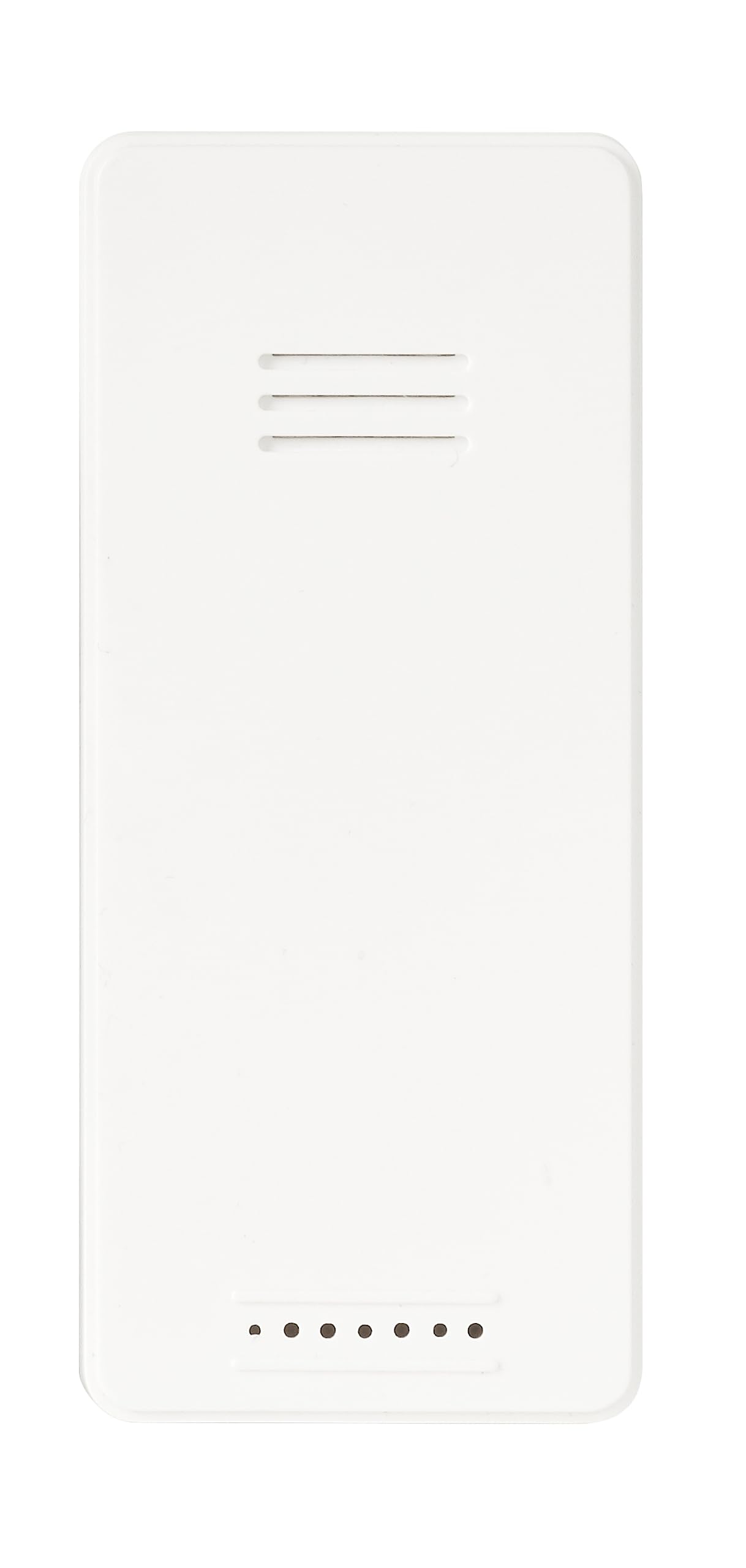
Сурет: алдыңғы view of the ADE WS1000 Outdoor Sensor. The sensor is white, rectangular, with horizontal ventilation slits at the top and small indicator dots at the bottom.
Пайдалану нұсқаулары
The ADE WS1000 sensor is designed for continuous operation once paired. It transmits outdoor temperature data to your main unit via a 433 MHz radio frequency.
- Орналастыру: For accurate readings, place the sensor in a shaded area, protected from direct sunlight and precipitation. Ensure it is within the effective transmission range of your main unit.
- Деректерді тасымалдау: The sensor automatically sends temperature updates at regular intervals.
- Индикатор шамдары: Some sensors may have a small LED indicator that flashes during data transmission.
Техникалық қызмет көрсету
- Тазалау: Сенсорды мезгіл-мезгіл жұмсақ шүберекпен сүртіңіз,amp мата. Абразивті тазартқыштарды немесе еріткіштерді қолданбаңыз.
- Батареяны ауыстыру: Replace batteries when the low battery indicator appears on your main unit, or if the sensor stops transmitting data. Always replace both batteries with new ones of the same type (AAA).
- Қоршаған ортаны қорғау: Although the sensor is weather-resistant, prolonged exposure to extreme conditions (e.g., heavy rain, snow, direct sun) can affect its lifespan. Consider placing it under an overhang or in a sheltered location.
Ақаулықтарды жою
| Мәселе | Ықтимал себебі | Шешім |
|---|---|---|
| No outdoor temperature display on main unit. |
|
|
| Дұрыс емес температура көрсеткіштері. |
|
|
Техникалық сипаттамалар
| Үлгі нөмірі | WS1000 |
| Бренд | ADE |
| Өлшемдері (H x W x D) | 90 x 34 x 20 мм (шамамен 3.54 x 1.34 x 0.79 дюйм) |
| Салмағы | 30 г (шамамен 1.06 унция) |
| Қуат көзі | 2 x AAA батареялары (жинаққа кірмейді) |
| Тасымалдау жиілігі | 433 МГц |
| Материал | Пластмасса |
| Арнайы мүмкіндіктер | Portable, Weather-resistant |
Кепілдік және қолдау
Specific warranty information for the ADE WS1000 sensor is not provided in this document. Please refer to the warranty policy included with your original purchase or contact ADE customer support for details.
For further assistance or technical support, please visit the official ADE webсайтына өтіңіз немесе тұтынушыларға қызмет көрсету бөліміне хабарласыңыз. Байланыс ақпаратын әдетте өнімнің қаптамасында немесе өндірушіден табуға болады webсайт.