
Кіріспе
This manual provides essential information for the proper installation, operation, and maintenance of the SIMPLEX 4010-9818 Wired Network Media Card. Please read these instructions thoroughly before proceeding with any installation or handling procedures to ensure safe and correct usage.

Figure 1: SIMPLEX 4010-9818 Wired Network Media Card as packaged, including the anti-static bag, ferrite bead kit, and the installation instruction sheet.
Қауіпсіздік туралы ақпарат
ОСЫ НҰСҚАУЛЫҚТАРДЫ ОҚЫП, САҚТАҢЫЗ.
This section outlines critical safety precautions and regulatory information. Adherence to these guidelines is mandatory to prevent damage to the product, ensure personal safety, and maintain compliance.
- Өнімнің тұтастығы: Do not install any SIMPLEX product that appears damaged. If damage is apparent, immediately file a claim with the shipping carrier and notify your local SIMPLEX product supplier.
- Электрлік қауіп: Disconnect electrical field power when making adjustments or repairs to avoid electric shock. Only qualified personnel should perform these tasks.
- Static Hazard: Static electricity can damage sensitive electronic components. Handle the product as follows:
- Ground yourself before opening or installing the product.
- Keep the product in its static-shielded bag until it is ready for installation.

Figure 2: The product is enclosed in a static-shielded bag, indicated by the "ATTENTION Static Sensitive" label. Handle with care to prevent electrostatic discharge damage.
- Eye Safety Hazard: Under certain fiber optic application conditions, the optical output of this device may exceed eye safety limits. Do not use magnifying optical devices (e.g., microscopes or other viewing equipment) when viewосы құрылғының шығысын анықтау.
- FCC Rules and Regulations - Part 15: Бұл жабдық сыналған және FCC ережелерінің 15-бөліміне сәйкес А сыныбының сандық құрылғысының шектеулеріне сәйкес екені анықталды. Бұл шектеулер жабдықты коммерциялық ортада пайдаланған кезде зиянды кедергілерден ақылға қонымды қорғауды қамтамасыз етуге арналған.
Орнату және орнату
The SIMPLEX 4010-9818 Wired Network Media Card is designed for internal installation within compatible systems. Follow these steps carefully for proper setup.
1. Қаптаманы ашу және тексеру
Carefully remove the network media card from its packaging. Inspect the card for any visible signs of damage. Ensure all components, including the ferrite bead installation kit, are present.

Figure 3: The product is typically shipped in a protective cardboard box, labeled with the product description "WIRED NETWORK MEDIA CARD" and part number 0742100.
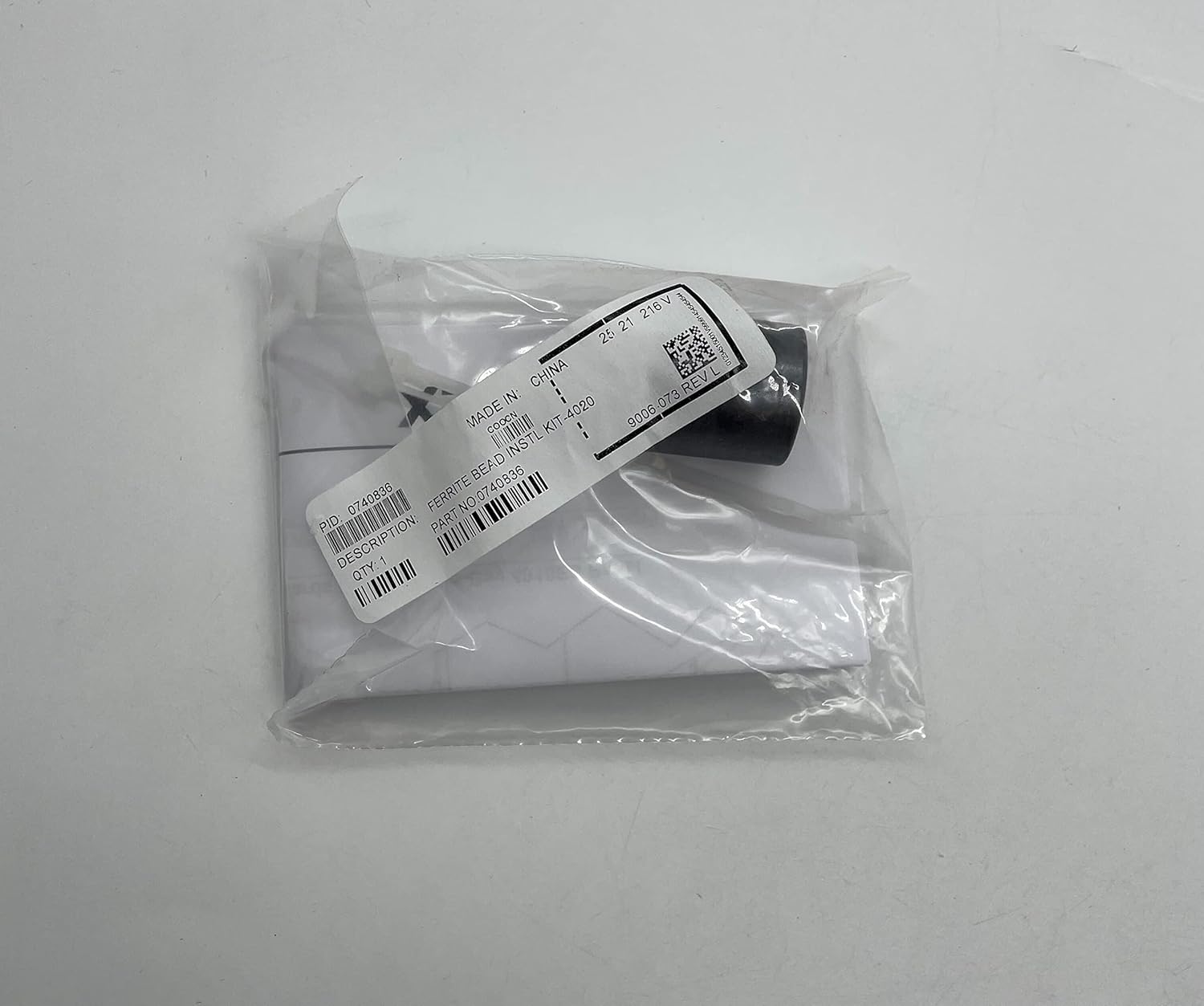
Figure 4: The ferrite bead installation kit, part number 9006-073 REV L, is included for proper electromagnetic interference suppression.
2. Орнатуға дайындық
- Ensure the host system (Desktop or Laptop) is powered off and disconnected from all power sources.
- Open the computer case to access the internal component slots.
- As per safety guidelines, ground yourself to dissipate any static electricity before handling the card.
3. Card Installation
- Carefully remove the SIMPLEX 4010-9818 card from its static-shielded bag.
- Align the card with an available compatible internal slot (e.g., PCI, PCIe, depending on the card's interface).
- Gently but firmly press the card into the slot until it is fully seated. Do not force the card.
- Secure the card with any retaining clips or screws provided by your computer case.

Figure 5: The reverse side of the anti-static bag confirms the product as a "WIRED MEDIA MODULE," model number 4010-9818.
4. Ferrite Bead Installation (if applicable)
Refer to the specific instructions provided with the ferrite bead kit for proper installation. Ferrite beads are typically installed on cables to reduce electromagnetic interference.
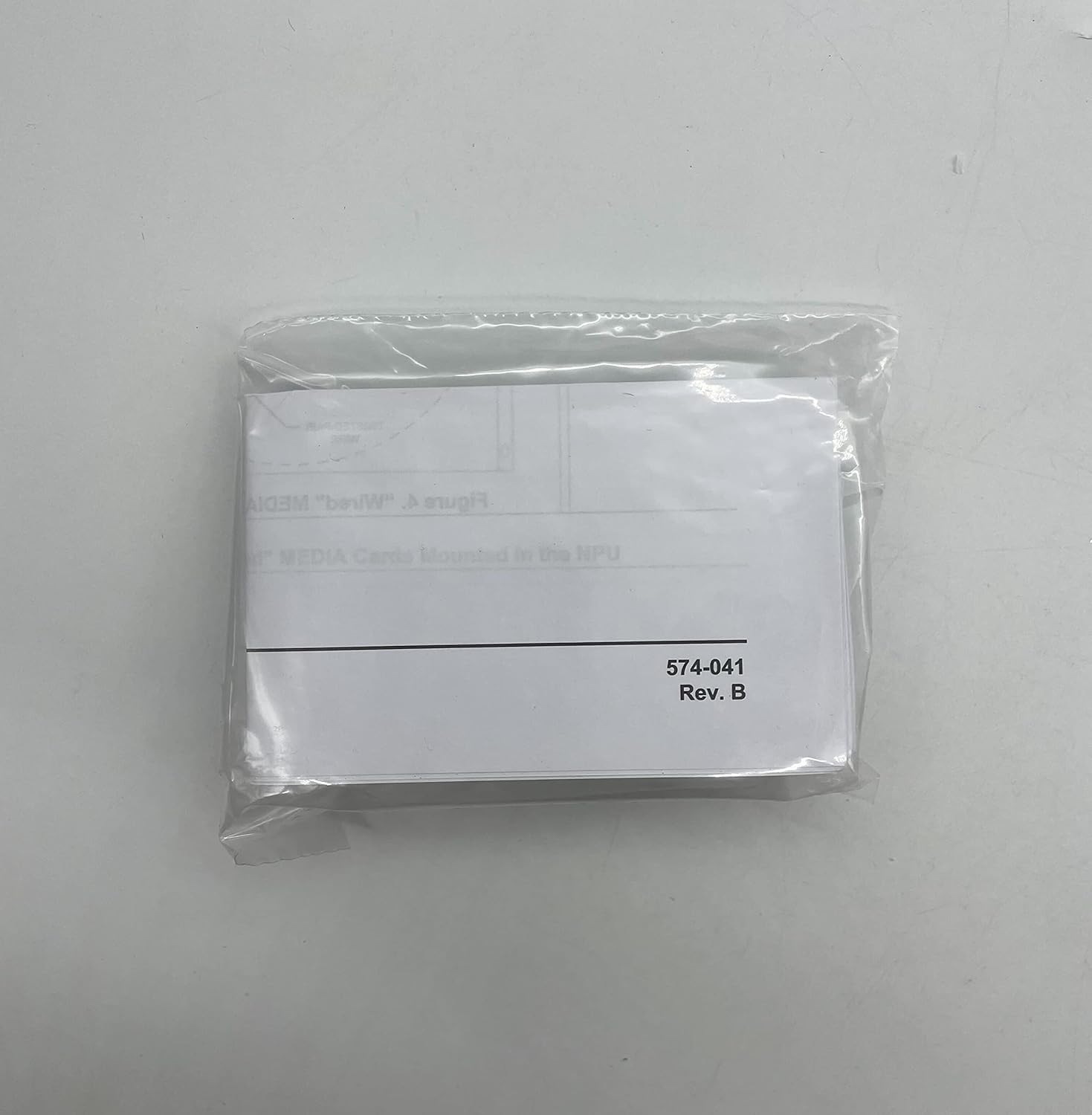
Figure 6: A small plastic bag containing additional components, possibly related to installation or specific configurations, labeled "574-041 Rev. B."
5. Closing the System
Once the card is securely installed, close the computer case and reconnect all peripherals and power cables.
Пайдалану нұсқаулары
After successful installation, the SIMPLEX 4010-9818 Wired Network Media Card will function as an integral part of your system's network capabilities.
- Қуат қосулы: Power on your computer system. The operating system should detect the new hardware.
- Драйверді орнату: In most modern operating systems, drivers for standard network cards are automatically installed. If prompted, follow the on-screen instructions for driver installation. If automatic installation fails, refer to your system's documentation or the SIMPLEX support website for specific driver downloads.
- Желілік байланыс: Connect an Ethernet cable to the network port on the SIMPLEX 4010-9818 card and to your network router or switch.
- Конфигурация: Configure network settings (IP address, DNS, etc.) through your operating system's network settings interface as required by your network environment.
Техникалық қызмет көрсету
The SIMPLEX 4010-9818 Wired Network Media Card is designed for long-term, reliable operation with minimal maintenance. However, periodic checks can help ensure optimal performance.
- Шаңды кетіру: Periodically, when the system is powered off and unplugged, open the computer case and gently remove any accumulated dust from the card and surrounding components using compressed air or a soft brush. Dust buildup can impede airflow and lead to overheating.
- Кабель қосылымдары: Ensure all network cable connections to the card are secure and free from damage.
- Драйвер жаңартулары: While not frequently required, occasionally check the SIMPLEX support website for updated drivers that may offer performance improvements or bug fixes.
Ақаулықтарды жою
If you encounter issues with your SIMPLEX 4010-9818 Wired Network Media Card, consider the following common troubleshooting steps:
- Желі қосылымы жоқ:
- Verify that the Ethernet cable is securely connected to both the card and the network device (router/switch).
- Check the network status lights on the card and the network device. Refer to your network device's manual for light indications.
- Restart your computer and network equipment.
- Ensure network drivers are correctly installed and updated in your operating system's Device Manager.
- Желі жылдамдығы баяу:
- Желідегі өткізу қабілеттілігін тұтынатын басқа құрылғыларды тексеріңіз.
- Ensure your Ethernet cable is not damaged and is rated for the appropriate speed (e.g., Cat5e or Cat6 for Gigabit Ethernet).
- Update network card drivers.
- Карта анықталмады:
- Ensure the card is fully seated in its slot. Power off the system, open the case, and re-seat the card.
- Check your system's BIOS/UEFI settings to ensure the PCI/PCIe slot is enabled.
- Test the card in a different compatible slot if available.
If issues persist after attempting these steps, contact SIMPLEX customer support for further assistance.
Техникалық сипаттамалар
Key technical specifications for the SIMPLEX 4010-9818 Wired Network Media Card:
| Атрибут | Мәлімет |
|---|---|
| Өндіруші | SIMPLEX |
| Бөлшек нөмірі | S40109818 |
| Элемент салмағы | 2 фунт |
| Өнім өлшемдері | 6 x 6 x 6 дюйм |
| Элемент пакетінің саны | 1 |
| Аппараттық интерфейс | Ethernet |
| Үйлесімді құрылғылар | Жұмыс үстелі, ноутбук |
| UPC | 647358696747 |
| Бірінші қол жетімді күн | 7 жылғы 2016 қыркүйек |
Кепілдік және қолдау
For warranty information, technical support, or any inquiries regarding your SIMPLEX 4010-9818 Wired Network Media Card, please contact SIMPLEX customer service.
SIMPLEX is committed to providing dedicated customer service to assist with any questions regarding their products and orders.
Please refer to the official SIMPLEX webЕң соңғы байланыс ақпараты мен кепілдік шарттары туралы толық ақпарат алу үшін сайтқа немесе сатып алу құжаттамасына жүгініңіз.