
1. Кіріспе
This manual provides essential information for the safe and effective use of your Westek Indoor Wireless Outlet Switch, Model RFK100LC. This device allows for remote operation of indoor appliances and lighting, offering convenience and energy savings. Please read these instructions thoroughly before installation and operation.
2. Қауіпсіздік туралы ақпарат
- Тек үй ішінде пайдалану: This device is designed for indoor use in dry locations. Do not expose to water or moisture.
- Электрлік рейтингі: Ensure the connected appliance's wattage does not exceed the switch's maximum rating. This switch is not rated for high-wattage appliances such as humidifiers or portable A/C units, especially those with three-prong plugs.
- Дұрыс орнату: Always ensure the receiver is fully plugged into a wall outlet and the appliance is securely plugged into the receiver.
- 65 ұсыныс Ескерту: Бұл өнімде Калифорния штатында қатерлі ісік және туа біткен ақаулар немесе басқа репродуктивті зиян келтіретін химиялық заттар болуы мүмкін. Қолданғаннан кейін қолды жуыңыз.
- Балалар мен үй жануарлары: Құрылғыны балалар мен үй жануарларының қолы жетпейтін жерде сақтаңыз.
3. Пакет мазмұны
Your Westek Indoor Wireless Outlet Switch package (Model RFK100LC) includes:
- 2 x Wireless Wall Switch Transmitters
- 2 x Қосылатын қабылдағыштар
- Mounting Screws for Wall Switches (if desired)
- Нұсқаулық

Image: Components of the Westek Indoor Wireless Outlet Switch, showing the wall switch and the plug-in receiver.
4. Орнату
Follow these steps to set up your Westek Indoor Wireless Outlet Switch:
- Prepare the Wall Switch: The wireless wall switch transmitter is battery-powered. Before use, open the switch cover (usually by gently prying or unscrewing) and remove any plastic tab protecting the battery. Ensure the battery is correctly seated.
- Plug in the Appliance: Connect the desired indoor appliance or lamp into the outlet on the plug-in receiver.
- Қабылдағышты қосыңыз: Insert the receiver into a standard wall socket. The receiver typically has an indicator light (e.g., green LED) to show its status.
- Mount the Wall Switch (Optional): You can mount the wall switch transmitter to a desired location using the provided mounting screws. Alternatively, it can be placed on any flat surface.
- Сынақ операциясы: Use the wall switch to turn the connected device on and off. The receiver's indicator light will typically change state (e.g., turn off when the device is off) to confirm operation.
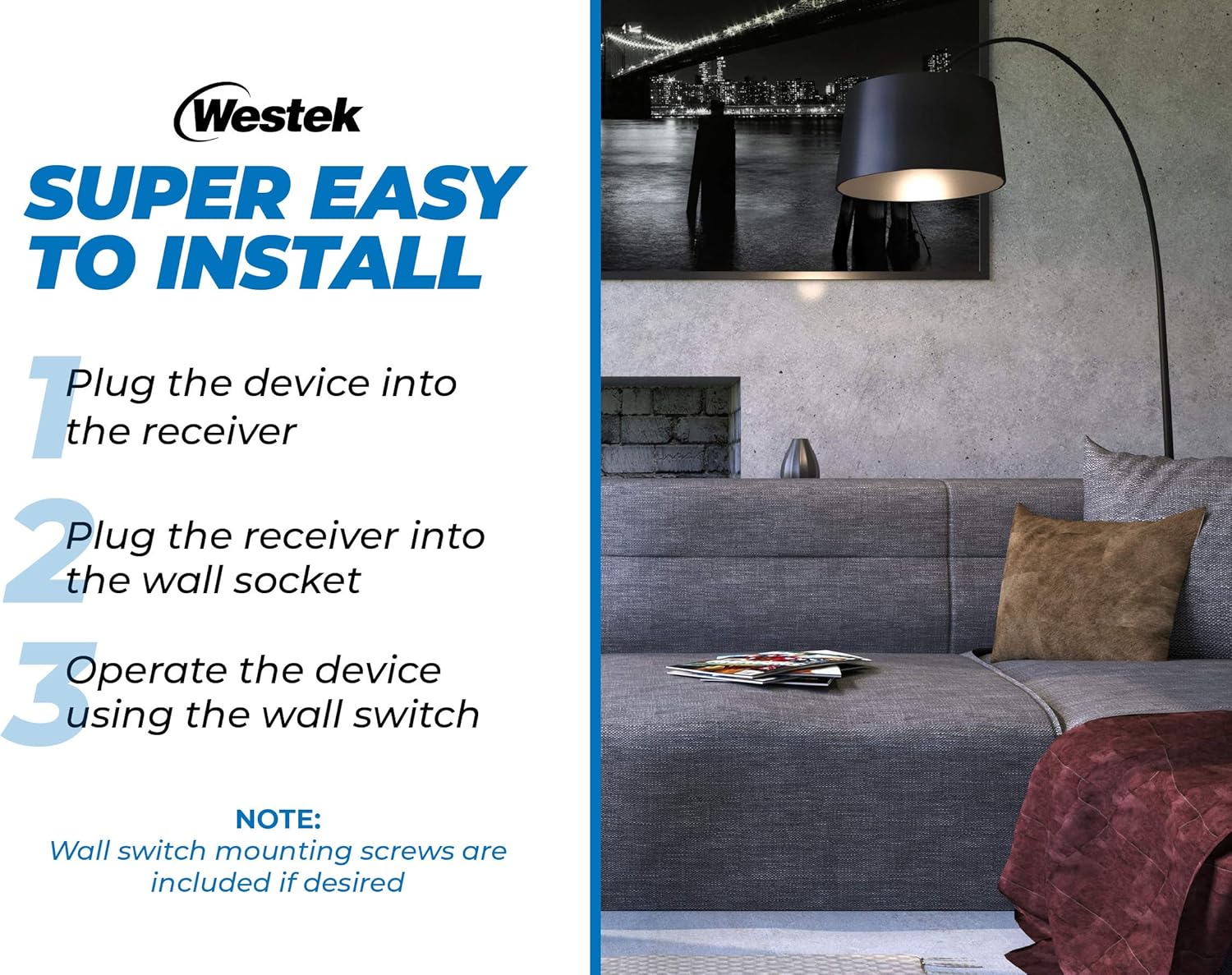
Image: Visual guide illustrating the three simple steps for installing the wireless outlet switch.
Video: An official product video from Firefly Buys demonstrating the setup and functionality of the Westek Indoor Wireless Light Switch and Receiver Kit. This 34-second video shows how to connect the receiver and use the remote switch.
5. Пайдалану нұсқаулары
The Westek Indoor Wireless Outlet Switch provides convenient control over your connected devices:
- Қашықтан басқару пульті: Use the wall switch transmitter to turn the connected appliance or light on and off from a distance. The radio frequency (RF) signal works up to 100 feet away, even through walls and around corners.
- Қолмен басқару: The plug-in receiver also features a manual on/off button. You can press this button directly on the receiver to control the connected device. The button's indicator light will show the current status (e.g., green for ON).
- Бірнеше бірлік: If using multiple Westek wireless switches, ensure they are on different frequencies (A through E) to avoid interference. If you experience issues, check the frequency of each unit.

Image: Diagram illustrating the 100 ft. wireless transmission range between the wall switch and the plug-in receiver.
6. Техникалық қызмет көрсету
- Батареяны ауыстыру: The wireless wall switch transmitter requires a battery (type not specified in product data, typically a coin cell or A23 battery). If the switch becomes unresponsive, replace the battery. Refer to the switch housing for battery type and replacement instructions.
- Тазалау: Clean the devices with a soft, dry cloth. Do not use abrasive cleaners or solvents.
- Сақтау орны: Ұзақ уақыт бойы пайдаланбаған кезде, құрылғыларды салқын, құрғақ жерде сақтаңыз.
7. Ақаулықтарды жою
| Мәселе | Ықтимал себебі | Шешім |
|---|---|---|
| Device does not turn on/off via wall switch. | Dead or improperly installed battery in wall switch. Receiver not plugged in or not receiving power. Appliance not plugged into receiver. Wall switch cover screwed too tightly. | Replace battery in wall switch. Ensure receiver is securely plugged into a live outlet. Ensure appliance is securely plugged into receiver. Loosen wall switch cover screws slightly if it feels too tight. |
| Intermittent operation or unexpected on/off. | Interference from other wireless devices. Wall switch cover screwed too tightly. | Ensure multiple Westek switches are on different frequencies. Loosen wall switch cover screws slightly. Relocate the receiver or switch to minimize interference. |
| Limited range for remote operation. | Obstructions (thick walls, metal objects). Distance exceeds 100 ft. | Try to minimize obstructions between the switch and receiver. Ensure operation is within the specified 100 ft. range. |
| Қабылдағыштың индикатор шамы өшірулі. | No power to the outlet. Receiver is off. | Check the wall outlet with another device. Press the manual on/off button on the receiver to turn it on. |
8. Техникалық сипаттамалар
| Ерекшелік | Техникалық сипаттама |
|---|---|
| Үлгі | RFK100LC |
| Бренд | Вестек |
| Жұмыс режимі | Manual, Remote |
| Бақылау әдісі | Қашықтан |
| Қосылу протоколы | RF (радио жиілігі) |
| Сымсыз Range | Up to 100 feet (through walls and around corners) |
| Үйлесімді құрылғылар | Any indoor device (e.g., lamps, appliances) |
| Тізбек түрі | 3 жақты |
| Монтаждау түрі | Wall Mount (for switch) |
| Түс | Ақ |
| Материал | Copper (contact material) |
| Элемент өлшемдері (L x W x H) | 9 x 8.5 x 3 inches (packaging/overall product dimensions) |
| Бірлік саны | 2 Count (pack of 2) |
| Халықаралық қорғау рейтингі | IP00 |
9. Кепілдік
No specific warranty information is provided in the product data. Please refer to the product packaging or contact Westek customer service for details regarding warranty coverage.
10. Қолдау
For further assistance, technical support, or inquiries regarding your Westek Indoor Wireless Outlet Switch, please contact Westek customer service through their official webсайтта немесе өнім қаптамасында көрсетілген байланыс ақпаратында.